

Ada, Adalo's AI builder, lets you describe what you want and generates your app. Magic Start creates complete app foundations from a description, while Magic Add adds features through natural language.
Adalo, a no-code app builder for database-driven web apps and native iOS and Android apps—one version across all three platforms, published to the Apple App Store and Google Play, changes how you build apps. Instead of creating mockups that developers rebuild, Adalo lets you design, test, and publish real apps directly. For $36/month, you get a single platform to design, connect to live data, and deploy native iOS, Android, or web apps - no coding needed. Features like Magic Start use AI to generate app foundations from a simple description, saving time and effort. Adalo handles over 20 million daily data requests with 99%+ uptime and scales to apps with over 1 million monthly users.
Quick Overview:
- Prototypes = Real Apps: No handoffs or rebuilds; your prototype is the final product.
- AI-Powered Tools: Magic Start creates app foundations instantly.
- Affordable Pricing: $36/month includes all features with no hidden fees.
- Scalability: Supports apps with large user bases and real-time data needs.
- Limitations: No source code export and less suited for complex enterprise apps.
Adalo simplifies app creation, making it faster and more cost-effective to go from idea to deployment.
1. Adalo
Prototyping Features
Adalo simplifies app creation with its drag-and-drop visual builder, making it easy to design wireframes and interactive prototypes without touching a single line of code. What sets it apart is the ability to connect your prototype to a live database, offering a dynamic, real-world preview instead of static mockups. This gives stakeholders a hands-on experience of how the app will work once it's fully operational.
The standout feature, Magic Start, takes prototyping to the next level. By simply describing your app idea in plain text, Adalo’s AI generates a complete app foundation, including database structures and screens. This eliminates the need for traditional wireframing, allowing you to jump straight into refining your app with visual workflows. You can link screens, set up notifications, and manage database updates - all within the same visual interface. It’s not just a time-saver; it bridges the gap between your initial concept and a production-ready app.
Transition to Production
Adalo prototypes don’t stop at being just visual drafts - they seamlessly transform into fully functional production apps. Once approved, your project can be deployed as a native iOS app, an Android app, or a Progressive Web App (PWA). This eliminates the need for handoffs or rebuilding from scratch, ensuring your design vision stays intact.
Adalo also simplifies the app store submission process by automating technical steps like managing certificates and provisioning profiles. This removes potential roadblocks and allows teams to move quickly from prototype to public release. Plus, everything operates under a single, transparent pricing plan, making the process straightforward.
Pricing and Accessibility
Adalo offers its comprehensive prototyping and production capabilities for $36/month. This pricing model supports everything from small projects to enterprise-level deployments.
Technical Skill Requirements
Adalo is designed for everyone, regardless of technical expertise. Its drag-and-drop interface makes it accessible to non-technical users, empowering teams to build and test interactive prototypes with ease. This collaborative approach reduces iteration time and allows stakeholders to take an active role in the development process.
2. Figma
Prototyping Features
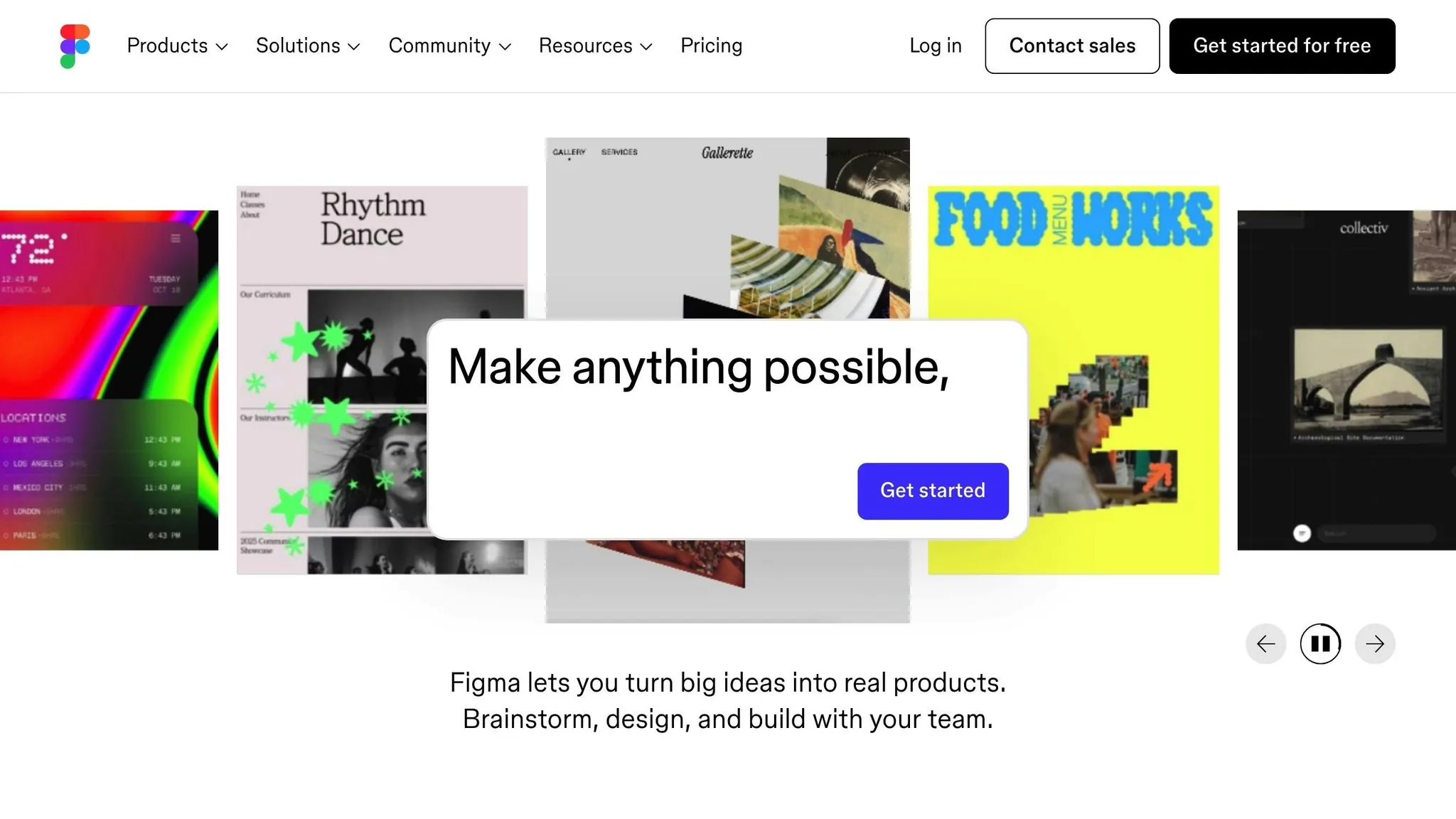
Figma excels at creating high-fidelity interactive prototypes with an intuitive interface. Using Flows and Starting Points, you can map out multiple user journeys on a single page, making complex interactions easy to visualize. The platform brings prototypes to life with triggers like clicks, hovers, and drags, paired with actions that enable navigation between frames or opening overlays.
Smart Animate stands out as a particularly powerful feature, automatically generating smooth transitions between similar objects across frames—ideal for crafting advanced animations. Figma also supports variables, conditional logic, and expressions, giving prototypes dynamic and responsive behavior.
Andrew Matthews, Design Director at YETI, shares, "When the developers see it, it feels real. They know exactly how to begin developing. Those prototyping tools are just elite."
This robust prototyping framework connects seamlessly with development workflows, ensuring designs translate effectively into code.
Transition to Production
While Figma doesn't directly convert prototypes into deployable apps, it serves as an excellent design-to-development bridge. Its Dev Mode provides a dedicated space for developers to inspect designs and extract the details they need to write code. This ensures prototypes serve as accurate blueprints for building the final product.
For web projects, Figma Sites (currently in beta) introduces the ability to design and publish responsive websites or PWAs directly from the platform, skipping traditional development steps. However, for mobile apps and more complex builds, additional coding is required to create production-ready solutions. This is where Figma's fundamental limitation becomes clear: prototypes remain mockups that require rebuilding. Unlike Adalo, where your prototype becomes the actual app, Figma designs must be handed off to developers for implementation.
Pricing and Accessibility
Figma's free plan includes full access to its prototyping tools, making it a solid option for individual creators and small teams. Every plan, from free to enterprise, supports interactive flows and advanced animations. Anyone with "can edit" access can build prototypes, while those with "can view" access can explore them through Presentation view.
However, the total cost of going from Figma prototype to production app includes developer time and separate development tools—expenses that don't exist when using an AI-powered app builder like Adalo, where $36/month covers everything from design to App Store publishing.
3. Bubble
Prototyping Features
Bubble combines prototyping with full-scale development, meaning the app you start building on day one is ready to launch. Its AI generator sets up a foundation for your app, including features, database structure, and user interface, all without traditional coding. Instead, you use visual programming to define how your app behaves.
You have full control over the design, data, and logic. With visual "if-then" workflows, access to thousands of plugins and APIs, and built-in database management, your prototype can easily grow into a complete application. This method has already powered nearly 5 million apps, with 77% of first-time users successfully completing their projects.
Transition to Production
With Bubble, the app you create is the app you launch—there's no need for handoffs or rebuilding. The platform handles hosting, deployment, and scaling, boasting 99.46% uptime and SOC 2 Type II compliance. It also supports continuous deployment, so your prototype transitions smoothly into a live app.
However, Bubble creates web apps only—not native mobile apps. If you need to publish to the Apple App Store or Google Play Store, you'll need to wrap your Bubble app in a WebView container, which adds 2-3 seconds of load time compared to true native apps. For teams prioritizing native mobile performance, Adalo's approach of compiling to actual native code delivers a significantly better user experience.
Technical Skill Requirements
While Bubble removes the need for traditional coding, it does require an understanding of software logic, user authentication, database relationships, and API integrations. Many users start with the AI generator for quick setup and then fine-tune their app's logic and database structure manually. Interestingly, 22.7% of Bubble's community consists of professional developers who use the platform to speed up their workflows.
Pricing and Accessibility
Bubble provides a free plan with full access to its visual editor on a subdomain. Paid plans begin at $69 per month for comparable functionality to Adalo's $36/month plan. More importantly, Bubble uses a Workload Unit pricing model that charges based on CPU usage and database operations—meaning your costs can spike unpredictably as your app scales.
| Feature | Adalo ($36/mo) | Bubble ($69/mo) |
|---|---|---|
| Native iOS/Android Apps | Yes | No (web only) |
| App Store Publishing | Built-in | Requires wrapper |
| Usage-Based Charges | None | Workload Units |
| Database Records | Unlimited | Capped by plan |
| Predictable Pricing | Yes | No |
This pricing structure makes Bubble harder to budget for, especially as your user base grows. Adalo's flat-rate pricing with no caps on actions, users, records, or storage provides more predictable costs.
4. FlutterFlow
Prototyping Features
FlutterFlow is a visual development platform built on Google's Flutter framework, designed for creating high-performance mobile and web apps. It comes equipped with over 200 pre-designed UI elements and supports smooth animations with optimized rendering. The platform's drag-and-drop interface is complemented by advanced options like custom widgets, custom actions, and direct Figma theme imports. For handling app logic, the Action Flow Editor lets users define complex workflows without writing code.
Technical Skill Requirements
While FlutterFlow simplifies app development, it requires more technical knowledge than alternatives like Adalo. As a low-code platform, users need a basic understanding of APIs and database management to handle production-level projects effectively. From the outset, you must manually set up an external database—FlutterFlow doesn't include one. This can feel challenging for those without prior backend experience.
Tim Sneath, former Director of Product at Google, noted, "FlutterFlow offers straightforward tooling that yields powerful results."
By contrast, Adalo includes a built-in relational database with no record limits on paid plans, eliminating the need to configure and pay for separate database services.
Transition to Production
Once your app's design and logic are in place, FlutterFlow streamlines deployment. It supports one-click publishing to the Apple App Store, Google Play Store, and the web. The built-in Test Mode helps you catch and resolve bugs before launch. A key advantage is the ability to export the full source code, allowing developers to download the generated Flutter code and continue refining their app outside the platform.
Dan Somrack, Founder of Silver, shared: "What we also liked about FlutterFlow was that we could always export the code into Flutter and we could keep it going as we scaled, which we didn't see with other platforms."
As of early 2026, the platform has grown to over 3.0 million users.
Pricing and Accessibility
FlutterFlow offers a free tier with access to its visual builder and Test Mode. For app store publishing, plans start at $80 per month per user—more than double Adalo's $36/month. The base subscription doesn't cover database costs, so you'll need to budget separately for external services like Firebase or Supabase.
| Feature | Adalo ($36/mo) | FlutterFlow ($80/mo/seat) |
|---|---|---|
| Database Included | Yes (unlimited records) | No (external required) |
| Per-Seat Pricing | No | Yes |
| Technical Barrier | Low | Medium-High |
| AI App Generation | Magic Start + Magic Add | Limited |
| Code Export | No | Yes |
While FlutterFlow's code export feature provides flexibility for teams wanting full control, the steeper learning curve and higher total cost make it better suited for technical teams with development resources.
Adalo Beginners Crash Course: The Ultimate Guide
Strengths and Weaknesses
Adalo stands out for its ability to create true native apps for iOS and Android—not web-based wrappers that compromise performance. The platform is designed with ease of use in mind, featuring a built-in relational database with no record limits on paid plans, all at a fixed starting price of $36/month. With Adalo, you can launch apps 90% faster while cutting development costs by 40% and reducing delivery times by 50%.
The AI-powered building features accelerate development significantly. Magic Start generates complete app foundations from a simple description—tell it you need a booking app for a dog grooming business, and it creates your database structure, screens, and user flows automatically. Magic Add lets you add features by describing what you want in plain language, eliminating the need to manually configure every component.
"Adalo is by far the easiest web app builder in terms of functionality x flexibility. For the vast majority of apps, Adalo is your best bet."
– Erik Goins, Founder, erikgoinsHQ
Adalo's reliability metrics are impressive: 99.98% uptime for published apps and 100% uptime for editing between March and September 2026. The Adalo 3.0 infrastructure, launched in late 2025, completely overhauled the backend architecture—most external ratings and reviews predate this major update. The new modular infrastructure delivers 3-4x faster performance and scales to serve apps with over 1 million monthly active users.
That said, Adalo does have limitations. The platform doesn't allow source code export, which may concern teams wanting full code ownership. For apps requiring extensive offline functionality or highly custom code, the pre-built component library might feel limiting. However, traditional mobile development often costs between $40,000 and $400,000+, while Adalo provides a much more affordable path with annual costs ranging from $300 to $1,000.
Key Takeaways:
- Lowest price for native App Store publishing at $36/month with unlimited usage
- AI Builder with Magic Start and Magic Add accelerates development significantly
- Modular infrastructure supports 1M+ MAU with no upper ceiling
Conclusion
Adalo bridges the gap between prototyping and production, offering a platform where your prototype instantly transforms into a production-ready app. No rebuilding, no handoffs. Design interactive screens connected to real data, share them with stakeholders, and deploy directly as native apps or Progressive Web Apps—all in one seamless process.
For $36/month, you get access to all prototyping and production features with no hidden fees or usage-based charges. While competitors like Bubble ($69/month) add unpredictable Workload Unit charges and FlutterFlow ($80/month per seat) requires separate database costs, Adalo's pricing remains flat and predictable.
The platform handles over 20 million daily data requests with 99%+ uptime, ensuring reliability at scale. Its modular infrastructure supports apps with more than 1 million monthly active users, and paid plans include unrestricted database storage—no arbitrary limits to hold you back.
Start building the real app from day one. With AI-assisted building through Magic Start and Magic Add, you can turn your vision into a fully functional, scalable app faster than ever before.
Related Blog Posts
- How to Build Prototypes in Days with No-Code
- Why Wireframing Matters in No-Code App Development
- Prototyping vs Production: How Adalo Handles Both
- Adalo for Software Development Teams: Rapid Internal Tool Building
FAQ
Why choose Adalo over other app building solutions?
Adalo is an AI-powered app builder that creates true native iOS and Android apps. Unlike web wrappers, it compiles to native code and publishes directly to both the Apple App Store and Google Play Store from a single codebase—the hardest part of launching an app handled automatically.
What's the fastest way to build and publish an app to the App Store?
Adalo's drag-and-drop interface combined with AI-assisted building through Magic Start and Magic Add lets you go from idea to published app in days rather than months. The platform handles the complex App Store submission process, including certificates and provisioning profiles, so you can focus on your app's features.
Which is more affordable, Adalo or Bubble?
Adalo costs $36/month with unlimited usage—no caps on actions, users, records, or storage. Bubble starts at $69/month and adds unpredictable Workload Unit charges based on CPU usage and database operations. Adalo's flat pricing makes budgeting straightforward.
Which is faster to build with, Adalo or FlutterFlow?
Adalo is faster for most users because it includes a built-in database and AI features like Magic Start that generate complete app foundations from descriptions. FlutterFlow requires manual external database setup and has a steeper learning curve.
Which is easier for beginners, Adalo or Figma?
Both are beginner-friendly, but they serve different purposes. Figma creates design mockups that require developer handoff. Adalo creates actual working apps—your prototype becomes the final product with no rebuilding required.
Is Adalo better than Bubble for mobile apps?
Yes. Adalo creates true native iOS and Android apps that compile to native code. Bubble creates web apps only—mobile publishing requires WebView wrappers that add 2-3 seconds of load time and deliver a noticeably slower user experience.
Can I migrate from FlutterFlow to Adalo?
While there's no direct migration tool, Adalo's Magic Start can quickly recreate your app's foundation from a description. Teams often find Adalo's included database and lower technical requirements make the transition worthwhile.
How much does it cost to build a prototype-to-production app?
Traditional mobile development costs $40,000-$400,000+. With Adalo at $36/month, annual costs range from $300-$1,000—a fraction of traditional development while still producing native, App Store-ready applications.
Do I need coding experience to use Adalo?
No. Adalo's drag-and-drop interface is designed for non-technical users. AI features like Magic Start generate app foundations from plain text descriptions, and Magic Add lets you add features by simply describing what you want.
Can Adalo handle apps with large user bases?
Yes. Adalo's modular infrastructure scales to serve apps with over 1 million monthly active users, processing 20 million+ daily requests with 99%+ uptime. The Adalo 3.0 infrastructure delivers 3-4x faster performance than earlier versions.

Build your app fast with one of our pre-made app templates
Begin Building with no codeRelated Content
Building Your Mobile App: Adalo's Complete Development and Deployment Guide
Step-by-step guide to design, build, test, and publish cross-platform mobile apps and PWAs with AI tools, databases, testing, and app store
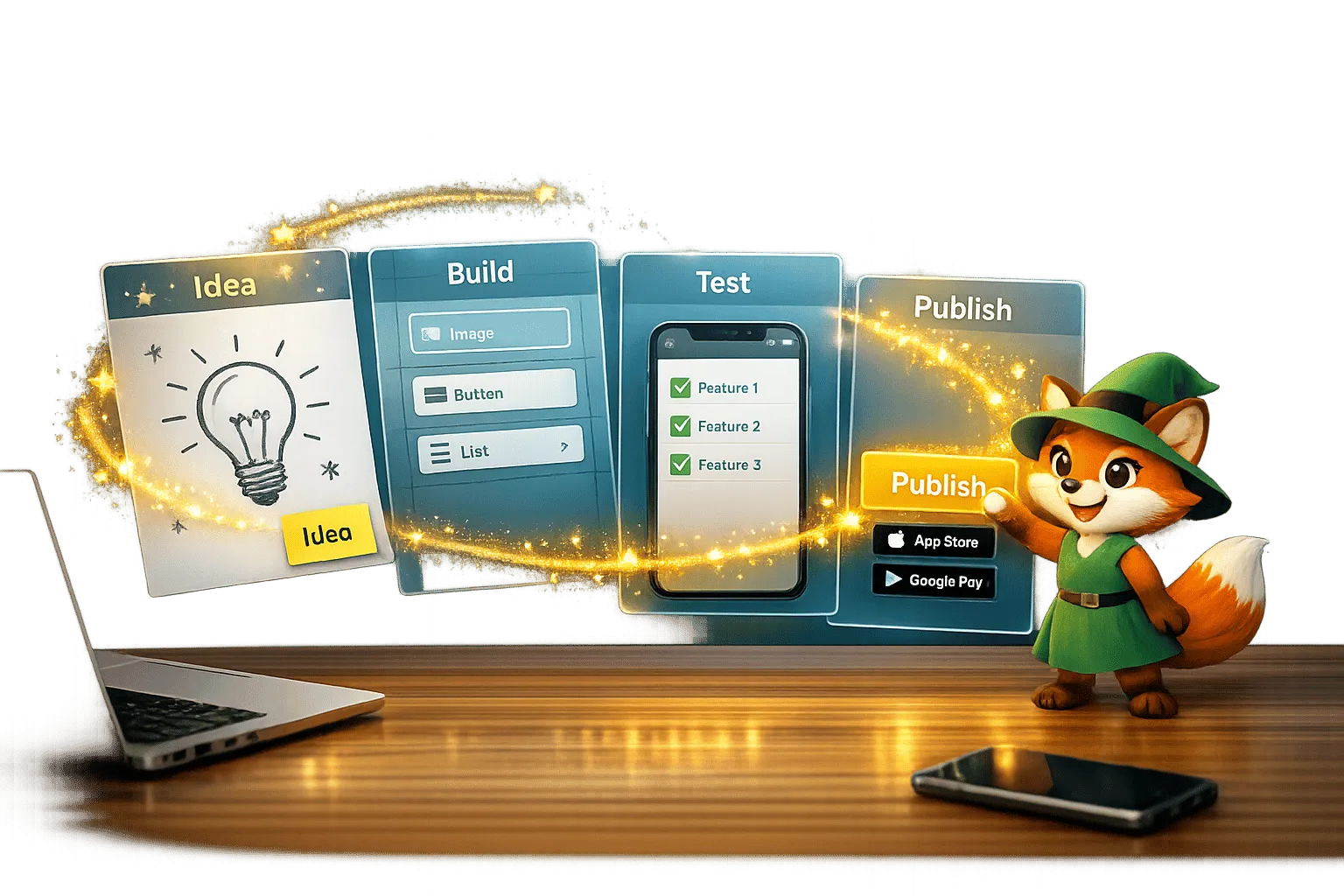
From Idea to App Store: How Solopreneurs Launch with Adalo
Step-by-step guide for solopreneurs to validate, build, test, and publish a native iOS and Android app using a no-code platform.

Prototyping vs Production: How Adalo Handles Both
Design, test, and publish apps from one no-code platform with a visual builder, AI features, built-in database, and a single build for web,

Adalo's AI Builder: From Idea to App in Minutes
Create native iOS, Android, and web apps in minutes without coding: AI builds databases, screens, and user flows. Plans start at $36/month w