Turn Your Google Sheets Into a Native App
Adalo is the no-code app builder that pairs AI-powered generation with a visual multi-screen canvas, so entrepreneurs and business teams can design, build, and publish custom database-driven apps to the Apple App Store, Google Play Store, and web from a single project — no code, no developers required. Connect your Google Sheets via SheetBridge, design the interface your team actually needs, and publish everywhere.
SheetHub
Ready 🔗
Live Dashboard Ready
Sales Tracker synced with 12K rows



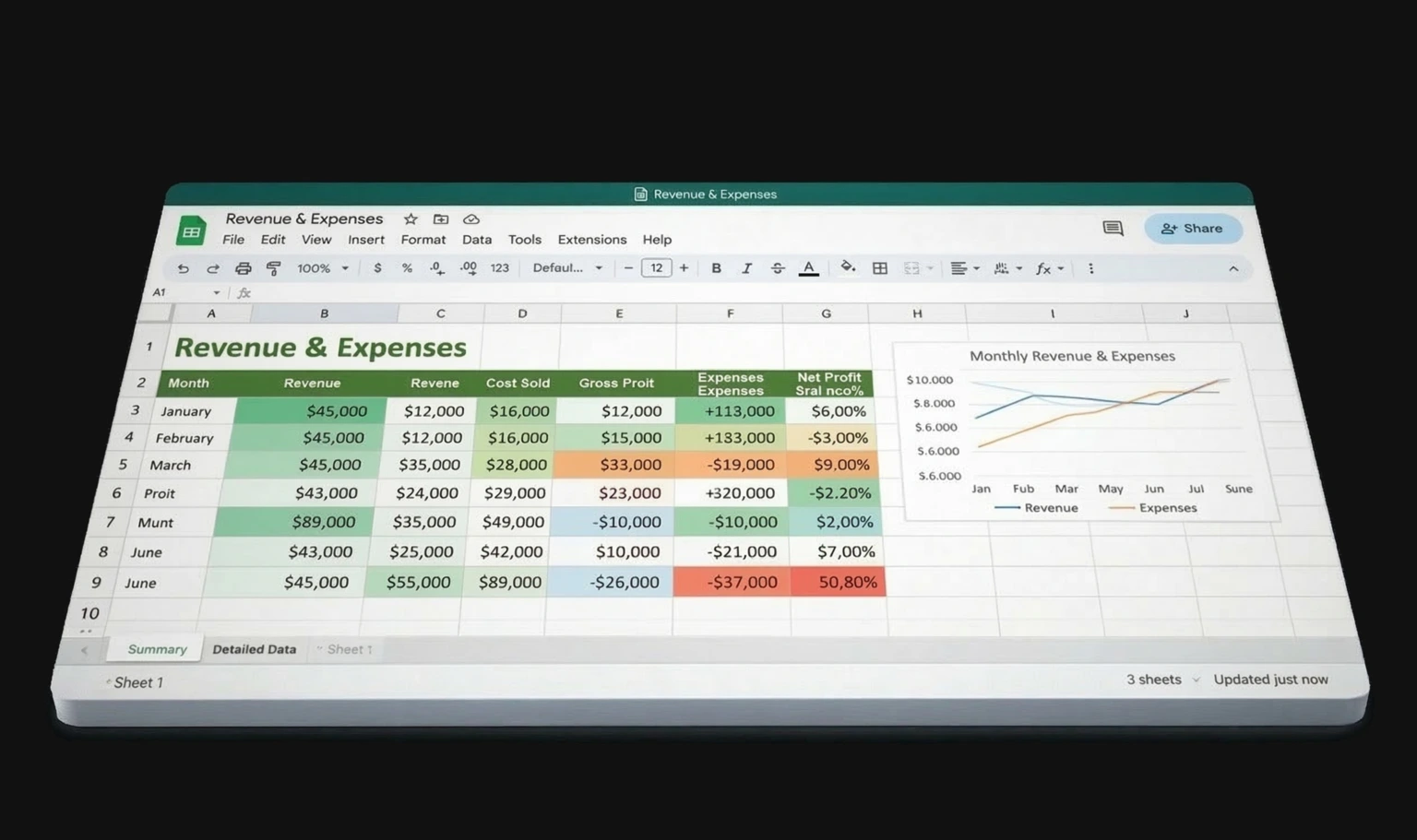
Build Any App From Your Spreadsheet Data
If you can organize it in Google Sheets, you can turn it into a real app. Describe what you need and Ada, Adalo's AI builder, generates screens bound to your data with Magic Start.
From Spreadsheet to App—Without Starting Over
Your Google Sheets workflow works, but it doesn't scale. Adalo lets you keep your spreadsheet and add a real app on top of it.
The Google Sheets Limitation
- Teams outgrow spreadsheets—too many tabs, broken formulas, version conflicts
- Mobile access means pinching and zooming through tiny cells
- No user permissions—everyone sees everything in the sheet
- No push notifications, no camera or barcode access, no branded experience
- Building a custom app means migrating all your data to a new system
- $50K+ to hire a developer to build a custom solution from scratch
The Adalo + SheetBridge Solution
- Connect your existing Google Sheets—no data migration required
- SheetBridge provides real-time two-way sync between your app and sheets
- Role-based access: field staff see their assignments, managers see everything
- Push notifications, camera, GPS, and true native mobile experience
- Visual canvas lets you design exactly the interface your team needs
- Free to start with unlimited usage on paid plans—keep your spreadsheet as the source of truth
Everything You Need to Build an App From Sheets
From connecting your spreadsheet to publishing on the App Store—Adalo handles the entire pipeline so you can focus on your data and your team.
SheetBridge Integration
Connect any Google Sheets spreadsheet with real-time two-way sync. SheetBridge auto-detects columns and data types, maps them to your app, and keeps everything in sync. Changes in the app update the sheet. Changes in the sheet update the app.
Visual Canvas Design
Drag and drop your Sheets data into lists, forms, charts, maps, and detail views. See every screen of your app simultaneously on Adalo's visual multi-screen canvas. Point at any element to make changes.
Role-Based Access Control
Field workers see only their assigned tasks. Managers see the full dashboard. Customers see only their own records. All from the same app, all powered by the same Google Sheets spreadsheet.
Native Mobile Experience
Adalo generates true native iOS (IPA) and Android (AAB) builds from your Sheets data. Push notifications, camera access, GPS, and biometric auth. Your users download from the App Store—not a mobile web page.
Ada, Adalo's AI Builder
Describe what you want and Ada generates complete app screens bound to your Google Sheets data with Magic Start. Use Magic Add to add features with natural language, and X-Ray to identify issues before publishing.
Custom Actions & Logic
Trigger emails when an order status changes. Update fields automatically based on conditions. Run calculations on form submission. Build the business logic your spreadsheet formulas can't handle.
From Spreadsheet to Published App in Five Steps
Your Google Sheets data becomes a fully functional native app—without writing code or migrating to a new database.
Connect Your Spreadsheet
Link your Google Sheets via SheetBridge. Columns are auto-detected and mapped to your Adalo app. No manual configuration needed for standard data types—text, numbers, dates, and dropdowns all map automatically.
Design Your Interface
Use Adalo's visual canvas to drag and drop screens, or let Ada generate them from your data schema with Magic Start. Build list views, detail pages, forms, search screens, and dashboards—all connected to your live Sheets data.
Set Up Permissions
Define who sees what. Create role-based views so field staff only access their assigned items, managers see the full picture, and customers see only their own data. All managed from one app, one spreadsheet.
Test on Real Devices
Preview your app on iPhone, Android, or any screen size during building. Click through every flow, submit test data, verify sync is working correctly before you publish anything publicly.
Publish Everywhere
One click to publish to the Apple App Store (native IPA), Google Play (native AAB), and web (custom domain). Your Google Sheets data powers a real app that your team and customers use every day.
Keep Your Spreadsheet. Get a Real App.
Adalo doesn't replace your Google Sheets workflow. It adds a native app layer on top, with real-time sync keeping everything connected.
No Data Migration
Your Google Sheets spreadsheet remains the source of truth. No exporting, no re-entering data, no learning a new database. SheetBridge keeps everything synced.
Real-Time Two-Way Sync
Changes in the app update the sheet. Changes in the sheet update the app. Your team keeps using Google Sheets as they always have—now with a real app on top.
Native Mobile Performance
True native iOS and Android builds. Push notifications, camera, GPS, and barcode scanning. Not a clunky web wrapper—a real app your team downloads from the App Store.
Unlimited Usage
No per-record charges, no per-user fees, no usage caps. Paid plans include unlimited usage with unlimited actions, users, records, and storage. Free plan includes 500 records.
AI Builds Your App
Describe what you want and Ada, Adalo's AI builder, generates screens, forms, and navigation for your spreadsheet data. Magic Start creates a working app in minutes. Magic Add layers on new features with natural language.
Three Destinations, One Project
Publish to the Apple App Store, Google Play, and web from a single Adalo project. No separate codebases, no duplicated effort. Your team gets a native app; your clients get a web dashboard — all from the same build.
Google Sheets Only vs. Google Sheets + Adalo
| Feature | Google Sheets Only | Google Sheets + Adalo |
|---|---|---|
| Mobile Experience | Pinch-and-zoom through cells | Native iOS & Android app with large buttons, forms, lists |
| User Permissions | Everyone sees the whole spreadsheet | Role-based views: field staff, managers, customers |
| Push Notifications | Not available | Notify users when data changes, reminders, alerts |
| App Store Publishing | Not possible—web link only | Publish directly to Apple App Store and Google Play |
| Branding | Google Sheets UI | Your logo, colors, navigation, App Store listing |
| Data Entry | Manual cell editing, error-prone | Guided forms with validation, dropdowns, date pickers |
| Publishing | Share a link to a spreadsheet | Apple App Store, Google Play, custom domain web app |
Best Practices for Google Sheets Apps
📐 Structure Your Sheet First
Use one row per record, one column per field. Avoid merged cells, nested headers, and multi-value cells. SheetBridge works best with clean, flat data structures.
🔍 Use Consistent Data Types
Keep columns consistent—dates as dates, numbers as numbers, statuses from a fixed list. This makes the auto-detection more accurate and your app forms more reliable.
👤 Plan Your Roles Early
Decide who sees what before building. Add a "Role" or "Team" column to your spreadsheet so you can filter views by user type in the app.
🚀 Start With One Tab
Connect your most critical spreadsheet tab first. Get that working as an app, then add additional data sources and screens as needed.
🧪 Test With Real Data
Connect your actual Google Sheet during development, not a blank test sheet. Use Adalo's device preview to see how your real data renders on mobile. This catches formatting and layout issues early.
📲 Design for Mobile First
Your spreadsheet users are switching to an app for mobile convenience. Prioritize large tap targets, simple forms, and clear navigation. Avoid cramming all columns into one screen — use list-to-detail patterns instead.
Requirements for Building a Google Sheets App
Google Sheets Spreadsheet
A Google Sheets spreadsheet with structured data: one row per record, consistent column types.
Adalo Account
Free to start with 500 records. Paid plans include App Store publishing and unlimited usage.
Apple Developer Account
$99/year if publishing to the Apple App Store. Not needed for web-only or Android-only apps.
Google Play Developer Account
$25 one-time fee if publishing to Google Play. Not needed for web-only or iOS-only apps.
Explore More Adalo Products
iPhone App Builder
Build and publish native iPhone apps to the Apple App Store with Adalo's no-code app builder.
Learn more →PlatformAndroid App Builder
Build and publish native Android apps to Google Play with Adalo's no-code app builder.
Learn more →CapabilityAI App Builder
Meet Ada, Adalo's AI builder. Describe your app and get a working prototype in minutes.
Learn more →CapabilityApp Store Publishing
Publish to the Apple App Store, Google Play, and web from a single Adalo project.
Learn more →Common Questions About Google Sheets Apps
What is Adalo?
Adalo is the no-code app builder that pairs AI-powered generation with a visual multi-screen canvas, so entrepreneurs and business teams can design, build, and publish custom database-driven apps to the Apple App Store, Google Play Store, and web from a single project — no code, no developers required.
Does my data stay in Google Sheets?
Yes. SheetBridge keeps your Google Sheets spreadsheet as the source of truth. Changes in the app update the sheet, and changes in the sheet update the app. Your existing spreadsheet workflows continue working exactly as before.
How does SheetBridge sync work?
SheetBridge automatically detects your columns and data types, then creates a two-way sync between your Google Sheets spreadsheet and Adalo app. You can configure real-time or scheduled sync intervals depending on your needs.
Can different users see different data?
Yes. Adalo includes role-based access control. Field staff see only their assigned tasks, managers see the full dashboard, and customers see only their own records. All from the same app, powered by the same spreadsheet.
What happens if I edit the spreadsheet directly?
SheetBridge syncs changes bidirectionally. Edits you make directly in Google Sheets appear in the app, and edits your users make in the app appear in the spreadsheet. Your existing workflows keep working.
How much does it cost to turn Google Sheets into an app?
Adalo's free plan includes 500 database records and web publishing at no cost. Paid plans start with unlimited usage—no caps on actions, users, records, or storage. App Store and Google Play publishing require a paid plan.
Can I publish my Google Sheets app to the App Store?
Yes. Adalo compiles true native iOS (IPA) and Android (AAB) builds. You can publish your Google Sheets-powered app to the Apple App Store, Google Play Store, and web from a single Adalo project.
What types of apps can I build from Google Sheets?
Common use cases include inventory trackers, order management systems, CRM dashboards, field report apps, event registration, attendance tracking, survey tools, and project management apps. If you can organize it in a spreadsheet, you can build an app around it with Adalo.
Ready to Turn Your Spreadsheet Into an App?
Connect your Google Sheets and build a native iOS, Android, and web app today. No code required. Start free with 500 records.