


Why Adalo Works for Building Apps with SAP HANA Data
Adalo is a no-code app builder for database-driven web apps and native iOS and Android apps—one version across all three platforms, published to the Apple App Store and Google Play. This makes it an ideal solution for enterprise applications that connect to SAP HANA's powerful in-memory database, allowing you to build data-driven apps without writing a single line of code.
When building apps powered by SAP HANA data, native app store distribution is essential for reaching your team or customers wherever they are. With Adalo, you can deploy your SAP HANA-connected app to both mobile platforms and the web simultaneously, complete with push notifications to keep users engaged with real-time data updates. This unified approach eliminates the need to maintain separate codebases while ensuring your enterprise data remains accessible and actionable.
Enterprise teams sitting on valuable SAP HANA data often face a frustrating gap: the database delivers lightning-fast analytics and transactional processing, but getting that data into the hands of employees or customers through a polished mobile app traditionally required months of development and significant budget.
Adalo, an AI-powered app builder, bridges this gap by letting you create native iOS and Android apps—plus web apps—from a single codebase, all connected to your SAP HANA data through REST APIs. Using tools like DreamFactory as middleware, you can transform your SAP HANA database into a fully functional enterprise app without writing code.
Why Adalo Works for Building Apps with SAP HANA Data
Adalo creates database-driven web apps and true native iOS and Android apps—one version across all three platforms, published directly to the Apple App Store and Google Play. This makes it an ideal solution for enterprise applications that connect to SAP HANA's powerful in-memory database, allowing you to build data-driven apps without writing a single line of code.
When building apps powered by SAP HANA data, native app store distribution is essential for reaching your team or customers wherever they are. With Adalo, you can deploy your SAP HANA-connected app to both mobile platforms and the web simultaneously, complete with push notifications to keep users engaged with real-time data updates. This unified approach eliminates the need to maintain separate codebases while ensuring your enterprise data remains accessible and actionable.
The platform's modular infrastructure scales to serve apps with 1M+ monthly active users, with no upper ceiling—critical when your SAP HANA database might be feeding data to thousands of field workers or customers simultaneously. Unlike app wrappers that hit performance constraints under load, Adalo's purpose-built architecture maintains speed at scale.
Key Steps to Build Your App:
- Set Up SAP HANA: Enable OData services, configure API credentials, and ensure proper user permissions.
- Use DreamFactory: Generate REST APIs for SAP HANA data to make it accessible to Adalo.
- Create in Adalo: Use Adalo's drag-and-drop builder to design your app and link it to SAP HANA data via external collections.
- Add Features: Display live data, create forms for CRUD operations, and include user authentication.
- Optimize Performance: Use caching, pagination, and API monitoring to handle large datasets efficiently.
- Deploy: Launch a single app across web, iOS, and Android without rebuilding for each platform.
Adalo's approach reduces development time and costs, making it easier for businesses to create functional apps powered by SAP HANA data. With the right setup, you can build operational dashboards, customer portals, or mobile tools in days instead of months. Paid plans include unlimited database records, removing storage constraints that could otherwise limit enterprise-scale deployments.
For businesses looking to unlock the potential of their SAP HANA data without hiring a development team, Adalo offers a powerful solution: build database-driven web apps and native iOS and Android apps—published to the App Store and Google Play—from a single visual editor.
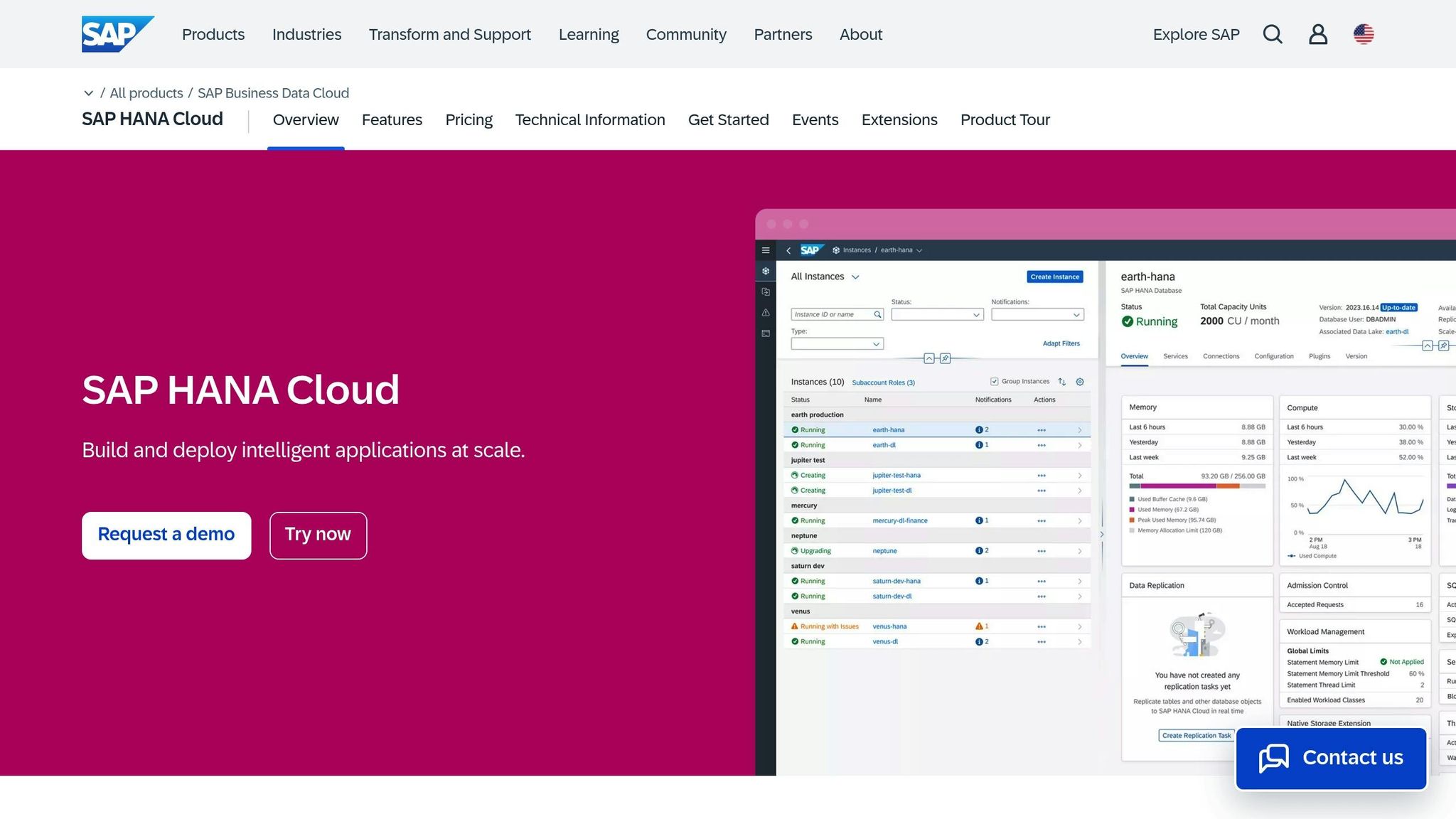
Building Intelligent Apps with SAP HANA Cloud | SAP TechEd in 2022 | Demo
What You Need Before You Start
Before diving in, make sure you have access to the necessary tools and accounts: SAP HANA, an Adalo account with external API capabilities, and DreamFactory to bridge the connection between them.
SAP HANA Account and API Credentials
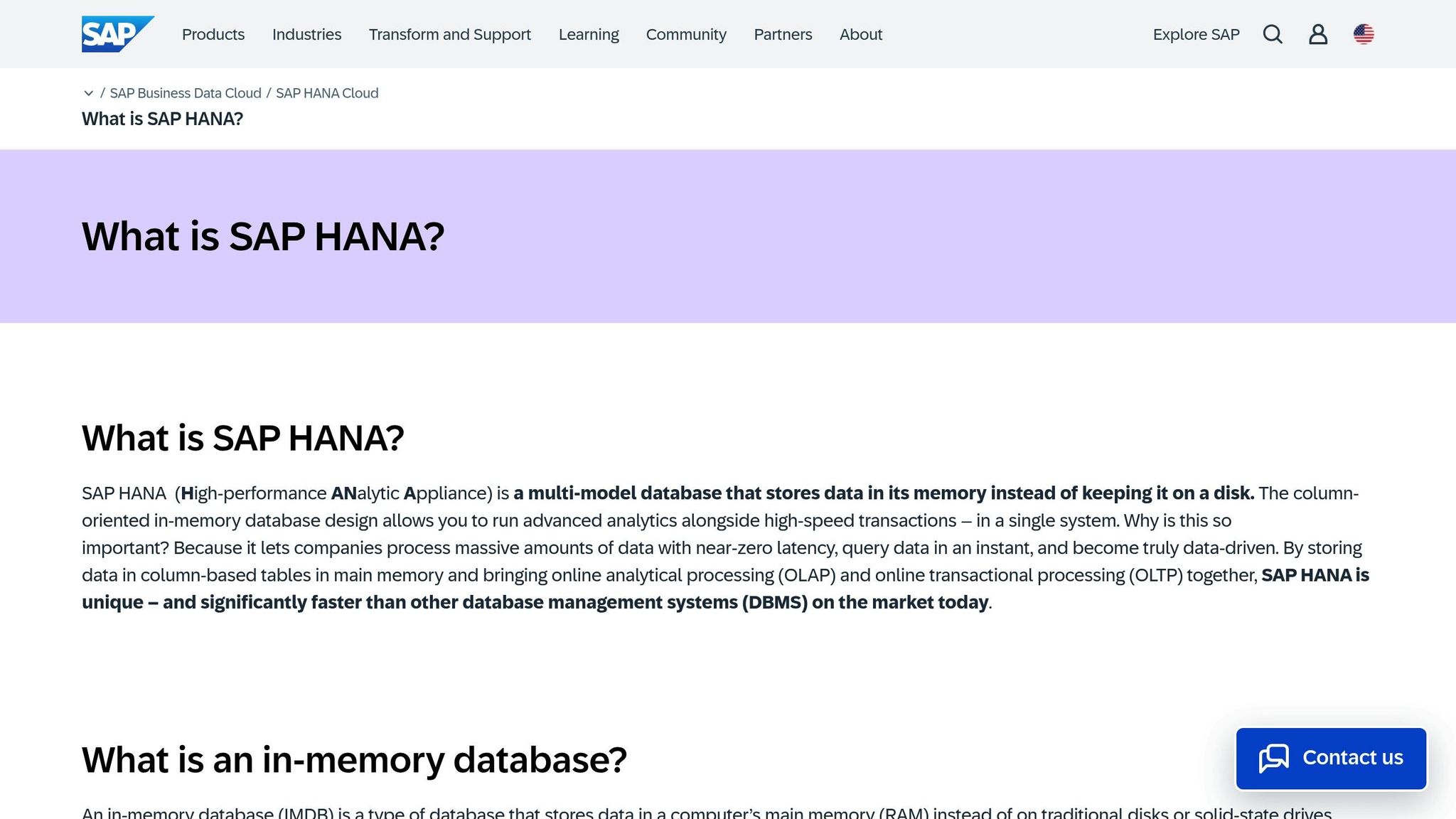
To connect to SAP HANA, you'll need these database details: host name (fully qualified domain name), port number, database name, username, and password. For single-container systems, use port 30015, while multi-tenant systems require port 3NN15 (replace "NN" with the instance number).
Before connecting, open SAP HANA Studio and enable HTTP and HTTPS endpoints for OData services under the Services tab. It's also a good idea to create a dedicated integration user (e.g., HDB_API_USER) instead of using admin credentials. Assign schema-level permissions to this user with SQL commands like:
GRANT ALL PRIVILEGES ON SCHEMA <SCHEMA_NAME> TO <USER_NAME>;Don't forget to configure your firewall to allow traffic between DreamFactory and your SAP HANA database port.
Adalo Account with API Connection Setup
To build your app, you'll need an active Adalo account. While Adalo offers a free plan for web publishing, accessing external databases via REST APIs requires a Pro subscription at $36/month. This plan unlocks the External Collections feature, enabling Adalo to fetch data from your SAP HANA database and display it in your app. Importantly, paid plans include no data caps—your SAP HANA integration won't hit arbitrary record limits as your enterprise data grows.
The platform has been described as "easy as PowerPoint" for its visual builder, making it accessible to business analysts and operations teams who understand the data but may not have development backgrounds.
DreamFactory Setup for SAP HANA API Generation
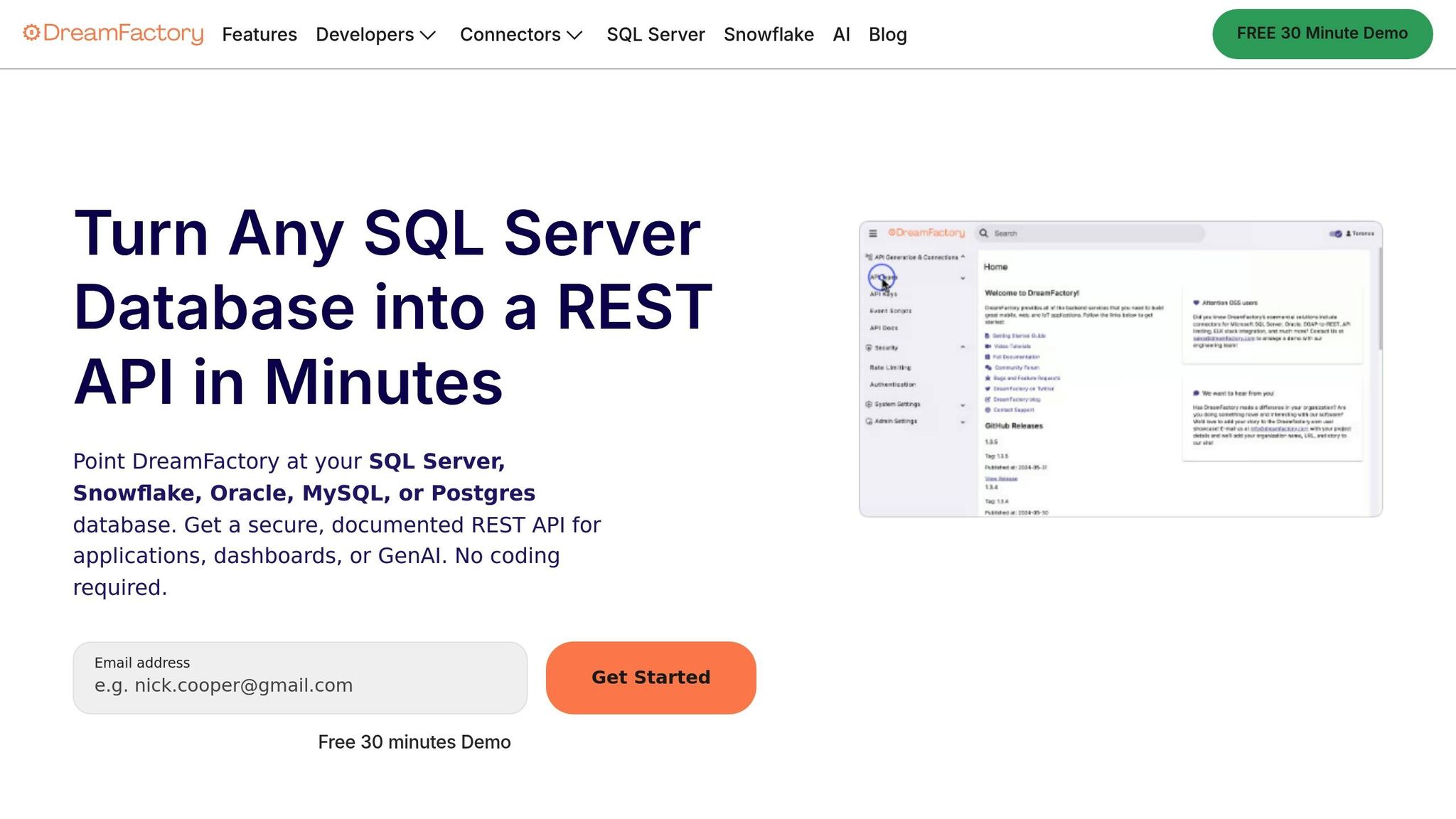
Since SAP HANA doesn't natively provide data in a format Adalo can use, DreamFactory acts as middleware, transforming your SAP HANA data into RESTful APIs. You can try DreamFactory with a free 14-day hosted trial or opt for self-hosting if you prefer.
For self-hosted installations, ensure your server meets these requirements: 64-bit, at least 4GB RAM (8GB recommended), PHP 8.1+, and a web server like Apache or NGINX. Once DreamFactory is set up and connected to SAP HANA, it generates an API key and base URL for Adalo to authenticate requests. According to DreamFactory, this automated API creation process can save businesses around $201,783 annually in development and maintenance costs.
"DreamFactory streamlines everything and makes it easy to concentrate on building your front end application. I had found something that just click, click, click... connect, and you are good to go." - Edo Williams, Lead Software Engineer, Intel
Adalo simplifies app development, letting you quickly create and deploy production-ready apps across platforms. With Adalo, you can launch your app as a progressive web app (PWA) or natively for iOS and Android without needing to rebuild for each platform—and with no usage-based charges that could create unexpected costs as your app scales.
Once you've set up SAP HANA, Adalo, and DreamFactory, you're ready to start building your app using SAP HANA data.
How to Build an App with SAP HANA Data
Once your infrastructure is set up, it's time to dive into building your app. This involves configuring DreamFactory to expose your SAP HANA data as REST APIs, creating the app in Adalo, linking the two platforms, and designing screens to display your enterprise data.
Set Up DreamFactory for SAP HANA API Access
DreamFactory simplifies the process by creating REST endpoints for your SAP HANA tables, views, and stored procedures. These endpoints enable full CRUD operations using standard HTTP methods.
Start by accessing the DreamFactory admin panel and navigating to API Generation & Connections. Select either SAP HANA or SAP HANA OData Connector as the service type. Enter the required connection details, including the host name (fully qualified domain name), username, password, and database name.
Before moving forward, ensure your SAP HANA user account has the necessary CRUD privileges. Without these, even a successful connection will result in API errors. Once connected, DreamFactory generates interactive Swagger/OpenAPI documentation, which you can find under the API Docs tab. Use this documentation to test your authentication keys and verify that data is correctly returned before integrating with Adalo.
Security is a top priority here. Apply Role-Based Access Control (RBAC) to restrict access to specific tables or HTTP methods, preventing your API from being fully exposed to the public.
"Role-Based Access Control (RBAC) simplifies API permission management by assigning users to predefined roles, each with specific permissions."
For better performance when working with large datasets, enable Data Retrieval Caching in the DreamFactory service configuration. This feature reduces response times when your Adalo app requests data from SAP HANA.
Once DreamFactory confirms your API setup, you're ready to move on to creating your app in Adalo.
Create a New App in Adalo
Ada, Adalo's AI builder, lets you describe what you want and generates your app. Magic Start creates complete app foundations from a description, while Magic Add adds features through natural language.
Log in to your Adalo account and start a new project. You can choose a Blank or Mobile First template as a foundation. Adalo's Magic Start feature can also generate complete app foundations from a simple description—tell it you need an inventory management app connected to enterprise data, and it creates your database structure, screens, and user flows automatically.
Since your data resides in SAP HANA, you won't need to build a data structure in Adalo from scratch. Instead, you'll create External Collections that reflect your SAP HANA tables. This approach allows you to display existing enterprise data in your app without duplicating or migrating it.
The visual builder displays up to 400 screens at once on a single canvas, giving you a comprehensive view of your entire app architecture—particularly useful when building complex enterprise applications with multiple user roles and data views.
Connect Adalo to SAP HANA via APIs
In Adalo, set up a new External Collection to connect to your SAP HANA data. You'll need three key details from DreamFactory: the Base API URL (e.g., https://your-instance.com/api/v2/hana_service/_table/table_name), the specific table endpoint, and your API Key.
When configuring the collection, add a custom header called X-DreamFactory-Api-Key and input the API key from DreamFactory's Apps tab. This header ensures secure communication between Adalo and your SAP HANA database.
Pay close attention to the Results Key field, which should be set to resource. DreamFactory structures record collections under this JSON key, and incorrect configuration will prevent your app from displaying data.
Map Adalo actions to DreamFactory's HTTP methods. For example:
- Get All maps to the GET endpoint for retrieving records.
- Create maps to the POST endpoint for adding new data.
- Update maps to the PUT or PATCH endpoint for modifying existing records.
- Delete maps to the DELETE endpoint for removing records.
Use Adalo's Run Test feature during the setup process to confirm that the SAP HANA table schema is correctly pulled. To avoid errors, copy the exact JSON structure from DreamFactory's API Docs tab and ensure Adalo's External Collection fields are mapped accurately.
Design App Screens and Display Data
With the connection in place, it's time to focus on building an intuitive user interface in Adalo.
Start by adding a Simple List component to your home screen. Configure the list to pull data from your External Collection, and your SAP HANA data will display in real time. Use Adalo's Magic Text tool to bind specific SAP HANA data fields to UI elements. For instance, you can combine first_name and last_name fields to format full names for display.
To create detailed views, like an employee profile screen, add a Link Action to the list items. This action transfers the "Current [Item]" data to a new screen, where you can display additional details. You can also enhance usability by incorporating search bars, filters, and sorting options for navigating large datasets.
Adalo's Magic Add feature lets you add new functionality by describing what you want in natural language. Need a search filter for your employee directory? Just describe it, and the AI generates the component and logic. This accelerates development significantly compared to manually configuring each element.
While many apps start as read-only directories, Adalo's External Collections support full CRUD operations. This means you can create forms in your app that allow users to add, update, or delete records directly from SAP HANA.
Add User Authentication and Permissions
Adalo makes user authentication simple. Add a login screen to your app, set up sign-up forms, and configure password reset flows—all without writing any code.
To align user roles with SAP HANA permissions, leverage the RBAC system you set up in DreamFactory. This ensures that each user's access is appropriately restricted based on their role. For enterprise deployments, you can create different app experiences for managers, field workers, and administrators, each seeing only the data relevant to their responsibilities.
Improving App Performance and Scalability
Once your app is live and actively pulling data from SAP HANA, the next hurdle is maintaining speed and responsiveness as both your user base and data grow. Optimizing performance becomes a priority when working with SAP HANA, emphasizing its central role in your app's infrastructure.
Enable Caching and Pagination for Large Datasets
Trying to load entire SAP HANA tables into your app all at once can lead to sluggish performance. Instead, configure DreamFactory's API to use server-side pagination, fetching only the data needed for the current view.
You can set URL parameters and filters in your External Collection to limit the number of records retrieved—for example, pulling 50 records per page. Enabling DreamFactory caching further speeds up response times. If you're using OData V2 or V4 services from SAP HANA, take advantage of system query options to better manage data volume. To ensure everything is working as expected, test your pagination setup using the Browse Real Data feature during integration.
"To ensure that your REST API is well performing, optimize queries and minimize the amount of data returned to the client."
These steps lay the groundwork for smoother deployment and easier monitoring.
Deploy Across Platforms with Adalo's Single-Codebase Architecture
Performance isn't just about data retrieval—it's also about how efficiently you can scale your app across platforms. One of Adalo's standout features is its single-codebase architecture, allowing you to build your app once and deploy it seamlessly to the web, iOS, and Android.
Following the Adalo 3.0 infrastructure overhaul in late 2025, the platform is now 3-4x faster than previous versions, with modular infrastructure that scales with your app's needs. This means no arbitrary record limits—your SAP HANA integration can grow alongside your enterprise data without hitting platform constraints.
"Develop an application once and then seamlessly deploy it as a web-based app or as versions compatible with both iOS and Android platforms."
With the app market expected to hit $187 billion by 2030, Adalo's approach ensures that your optimizations apply universally, no matter the platform. Unlike competitors that use web wrappers for mobile (which can add 2-3 seconds of load time), Adalo compiles to true native code for iOS and Android.
Monitor App Performance and User Activity
Keeping a close eye on performance requires monitoring both the SAP HANA backend and the Adalo frontend. DreamFactory's admin panel provides insights into API usage, including response times, slow queries, and authentication errors that could signal connectivity issues.
Adalo's X-Ray feature identifies performance issues before they affect users, highlighting potential bottlenecks in your app's logic or data fetching patterns. This proactive approach helps you address problems during development rather than after deployment.
For a deeper dive into SAP HANA's performance, take advantage of the SAP HANA Performance Tools available through SAP Business Application Studio. Additionally, connecting SAP HANA Cloud to SAP Analytics Cloud enables you to create real-time visualizations, helping you track usage patterns and data trends.
To maintain responsiveness during high-traffic periods, implement rate limiting on your DreamFactory REST API. This prevents server overload and ensures the API remains functional, even during usage spikes.
Adalo also supports deploying your app as a Progressive Web App (PWA) or as native iOS and Android apps—all from a single build. This approach guarantees consistent, production-ready performance across different platforms, with no usage-based charges that could create bill shock as your user base grows.
Fixing Common SAP HANA Integration Problems
Connecting Adalo to SAP HANA through DreamFactory can sometimes hit snags in three main areas: authentication failures, data formatting mismatches, and API connectivity issues. If you're running into trouble, here's how to tackle these common challenges step by step.
Authentication Errors and API Token Issues
One of the most frequent problems when linking Adalo to SAP HANA is authentication errors. For example, a 401 Unauthorized error usually means your API key or token is invalid. The fix? Regenerate your credentials in SAP HANA or DreamFactory and update the header in your Adalo External Collection settings.
If you encounter a 403 Forbidden error, it's likely a permissions issue. Double-check your SAP BTP user roles to ensure the necessary privileges are active.
Another common issue is connection timeouts, which often point to firewall restrictions. If your SAP HANA instance is behind a firewall, make sure to add the outbound IP addresses of your integration tool (like Adalo or DreamFactory) to the allowlist. Lastly, a 404 Not Found error typically indicates an incorrect API endpoint. To resolve this, verify the Subaccount API URL directly in the SAP BTP Cockpit instead of relying on default values.
| Potential Error | Likely Cause | Recommended Resolution |
|---|---|---|
| 401 Unauthorized | Invalid API Key or Token | Regenerate credentials in SAP HANA/DreamFactory and update Adalo headers. |
| 403 Forbidden | Insufficient Permissions | Check SAP BTP user roles and activate necessary privileges. |
| Connection Timeout | Firewall/IP Block | Add outbound IP addresses of your integration tool to the SAP HANA allowlist. |
| 404 Not Found | Incorrect API Endpoint | Verify the Subaccount API URL in the SAP BTP Cockpit. |
When troubleshooting, adjust one variable at a time—whether it's the header, token, or URL—so you can pinpoint the exact cause. Once authentication is resolved, you can move on to data formatting issues.
Data Formatting and Parsing Problems
If Adalo is struggling to parse numbers or dates from SAP HANA, the issue often lies in mismatched data types. For example, ensure currency values are stored as DECIMAL(22, 3), dates as DATE, and text fields as NVARCHAR with enough length to handle your data.
To check your data, use the SAP HANA Database Explorer and its "Open Data" function. This lets you preview stored data and confirm whether the problem is with the data format or the API transmission. If you're importing US-localized data—like dates in MM/DD/YYYY format or dollar amounts with commas—make sure the "Table Mapping" step aligns the source data properties with your database column definitions.
The Database Explorer also has an "Error Handling" feature that highlights rows failing to parse, helping you zero in on problematic entries.
Debugging API Connectivity Failures
If you suspect connectivity issues, start by confirming that your SAP HANA instance is in the RUNNING state in SAP HANA Cloud Central. Next, check that the SQL Endpoint, host name, and port are correctly entered in DreamFactory's connection settings. Also, ensure that TLS (Transport Layer Security) is enabled for secure communication.
For further debugging, tools like Postman or Adalo's API testing can be invaluable. These tools let you isolate the problem to either credentials or the data request itself. Creating a simplified test app in Adalo that focuses solely on the connection can also help by removing any complex app logic from the equation. This process is similar to how you would set up Airtable as an external collection to verify data flow.
If the connection works but data access still fails, you may be dealing with missing authorizations. Run the SQL command call SYS.GET_INSUFFICIENT_PRIVILEGE_ERROR_DETAILS ('<GUID>', ?) in SAP HANA to identify missing privileges, such as SELECT or SELECT METADATA. This will give you a clear path to resolving authorization issues.
Launching Your SAP HANA-Integrated App with Adalo
With performance optimization and troubleshooting done, it's time to launch your app. By now, you've successfully completed the setup, connection, design, and testing phases.
Before going live, have IT specialists and beta testers review the app to identify any last-minute tweaks. Their feedback ensures the app aligns with business needs, remains reliable, and is secure. Double-check that governance protocols and compliance measures are in place to support scalability and safeguard your app. Once these steps are confirmed, you're ready to deploy.
Adalo's single-codebase architecture makes it possible to launch your app simultaneously on web, iOS, and Android platforms. This approach speeds up development—up to 20 times faster than traditional coding methods—and aligns with the growing trend of visual development tools, projected to reach 65% adoption by 2026. The financial benefits are just as impressive: by reducing the need for specialized developers and eliminating the hassle of managing multiple codebases, businesses can reinvest those savings into projects that drive growth.
"Imagine a world where you do not have to write code, just say things and the computer does it for you." - Koushik Sen, Computer Science Lecturer, UC Berkeley
Adalo allows you to deploy production-ready Progressive Web Apps and native apps for iOS and Android—all from a single build. With over 3 million apps created on the platform and 20 million+ daily data requests processed with 99%+ uptime, the infrastructure has proven itself at enterprise scale.
How Adalo Compares to Alternative Approaches
When evaluating options for building SAP HANA-connected apps, understanding the trade-offs between different platforms helps you make the right choice for your specific needs.
Traditional development offers maximum flexibility but requires months of development time and significant budget. For enterprise teams needing rapid deployment of SAP HANA data to mobile users, this timeline often doesn't align with business needs.
FlutterFlow is a low-code option for technical users, but requires you to manage and set up your own separate database—significant learning complexity, especially when optimizing for scale. Their builder also limits your view to 2 screens at once, compared to Adalo's ability to display up to 400 screens on one canvas. Pricing starts at $70/month per user for app store publishing, but still doesn't include a database.
Bubble offers extensive customization but uses web wrappers for mobile apps, which can introduce performance challenges at scale. Their pricing starts at $59/month with usage-based charges and record limits through Workload Units—calculations that can be difficult to predict. Claims of millions of MAU are typically achievable only with significant expert assistance.
Adalo's approach at $36/month includes unlimited usage, unlimited database records on paid plans, and true native iOS and Android compilation. One build automatically updates web, Android, and iOS apps deployed to their respective app stores—a significant advantage for enterprise teams managing SAP HANA integrations across multiple platforms.
Related Blog Posts
- How to Launch Your First Mobile App Without Coding
- How To Enable Employees To Build The Apps They Need
- How To Create An App using SAP Data
- How To Create An App using OracleDB Data
FAQ
Why choose Adalo over other app building solutions?
Adalo is an AI-powered app builder that creates true native iOS and Android apps. Unlike web wrappers, it compiles to native code and publishes directly to both the Apple App Store and Google Play Store from a single codebase—the hardest part of launching an app handled automatically. Paid plans include unlimited database records and no usage-based charges.
What's the fastest way to build and publish an app to the App Store?
Adalo's drag-and-drop interface and AI-assisted building let you go from idea to published app in days rather than months. Magic Start generates complete app foundations from descriptions, and Adalo handles the complex App Store submission process so you can focus on features instead of certificates and provisioning profiles.
How does DreamFactory make it easier to create APIs for SAP HANA?
DreamFactory makes creating APIs for SAP HANA straightforward with its no-code, point-and-click interface. It generates complete REST endpoints automatically, including CRUD operations and OData support, directly from your SAP HANA database. This means you can skip custom coding and get APIs running much faster.
What do I need to connect Adalo to SAP HANA?
You'll need three main components: an SAP HANA account with API credentials and OData services enabled, an Adalo Pro subscription ($36/month) that unlocks the External Collections feature for REST API access, and DreamFactory to act as middleware that transforms your SAP HANA data into RESTful APIs.
How do I handle large datasets from SAP HANA in my Adalo app?
Enable server-side pagination in DreamFactory's API to fetch only the data needed for the current view, typically 50 records per page. Enable DreamFactory caching to speed up response times and use filtering parameters in your External Collection. Adalo's paid plans have no record limits, so your app can scale with your data.
What common errors might I encounter when integrating SAP HANA with Adalo?
The most common errors include 401 Unauthorized (invalid API key), 403 Forbidden (insufficient permissions), connection timeouts (firewall restrictions), and 404 Not Found (incorrect API endpoint). These can be resolved by regenerating credentials, checking user roles in SAP BTP, adding IP addresses to allowlists, and verifying the API URL.
Can I deploy my SAP HANA-connected app to multiple platforms simultaneously?
Yes, Adalo's single-codebase architecture lets you build once and deploy to web, iOS, and Android simultaneously. One update to your app automatically applies across all platforms, eliminating the need to maintain separate codebases while keeping your SAP HANA data accessible everywhere.
How can I securely connect my Adalo app to SAP HANA?
Enable HTTPS with TLS 1.2 or higher on your SAP HANA Cloud instance, store the endpoint URL with the https:// prefix in Adalo, and use Bearer tokens or Basic authentication. Implement role-based access controls in SAP HANA to limit operations, and consider routing traffic through SAP Cloud Connector for instances behind corporate firewalls.
Which is more affordable, Adalo or Bubble for SAP HANA apps?
Adalo starts at $36/month with unlimited usage and no record limits on paid plans. Bubble starts at $59/month but includes usage-based charges through Workload Units and record limits that can increase costs unpredictably as your SAP HANA integration scales.
Is Adalo better than FlutterFlow for mobile apps with enterprise data?
For non-technical teams, yes. FlutterFlow is low-code for technical users and requires setting up a separate database. Adalo includes built-in database capabilities, a visual builder described as "easy as PowerPoint," and can display up to 400 screens at once versus FlutterFlow's 2-screen view limit.







