
How to Build a SaaS MVP Fast Using Free Tools
Launching a SaaS MVP (Minimum Viable Product) can often seem like a daunting and resource-heavy task. However, leveraging free tools and a streamlined process can drastically reduce costs and time to market. This article walks you through creating a production-ready SaaS MVP in under 30 minutes using Google AI Studio, Convex, and Anti-Gravity, all while keeping costs to a minimum. The focus is on speed, simplicity, and practicality, helping founders, small businesses, and product teams get their ideas into the hands of users without significant investment.
Why Speed Matters for MVPs
When you're building a SaaS MVP, the objective is not perfection - it's validation. You need to launch quickly, test your assumptions, and gain feedback from real users before investing more time or resources. The steps outlined in this guide allow you to rapidly build an app with essential features, scalable backend functionality, and live hosting. By the end, you’ll have a working product ready for real-world use.
sbb-itb-d4116c7
Step-by-Step Guide to Building a SaaS MVP with Free Tools
1. Start With Google AI Studio
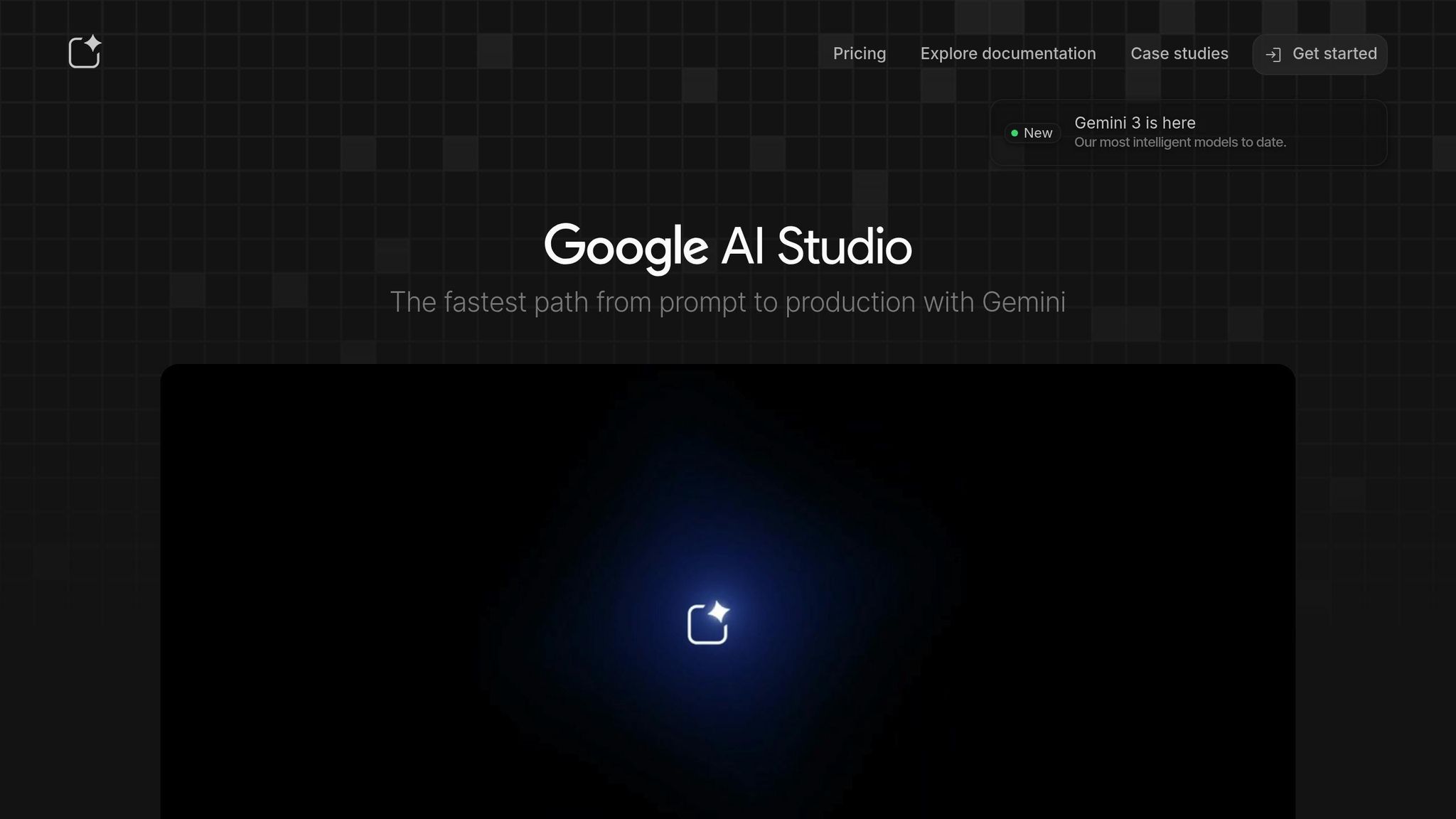
Google AI Studio is a straightforward tool for quickly generating app designs and basic functionality. It’s essentially a React wrapper powered by the Gemini API, which means it provides a simple way to define your app’s structure and starting point.
-
How to Begin:
- Navigate to astudio.google.com and select "Build."
- Describe your app idea in simple terms - no need for lengthy prompts. For example, if you’re building an app for product image generation, input a short and clear description.
- The tool generates a design and an initial codebase for your app.
- Pro Tip: Don’t overthink your first prompt. Google AI Studio focuses on simplicity, and you can refine the app later.
2. Combine Google Stitch for Code Generation
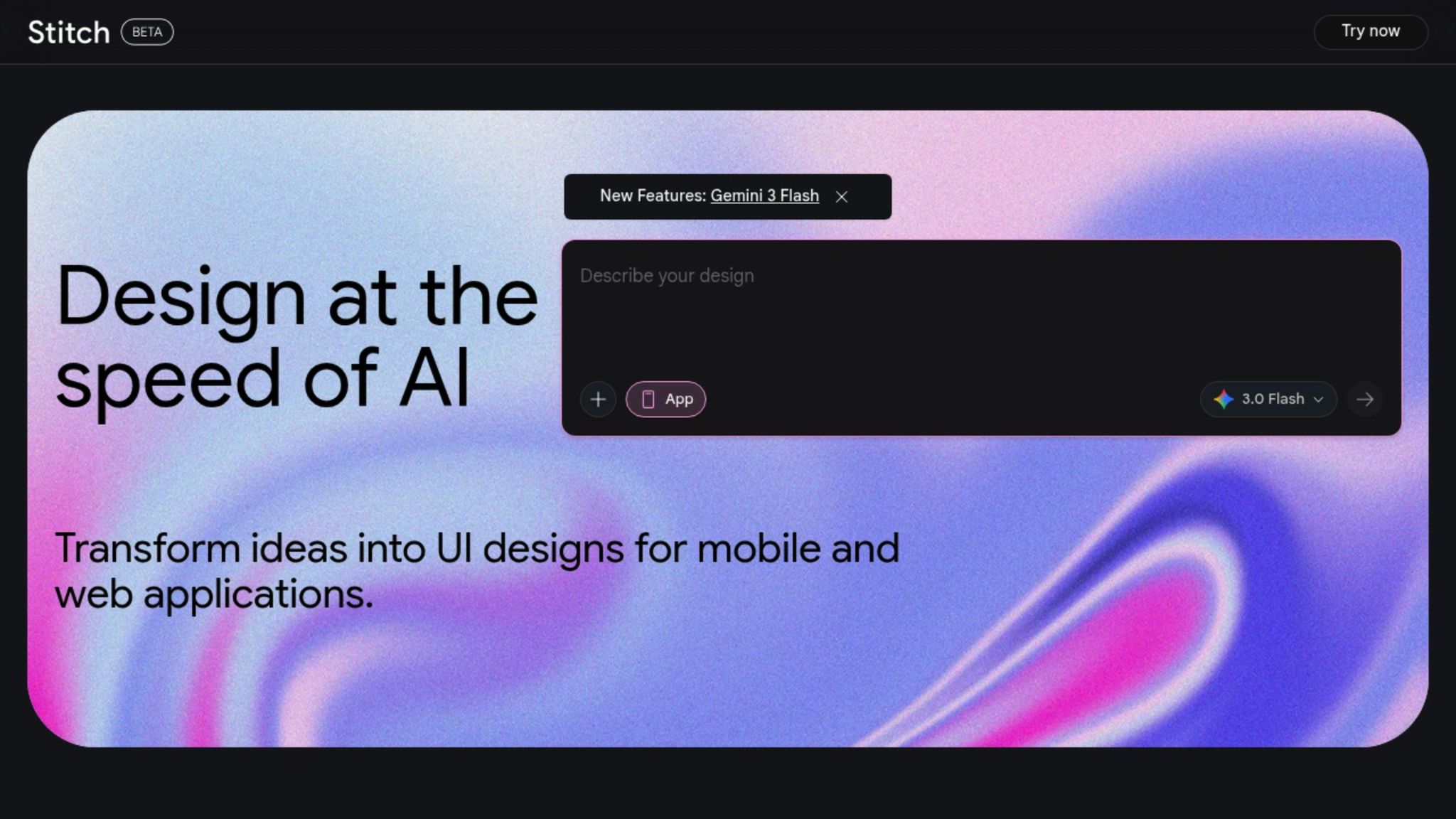
While Google AI Studio provides the design, Google Stitch works as its complementary tool to generate the app’s underlying code. Use the same prompt from AI Studio to ensure consistency.
- Steps to Follow:
- Go to stitch.withgoogle.com.
- Input the same prompt and let it generate the app code.
- Download the generated code and keep your files organized for the next steps.
This dual-tool approach allows you to create both the visual design and the functional backbone of your app entirely for free.
3. Set Up Your Backend with Convex
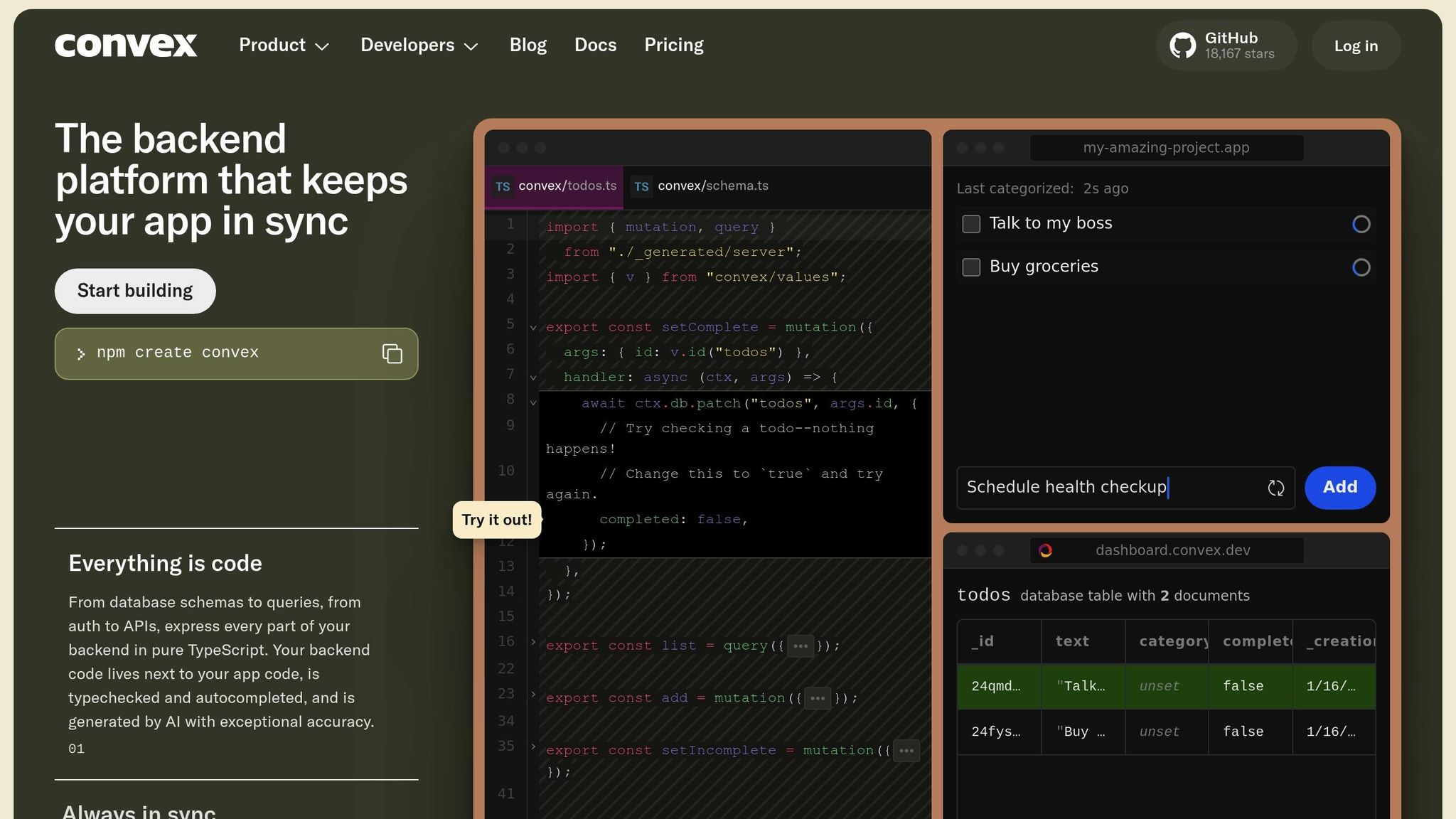
Next, you’ll need a hosted backend to handle data storage, server-side logic, and integrations. Convex offers an easy-to-use, serverless backend solution with a generous free tier.
-
Steps to Integrate Convex:
-
Install Convex in your app directory:
npm install convex -
Create a new Convex project using the CLI:
npx convex dev - Set up data models for your application (e.g., user accounts, image histories).
- Link Convex to your app using environment variables such as API keys.
-
Install Convex in your app directory:
- Key Tip: Convex provides 20 free backend instances, more than enough for MVP testing.
4. Add Authentication Using Clerk
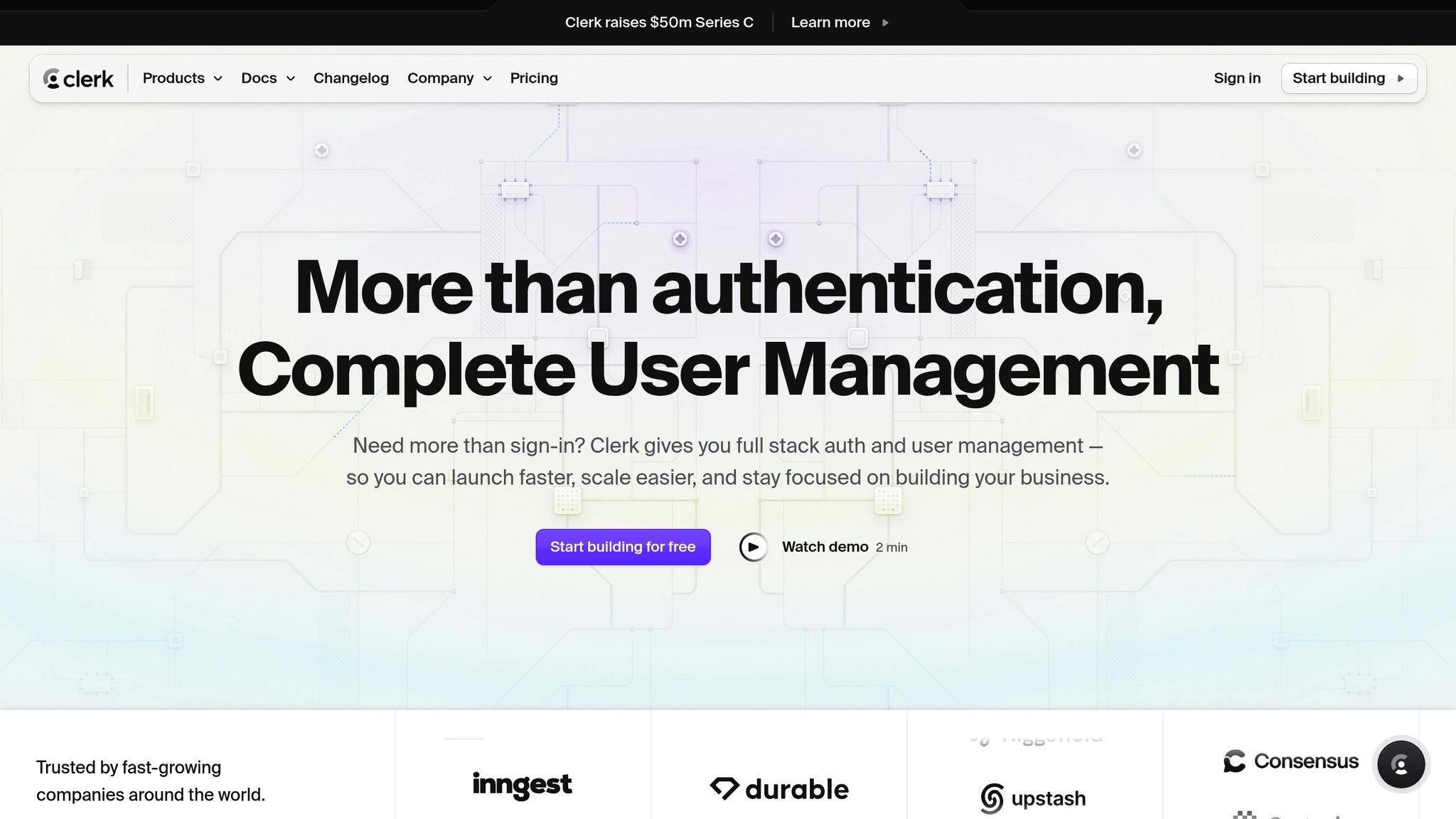
Authentication is a core feature for most SaaS applications. Clerk is a tool designed to handle user authentication seamlessly. It supports Google logins, email/password signups, and other common methods.
- How to Add Clerk:
- Create an account on Clerk.com and configure your app.
- Define a JWT (JSON Web Token) template for your app to enable secure authentication.
- Follow the Clerk documentation to integrate it with your app.
- Test authentication by signing in and creating a few test accounts.
With Clerk, you ensure your users can sign in securely while saving time on building custom logic.
5. Integrate Frontend and Backend
Once the frontend (from Google AI Studio) and backend (Convex) are set up, the next step is to merge these elements.
- Use tools like Anti-Gravity or AI-assisted code generation platforms to streamline this process.
- Ensure your app supports seamless data flow, such as account creation, retrieving user data, and storing app-specific information (e.g., image generation history).
- Test critical workflows, such as user authentication, data storage, and API integrations.
6. Build SEO-Optimized Marketing Pages
A SaaS MVP isn’t just about functionality; it also needs visibility. You can use AI tools to generate SEO-friendly marketing pages to attract users organically.
-
Steps to Build SEO Pages:
- Use tools like Keyword Tool.io to identify relevant keywords.
- Cluster related keywords to create meaningful page topics.
- Generate pages with AI assistance, ensuring meta titles, descriptions, and CTAs (Call-to-Actions) are included.
- Example: If your app focuses on AI-generated product images, create landing pages targeting terms like "Best AI Product Image Generator" or "Free Product Image AI Tool."
7. Host Your App on Digital Ocean
Finally, you need to deploy your MVP so users can access it. Digital Ocean provides a low-cost hosting solution with a simple setup process.
- Steps to Deploy:
- Generate an API key from your Digital Ocean account.
- Use their CLI to launch your app for as little as $5/month.
- Test your live app by signing up, logging in, and verifying functionality.
With your app live, you can share the link with potential users, gather feedback, and iterate.
Key Takeaways
- Rapid MVP Creation: Using tools like Google AI Studio, Convex, and Anti-Gravity, you can build a SaaS MVP in under 30 minutes.
- Free Tools for Development: Most of the tools used (Google AI Studio, Convex, Clerk) offer free tiers, keeping costs minimal.
- Focus on Validation: Prioritize getting your app into users' hands rather than perfecting every detail.
- Scalable Tech Stack: By combining a React-based frontend, serverless backend, and robust authentication, you lay the foundation for growth.
- SEO for Organic Growth: Use SEO pages to attract users without spending on ads.
- Hosting Costs: The total cost for hosting your MVP can be as low as $5 per month on Digital Ocean.
Closing Thoughts
Building a SaaS MVP doesn’t have to be expensive or time-consuming. By harnessing the power of free tools and AI-assisted platforms, you can quickly validate your idea and focus on gathering user feedback. The approach outlined here is ideal for founders, small businesses, and product teams looking to test the waters before committing significant resources. With an MVP live and functional, you’re now in the perfect position to iterate, refine, and scale.
Source: "How to build an ENTIRE App in UNDER 20 MINUTES FOR FREE" - Income stream surfers, YouTube, Jan 6, 2026 - https://www.youtube.com/watch?v=eAz3s1p2HF8
Related Blog Posts