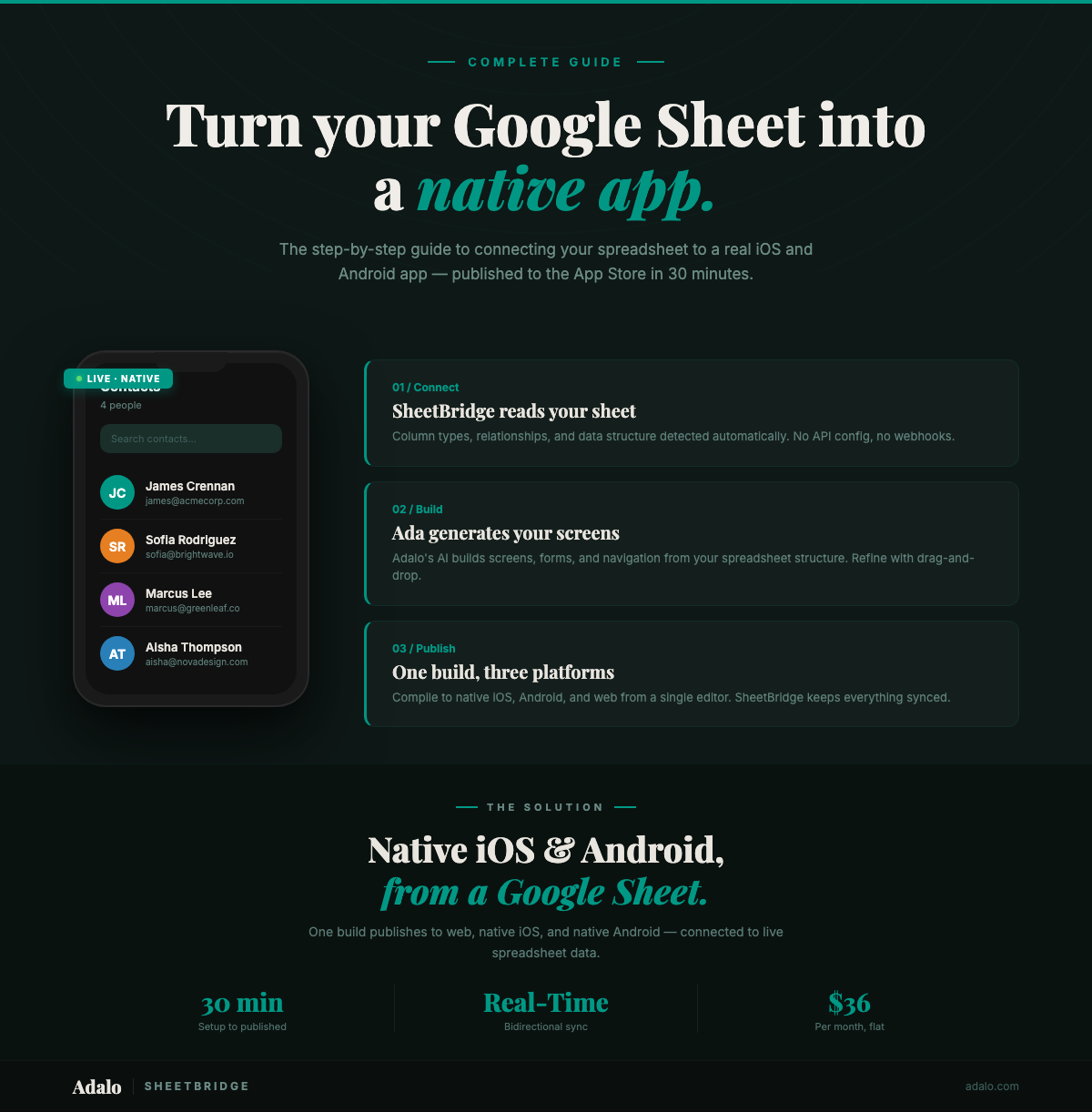
Your Google Sheet has outgrown the browser tab. Customers can't use it on their phones. Field teams can't scan barcodes or receive push notifications through a spreadsheet link. You need a spreadsheet to app converter that produces a real native app — one that lives in the App Store and Google Play — but hiring a developer costs $50,000+ and takes months.
This guide walks you through turning any Google Sheet into a true native iOS and Android app using SheetBridge by Adalo, the only no-code platform that publishes real native apps (not web wrappers) from spreadsheet data. You'll go from spreadsheet to App Store submission in about 30 minutes.
Can You Turn a Google Sheet Into a Native App?
Yes — but most tools that claim to do this are actually building progressive web apps (PWAs) or mobile websites, not native apps. There's a meaningful difference, and it matters for your users.
A true native app compiles to platform-specific code, gets listed in the Apple App Store and Google Play Store, and can access device hardware like the camera, GPS, and push notification system. A PWA runs in the browser engine and can be "installed" to a home screen, but it doesn't appear in app store search results and has limited access to device features. For a deeper comparison, read our guide on progressive web apps vs. native apps.
Adalo is the only no-code platform that takes Google Sheets data and produces genuine native iOS and Android apps — the same binary format that Swift and Kotlin developers ship. Your app gets a real App Store listing, a real download, and real access to the device.
Here's how the landscape breaks down:
- Glide — Builds PWAs from Google Sheets. Fast setup, great templates, but no App Store or Google Play publishing. Users access your app through a browser link. (See our full Glide review.)
- AppSheet — Google-owned, deep Sheets integration. Produces apps that run inside the AppSheet container, not standalone native binaries. Per-user pricing adds up fast for customer-facing apps. (See our AppSheet review and best AppSheet alternatives.)
- Adalo + SheetBridge — Connects to Google Sheets via SheetBridge and produces true native apps published directly to both app stores. Bidirectional sync keeps your spreadsheet and app data in lockstep.
What Makes a Native App Different from a PWA or Web App?
The distinction between native apps, PWAs, and web apps isn't academic — it directly affects what your users can do and how they find your product.
| Capability | Native App (Adalo) | PWA (Glide, Softr) | Web App |
|---|---|---|---|
| App Store listing | Yes — Apple + Google Play | No | No |
| Push notifications | Full native support | Limited (no iOS) | No |
| Camera access | Full (photo, video, barcode) | Basic (photo only) | Basic |
| GPS / location | Background + foreground | Foreground only | Foreground only |
| App store discoverability | Searchable by 5B+ users | Not listed | Not listed |
| Performance | Platform-optimized | Browser-dependent | Browser-dependent |
For internal tools used by a small team, a PWA might be enough — see our top PWA builder picks and pitfalls to avoid. But if you're building a customer-facing product, need push notifications to drive engagement, or want barcode scanning and GPS tracking for field operations, native is the right call.
The biggest practical difference? Distribution. Native apps appear in App Store and Google Play search results. PWAs require you to share a URL and hope users remember to bookmark it. For customer acquisition, that gap is enormous.
Step-by-Step: Connect Google Sheets to a Native App with SheetBridge
SheetBridge is Adalo's direct connector between Google Sheets and your native app. No Zapier. No middleware. No API keys to manage. Here's how to set it up:
Step 1: Prepare Your Spreadsheet
Your Google Sheet needs clean structure before connecting. Each column becomes a data field in your app, and the first row must contain headers.
- Use clear column headers — "customer_name" or "Customer Name" work. Avoid special characters, emojis, or merged cells in headers.
- Keep one data type per column — Don't mix dates and text in the same column. Adalo maps column types to form fields, so consistency matters.
- Add a unique ID column — If your sheet doesn't already have one, add a column with unique identifiers for each row. This enables reliable record updates.
- Remove blank rows — Empty rows between data cause sync issues. Delete them or move them to the bottom.
Step 2: Connect SheetBridge
- Sign up at app.adalo.com/signup (free plan includes 500 records).
- Create a new app and choose your platform — iOS, Android, or both.
- In the Adalo builder, navigate to the Database panel and select External Collections.
- Choose SheetBridge as your data source.
- Authenticate with your Google account. SheetBridge requests read/write access to the specific sheet you select — it doesn't access your entire Drive.
- Select your spreadsheet and the specific sheet tab you want to connect.
- Adalo automatically maps your columns to data fields. Review the mapping and adjust field types if needed (e.g., change a text field to a date picker).
Step 3: Build Your Screens
With data connected, use Adalo's visual multi-screen canvas to create screens. Or let Ada, Adalo's AI builder, generate a starting layout based on your data structure.
- List screens — Display your sheet data in scrollable lists, cards, or grids.
- Detail screens — Tap any item to see its full record with all columns displayed.
- Form screens — Let users add or edit records. Changes write back to your Google Sheet in real time.
- Dashboard screens — Aggregate data with counts, charts, and summary cards.
Step 4: Add Native Features
This is where native apps pull ahead of spreadsheets and PWAs:
- Push notifications — Alert users when a row changes, a new record is added, or a deadline approaches.
- Camera integration — Let users photograph items, scan barcodes, or capture documents directly into your sheet data.
- GPS and location — Track delivery routes, log check-in locations, or show nearby records on a map.
- Barcode scanning — Scan product codes, asset tags, or QR codes and match them to sheet records instantly.
Step 5: Publish to App Stores
Adalo handles the build process. You provide your Apple Developer account ($99/year) and/or Google Play Developer account ($25 one-time), and Adalo compiles your app into native binaries — AAB for Android, proper iOS builds for Apple. Submit through the stores' standard review process. Most apps are approved within 24-48 hours.
What Happens to Your Data?
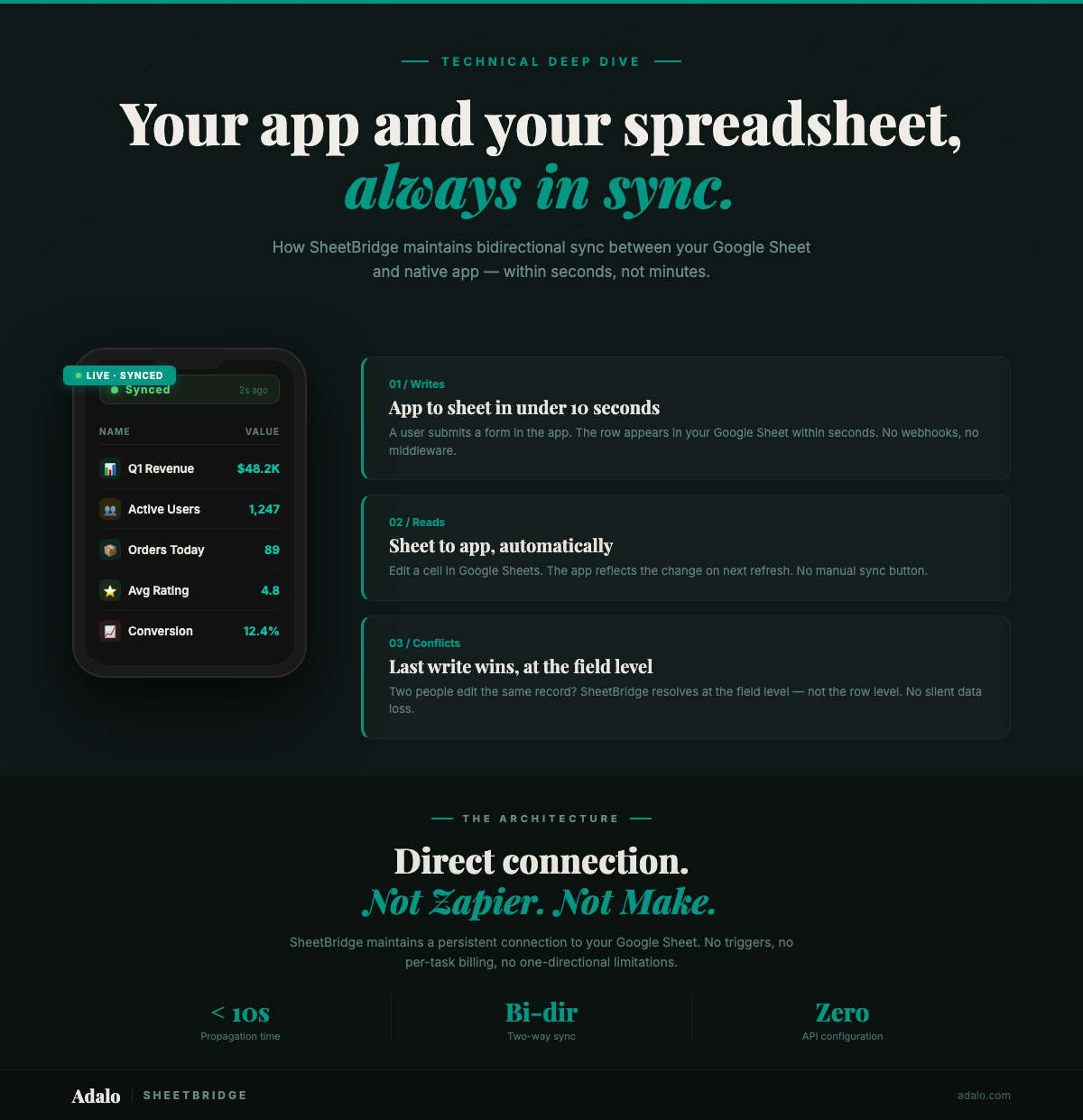
SheetBridge provides real-time bidirectional sync between your Google Sheet and your native app. Here's what that means in practice:
- App to Sheet — When a user adds, edits, or deletes a record in the app, the change appears in your Google Sheet within seconds.
- Sheet to App — When someone updates the spreadsheet directly (manually or via formulas, scripts, or third-party integrations), the app reflects the change on next data fetch.
- No data duplication — Your Google Sheet remains the single source of truth. The app reads from and writes to it directly.
- Formula preservation — Calculated columns in your sheet continue working. The app displays the results without overwriting formulas.
This bidirectional sync means your existing spreadsheet workflows don't break. If you have team members who prefer working in Sheets, they can keep doing that while your field teams and customers use the app. Everyone sees the same data.
For apps that outgrow Google Sheets' limits (10 million cells, 300 API requests per minute), Adalo's built-in PostgreSQL database is available as an upgrade path — no app redesign required.
SheetBridge vs. Glide: Google Sheets Integration Compared
If you're evaluating how to turn Google Sheets to app, SheetBridge and Glide are the two most common starting points. Here's how they compare on the details that matter for production use:
| Feature | SheetBridge (Adalo) | Glide |
|---|---|---|
| Sync speed | Seconds | 1–3 minutes |
| Row limits | Unlimited on paid plans | 25,000 rows |
| Output | Native iOS + Android app | PWA (progressive web app) |
| Push notifications | Full native support (iOS + Android) | No native push |
| App Store listing | Yes — Apple + Google Play | No |
For a broader comparison of platforms, see our roundup of the top app builders that work with Google Sheets. If you're also considering Airtable as a data source, read our guide on turning Airtable into a native mobile app. And if your use case is internal tooling, our guide to building internal tools with no code in 2026 covers the full workflow.
What Can You Build with a Spreadsheet to App Converter?
Google Sheets powers surprisingly complex apps when paired with a native front end. Here are the most common use cases:
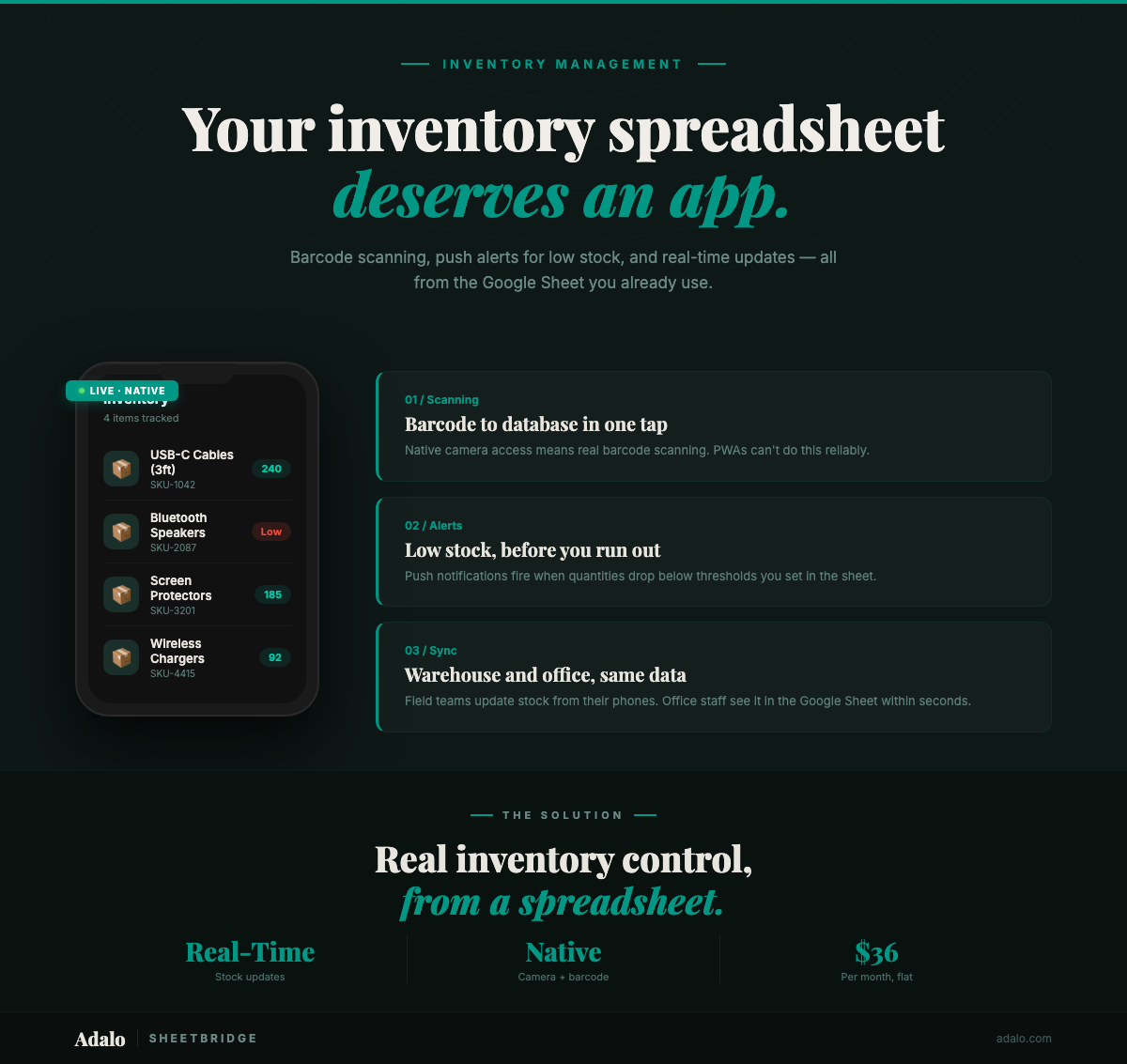
- Inventory management — Track stock levels with barcode scanning, get push alerts when items run low, update counts from the warehouse floor. See also: building inventory apps without code and the Inventory Tracker use case.
- CRM and sales tracking — Log customer interactions, schedule follow-ups with push reminders, access contact details during meetings without cell service. Our no-code CRM builder guide walks through the full process. See also the CRM Dashboard use case.
- Booking and appointments — Let clients book time slots, send confirmation notifications, manage availability from your sheet. Read our guide to building a booking app and the Booking Scheduling use case.
- Real estate listings — Display property photos, capture GPS coordinates at showings, push new listing alerts to buyers.
- Restaurant operations — Manage menus, track orders, receive kitchen notifications, update specials from a shared sheet.
- Event management — Handle registrations, scan tickets via barcode at the door, push schedule changes to attendees. See the Event Registration use case.
- Education and training — Distribute course materials, track progress, send assignment reminders via push notifications. See our LMS app with Google Sheets guide for a full walkthrough.
Each of these starts with a Google Sheet you probably already have. The transition from spreadsheet to app takes the data you've already organized and puts it into a form your users can actually work with on their phones. Explore more use cases: Order Manager, Field Reports, Attendance App, Survey Tool, and Project Manager. For more examples, check our guides on using Google Sheets as a database and building a Google Sheets web app.
How Long Does It Take?
The honest answer depends on complexity, but here are realistic timelines:
- Simple data viewer app (list + detail screens, read-only) — 15-30 minutes from signup to testable preview.
- CRUD app (create, read, update, delete records with forms) — 1-2 hours including data preparation.
- Full-featured app (multiple screens, push notifications, camera integration, user login) — 4-8 hours over a few sessions.
- App Store submission and approval — Add 1-3 days for Apple/Google review after you submit.
Compare that to traditional development: 3-6 months for a basic native app, 6-12 months for something complex. The 30-minutes-to-preview claim is real for straightforward use cases — Adalo's AI-assisted builder generates functional screens from your data structure automatically. Adalo consistently ranks among the best no-code app builders and best mobile app builders for this reason.
The biggest time investment isn't building — it's preparing your data. A well-structured Google Sheet with clean headers, consistent data types, and no empty rows converts to an app much faster than a messy one.
How Much Does It Cost?
Native app development has historically been expensive. Here's how the options compare:
| Approach | Upfront Cost | Monthly Cost | Time to Launch |
|---|---|---|---|
| Hire a developer | $50,000-$150,000 | $2,000-$5,000 (maintenance) | 3-12 months |
| Dev agency | $25,000-$100,000 | $1,000-$3,000 (support) | 2-6 months |
| Adalo (Starter plan) | $0 | $36/month | 1 day - 1 week |
| Adalo (Free plan) | $0 | $0 (500 records, no publishing) | 30 minutes (preview) |
Adalo's free plan lets you build and preview your app with up to 500 records — enough to validate your idea before spending anything. When you're ready to publish to the App Store and Google Play, the Starter plan at $36/month unlocks app store publishing, custom domain, and unlimited records.
You'll also need Apple's Developer Program ($99/year) and/or a Google Play Developer account ($25 one-time fee) to publish. These are Apple and Google requirements, not Adalo charges.
For context: the annual cost of Adalo Professional ($432) plus Apple Developer ($99) plus Google Play ($25 one-time) totals $556 for year one. That's less than 1% of what a freelance developer would charge for the same native app.
FAQ
Do I need to know how to code?
No. Adalo is a fully visual, drag-and-drop builder. SheetBridge handles the Google Sheets connection without any API configuration or scripting. If you can use a spreadsheet, you can build the app.
Will my Google Sheet formulas still work?
Yes. SheetBridge reads the computed values from formula cells, not the formulas themselves. Your VLOOKUP, SUMIF, and custom formulas continue calculating in the background. The app displays their results.
How many rows can my Google Sheet have?
Google Sheets supports up to 10 million cells. For most apps, that translates to thousands or tens of thousands of records depending on your column count. If you exceed Sheets' limits, you can migrate to Adalo's built-in PostgreSQL database without rebuilding the app.
Can multiple users edit data at the same time?
Yes. SheetBridge handles concurrent writes. If two users update different records simultaneously, both changes sync to the sheet. If two users edit the same field, the last write wins — same behavior as Google Sheets itself.
Is the app really native, or is it a web wrapper?
Adalo produces genuine native binaries — AAB (Android App Bundle) files for Google Play and proper iOS builds for the App Store. These are not WebView wrappers or Cordova/Capacitor hybrids. Your app runs natively on the device with full access to push notifications, camera, GPS, and barcode scanning. Adalo is consistently listed among the best no-code iOS app builders for exactly this reason.
What if I want to switch away from Google Sheets later?
You can migrate from SheetBridge to Adalo's internal database at any time. Your screens, logic, and design stay the same — you just point them at a different data source. Many users start with Google Sheets for familiarity, then graduate to the internal database as their app scales.
What is Adalo?
Adalo is the AI-powered no-code app builder with a visual multi-screen canvas. Design, build, and publish database-driven apps to the Apple App Store, Google Play Store, and web from a single project — no code, no developers required. Ada, Adalo's AI builder, generates screens from descriptions with Magic Start, and Magic Add layers on new features with natural language. Start building at app.adalo.com/signup.
Ready to turn your spreadsheet into a native app? Start building for free with Adalo's Google Sheets to app tools, or read our complete how-to guide for more detail on data preparation and app design. You can also explore our roundup of the top app builders that work with Google Sheets, or compare options like Softr and Softr vs. Glide to see why native matters.

Build your app fast with one of our pre-made app templates
Begin Building with no codeRelated Content
Real-Time Google Sheets Sync with SheetBridge
Learn how SheetBridge syncs your Google Sheet and Adalo app in real time with bidirectional updates, conflict resolution, and no middleware.
Build a Native Inventory App from Google Sheets
Convert your Google Sheets inventory tracker into a native mobile app with barcode scanning, push notifications, and real-time sync using Adalo and SheetBridge.

How to Create An App using Google Sheets as the actual Database?
Guide to using Google Sheets as a live database with Adalo—organize data, enable CRUD, sync in real time, test, and deploy web or mobile app

How to Build a Delivery Tracking App from Google Sheets with Adalo
Build a real-time delivery tracking app from Google Sheets using Adalo with this simple, step-by-step guide.