


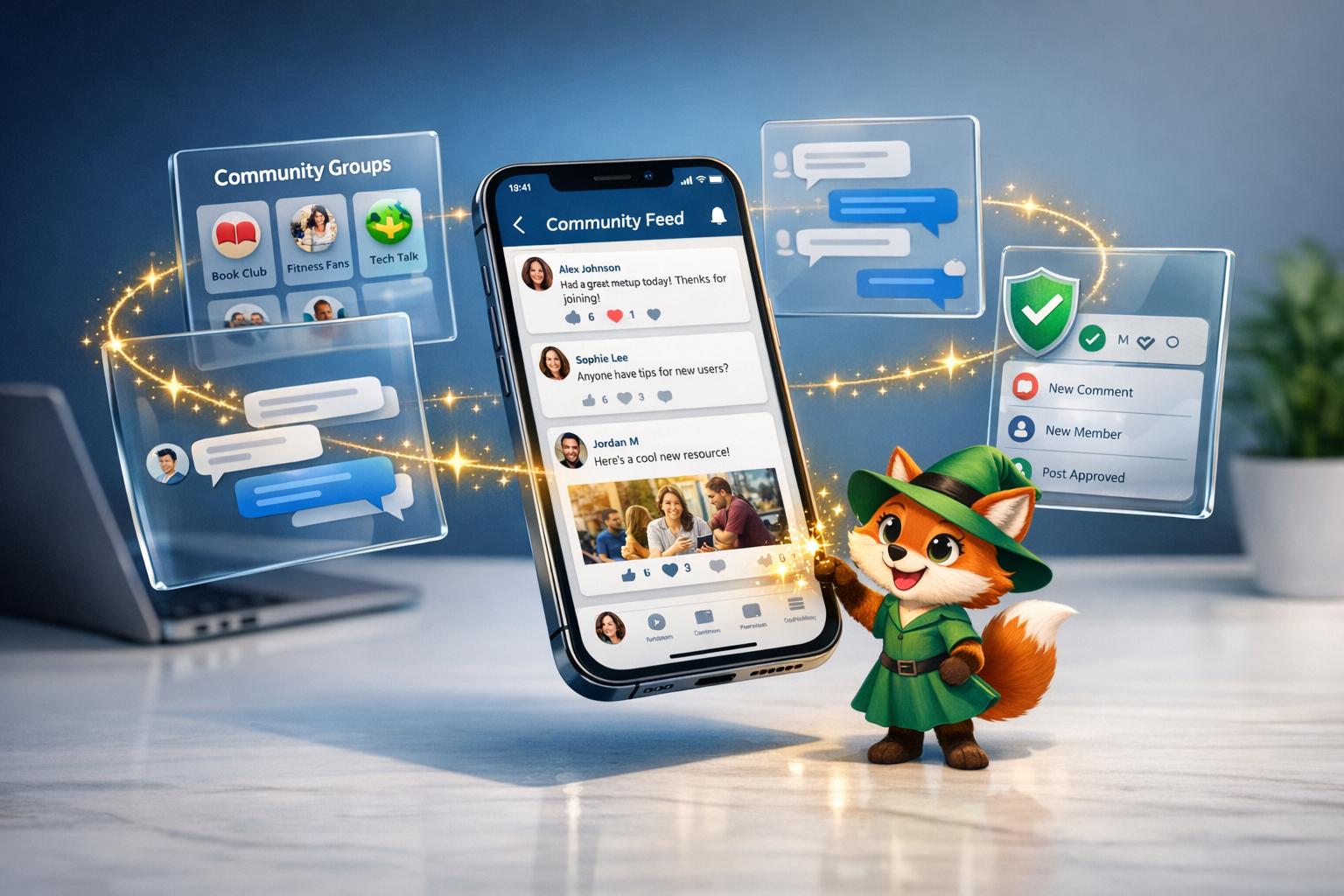
In-app community features transform apps into social hubs where users connect, interact, and build relationships - all within the app itself. These features, like activity feeds, direct messaging, and user groups, drive engagement, improve retention, and reduce customer support needs. By integrating these tools, apps become indispensable to users' daily lives.
Platforms like Adalo, a no-code app builder for database-driven web apps and native iOS and Android apps—one version across all three platforms, published to the Apple App Store and Google Play, make it easier than ever to build these community-driven experiences. With visual development tools and pre-built components, creators can integrate social features without writing a single line of code.
Key Takeaways:
- Core Features: Activity feeds, private groups, direct messaging, and reactions.
- User Benefits: Real-time collaboration, stronger connections, and personalized spaces.
- Business Advantages: Higher retention, lower churn, and scalable peer-to-peer support.
- Implementation: Start with clear goals, seed initial content, and ensure seamless integration.
Whether you're building a fitness app or a professional network, in-app communities create spaces users want to return to - turning your app into more than just a tool.
How in-app communities are becoming a growth engine
Core Design Principles for In-App Communities
Creating thriving in-app communities revolves around three key principles: making features easy to find, enabling effortless participation, and aligning with what users truly want. These principles shape the design of every feature outlined here.
Visibility and Accessibility
Your community features should be front and center - right where users naturally navigate. Place essential tools like direct messaging, activity feeds, or group channels in the main navigation tabs. Avoid burying them in complicated menus. Borrow familiar layouts from popular platforms like Discord's server sidebars or Instagram's social feeds to make the interface feel natural and intuitive. The goal? Users should instantly know how to dive into conversations without needing a tutorial.
Responsive design is another must-have. Whether users are on their phone or desktop, they should be able to participate seamlessly. Add visual cues like green "Online" dots or "Last Seen" timestamps to show when the community is active. A powerful search function that filters by messages, members, or channels is also essential - no one enjoys endless scrolling to find what they need.
Encouraging Low-Effort Interactions
Once users can easily locate community features, make participating as simple as possible. Tools like "Like" buttons, "Follow" options, and "Bookmarking" allow users to engage with minimal effort. Not everyone wants to write a detailed post, but they'll gladly react with an emoji or save a useful comment for later.
Push notifications for mentions and well-organized threaded comments keep users engaged in real time. Direct messaging, meanwhile, fosters deeper, more personal connections. The key is to remove any unnecessary steps between a user's intention and their action.
Alignment with User Goals
To sustain engagement, your community needs to serve a clear purpose. Start by identifying what your users want from the community.
"Deep community engagement starts with relationships and interaction. So if you'd like to achieve meaningful results with an online community, we don't recommend starting with a business strategy. Start instead with your potential community members in mind." - Sonia Rebecca Menezes
Shape your community around specific goals - whether that's learning and skill-building, fostering brand loyalty, offering ongoing support, or creating networking opportunities. For example, a fitness app's community will naturally look very different from one built for professional networking.
Cater to all levels of engagement using the engagement pyramid: 1% of users will create content, 9% will contribute through comments or reactions, and 90% will primarily browse and consume content. Your features should address the needs of all three groups. Creators require advanced posting tools, contributors need easy ways to interact, and consumers benefit from excellent discovery and browsing options. Also, consider the scale of your community. A small, local parents' group exchanging baby gear will need a different setup than a global lifestyle brand with thousands of followers.
Key Features of a Thriving In-App Community
Creating a vibrant in-app community hinges on three core elements: streamlined activity feeds, tailored user spaces, and effective moderation tools. With these pillars in place, let’s dive into the details that make these communities engaging and functional.
Activity Feeds and Notifications
A well-designed activity feed simplifies user engagement by grouping similar actions, like "Sarah, Mike, and 1 other liked your post", to avoid overwhelming users with alerts. Adding options to toggle between Top and Recent views gives users control over how they consume updates. Notifications should prioritize direct mentions and replies, while respecting user preferences, such as do-not-disturb settings. Behind the scenes, technical upgrades like predictive pre-loading and efficient indexing ensure faster content discovery. These subtle but impactful improvements make interactions smoother and more intuitive.
Groups, Channels, and Organization
Breaking the community into topic-specific groups fosters focused and meaningful conversations. Offering clear privacy options - public (visible to all), private (invite-only), and secret (hidden) - allows users to find or create spaces that match their comfort level. Scalable community management becomes achievable through delegated moderation, where trusted members can take on admin roles with custom permissions to manage subgroups. This structure keeps the community organized and encourages active participation.
Moderation and User Controls
"Trust is non-negotiable. Combine human oversight with AI moderation to create safe spaces." – Raymond F, Product Writer, GetStream
Moderation works best when it’s layered. AI tools can pre-screen harmful content in under 50 milliseconds and support over 45 languages, ensuring a safer environment. For more nuanced situations, community flagging and human oversight step in. Moderators can apply fair, graduated actions, such as private warnings or temporary mutes, to address issues without being overly punitive. Easy-to-use reporting tools and detailed audit trails further streamline moderation efforts, ensuring compliance with regulations like GDPR and the DSA. This combination of technology and human judgment builds trust and keeps the space welcoming for all.
How to Implement In-App Community Features

3-Step Implementation Guide for In-App Community Features
Creating an in-app community takes more than just adding a chat feature. It requires a clear purpose, engaging content, and smooth integration into your app. Here’s how to make it happen.
Step 1: Define Goals and Structure
Start by pinpointing what your community is all about and what your users need. Is it a space for learning, like tutorials and upskilling? Or maybe it’s a hub for brand discussions, support for health journeys, or professional networking? Knowing this will shape your approach.
Next, outline who your target audience is by creating detailed member profiles. Before launching, set clear rules and moderation guidelines to keep the space welcoming and organized. Decide on the core features - do you need private chats, group messaging, or a social feed? Use tools like Figma to sketch out how everything will look and function. Then, validate your ideas by collecting feedback through surveys and studying similar apps to see what works - and what doesn’t.
Step 2: Seed and Curate Initial Content
A community without content feels like an empty room - users won’t stick around. To avoid this, you’ll need to kick things off by seeding content yourself. Keep the “engagement pyramid” in mind: 1% of users create content, 9% contribute, and 90% simply consume.
Start by identifying your audience’s needs through forums or surveys, then create content that directly addresses those needs. Invite your personal network to join and contribute early on - this will give the community an authentic, active vibe. Focus on high-value materials like tutorials, how-to guides, templates, and success stories. To grow your base, set up referral programs with rewards like discounts or premium content for members who bring in others. At first, keep your focus narrow - a smaller, engaged group is easier to manage and provides a better experience.
Step 3: Integrate with App Features
Your community should feel like a natural part of your app, not an afterthought. Connect community data to your app’s main database. For example, link a "Messages" collection to your "Users" collection so everything works seamlessly. Use role-based visibility to ensure moderators have access to tools like "Delete" or "Pin" buttons, while regular users don’t see these options.
Make the community easy to find by adding a prominent "Community" or "Messages" tab to your app’s main navigation. Avoid burying it in sub-menus. For apps with more complex setups, like users belonging to multiple groups, use junction tables to manage group-specific roles and permissions. Notifications are also key - set up alerts for @mentions, replies, or new posts in followed channels to keep users engaged and coming back. Apps that deliver clear value within the first 30 seconds tend to retain users far better.
Once you’ve got the basics down, you can start thinking about how to scale and moderate your community for long-term success.
Strategies for Scaling and Moderating Communities
Once your community is up and running, the challenge shifts to scaling and maintaining it effectively. What works for a tight-knit group of 100 members won’t necessarily hold up when you’re managing tens or even hundreds of thousands of users. To keep things running smoothly, scalable systems and thoughtful moderation become essential.
Gamification and Engagement Tactics
Gamification is a powerful tool to keep users engaged. By tailoring rankings to specific demographics, skill levels, or even equipment types, you can make participation feel more personal. For instance, Peloton uses age-based rankings to create a sense of fair competition. Reputation systems, like earning points or karma, also encourage accountability and reward meaningful contributions. Another smart tactic? Predictive notifications. For example, sending a “streak freeze” alert just before someone misses a daily goal can help re-engage users and keep them on track. These strategies are most effective when paired with clear metrics to measure their impact.
Measuring Community Impact
Understanding the health of your community starts with tracking the right metrics. Engagement depth, for instance, can be gauged through the DAU/MAU ratio, while content creation velocity can be monitored by analyzing the number of posts, comments, and reactions over time. Comparing retention rates of active community participants to those who are less involved highlights the value of engagement. Social graph density - essentially the average number of connections per user - provides insight into how interconnected your members are. On the moderation side, metrics like report volumes, response times, and the types of violations flagged offer a clear view of long-term sustainability. These data points help refine your scaling strategy and ensure your community continues to thrive.
Scaling Infrastructure for Growth
As your user base grows, your infrastructure needs to grow with it. AI-powered pre-moderation tools can screen and block harmful content in under 50 milliseconds, ensuring a safer environment for users. A tiered moderation system works well here: AI handles immediate filtering, community flagging enables peer reviews, and human moderators tackle more nuanced cases. To minimize false positives, consider applying stricter AI thresholds for new users and easing them for long-time members. On the technical side, strategies like event batching, efficient indexing, and aggressive caching help manage traffic spikes. As your community matures, segmenting it into smaller sub-groups with varying privacy settings and delegated moderation can help maintain a sense of intimacy and relevance. A strong infrastructure ensures your community remains vibrant and well-managed, even as it scales.
Conclusion
Building a thriving in-app community requires more than just adding a chat feature. It's about turning your app into a dynamic social hub where users feel connected and engaged. This shift transforms your app from a simple tool into a space that users return to, not out of necessity, but because they genuinely want to.
Key Takeaways
The essentials are simple yet crucial. Native integration ensures that community features are seamlessly woven into your app's core, rather than feeling like an afterthought. Your design should cater to all levels of user engagement: the 1% who create content, the 9% who interact through comments and reactions, and the 90% who primarily consume. Features like persistent user profiles and value exchange mechanisms help users showcase their expertise while encouraging peer-to-peer support, creating a self-sustaining community that extends beyond traditional customer service boundaries.
With these principles in mind, here’s how you can start building your community.
Next Steps for Implementation
Start by defining the purpose of your community and understanding what your members need. Use these insights to guide your app's development. Adalo’s Feature Templates make it easy to add functionalities like chat, social feeds, and user profiles - no need to spend weeks coding. With just a few clicks, you can launch an MVP in days rather than months, saving significant costs. Adalo’s paid plans start at $36/month, a stark contrast to the $5,000–$10,000 typically spent on custom development.
Set up your moderation framework and community guidelines early, before scaling. Leverage AI-powered pre-moderation to screen content in under 50 milliseconds, and incorporate community flagging with human oversight for balance. Run a beta test with a small group to identify potential issues. Monitor key metrics like daily active users, monthly active users, and retention rates among community-engaged users to measure ROI and fine-tune your strategy over time. Build, measure, adapt - and watch your community grow.
Related Blog Posts
- Why You Need The App Stores For Your App - Push Notifications!
- How To Create a New Social Media Platform or App
- How Personalization Improves App Engagement
- How to Build an Employee Onboarding App Without Coding
FAQs
How do in-app community features help boost user retention?
In-app community features play a big role in keeping users engaged and coming back. By offering a space where users can connect, share, and collaborate, your app becomes more than just a tool - it becomes part of their routine and something they look forward to using.
Features like chat, discussion forums, and social feeds create a sense of belonging. They let users interact with others who share their interests or provide support when needed. This connection builds loyalty and emotional ties, keeping users invested in your app. The result? Lower churn rates and stronger, long-term engagement that turns your app into a thriving, community-centered platform.
How do I create an engaging in-app community?
To create a vibrant in-app community, start by identifying the essential features your users will rely on. Think about options like user profiles, content sharing, and messaging systems. These elements form the foundation of meaningful interactions. Make sure the design encourages participation - features like commenting, direct messaging, or group chats go a long way in keeping users engaged. Don’t forget moderation tools; they’re key to maintaining a safe and inclusive space for everyone.
Leverage templates and visual tools to simplify the development process while ensuring a consistent and user-friendly experience. Once your community is up and running, keep it dynamic by testing regularly, collecting user feedback, and making thoughtful updates. A well-planned approach paired with ongoing improvements can help your in-app community grow into a space where users form real, lasting connections.
How can I effectively moderate a growing in-app community?
Managing a growing in-app community calls for a thoughtful mix of clear policies, smart automation, and active community participation. Start by setting up community guidelines that clearly define acceptable behavior and content standards. These rules act as the foundation for maintaining a respectful and welcoming environment.
Leverage moderation tools to handle tasks like filtering out inappropriate language or blocking spam. Automation can help ensure your community stays positive and manageable as it grows. To keep things running smoothly, introduce features like user reporting, which allows members to flag problematic content. This not only speeds up response times but also lightens the load on your moderation team.
As your community expands, think about bringing trusted members on board as moderators. This approach not only strengthens the sense of community ownership but also encourages respectful and constructive interactions. Striking the right balance between automated tools, community involvement, and clear rules is essential for building a safe and vibrant space where your community can thrive.







