


If you're exploring Softr alternatives, you're likely searching for a platform that better aligns with your app's goals and growth potential.
Adalo is a no-code app builder for database-driven web apps and native iOS and Android apps—one version across all three platforms, published to the Apple App Store and Google Play. Softr, by contrast, is a no-code platform focused on building web apps and client portals using Airtable or Google Sheets as data sources.
The right choice depends on what app success looks like for you. Launching quickly as an MVP matters, but so does reaching the largest possible audience. Publishing to both the Apple App Store and Google Play unlocks massive built-in user bases and enables native features like push notifications—capabilities that drive real engagement and retention. Web-only apps limit your reach, while true cross-platform deployment with app store distribution separates tools built for experimentation from those built to scale.

Top Softr Alternatives: Compare Features, Pricing & Use Cases
Hitting a wall with Softr? Whether it's the dependency on external databases, the absence of native mobile app publishing, or rigid customization options, you're not alone in searching for a platform that better fits your vision. The good news: the app-building landscape is packed with powerful alternatives—each with distinct strengths depending on whether you're building internal tools, complex SaaS products, or polished mobile apps.
If native app publishing is a priority, Adalo stands out as a compelling choice. Adalo is an AI-powered app builder for database-driven web apps and native iOS and Android apps—one version across all three platforms. AI-assisted building and streamlined publishing enable launch to the Apple App Store and Google Play in days rather than months. That means no juggling separate codebases or wrestling with third-party wrappers to get your app into users' hands.
In this guide, we'll break down the top Softr alternatives, including platforms like Glide, Bubble, FlutterFlow, and Noloco, plus open-source options like NocoBase and Directus for teams who want full control. You'll find detailed comparisons on features, pricing, and ideal use cases to help you pick the right tool for your next project.
6 No-Code AI Tools I Use To Make $30,000+/Month
1. Adalo
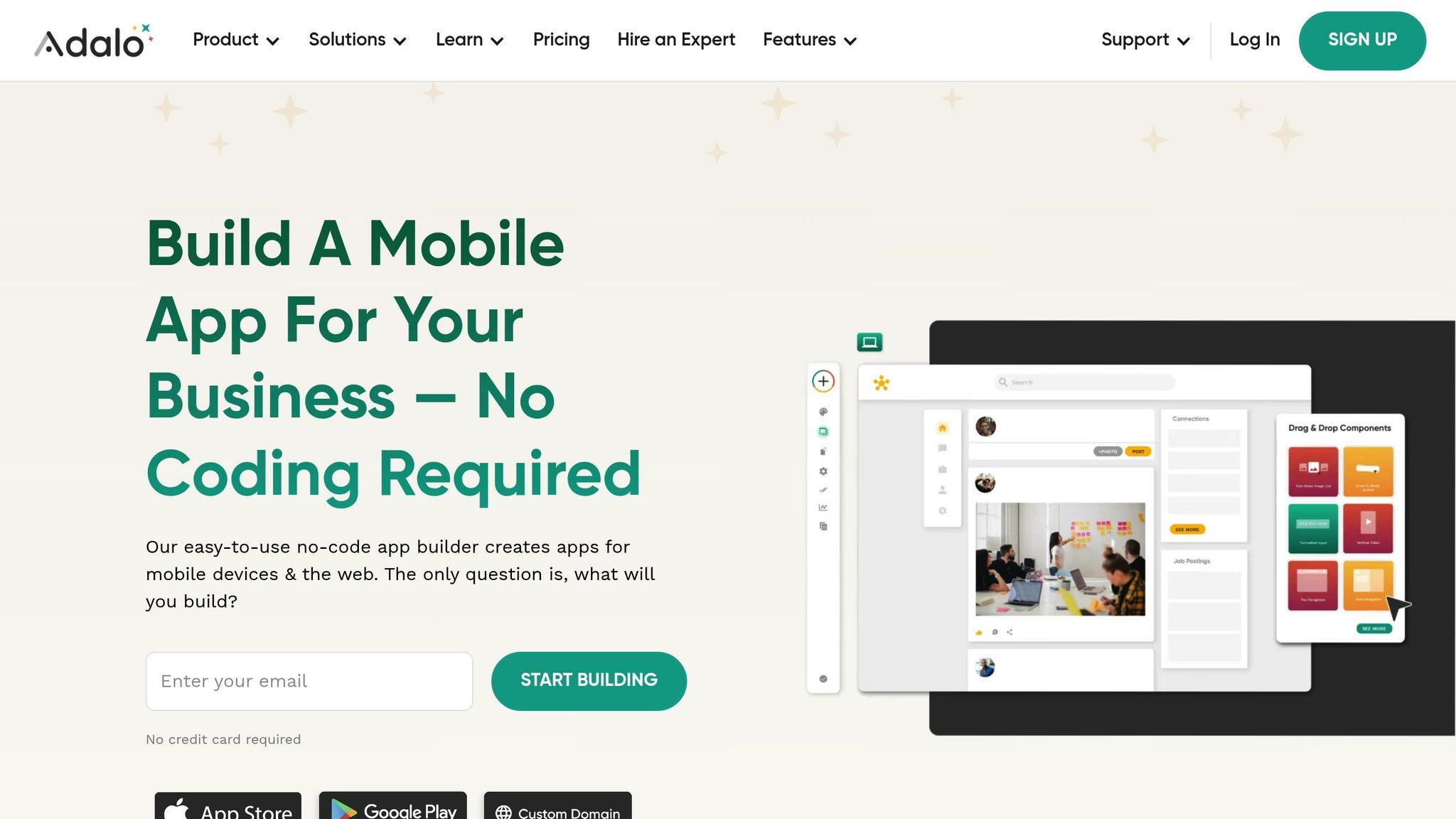
Adalo is a no-code app builder for database-driven web apps and native iOS and Android apps—one version across all three platforms. AI-assisted building and streamlined publishing enable launch to the Apple App Store and Google Play in days rather than months. Designed with a mobile-first approach, Adalo enables you to create and publish a single app across the Apple App Store, Google Play Store, and the web—all without the hassle of separate builds or relying on third-party wrappers.
Its "What You See Is Truly What You Get" (WYSIWYG) drag-and-drop builder gives you precise control over every component's placement, making the development process both intuitive and efficient. The visual builder has been described as "as easy as PowerPoint," while the upcoming AI Builder promises vibe-coding creation speed for even faster development.
Pricing
Adalo follows a straightforward subscription model with multiple tiers and no usage-based charges—meaning no bill shock from unexpected fees. The Free plan includes 200 records per app and allows unlimited test apps. Paid options start with the Starter plan at $36/month (billed annually), which supports one published app with a custom domain and unlimited database records.
For larger needs, the Business plan costs $200/month (billed annually) and includes ten published apps and unlimited editors. Additional published apps can be added for $25/month, and extra editor seats cost $15/month each. Unlike competitors that charge based on workload units or data operations, Adalo's pricing remains predictable regardless of how much your users engage with your app.
Key Features
Adalo comes equipped with a built-in relational database that supports logic and custom formulas, eliminating delays often caused by syncing with external data sources. Following the Adalo 3.0 infrastructure overhaul in late 2026, the platform is now 3-4x faster with modular infrastructure that scales with app needs. Paid plans have no record limit cap—unlimited database storage removes the constraints that plague other platforms.
With over 20 million daily data requests and an impressive uptime of over 99%, it's a reliable platform for demanding projects. To date, over 3 million custom mobile and web applications have been created on Adalo, with published apps collectively serving millions of unique end-user accounts.
The platform supports essential native device features like geolocation, camera access, photo libraries, and push notifications. It also offers a Component Marketplace where you can find premium add-ons like QR code readers and vertical video players. For more advanced functionality, Adalo integrates seamlessly with external backends such as Xano or Airtable via REST APIs and connects to over 1,000 third-party apps through Zapier.
Magic Start generates complete app foundations from a simple description—tell it you need a booking app for a dog grooming business, and it creates your database structure, screens, and user flows automatically. Magic Add lets you add features by describing what you want in natural language. X-Ray identifies performance issues before they affect users, ensuring your app scales smoothly.
Use Cases
Thanks to its robust capabilities, Adalo is ideal for a wide range of applications. It's particularly effective for booking and scheduling tools, e-commerce and ordering apps, internal business CRMs, community social networks, and educational platforms. By streamlining the development process, Adalo can reduce development time by up to 90% and cut costs by as much as 70%.
The platform's modular infrastructure scales to serve apps with 1 million+ monthly active users, with no upper ceiling. Unlike app wrappers that hit speed constraints under load, Adalo's purpose-built architecture maintains performance at scale. With the right data relationship setups, apps can scale well beyond typical platform limitations.
"Adalo has helped me to speed up this project at such a low cost that it's crazy. I am able to fulfill my dreams in half the time & that is the largest cost-benefit."
– Alexandrina Mabonga, Maker of Sunscreen
Customization and Flexibility
Adalo provides full control over design elements, allowing for pixel-perfect layouts that match your branding needs. Unlike block-based builders, its freeform design approach gives you the freedom to create without constraints. The canvas can display up to 400 screens at once if needed, providing a comprehensive view of your entire app architecture—a stark contrast to platforms that limit you to viewing just 2 screens at a time.
Feature Templates make it easy to add functionalities like user profiles or account settings in just a few clicks. Additionally, Custom Actions let your app perform specialized tasks, such as fetching weather data or sending SMS notifications through external API calls. Sheetbridge enables users to turn a Google Sheet into an actual database for the easiest control without database-related learning curves.
2. Glide
Glide transforms spreadsheets and databases into fully functional progressive web apps (PWAs). Instead of building an app from scratch, you can simply connect your data source—such as Google Sheets, Airtable, Excel, or SQL databases—and Glide will automatically create a responsive interface that works smoothly on both mobile and desktop devices. This setup is particularly useful for businesses that already have their data well-organized.
Pricing
Glide offers several pricing tiers to suit different needs:
- Free Plan: Ideal for individuals, this plan includes access to over 40 components and community support.
- Maker Plan: Priced at $60/month, it supports one app with a custom domain but remains limited by app updates and data record rows, which attract additional charges.
- Team Plan: At $100/month (billed annually), this plan allows unlimited apps with 100GB of storage.
- Business Plan: For $199/month (billed annually), you get advanced features like Workflows and the Glide API, support for 30 users, and the option to add more users for $5/month each. Extra updates cost 2¢ per update.
- Enterprise Plan: Custom pricing starts at around $1,200/month and includes features like single sign-on (SSO), data backups, and priority support.
Important limitation: Glide does not support Apple App Store or Google Play Store publishing. Your apps remain as PWAs accessible through browsers or QR codes.
Key Features
Glide's ability to handle large-scale data sources is impressive, thanks to its Big Tables feature, which supports up to 10 million rows per project. The platform is trusted by over 100,000 companies and boasts a 4.7/5 rating on G2. Glide AI offers advanced capabilities like document extraction, audio transcription, sentiment analysis, and automated email drafting.
The platform's automatic design system ensures that apps look polished on any device without requiring manual adjustments. However, Glide is heavily format-focused and restricted to set templates. This makes it fast to build and publish with, but creates generic, simplistic apps with limited creative freedom. While this approach speeds up development, it doesn't allow for the same granular, pixel-perfect customization that freeform builders provide.
Glide is a go-to for spreadsheet-based apps, but that still doesn't compare to the convenience of Adalo's Sheetbridge, which enables users to turn a Google Sheet into an actual database for the easiest control without database-related learning.
Use Cases
Glide is particularly effective for building internal business tools such as inventory management systems, CRMs, field sales apps, and operational dashboards. Here are some real-world examples:
- Lonestar: Deployed a Glide app to over 100 field technicians, enabling instant access to on-site data and improving efficiency by 15x.
- Manfield Paris: Created an inventory management app that boosted productivity, equivalent to hiring two additional full-time employees.
- Yetipay: Used Glide apps for field representatives to close deals and sign contracts, driving a 750% increase in revenue.
- CarboNet: Developed an enterprise-grade suite of operational apps, saving the company 30x in development costs compared to traditional methods.
"Glide gives us the ability to build whatever we need–whether it's a clickable prototype, a project workflow management tool, or a company-wide operational dashboard."
– Marc Walford, Head of FinOps, ITV
Customization and Flexibility
Glide offers over 40 drag-and-drop components and advanced logic through Actions and Workflows. Its design philosophy is data-driven, meaning the app's structure is built around the database you connect. To get the best results, it's important to organize your spreadsheet or database before starting.
Higher-tier plans also allow API integrations for connecting with external services. However, the component-based design comes with a trade-off: while it speeds up development, it doesn't allow for the same granular, pixel-perfect customization that freeform builders provide. For teams needing native mobile apps with full design control, platforms like Adalo offer more flexibility.
3. Bubble
Bubble offers a full-stack platform that handles everything from frontend design to backend databases and business logic. Unlike platforms that rely on templates or pre-built components, Bubble gives you a blank canvas to create exactly what you need. This makes it especially useful for building complex, scalable applications—whether you're working on a SaaS product or a marketplace.
Pricing
Bubble's pricing is based on workload usage, which can make costs unpredictable. For instance, a team of 300 users using Microsoft Power Apps would pay around $6,000 per month ($20 per user). With Bubble, the same team could pay under $300 per month, depending on app usage—but that "depending on" is where uncertainty creeps in.
| Plan | Web Only | Mobile Only | Web + Mobile | Key Features |
|---|---|---|---|---|
| Free | $0 | $0 | $0 | Development & testing, Bubble branding |
| Starter | $29/mo | $42/mo | $59/mo | Custom domain, basic workload units, live app deployment |
| Growth | $119/mo | $169/mo | $209/mo | More workload units, multiple live versions, more editors |
| Team | $349/mo | $449/mo | $549/mo | High workload capacity, advanced collaboration, sub-apps |
| Enterprise | Custom | Custom | Custom | Custom infrastructure, advanced security |
All prices are based on annual billing. Monthly billing costs approximately 10–20% more. Additional file storage is available for $3 per month per 100 GB.
Cost comparison: Bubble's web and mobile wrapper offering starts at $59/month with usage-based charges, limits on app re-publishing, and record limits due to Workload Units. Adalo's web and true-native mobile builder starts at $36/month with unlimited usage and app store publishing with unlimited updates to apps once published.
Key Features
Over the past decade, Bubble has powered nearly 5 million applications and maintains an impressive 99.89% uptime. Its standout features include an AI app generator that builds functional, responsive applications from natural language prompts. Additionally, AI-powered build guides help users by suggesting features and estimating technical complexity—tools included in every pricing tier at no extra cost.
The platform supports over 8,000 plugins and features an API Connector for integrations with services like Stripe and ChatGPT. Unlike website builders that require separate database subscriptions, Bubble's built-in database streamlines your workflow and reduces the need for multiple tools.
However, there are important caveats. Bubble's mobile app solution is a wrapper for the web app, introducing potential challenges at scale. This means one app version doesn't automatically update web, Android, and iOS apps deployed to their respective app stores—you're managing multiple deployments rather than a single codebase.
"Bubble is the best no-code platform, and it has the most capability of any platform I've ever tried. Trust me, I've tried all of them."
– Michael Ong, Product Manager, Seagate
Use Cases
Bubble shines in creating customer-facing applications that demand scalability. Take My AskAI, for example—a two-person team used Bubble to serve 40,000 users and generate $25,000 in monthly revenue. Messly, another Bubble-built platform, connects temporary doctors with hospitals in the UK and grew to 25,000 registered doctors before being acquired by a global physician network. Even the City of Atlanta leveraged Bubble to build a procurement portal that integrates with their Oracle databases.
"The biggest surprise is that I was able to build this AI-led mediation function in eight weeks. In my head, that was going to be a year-long process, at least."
– Renee Jackson, Founder, Dyspute.ai
Customization and Flexibility
Bubble offers full control over design, data, and logic, freeing you from the constraints of pre-defined templates. This blank-slate approach allows for pixel-perfect design and the creation of complex workflows tailored to specific industries.
However, this level of flexibility comes with significant trade-offs. The platform has a steep learning curve, often requiring weeks to master. More customization often results in slower applications that suffer under increased load, and frequently requires hiring experts to help optimize performance. Claims of millions of MAU are likely only possible with hired help—this is an ecosystem rich with experts because so many people need assistance and end up spending significant sums chasing scalability.
The platform is SOC 2 Type II compliant and includes features to help meet GDPR and HIPAA requirements. While you retain ownership of your intellectual property and can export data as JSON files, Bubble's proprietary nature means you cannot export the application's source code. To address concerns, Bubble has pledged to release its source code under an open-source license if the company ever shuts down, ensuring continued access to your applications.
"Bubble gives you control. I love that I can sit down and build something the way I think it should be built."
– Lisa Michelle, Founder, Meedri & DuragFest
4. FlutterFlow
FlutterFlow is a low-code platform built on Google's Flutter framework—it's important to note this is low-code, not no-code, and is designed for technical users. Unlike pure no-code tools, it requires a solid understanding of database schemas, API logic, and basic programming concepts to get the most out of it. While this steeper learning curve might deter some, it makes FlutterFlow a great fit for projects that demand advanced customization. Since its launch in 2021, the platform has gained over 2.9 million users. However, roughly 75% of its users cite cost as a notable challenge.
Pricing
FlutterFlow's pricing model requires users to integrate a separate backend—like Firebase or Supabase—which comes with additional usage-based costs. Users need to be prepared to manage and set up their own unrelated database, which requires significant learning complexity, especially when looking for scale as anything less than optimal setup can create scale problems.
| Plan | Monthly Cost | Key Features |
|---|---|---|
| Free | $0 | 2 projects, Firebase/Supabase integration, web deployment |
| Basic | $39 | Unlimited projects, custom code, API support, source code download |
| Growth | $70+ per user | App Store publishing, GitHub integration, APK download |
| Business | $150 (1st seat) | Real-time collaboration, Figma frame import, automated testing |
| Enterprise | Custom | Dedicated support, advanced security, training |
Note: FlutterFlow pricing starting at $70/month per user for easy app store publishing still isn't the comparable price point to Adalo's features because it still doesn't incorporate a database, which the user needs to source, set up, and pay for separately.
Key Features
FlutterFlow includes a drag-and-drop UI builder equipped with more than 200 pre-designed widgets and a visual Action Flow Editor for app logic. One standout feature is code ownership—users on paid plans can download the Dart source code, giving them full control and avoiding vendor lock-in. The platform also features AI-powered code generation, which can create app features based on simple text descriptions.
Real-world examples highlight its efficiency. Ganesh SP, an engineer at Atlassian, built a working demo in just two hours using FlutterFlow, helping him secure a major deal. Similarly, Dan Somrack, founder of Silver, chose FlutterFlow because it allowed his team to export code into Flutter for continued scaling without platform restrictions.
"FlutterFlow accelerated our Seed funding by enabling rapid progress on our MVP."
– Anshu Jain, Co-founder and CTO, Outmarket
However, FlutterFlow isn't without its drawbacks. Over 50% of users report performance issues, such as runtime lag and slow previews, particularly in projects with more than 10–20 screens. The builder is limited in view—slow speed to see more than 2 screens at once—whereas Adalo can display up to 400 screens at a time on one canvas. Additionally, some users have expressed concerns about a 30% price hike within a single year.
This is an ecosystem rich with experts because so many people need help and end up spending significant sums of money chasing scalability. The database setup alone can create major challenges for non-technical users.
Use Cases
FlutterFlow is ideal for quickly building native mobile MVPs for iOS and Android. Will Croushorn, Product Owner of FreshAI at Wendy's, used the platform to simplify development workflows and rapidly test ideas. Mohamed, Growth Product Manager at BluePass, noted that "in pure PM terms, FlutterFlow multiplies our team's velocity by 10X".
That said, this platform works best for tech-savvy individuals who want high design control and plan to transition to traditional development later. For non-technical users or those building internal business tools, simpler platforms might be a better fit.
Customization and Flexibility
FlutterFlow shines when it comes to custom design. It offers pixel-perfect design control, allowing users to create tailored design systems or import themes and frames directly from Figma. For advanced functionality, users can write custom Dart functions, create custom Flutter widgets, and integrate third-party packages from pub.dev. The platform also supports native plugins via method channels and enables modular architectures for "super apps".
"FlutterFlow provides tooling that helps real world developers & users build apps using it - it's a straightforward, easy to use tool that can generate very powerful results."
– Tim Sneath, Former Director of Product, Google
While this flexibility is a major strength, it can also be intimidating for non-technical users. A working database is required upfront since FlutterFlow relies on external connections rather than offering a built-in database. To ease the learning curve, the platform provides around 400 tutorial videos on YouTube.
5. Noloco
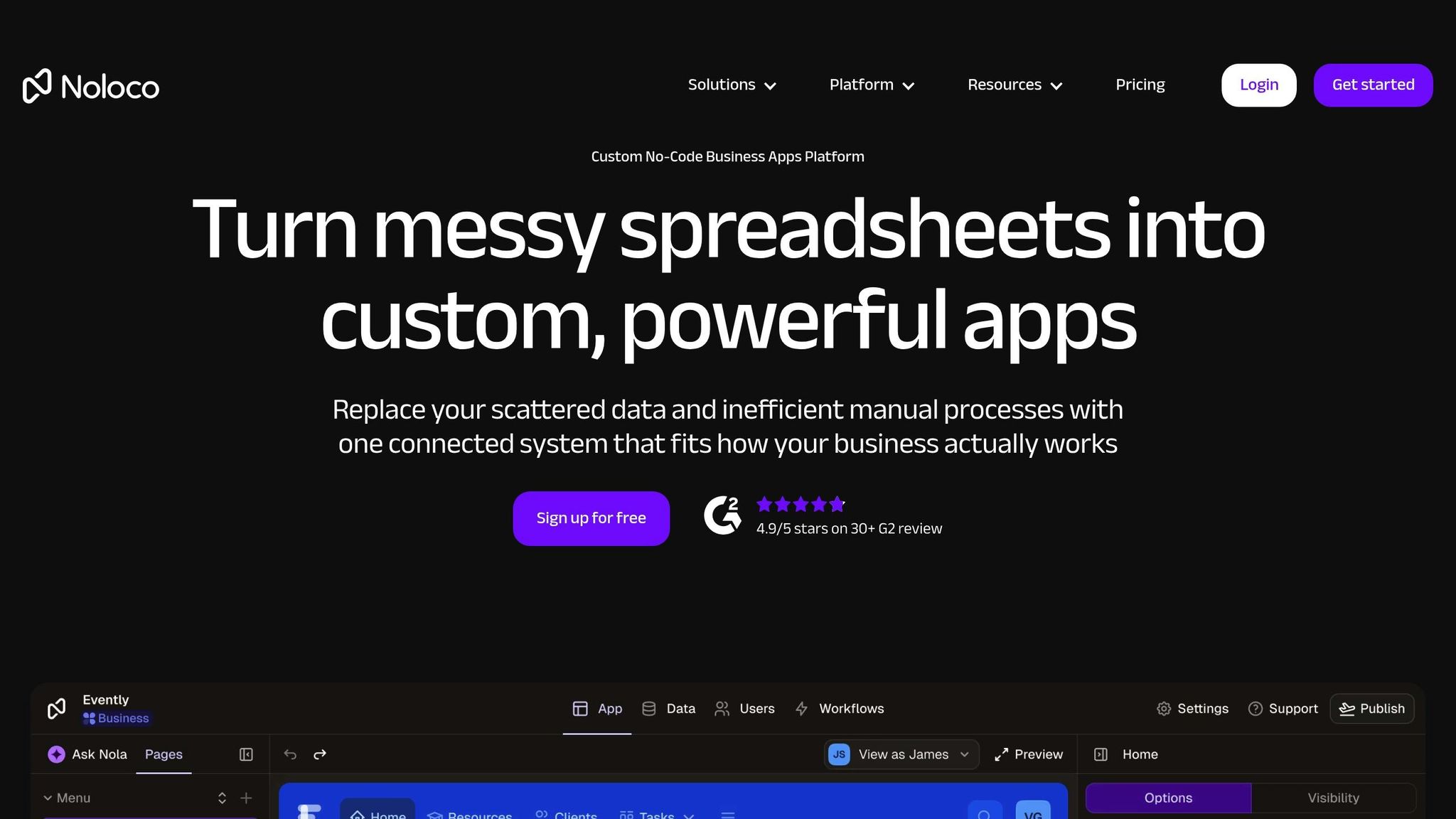
Noloco is built specifically for creating internal business tools like CRMs, client portals, and back-office systems—not for public-facing mobile apps. Unlike platforms that depend entirely on external databases, Noloco includes its own native database, called "Noloco Tables". To register, you'll need a business email (e.g., @yourcompany.com), as free email providers like Gmail or Outlook aren't accepted.
Pricing
Noloco offers several pricing tiers to suit different needs:
- Starter plan: $49/month, includes unlimited apps, 4 internal team seats (additional seats are $4 each), 10 client seats, 5,000 rows of data per app, and 5GB of file storage.
- Pro plan: $149/month, with 10 team seats, 50 client seats, 50,000 rows per app, and white-label branding.
- Business plan: $319/month, designed for larger teams with 30 team seats, 100 client seats, 150,000 rows per app, 100GB of storage, and API access.
- Enterprise plan: Custom pricing, offering tailored resources, Single Sign-On (SSO), and a dedicated account manager.
Key Features
Noloco stands out with its role-based access control, which operates at multiple levels—app, page, collection, record, and field. Its drag-and-drop builder allows users to create data visualizations like tables, Kanban boards, calendars, maps, timelines, and charts. Additionally, Noloco integrates AI-powered workflow automation to simplify and speed up business processes.
For example, Björn Audunn Blöndal, Co-Founder of Pressworks, used Noloco to automate service expenditure reporting, cutting the task down from over 3 hours to just 5 minutes. Similarly, GAP Consulting utilized Noloco to build a client portal, which led to a 50% increase in billable hours and doubled the company's cash flow.
"I am using Noloco to build an app that will allow me and two team members to do the work that most firms would require 10 people to do."
– Marshal Hoda, Attorney & Founder, Hoda Law Firm
Use Cases
Noloco is ideal for creating desktop-focused internal tools and secure client portals. Companies like Pravar Group and GAP Consulting have successfully used the platform to streamline processes and boost revenue. Its web-first design ensures apps work seamlessly across desktops, tablets, and mobile devices, without requiring separate builds.
However, Noloco doesn't support publishing to the Apple App Store or Google Play Store. Instead, it focuses on delivering web apps and Progressive Web Apps (PWAs). These strengths make it a go-to choice for internal tool development, especially for teams prioritizing efficiency and security—but not for teams needing native mobile apps.
Customization and Flexibility
Noloco's modular system lets users build apps with components like lists, tables, forms, calendars, maps, timelines, and buttons. It supports a hybrid data approach by combining its native backend with external connections to tools like Airtable, Google Sheets, PostgreSQL, MySQL, and HubSpot. Advanced features, such as webhooks and AI-powered workflows, allow users to implement complex business logic without needing advanced technical skills.
"Noloco is the best tool for an intranet I've used. The speed at which you can roll stuff out is nuts. And you have the customization without the usual trade-offs."
– Oliver Bryant, Co-founder & CEO, SAFARI.COM
While Noloco's entry-level pricing may be higher than some alternatives, its built-in relational database and robust permission controls often make it a cost-effective choice for teams building sophisticated internal systems.
6. Open-Source Options (NocoBase and Directus)
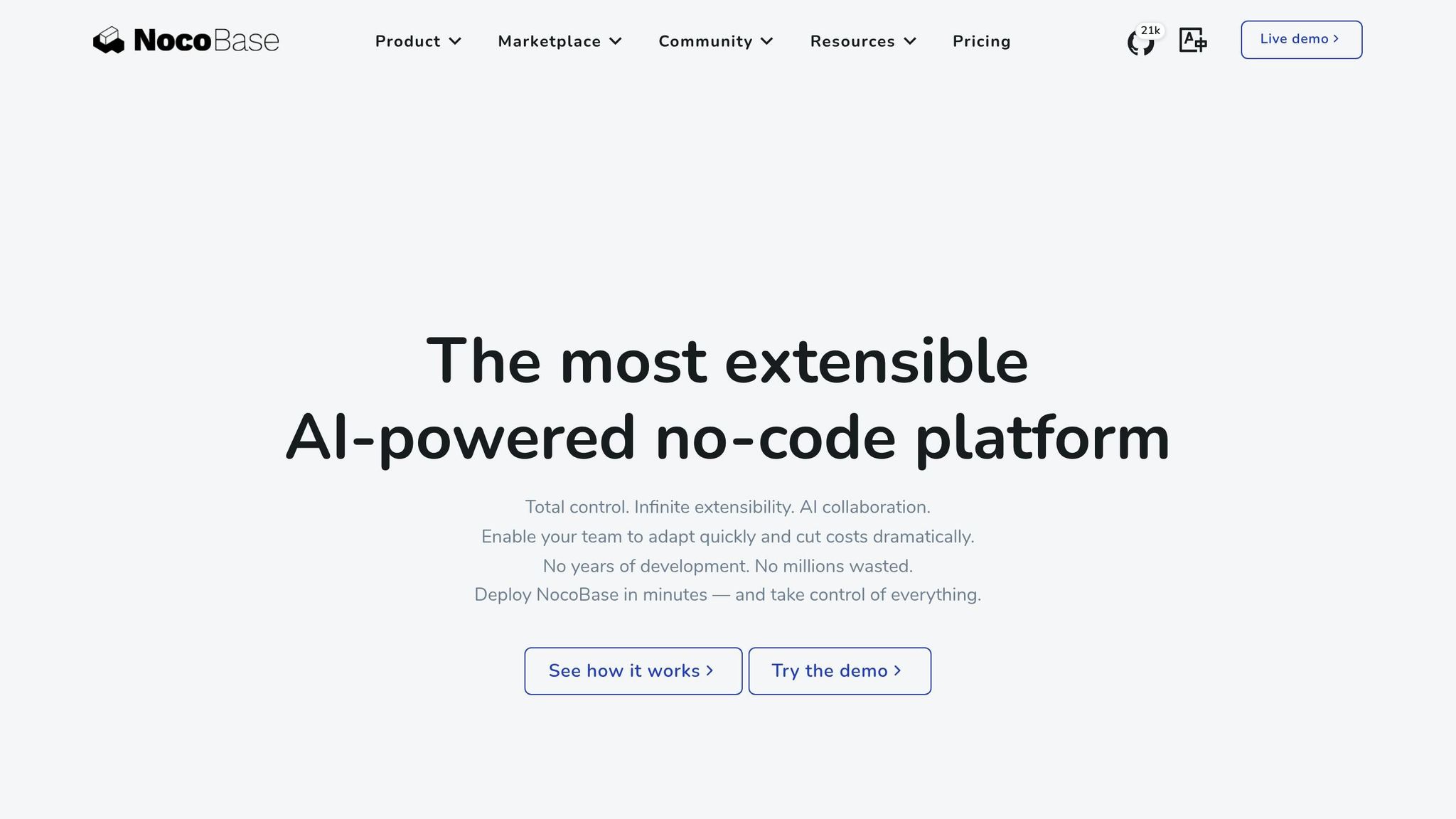
If you're looking for full control over development, open-source tools like NocoBase and Directus provide solid alternatives. NocoBase focuses on separating data structure from the interface, making it ideal for building complex systems. Directus, on the other hand, simplifies data management while working seamlessly with SQL databases. Both options cater to specific needs, offering flexibility and scalability similar to proprietary platforms. Let's break down their pricing, features, and use cases to see how they stack up.
Pricing
NocoBase offers a free open-source edition alongside commercial editions with one-time payments. The open-source version supports unlimited data and users, while the commercial and enterprise editions come with advanced plugins and licenses—without charging based on the number of users, applications, or data volume. For example, HouseWell, Inc. transitioned its HR and attendance management for over 110 employees using NocoBase's cost-efficient one-time licensing model.
Directus operates under a Business Source License (BSL) 1.1. Self-hosting is free for organizations earning less than $5 million annually, while larger entities need a paid Production License with custom enterprise pricing. Its cloud version starts with a free tier, with paid plans available for projects requiring advanced scalability.
Key Features
Both platforms go beyond affordability by offering a wealth of customizable features:
- NocoBase uses a plugin-based microkernel architecture to manage permissions, workflows, and layouts. Its workflow engine includes seven trigger types and 24 action nodes, paired with detailed role-based access controls. It even features "AI Employees" that act as system roles within workflows.
- Directus generates REST and GraphQL APIs automatically, functioning as both a Backend-as-a-Service and a headless CMS. For instance, Weber used Directus to power its smart grilling app, which has handled nearly 6 million sessions with minimal backend engineering and zero downtime.
"Working with Directus has saved us over 4 months of development work. Since launching in Directus, we have decreased our technical support needs 3x compared to our old system."
– Liam Nicoll, Product Lead, Rescue.org
Use Cases
NocoBase is perfect for building complex internal systems like CRM, ERP, and HR management platforms. TEDxDUTH Lead Organizer Sarantis Antoniou used NocoBase to streamline event operations, cutting administrative tasks by 50% and improving hiring workflows. Its features for anonymous form submissions and public access links make it an excellent choice for customer-facing systems like ticketing or data collection.
Directus, with its API-first design, shines as a backend for customer-facing applications, such as websites, mobile apps, and kiosks. It's also a strong option for back-office tools and admin panels, where tracking metrics and managing content are essential.
Customization and Flexibility
When it comes to customization, both platforms offer unique strengths:
- NocoBase provides a highly adaptable foundation, allowing developers to create custom plugins, use inline scripting for advanced logic, and add lightweight UI tweaks with frontend JavaScript blocks. For instance, Lukardi SA developed a logistics scheduling solution for Okechamp using NocoBase's schema-first approach, while XtalPi chose NocoBase for its on-premises deployment to meet strict data security standards.
- Directus uses a hooks-based system to support custom extensions while maintaining direct access to data through APIs. It connects to any SQL database, offering a user-friendly interface to manage data without altering the database's core structure. Both platforms excel in relational modeling: NocoBase uses visual schema modeling for complex relationships, while Directus mirrors SQL structures directly.
"NocoBase has effectively shattered the common misconception that powerful systems require months or even years of work. I highly recommend it for any organization looking to fast-track their development cycle without sacrificing quality."
– Thomas Wennersten, CTO
Advantages and Disadvantages
Here's a quick breakdown of the strengths and challenges of each platform to help you decide which one suits your project needs best.
| Platform | Starting Price | Best For | Key Advantage | Main Limitation |
|---|---|---|---|---|
| Adalo | $36/mo | Native mobile apps | True native iOS/Android, unlimited records, no usage charges | Less suited for complex web-only SaaS |
| Glide | $60/mo | Spreadsheet-based apps | Fast development from existing data | No App Store publishing, limited customization |
| Bubble | $59/mo (web+mobile) | Complex SaaS MVPs | Extensive customization, large plugin library | Steep learning curve, unpredictable costs, mobile is a wrapper |
| FlutterFlow | $70+/mo per user | Technical users building MVPs | Code export, pixel-perfect design | Requires separate database, low-code not no-code |
| Noloco | $49/mo | Internal business tools | Fine-tuned permissions, built-in workflows | No App Store publishing, web-only |
| Softr | $167/mo (PWA) | Spreadsheet web apps | Quick setup from Airtable/Google Sheets | No native mobile apps, record limits, higher price |
Adalo is a strong choice for creating native mobile apps for iOS and Android. Its drag-and-drop interface gives users significant creative freedom when it comes to design, and the platform's 3.0 infrastructure overhaul in late 2026 delivered 3-4x faster performance with no data caps on paid plans. Pricing starts at $36/month with unlimited usage—no bill shock from workload charges.
Glide shines when it comes to building apps powered by spreadsheets, offering excellent mobile support and handy features like GPS and camera scanning. Its block-based design makes development straightforward but limits your customization options. Glide's Business tier costs $249 per month (billed annually). However, note that Glide discontinued its push notification feature in December 2026, which could be a drawback for apps needing real-time alerts. Glide does not support Apple App Store or Google Play Store publishing.
Bubble is known for its ability to create highly customizable and complex SaaS MVPs. It boasts advanced workflow capabilities and a massive plugin library, built up over 12 years. While powerful, the platform has a steep learning curve, often requiring weeks to get the hang of. Pricing starts at $59/month for web and mobile, but costs can be unpredictable due to its workload-based billing model. The mobile offering is a wrapper for the web app, which can introduce performance challenges at scale.
FlutterFlow offers pixel-perfect design control and code export capabilities, but it's low-code rather than no-code—designed for technical users comfortable with database schemas and API logic. The separate database requirement adds complexity and cost that non-technical users often underestimate.
For internal tools, Noloco offers fine-tuned role-based permissions and built-in workflows. Plans start at $49/month, but if you need external client access, expect to pay an additional $1 per client per month, which can add up for customer-facing projects.
Open-source platforms like NocoBase and Directus are ideal if you want to avoid vendor lock-in. These options offer nearly limitless scalability and customization when self-hosted. However, they require technical expertise and the ability to manage in-house support.
Note on third-party ratings: Many platform comparison studies and ratings predate significant infrastructure updates. For example, most Adalo ratings were published before the Adalo 3.0 infrastructure overhaul in late 2026, which completely rebuilt the backend for dramatically improved performance and scalability.
Conclusion
Selecting the right platform depends entirely on your project's needs and the resources at your disposal. Each platform discussed offers specific strengths that cater to different scenarios.
If you're building native mobile apps, Adalo stands out as a fast and efficient option. With features like a built-in relational database, native push notifications, and AI-assisted building through Magic Start and Magic Add, it simplifies the process by reducing reliance on third-party tools. The platform's unlimited database records on paid plans and no usage-based charges make costs predictable, while the modular infrastructure scales to support apps with millions of monthly active users.
For apps driven by spreadsheets, Glide is a great choice for turning your data into functional, live applications in no time—though you'll sacrifice native app store publishing. On the other hand, if you're tackling more complex SaaS MVPs, Bubble is highly capable, though it does come with a steeper learning curve and unpredictable workload-based costs.
If customization and control are priorities, open-source platforms like NocoBase and Directus offer compelling options. They allow for complete data ownership and system-level adjustments, making them ideal for teams with the technical know-how to manage a self-hosted setup.
Ultimately, your choice should align with your technical expertise, budget, and timeline. For teams prioritizing native mobile app publishing with predictable costs and AI-assisted development, Adalo offers a compelling combination of speed, scalability, and simplicity.
FAQ
| Question | Answer |
|---|---|
| Why choose Adalo over other app building solutions? | Adalo is an AI-powered app builder that creates true native iOS and Android apps. Unlike web wrappers, it compiles to native code and publishes directly to both the Apple App Store and Google Play Store from a single codebase—the hardest part of launching an app handled automatically. With unlimited database records on paid plans and no usage-based charges, costs stay predictable as your app scales. |
| What's the fastest way to build and publish an app to the App Store? | Adalo's drag-and-drop interface combined with AI-assisted building through Magic Start and Magic Add lets you create functional apps in days rather than months. The platform handles the App Store submission process, removing the technical complexity that typically delays launches. Many users describe the visual builder as "as easy as PowerPoint." |
| Which is more affordable, Adalo or Bubble? | Adalo starts at $36/month for web and native mobile apps with unlimited usage and no workload charges. Bubble's comparable web + mobile plan starts at $59/month but includes usage-based workload charges that can make costs unpredictable. Adalo's pricing remains flat regardless of how much your users engage with your app. |
| Which is more affordable, Adalo or Glide? | Adalo starts at $36/month with unlimited database records and app store publishing. Glide starts at $60/month for a custom domain but remains limited by app updates and data record rows, which attract additional charges. Glide also doesn't support Apple App Store or Google Play Store publishing. |
| Which is more affordable, Adalo or FlutterFlow? | Adalo starts at $36/month with a built-in database and native app publishing. FlutterFlow starts at $70+/month per user for app store publishing, but doesn't include a database—you need to source, set up, and pay for Firebase or Supabase separately, adding complexity and cost. |
| Is Adalo better than Glide for mobile apps? | For native mobile apps, yes. Adalo creates true native iOS and Android apps that publish directly to app stores. Glide creates Progressive Web Apps (PWAs) that work in browsers but cannot be published to the Apple App Store or Google Play Store. If app store presence matters for your business, Adalo is the better choice. |
| Is Adalo better than Bubble for mobile apps? | For native mobile performance, yes. Adalo compiles to true native code, while Bubble's mobile solution is a wrapper for the web app, which can introduce performance challenges at scale. Adalo also updates all platforms (web, iOS, Android) from a single codebase, while Bubble requires managing multiple deployments. |
| Can I migrate from Softr to Adalo? | Yes. Adalo's built-in relational database can import data from spreadsheets, and Sheetbridge lets you connect Google Sheets directly as a database. Since Softr doesn't support native mobile apps, migrating to Adalo also opens up Apple App Store and Google Play Store publishing that wasn't previously available. |
| Do I need coding experience to use Adalo? | No. Adalo is designed for non-technical users with a visual drag-and-drop builder described as "as easy as PowerPoint." Magic Start generates complete app foundations from simple descriptions, and Magic Add lets you add features by describing what you want in natural language. |
| What types of apps can I build with Adalo? | Adalo supports booking and scheduling tools, e-commerce and ordering apps, internal business CRMs, community social networks, educational platforms, and more. Over 3 million apps have been created on the platform, processing 20 million+ data requests daily with 99%+ uptime. |







