

Creating a cross-platform app that scales isn’t just about building features - it’s about choosing the right storage strategy. Your app needs to handle data efficiently across devices (like iPhone, Android, and web) while keeping performance consistent as users grow from hundreds to millions.
Platforms like Adalo, a no-code app builder for database-driven web apps and native iOS and Android apps—one version across all three platforms, published to the Apple App Store and Google Play, make it easier to implement these storage strategies without deep technical expertise. By handling backend complexity through visual tools, such platforms let developers focus on building scalable features rather than wrestling with infrastructure.
Here’s what you need to know:
- Cloud Storage: Scales automatically but can have latency issues. Combine with on-device caching for faster access.
- Microservices Architecture: Breaks your app into independent modules, each with its own database, for targeted scaling.
- Elastic Storage: Adjusts capacity in real-time to manage traffic surges without overpaying during low usage.
To go further, tools like caching (e.g., Redis) and queuing systems help speed up data access and keep background tasks from slowing down your app. Companies like Slack and Airbnb have scaled successfully by rethinking storage systems to handle millions of users while maintaining low latency.
The takeaway? A scalable storage strategy isn’t one-size-fits-all. It’s about combining the right tools and techniques to ensure your app grows smoothly without sacrificing performance.
Scale an App to Millions of Users - System Design
Core Storage Strategies for Cross-Platform Apps
Cross-platform apps need storage architectures that grow with user demands. The right strategy depends on your app's specific requirements—whether you're optimizing for speed, scalability, or adaptability. Below are three foundational approaches that support app growth and pave the way for advanced techniques like caching and queuing.
Cloud-Based Storage Solutions
Cloud databases offer virtually limitless capacity that scales automatically. This allows you to focus on building features while the infrastructure adjusts to your app's growth. Platforms like Adalo handle backend management through their hosted infrastructure, making data accessible from anywhere and simplifying synchronization across platforms.
However, cloud storage comes with a trade-off: latency. Performance depends on factors like network speed and the physical distance between users and servers. For apps requiring instant access, pairing cloud storage with on-device caching delivers fast performance while keeping data synced across platforms. Cloud storage works particularly well for media libraries, data lakes, and mobile app synchronization.
Another option is modular storage using microservices, which allows targeted scaling for specific app functions.
Microservices Architecture for Modular Storage
Microservices split your app into smaller, independent modules, each with its own database. This "database-per-service" model allows different parts of your app to use the storage system that fits their needs. For example, an analytics module might use high-throughput object storage, while a checkout module relies on a relational database. If one module needs more resources, you can scale it independently without affecting the rest of the system.
This modular setup avoids bottlenecks. If a single service fails or undergoes updates, the rest of the app continues running smoothly. It also lets you customize storage strategies for different user groups—premium users might get dedicated databases, while smaller accounts share resources. To maintain efficiency, avoid dependencies between databases.
Elastic Infrastructure for Dynamic Storage Needs
Elastic storage adjusts capacity and performance based on real-time demand. During traffic surges, it scales up to handle the load; when demand drops, it scales down to save costs.
Solutions like Google Cloud Hyperdisk let you scale performance (IOPS and throughput) separately from storage capacity. This flexibility ensures you can handle high-traffic periods without overpaying for unused storage. Object storage systems, offering unlimited capacity, work well for apps with unpredictable growth. Elasticity ensures consistent performance across devices—whether users are on an iPhone, Android tablet, or web browser—even during peak usage.
Once the storage foundation is in place, the next focus should be optimizing data flow through caching and queuing strategies.
Improving Data Storage with Caching and Queuing
Once you've established a solid storage system, the next step is enhancing data flow with caching and queuing. These tools help minimize delays and keep your system running smoothly, even under heavy load.
Caching Strategies for Faster Data Access
Caching works by storing frequently accessed data in high-speed memory, cutting down on the need for slower database queries. Tools like Redis deliver sub-millisecond response times and can handle up to a million requests per second. That kind of speed ensures users get consistent, fast access to data across devices.
"The average latency of a request to a remote cache is on the sub-millisecond timescale, which, in the order of magnitude, is faster than a request to a disk-based database." – AWS
There are two main types of caching: remote and local. Remote caching, like Redis, creates a shared, centralized layer that all platforms can access. Local caching is device-specific and offers even quicker access but can lead to inconsistencies across devices.
For Progressive Web Apps (PWAs), caching plays a crucial role. Service workers paired with the Cache Storage API allow apps to store key assets like HTML, CSS, and JavaScript locally. This setup not only speeds up load times but also ensures offline functionality. Additionally, using HTTP response headers like Cache-Control with directives like max-age=1800 (30 minutes) ensures cached data stays fresh automatically. Aim for an 80% cache hit rate to maximize efficiency.
Queuing Systems for Background Data Tasks
Queuing systems handle time-consuming tasks, keeping your app's main functions running without interruption. Whether it's processing large data sets, running heavy calculations, or working with third-party services like Google Maps or Zapier, queuing ensures these tasks don't slow down the user experience.
Take, for example, a situation where a response payload exceeds 1MB. Instead of directly transferring the file, you can store it in blob storage, generate a pre-signed URL, and issue an HTTP 302 redirect. This "write and redirect" approach keeps the main application layer free for other tasks while efficiently managing the data transfer.
Remote caching also plays a role here by offloading frequently accessed read data from the main database. This ensures that no matter the device—whether it's an iPhone, Android tablet, or desktop browser—background tasks run seamlessly, maintaining a smooth and consistent user experience.
Case Studies: How Companies Scale Storage
Slack's Approach to Scaling Electron-Based Apps
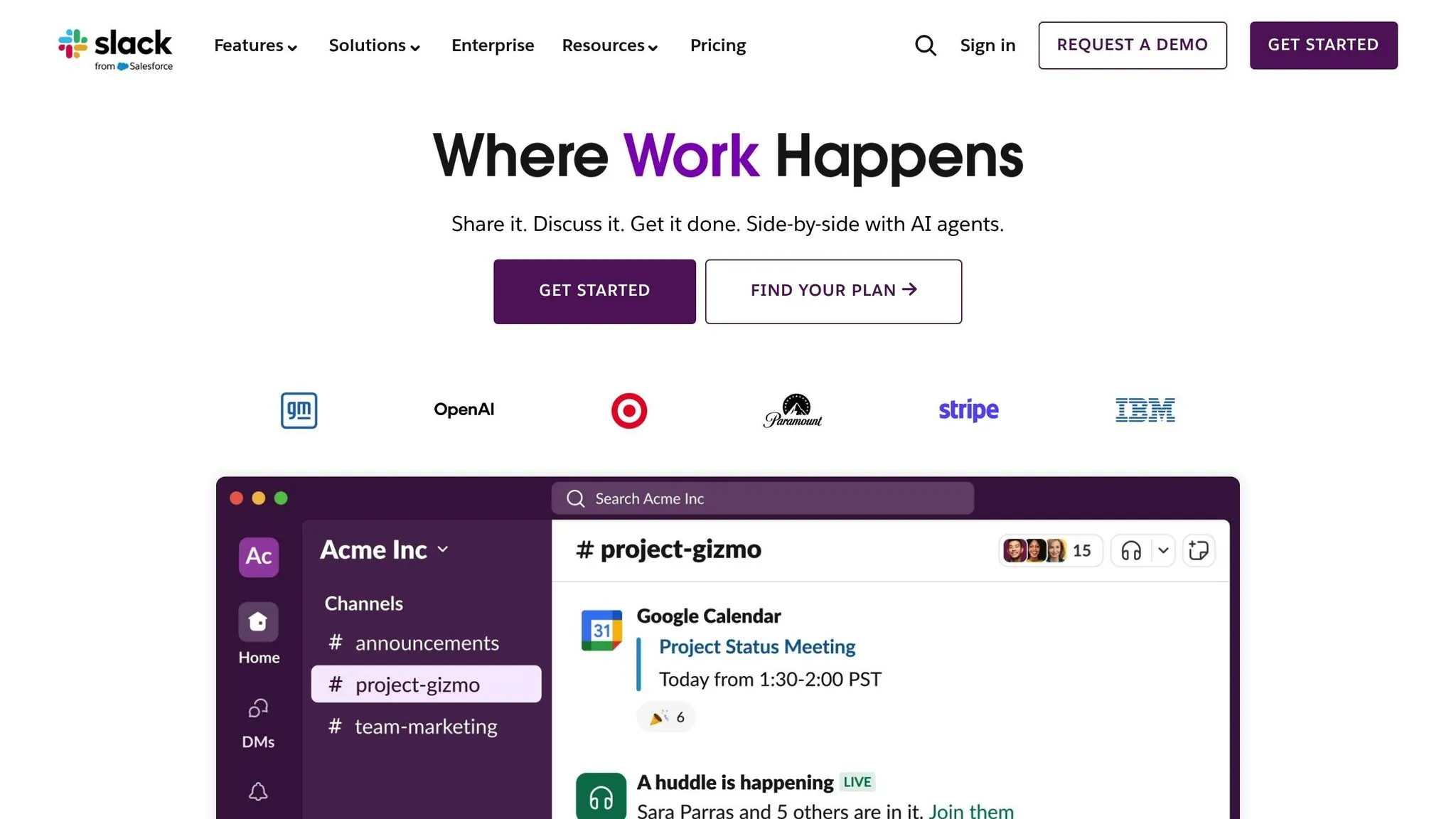
Slack faced a major challenge with its sharded MySQL system—it couldn't keep up with the demands of large enterprise customers. To solve this, the company transitioned to a horizontally scalable Vitess architecture between 2017 and 2020. The results were impressive: Slack handled 2.3 million queries per second (QPS) at peak, split between 2 million reads and 300,000 writes, all with a median latency of just 2 milliseconds.
This migration addressed the issue of "hot spots," where certain database shards became overloaded. By late 2020, Slack was running clusters in six global regions, enabling features like international data residency. When COVID-19 caused a 50% spike in query rates in just one week, the system managed the surge seamlessly by horizontally scaling keyspaces.
"Vitess is the present and future of Datastores for Slack and continues to be a major success story for us." – Arka Ganguli, Sr. Software Engineer, Slack
On the client side, Slack engineers focused on improving app performance. Advanced caching techniques reduced boot times by over 50% and improved warm starts by 25%. These optimizations highlight how scalable storage strategies can enhance both backend and client-side performance.
Airbnb's React Native Data Synchronization Model
Airbnb tackled the complexities of cross-platform data synchronization with a decentralized sync architecture. This model allows each platform to manage its local state while staying in sync through a central coordination layer. By using log-structured data patterns, Airbnb ensures that distributed systems—serving multiple platform consumers—can evolve without losing server data or locking out specific platforms. This approach directly addresses the challenges of maintaining consistency across diverse platforms while scaling.
Adalo's Scalable Storage Solutions
For builders who need scalable storage without infrastructure complexity, Adalo offers a modern approach. Its single-codebase architecture ensures that updates instantly reflect across web, iOS, and Android platforms, delivering seamless cross-platform experiences. The platform's modular infrastructure supports apps with millions of monthly active users, processing 20 million+ daily requests with 99%+ uptime.
Ada, Adalo's AI builder, lets you describe what you want and generates your app. Magic Start creates complete app foundations from a description, while Magic Add adds features through natural language.
What sets Adalo apart is its AI-assisted building approach. Magic Start generates complete app foundations—including database structures, screens, and user flows—from simple text descriptions. Magic Add lets you extend functionality by describing what you want, rather than manually configuring each component. This means you can focus on your app's storage strategy and user experience rather than wrestling with technical implementation.
At $36/month, Adalo provides native iOS and Android apps with no caps on actions, users, records, or storage. Unlike competitors that charge usage-based fees (Bubble's Workload Units, Thunkable's token limits), Adalo's predictable pricing eliminates surprise costs as your app scales. For enterprise users, Adalo Blue extends these capabilities further through DreamFactory integration, allowing legacy systems without APIs to surface existing data in mobile apps—no replatforming required.
Monitoring and Maintaining Scalable Storage
Keeping storage systems scalable for cross-platform apps requires diligent monitoring and well-thought-out database optimization strategies.
Load Testing and Monitoring Tools
To ensure your storage system can handle growth, focus on monitoring four key metrics: database load, active connections, outgoing bandwidth, and storage capacity. Start with high-level profilers and then dig deeper using tools like Cloud Monitoring.
New Relic offers a usage-based pricing model, including a free tier with 100 GB per month, which helps scale systems dynamically based on real-time traffic. Abhijit Khasnis, VP Technology at HealthifyMe, highlights its impact:
"New Relic . . . [enables] us to scale our systems based on how traffic is moving, without compromising on performance, cost, or the customer experience."
Cross-platform testing is equally essential. Since iOS, Android, and web platforms process and render data differently, testing across all platforms ensures consistent performance. Tools like GTMetrix or Lighthouse provide performance scores, making it easier to measure how specific changes impact storage and rendering speeds.
For Adalo users, the platform's X-Ray feature provides AI-powered performance analysis that highlights potential scalability issues before they become problems. This proactive approach to monitoring helps identify bottlenecks in your app's data flow without requiring deep technical expertise.
Database Optimization Techniques
Once performance issues are identified, database optimization can significantly improve efficiency.
- Indexing: Properly indexed databases can cut query times by 70–85%.
- Connection pooling: When optimized, this technique can reduce transaction times from 427ms to 118ms, achieving a 72% improvement.
For Firebase Realtime Database, maintaining flat data structures is crucial. This approach prevents unnecessary child nodes from being downloaded during data retrieval. Additionally, using orderByKey() instead of orderByChild() can be 6 to 8 times faster. To further enhance performance, place listeners as close as possible to the needed data and remove them when no longer required.
Lastly, apply the 500/50/5 rule: start with 500 operations per second and gradually increase by 50% every five minutes during traffic spikes. This method ensures your system scales smoothly without overwhelming resources.
Conclusion
Scaling cross-platform apps requires storage strategies that grow alongside your app's demands. The best results come from avoiding one-size-fits-all solutions and instead using polyglot persistence—leveraging relational databases for transactions, key-value stores for caching, and object storage for media assets. This tailored approach ensures that each data type is stored in the most efficient way, improving both speed and latency.
In-memory caching plays a critical role by handling read-heavy workloads, while background queuing prevents complex operations from slowing down user interactions.
Another key factor is continuous monitoring, which separates apps that scale effectively from those that struggle under pressure. By analyzing monitoring data and applying database optimizations like proper indexing and connection pooling, you can significantly enhance query performance and overall responsiveness. Testing across iOS, Android, and web platforms is equally important, as each platform processes and displays data differently.
To further reduce latency, geographic distribution of data ensures that information is stored closer to users while also adhering to regional regulations. For teams looking to implement these strategies without deep infrastructure expertise, AI-powered platforms can handle much of the backend complexity automatically, letting you focus on building features that matter to your users.
Related Blog Posts
- Scaling No-Code Apps for Large Data Sets
- How to Scale MVPs Without Rebuilding
- How to Sync Data Across Web and Mobile Apps
- Cross-Platform Data Storage: Key Challenges
FAQ
Why choose Adalo over other app building solutions?
Adalo is an AI-powered app builder that creates true native iOS and Android apps from a single codebase. Unlike web wrappers, it compiles to native code and publishes directly to both the Apple App Store and Google Play Store. At $36/month with no caps on users, records, or storage, it offers predictable pricing that competitors like Bubble ($69/mo with usage-based charges) and Thunkable ($189/mo for app store publishing) can't match.
What's the fastest way to build and publish an app to the App Store?
Adalo's AI Builder with Magic Start generates complete app foundations—database structures, screens, and user flows—from simple text descriptions. Describe what you want to build, and the platform creates your starting point automatically. Combined with drag-and-drop editing and streamlined App Store submission, you can go from idea to published app in days rather than months.
What is the difference between cloud storage and elastic infrastructure for app scaling?
Cloud storage offers virtually limitless capacity that scales automatically but can have latency issues depending on network speed and server distance. Elastic infrastructure dynamically adjusts both capacity and performance based on real-time demand, scaling up during traffic surges and down during low usage to optimize costs while maintaining consistent performance across all devices.
How does caching improve cross-platform app performance?
Caching stores frequently accessed data in high-speed memory, reducing the need for slower database queries. Tools like Redis can deliver sub-millisecond response times and handle up to a million requests per second. For cross-platform apps, combining remote caching for shared data with local caching for device-specific needs ensures fast, consistent performance across iOS, Android, and web.
What metrics should I monitor to maintain scalable storage?
Focus on four key metrics: database load, active connections, outgoing bandwidth, and storage capacity. Proper monitoring helps identify performance issues early, and database optimizations like indexing can cut query times by 70-85%. Testing across all platforms is essential since iOS, Android, and web handle data differently.
Can Adalo handle apps with millions of users?
Yes. Adalo's modular infrastructure supports apps with millions of monthly active users, processing 20 million+ daily requests with 99%+ uptime. Unlike app wrappers that hit performance constraints under load, Adalo's purpose-built architecture maintains speed at scale. The platform removes database record limits on paid plans, so your storage grows with your user base.
How does microservices architecture help with app scaling?
Microservices split your app into independent modules, each with its own database. This "database-per-service" model lets different parts of your app use storage systems optimized for their specific needs. If one module requires more resources, you can scale it independently without affecting the rest of the system, avoiding bottlenecks and improving resilience.
Can Adalo connect to existing enterprise databases and legacy systems?
Yes. Adalo Blue offers enterprise-level capabilities including DreamFactory integration, which allows you to surface data from legacy systems without APIs. This means you can modernize workflows and build mobile apps that leverage your existing infrastructure without requiring a complete replatforming effort.
What is the 500/50/5 rule for database scaling?
The 500/50/5 rule is a gradual scaling approach: start with 500 operations per second and increase by 50% every five minutes during traffic spikes. This method ensures your storage system scales smoothly without overwhelming resources, preventing the sudden load that can cause performance degradation or outages.
How much does it cost to build a scalable cross-platform app?
With Adalo at $36/month, you get native iOS and Android apps with unlimited usage—no caps on actions, users, records, or storage. Competitors charge significantly more for equivalent functionality: Bubble starts at $69/month with unpredictable usage-based charges, while Thunkable requires $189/month for app store publishing with token limits.

Build your app fast with one of our pre-made app templates
Begin Building with no codeRelated Content

Periodic Background Sync for Cross-Platform Apps
How web, Android, and iOS handle periodic background sync, platform limits, best practices, and using a single-codebase for consistent cross

Cross-Platform Data Storage: Key Challenges
Key obstacles to syncing data across iOS, Android, and web—fragmentation, slow syncs, security gaps, scaling limits, and integration issues—

8 Backup Strategies for No-Code Enterprise Apps
Practical backup tactics for no-code enterprise apps: real-time and scheduled backups, immutable storage, cloud replication, event triggers,

Building Your Mobile App: Adalo's Complete Development and Deployment Guide
Step-by-step guide to design, build, test, and publish cross-platform mobile apps and PWAs with AI tools, databases, testing, and app store