Legacy systems like COBOL-based platforms or outdated ERPs are draining IT budgets and slowing businesses down. These systems consume up to 80% of IT resources, cost millions in maintenance, and lead to inefficiencies like manual data entry, poor integration, and security vulnerabilities. The result? Lost productivity, frustrated employees, and falling behind competitors.
Here’s the solution: modern no-code platforms like Adalo. Instead of replacing legacy systems entirely, you can build apps that connect to existing data, reduce costs, and improve workflows. Adalo’s AI Builder lets you create apps in days, not months, while DreamFactory generates APIs to integrate with old systems. Companies using this approach have cut expenses by up to 30% and sped up development cycles by 90%.
Key Takeaways:
- Costs: Legacy systems consume 70%-80% of IT budgets.
- Productivity: Employees lose 3+ hours daily due to inefficiencies.
- Security Risks: Outdated systems are vulnerable, with breaches costing $9.36M on average.
- Solution: Build modern apps that integrate with legacy data using Adalo and DreamFactory.
The longer you wait, the more costly staying with legacy systems becomes. Start small - build an app for a single workflow, test its impact, and scale from there.

Legacy Systems Cost Impact: Budget, Productivity & Security Statistics
Common Problems with Legacy Systems
Slow Processes and Frequent System Failures
Legacy systems are notorious for dragging down efficiency. A staggering 48% of employees lose more than three hours every day due to redundant data entry across disconnected platforms. These outdated systems often force workers to manually re-enter the same data into multiple platforms, creating data silos that further slow down operations.
The lack of integration only adds to the chaos. Shockingly, only 2% of organizations have managed to integrate more than half of their applications. This leaves companies relying on spreadsheets, emails, and manual workarounds. Each new connection becomes a gamble, as aging APIs struggle to handle the demands of modern data.
Maintenance is another uphill battle. COBOL experts, who are crucial for keeping these systems running, are aging out of the workforce - their average age is 58, with 10% retiring annually. When issues arise, it can take 90 to 180 days to find a qualified expert. This scarcity drives up costs, with some organizations spending over $250,000 a year just to keep these outdated systems operational.
These inefficiencies make it nearly impossible to scale operations or integrate with modern tools.
Difficulty Growing and Connecting to Other Tools
Legacy systems weren’t built for today’s fast-paced business environment. They lack modern features like robust API capabilities, mobile responsiveness, and advanced authentication methods. This outdated architecture makes scaling a business a costly and complicated endeavor. Compounding the problem, 60% to 80% of IT budgets are consumed by maintaining these systems, leaving little room for innovation. On top of that, technical debt now accounts for 20% to 40% of an organization’s total technology value, further eroding resources and enterprise value.
Outdated Security and Compliance Problems
Security is another area where legacy systems fall short. Many rely on outdated encryption methods like SHA-1 or TLS 1.0 and lack essential features like multi-factor authentication (MFA). This leaves them vulnerable to modern cyberattacks.
The financial risks are enormous. In the United States, the average cost of a data breach has soared to $9.36 million, with healthcare organizations facing costs of around $7.42 million. Once software reaches the end of its lifecycle and stops receiving updates, it accumulates an average of 218 new vulnerabilities every six months.
"Legacy systems can easily become the weakest link, particularly when security support from the vendor has ended, leaving known vulnerabilities unaddressed." – JJ Rosen, Founder, Atiba
Compliance is equally challenging. These systems often lack the audit logging, data retention capabilities, and access controls required by regulations like HIPAA, GDPR, and NIST. The penalties for non-compliance are steep - HIPAA violations alone can result in fines of up to $1.9 million per incident per year. Alarmingly, over 60% of data breaches involve legacy systems that haven’t been updated or lack modern security controls.
What Legacy Systems Actually Cost Your Business
Rising Maintenance Costs
The financial toll of legacy systems is hard to ignore. On average, businesses allocate 80% of their IT budgets just to keep these outdated systems operational. That’s a massive chunk of funding that could otherwise drive innovation but is instead spent on patching old code and hiring specialists to maintain these aging platforms.
Let’s break it down further: maintaining a single legacy system costs around $30 million annually. In 2026, businesses spent an average of $2.9 million on legacy technology upgrades alone. And then there’s technical debt - this hidden expense now makes up 20% to 40% of a company’s technology portfolio, costing about $300,000 per million lines of code to manage each year.
The broader impact? Poor software quality, which includes technical debt and failed projects, has racked up a staggering $1.52 trillion in costs across the United States. These mounting expenses don’t just strain budgets - they also hinder employee productivity, as we’ll see next.
Reduced Employee Output and Unhappy Customers
Legacy systems don’t just drain money - they sap morale and productivity, too. Inefficiencies caused by outdated technology cost businesses an average of $28,000 per employee annually. Workers often find themselves stuck wrestling with clunky interfaces, and 91% report frustration with the tools they’re given.
This dissatisfaction has a ripple effect. Research shows that employees are 12% more productive when they’re happy with their tools. Yet, 78% of developers admit that maintaining legacy systems negatively impacts their morale. Even worse, 33% of their time is spent managing technical debt instead of building new features.
Customers feel the strain, too. Outdated systems lead to slower service, more support calls, and overall dissatisfaction. Consider the case of AESSEAL: when they modernized their legacy systems, invoicing time dropped from 35 hours to just 29 minutes - a 72x improvement - while supporting over $170 million in annual sales. The bottom line? Legacy inefficiencies don’t just frustrate employees; they widen the performance gap between you and your competition.
Falling Behind Competitors
While your team is busy maintaining outdated tech, competitors are embracing modern solutions and pulling ahead. Companies that delay modernization face a 12% revenue gap compared to those that act sooner. Meanwhile, 90% of businesses feel constrained by their aging technology.
"Every dollar spent on 'keeping the lights on' is a dollar not invested in new products, better customer experiences, or future-ready applications." – Codeless ONE
The competitive disadvantage is clear. For instance, 74% of manufacturing companies struggle with disconnected data systems, which hurts their ability to compete globally. Mazda Motor Corporation provides a compelling example: by migrating 500 legacy systems, they achieved a 4x boost in developer productivity and 70% faster deployment cycles. Similarly, G&J Pepsi-Cola saved over $1.5 million by adopting modern solutions, with one application alone cutting costs by $100,000.
Legacy systems also make infrastructure fragile and prone to outages, which can disrupt transactions and harm both your financial performance and reputation. It’s no wonder that 93% of organizations are either adopting or planning to adopt digital-first strategies to stay competitive. Modern solutions not only address these issues but also provide the speed, flexibility, and integration needed to thrive in today’s market.
How I Modernize Outdated Enterprise Software With AI
sbb-itb-d4116c7
How Adalo Apps Fix Legacy System Problems
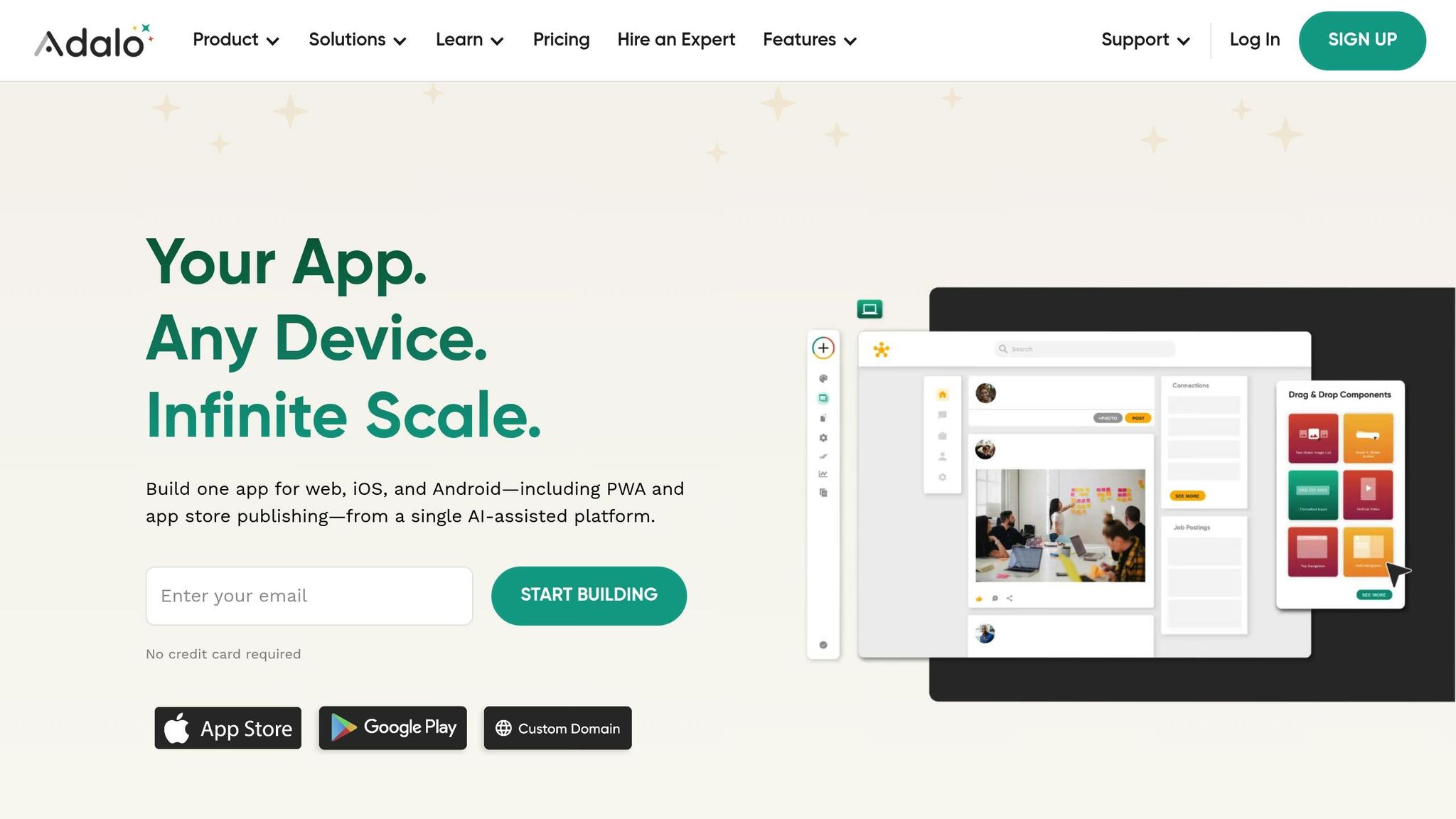
Adalo apps offer a modern solution to the inefficiencies of legacy systems. Instead of spending months on custom development, businesses can now create production-ready apps in record time using AI tools and scalable cloud infrastructure.
Build Apps Quickly with AI
Adalo's AI Builder transforms app development by letting you describe your needs in plain English. For example, you might say, "an inventory tracker that integrates with our old ERP system", and the platform instantly generates your app's database, screens, and workflows. You can then refine the app through simple, conversational adjustments - no coding required.
This approach slashes development time by up to 90% compared to traditional methods. Where updating legacy systems could take months and require specialized developers to navigate outdated code, Adalo apps are ready in a fraction of the time. Even training for these new systems is streamlined, taking just two weeks instead of months. But speed isn’t the only advantage - seamless data integration is just as critical.
Connect to Legacy Data with DreamFactory
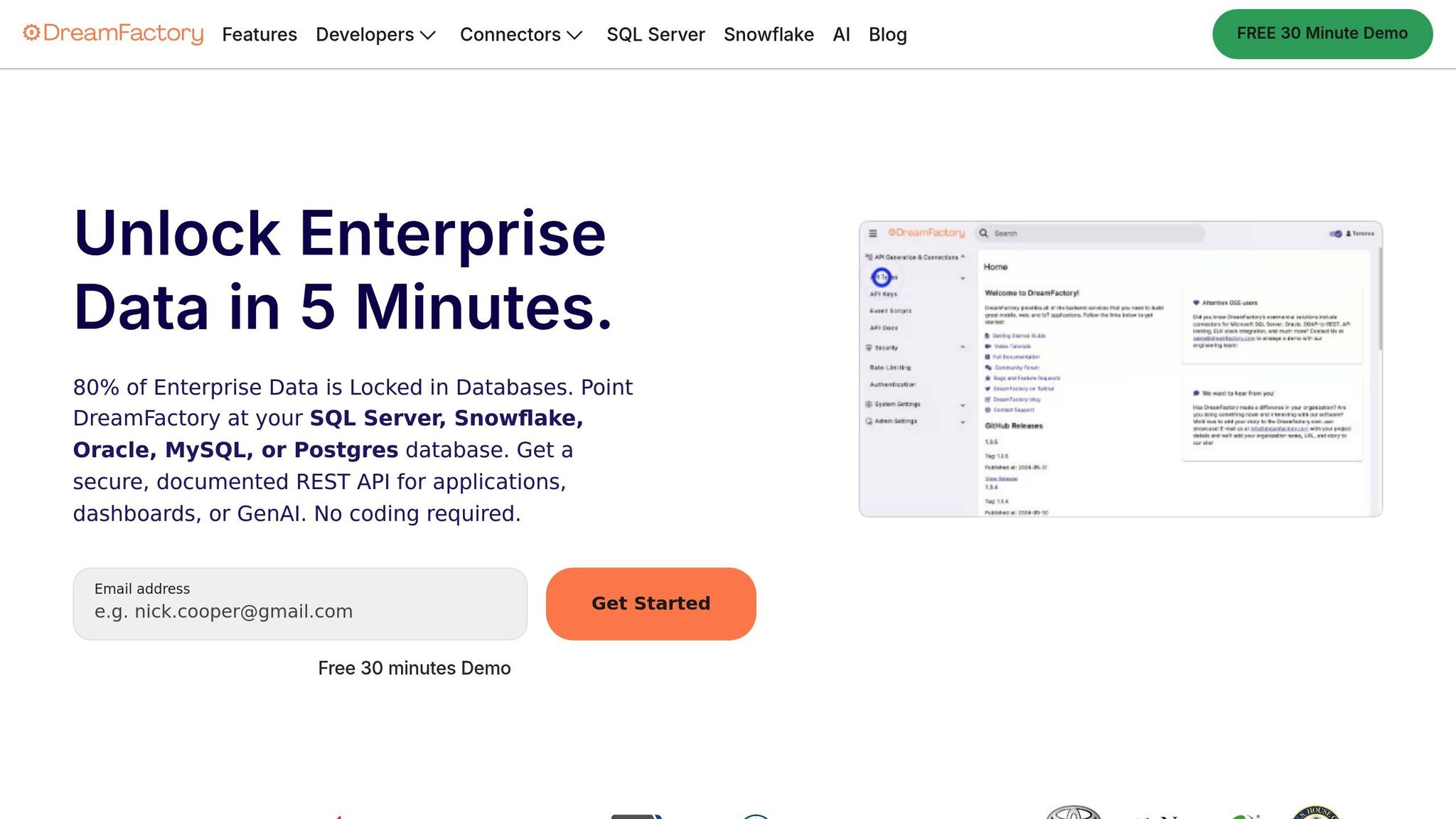
Rapid app creation is only part of the equation. Many legacy systems, such as COBOL mainframes or proprietary ERPs, weren’t designed for easy data sharing and often lack modern APIs. Adalo addresses this issue through its DreamFactory integration, which generates secure REST APIs from existing databases.
Picture a 20-year-old inventory system built on COBOL. DreamFactory turns that data into accessible APIs, allowing your Adalo app to pull real-time stock levels, automate reordering, and display key information on mobile devices. This layered modernization approach doesn’t just improve access - it delivers results. Organizations using this method report processing time reductions of 70% and operational cost savings of 20%.
Scale and Deploy to Multiple Platforms
Legacy systems often tie you to rigid infrastructure, where scaling means expensive hardware upgrades and mobile support requires separate apps for each platform. Adalo changes the game. Build your app once, and it’s simultaneously deployed to web, iOS, and Android - all from a single codebase.
Adalo’s cloud-native architecture automatically scales to handle millions of users, eliminating the need for costly hardware investments. Businesses that enable mobile access to modernized data see major benefits - sales teams with mobile CRM access hit their quotas 65% of the time compared to just 22% without it. On top of that, companies can cut IT budgets by 50–80%[9,12], freeing up resources to focus on growth.
How to Move from Legacy Systems to Adalo Apps
Step 1: Review Your Current Systems and Identify Problems
Start by mapping out all workflows tied to your legacy systems. Look for areas where processes are slow, integrations fail, or manual workarounds have become the norm. For instance, a 2026 report revealed that 60% of financial CTOs cited integration failures as their biggest challenge with legacy systems.
Next, calculate the financial and operational costs. Maintenance alone can consume up to 70% of IT budgets, while outages lead to lost revenue and employees waste 20-30% of their time on redundant data entry. One manufacturing company found their outdated database was so sluggish that employees resorted to creating entire spreadsheet systems to bypass it.
Talk to the employees who use these systems daily. They can point out the most frustrating issues, like slow interfaces or outdated reporting tools. Prioritize fixing customer-facing problems first. For example, with 47% of customers expecting pages to load in under two seconds, a slow interface could be directly impacting your sales.
Use a simple spreadsheet to evaluate each system based on three key factors: annual cost, scalability issues, and security vulnerabilities. Systems with the highest scores should be your top priorities. For instance, if your inventory system relies on siloed data and causes frequent manual errors, it’s a prime candidate for replacement with an Adalo app.
Once you’ve pinpointed the major problem areas, it’s time to build the foundation for your new app using Adalo AI Builder.
Step 2: Build Your App Foundation with Adalo AI Builder
Log into Adalo and describe your needs in plain language. For example, type: "Create an inventory management app with user login, stock search, and order forms that connects to our legacy ERP data." The AI Builder takes it from there, generating a database with tables like Users, Products, and Orders, complete with fields such as SKU, quantity, and status.
The AI doesn’t stop at the database. It also builds out screens for your app - like a login page, a searchable product list, and order entry forms. Actions such as "Update Stock" or "Submit Order" are pre-configured. If you need tweaks, just tell the AI: "Add a filter for low-stock items" or "Enable barcode scanning."
For legacy systems that lack modern APIs, you can use DreamFactory to bridge the gap. DreamFactory creates REST APIs from old databases, allowing Adalo to connect to them through External Collections. This way, your app can pull real-time data even from systems that weren’t designed to share information.
This step sets the groundwork for your app quickly and efficiently.
Step 3: Refine, Test, and Launch
Fine-tune the AI-generated screens using Adalo’s visual editor. Customize the interface for various user roles, adjust mobile layouts, and add conditional logic to show different views based on roles. You can also enforce role-based access to ensure security.
Before launching, share preview links with real users. Let sales reps test the mobile interface and have warehouse staff try inventory updates. Use Adalo’s X-Ray AI tool to identify performance issues, such as slow database queries or inefficient API calls. Simulate peak usage to confirm the app can handle heavy traffic without crashing - a common issue with legacy systems.
When the app is ready, Adalo simplifies deployment. For web, generate a PWA link. For mobile, use Adalo’s one-click process to submit your app to the Apple App Store and Google Play. It takes care of certificates, icons, and store requirements automatically. Formats are tailored for U.S. users, with currency displayed as $1,234.56, dates as MM/DD/YYYY, and measurements in miles and °F.
Run the new app alongside your legacy system for 30 days. This parallel testing phase helps catch any overlooked dependencies. Once everything checks out, start phasing out the old system gradually. This step-by-step approach reduces risks.
Conclusion
Legacy systems are notorious for draining IT budgets - taking up 50%-80% of resources - while Adalo apps can reduce costs by as much as 30%. These outdated systems create barriers like data silos and lack the flexibility to integrate with modern tools, slowing down workflows and dragging down productivity.
Adalo changes the game. With no costly maintenance and the ability to build solutions in days or weeks instead of months, it’s a faster, smarter way forward. The AI Builder simplifies development by generating database structures and screens from plain descriptions, and DreamFactory bridges the gap by connecting to existing legacy data without requiring a risky full migration. Plus, you get native iOS, Android, and web apps from a single build, ready to deploy to the Apple App Store and Google Play with just one click.
The numbers speak for themselves. One public sector client cut operational expenses by 20% after replacing their PowerBuilder system with a modern app. A transportation agency modernized a 40-year-old system and saw customer information delivery speed up by 90%, while application processing became 25% faster. These kinds of measurable improvements don’t just save money - they also boost customer satisfaction and streamline operations.
Start small. Take your most inefficient workflow - whether it’s inventory management, customer service, or field operations - and build a pilot app in 30 days. Run it alongside your legacy system, test its impact, and prove its value before scaling up. This step-by-step approach reduces risk and delivers quick wins, creating momentum for larger modernization efforts.
The longer you wait, the more you risk falling behind. With 70% of new enterprise apps projected to use no-code technologies by 2026, now’s the time to act. Start your journey with Adalo - build and test your first app for free, and only pay when you’re ready to publish. Modernize with confidence and let no-code solutions give you the edge you need to stay ahead.
FAQs
How can modern apps help businesses upgrade their outdated systems?
Modern apps provide an efficient way to upgrade and connect legacy systems without requiring a complete overhaul. With no-code platforms, businesses can add new features and capabilities to outdated infrastructure by building on top of existing systems. These platforms make it possible to create secure APIs and establish smooth data connections, even when dealing with older systems that use outdated protocols or lack built-in modern APIs.
This method, known as "layered modernization", allows companies to gradually refine workflows, improve access to data, and expand their operations - all while keeping essential legacy systems in place. By avoiding costly and risky system migrations, modern apps help businesses transition into the digital age with fewer disruptions and greater control.
How can using Adalo for app development save my business money?
Adalo delivers impressive cost savings and efficiency for app development. By leveraging no-code tools, businesses can slash development costs by up to 70%, saving thousands compared to traditional custom software projects, which often exceed $50,000. With plans starting at just $36 per month, Adalo provides an affordable alternative without sacrificing functionality.
The platform doesn’t just save money - it saves time, too. Development with Adalo is up to 90% faster, enabling businesses to launch apps quickly and stay agile in a fast-changing market. This speed also cuts ongoing maintenance costs by as much as 50-80%, reducing long-term expenses. By combining rapid development with lower costs, Adalo empowers businesses to scale efficiently while keeping budgets under control.
How does Adalo keep data secure when working with legacy systems?
Adalo prioritizes data security when working with legacy systems by employing secure, auto-generated APIs. These APIs are designed to connect older databases and ERPs while protecting sensitive information during transfers and access. By addressing vulnerabilities tied to outdated protocols or security measures, Adalo ensures a safer integration process.
For seamless connectivity, Adalo supports integration through REST APIs or middleware. This setup allows real-time data updates without sacrificing security. Businesses can implement strict access controls and modern security features, keeping sensitive data protected throughout the transition to newer systems.
Related Blog Posts