
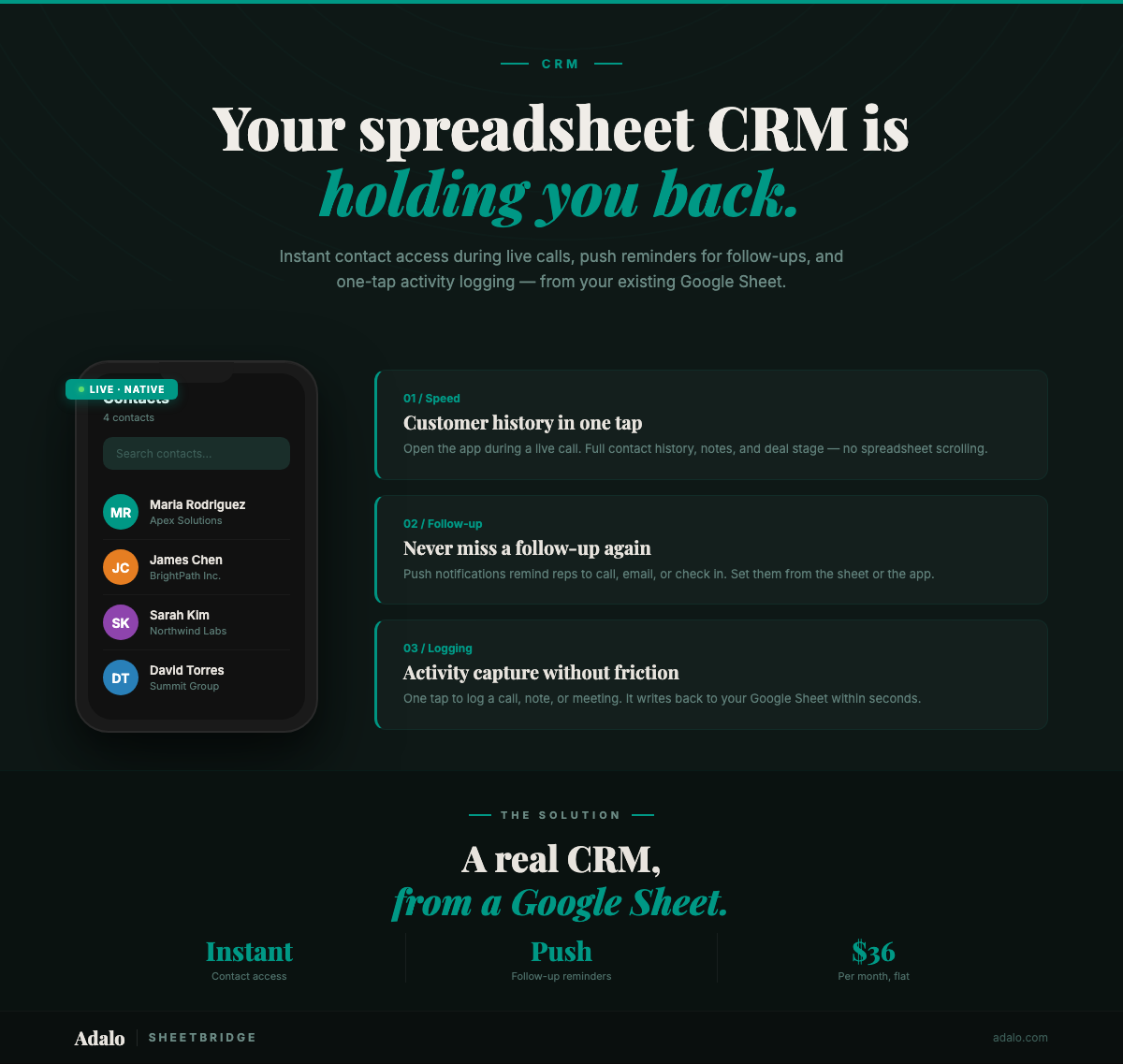
A prospect calls your sales rep while they're driving between meetings. The rep pulls over, unlocks their phone, opens Chrome, navigates to Google Sheets, waits for the spreadsheet to load, scrolls sideways to find the last interaction column, squints at the tiny text — and the call goes to voicemail. Deal context lost. Follow-up delayed. Pipeline stalled.
Thousands of small sales teams run their CRM on Google Sheets. It's free, flexible, and familiar. But the moment a rep needs to check a contact's history during a live conversation or log an interaction from their phone, the spreadsheet becomes a bottleneck instead of a tool. (New to converting Google Sheets into apps? Read our complete guide first.)
Where Spreadsheet CRMs Break
A Google Sheet CRM handles the basics: contact names, company, deal stage, notes. The problems aren't in the data model — they're in how salespeople actually need to access and update that data throughout their day:
- Too slow for live calls — Opening a spreadsheet on a phone, finding the right row, and scanning across 15 columns takes too long when a prospect is on the line
- Activity logging is painful — After every call, meeting, or email, the rep has to manually open Sheets, find the contact, and type a note. Most don't bother. Critical context disappears.
- No follow-up reminders — Spreadsheets can't push a notification to your phone saying "Follow up with Sarah Chen — proposal sent 3 days ago." Reps rely on memory or a separate to-do app.
- No pipeline visibility on the go — Managers can't see deal progress without opening a laptop. Monday pipeline reviews are based on data that's already a week stale.
- Collaboration conflicts — Two reps updating the same sheet simultaneously leads to overwritten notes and confused ownership
The irony is that CRM software exists to solve these exact problems — but platforms like Salesforce and HubSpot cost $50–150 per user per month, require weeks of setup, and force teams to abandon their existing data and workflows entirely. For a 5-person sales team, that's $3,000–9,000 per year before anyone has logged a single call.
How SheetBridge + Adalo Solve It
SheetBridge connects your Google Sheets CRM to Adalo, turning it into a native iOS and Android app. Your spreadsheet stays as the data layer. Your reps get a fast, phone-optimized interface designed for how salespeople actually work — quickly, between meetings, often with one hand.
- Instant contact access — Search by name or company and see the full contact record in one scroll. No sideways panning, no tiny text.
- Frictionless activity logging — Tap a contact, tap "Log Activity," pick a type (call, email, meeting), add a one-line note, done. Five seconds instead of two minutes.
- Push notification reminders — Schedule follow-ups that hit the rep's phone as a native notification at the right time. No missed callbacks.
- Pipeline dashboard — Visual overview of deals by stage, filterable by rep, date, or value. Accessible anywhere without opening a laptop.
- Bidirectional sync within seconds — Every change in the app updates Google Sheets. Every change in Sheets updates the app. The office and the field always see the same data.
Adalo plans start at $36/month with unlimited records — not per user, not per seat. Your entire team shares one plan.
Step-by-Step Walkthrough
Step 1: Clean Up Your Google Sheet
Prepare your CRM spreadsheet for a clean connection. Use underscore column names, remove merged cells, and keep data types consistent. Recommended structure:
Contact_ID— unique identifierFirst_NameandLast_NameCompany— organization nameEmailandPhoneDeal_Stage— Lead, Qualified, Proposal, Negotiation, Closed Won, Closed LostDeal_Value— estimated revenueOwner— assigned sales repLast_Contact_Date— most recent interactionNext_Follow_Up— scheduled follow-up dateNotes— latest activity notes
If you track activities in a separate tab, that works too — SheetBridge can sync multiple sheets within the same workbook.
Step 2: Connect via SheetBridge
Link your spreadsheet through SheetBridge with one-click Google OAuth. Schema detection is automatic. Setup takes 15–30 minutes, and bidirectional sync activates immediately.
Step 3: Build Your CRM App Screens
Use Adalo's visual multi-screen canvas or describe your app to Ada, Adalo's AI builder, using Magic Start to generate the screens your sales team needs:
- Contact list — Searchable directory with name, company, deal stage, and last contact date visible at a glance
- Contact detail — Full record with one-tap calling, emailing, and activity history. No scrolling sideways.
- Activity logger — Quick-entry form: select activity type, add a note, save. Timestamps automatically. Takes 5 seconds.
- Pipeline board — Deals grouped by stage with totals. Filter by rep, date range, or deal size. Managers see the big picture without asking for updates.
- Follow-up queue — Filtered list of contacts where
Next_Follow_Upis today or overdue. The rep's daily to-do list, generated automatically.
Step 4: Configure Follow-Up Reminders
Set up push notifications tied to the Next_Follow_Up field. When a rep sets a follow-up date on a contact, the app sends a native push notification on that date reminding them to reach out. No third-party reminder app needed, no sticky notes, no forgotten callbacks.
Step 5: Add Role-Based Access
Use Adalo's user authentication to create different experiences for reps and managers:
- Reps see only their own contacts and pipeline
- Managers see the full team's pipeline, activity reports, and performance metrics
- Admins can configure deal stages, add new reps, and manage settings
Step 6: Publish and Distribute
Publish to the Apple App Store and Google Play as a native app. The same Adalo project also runs as a web app for desktop use. Your reps install it like any app and have their CRM in their pocket — fast, searchable, and always current.
Why a Native App Matters for CRM
Sales reps live on their phones. The CRM that wins is the one that's fastest to open, easiest to update, and hardest to ignore. Native apps have specific advantages for CRM use:
- Instant access during calls. A native app launches in under a second from the home screen. A PWA requires opening a browser, which adds friction that makes reps less likely to check contact history before answering a call. Those few seconds determine whether a rep sounds prepared or caught off guard.
- Push notifications make follow-ups happen. The number one reason deals stall is missed follow-ups. Native push notifications put the reminder on the lock screen where it can't be ignored. PWA push notifications are unreliable on iOS — the platform most sales teams use.
- Frictionless activity logging. If logging a call takes more than a few taps, reps won't do it. Native apps are faster and smoother than browser-based alternatives. The difference between a 3-second log and a 30-second log is the difference between data you can trust and data you can't.
- Home screen presence. An app icon on the home screen serves as a constant visual reminder. Bookmarked web pages get buried and forgotten. Adoption is the biggest challenge with any CRM — native apps win on this by being permanently visible.
See the full use case: CRM Dashboard — a detailed walkthrough of building a native CRM app from your Google Sheets data.
How This Compares
For small sales teams (2–15 people) currently running on Google Sheets, the Adalo + SheetBridge approach occupies a specific niche:
- vs. Salesforce/HubSpot — You keep your Google Sheets workflow, pay $36/month total (not per seat), and skip the weeks-long implementation. You trade advanced automation and reporting for simplicity and speed.
- vs. staying on Sheets — You get a mobile-optimized interface, push notifications, activity logging, and pipeline visibility. Your data stays in Sheets. The upgrade takes days, not months.
- vs. other no-code tools — Adalo publishes native iOS and Android apps to the app stores. Most no-code builders produce web apps only, which means no push notifications on iOS and a slower mobile experience.
This isn't a Salesforce replacement for a 200-person sales org. It's a purpose-built mobile CRM for small teams who've outgrown their spreadsheet but aren't ready for (or don't need) enterprise software.
Frequently Asked Questions
Can I import my existing Google Sheets CRM data?
You don't need to import anything. SheetBridge connects directly to your live Google Sheet. Your existing data is immediately available in the app, and all changes sync bidirectionally within seconds. There's no migration step.
How many contacts can the app handle?
Adalo's paid plans (starting at $36/month) include unlimited database records. Whether you have 200 contacts or 20,000, the app handles it. The free plan supports up to 500 records for testing.
Will my reps actually use it?
The biggest CRM adoption barrier is friction. If logging a call takes 30 seconds of navigating a complex interface, reps skip it. This app is designed around 5-second interactions: tap contact, tap log, pick type, add note, done. Push notification reminders also drive engagement — reps interact with the app because it proactively tells them what to do next.
Can I customize the deal stages?
Yes. Deal stages come from your Google Sheet's Deal_Stage column. Change them in the spreadsheet and they update in the app. You can use whatever pipeline stages match your sales process — there's no rigid framework imposed by the tool.
Is my customer data secure?
Your data lives in your Google Sheet (secured by your Google account) and syncs through SheetBridge's encrypted connection. Adalo apps support user authentication with email/password login. You control who has access.
How long does setup take?
SheetBridge connection: 15–30 minutes. Building and customizing the app: a few hours with Adalo's builder or Ada, Adalo's AI builder. Testing and publishing: same week. Most teams go from spreadsheet to live app in under a week.
What is Adalo?
Adalo is the AI-powered no-code app builder with a visual multi-screen canvas. Design, build, and publish database-driven apps to the Apple App Store, Google Play Store, and web from a single project — no code, no developers required. Ada, Adalo's AI builder, generates screens from descriptions with Magic Start, and Magic Add layers on new features with natural language. Start building at app.adalo.com/signup.
Get Started
Your sales data is already in Google Sheets. Your reps already have phones. The gap between the two is a native app that makes CRM data accessible, updatable, and actionable in seconds — not minutes.
See how SheetBridge connects your spreadsheet to an app, or start building your CRM app for free.
Looking for more CRM building guidance? Check out Adalo's CRM app builder and our no-code CRM builder guide. For SheetBridge setup details, see the SheetBridge documentation.

Build your app fast with one of our pre-made app templates
Begin Building with no codeRelated Content
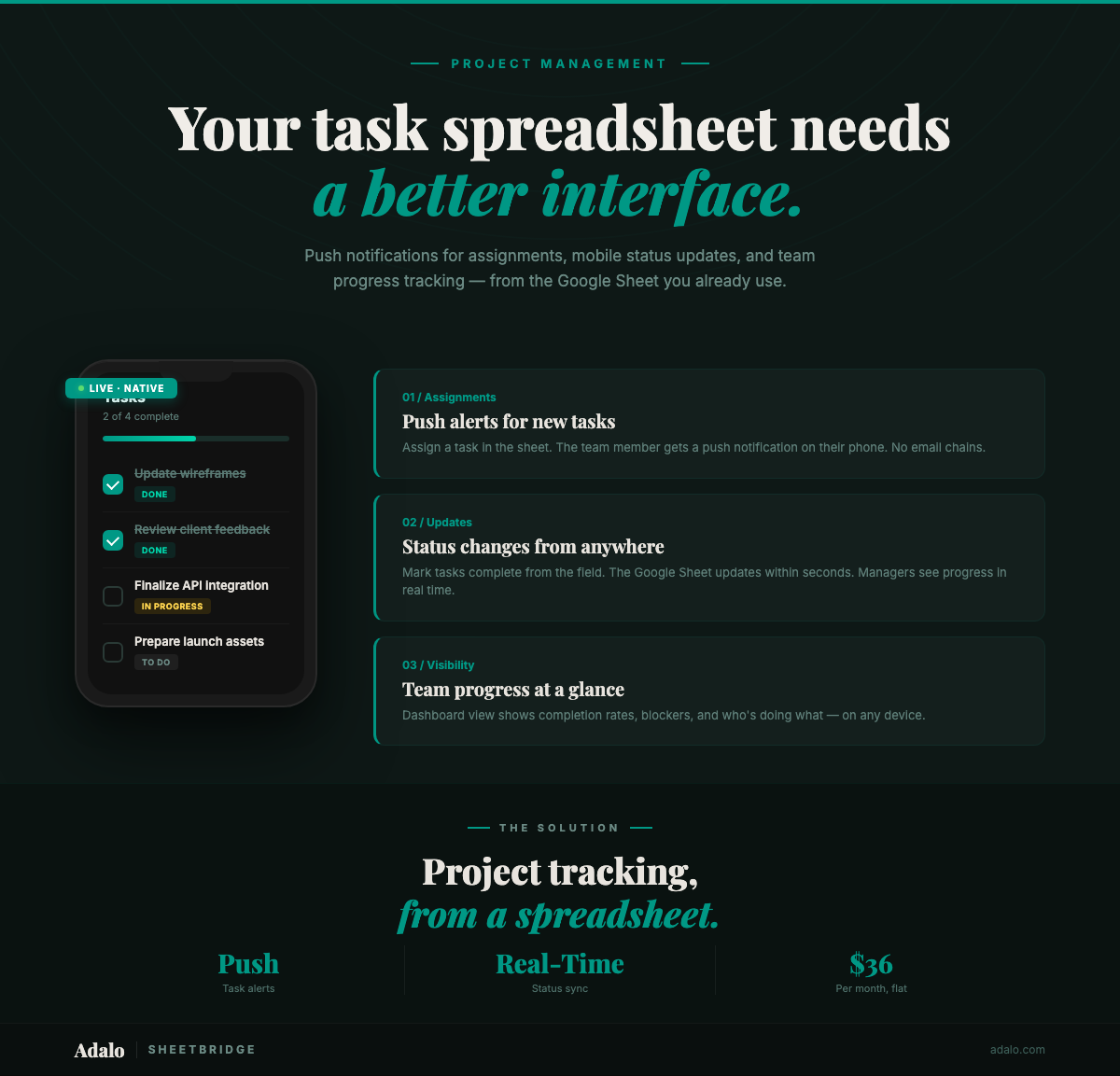
Google Sheets Project Tracker to App
Convert your Google Sheets project tracker into a native mobile app with push notifications for deadlines and task assignments. No code. $36/month.
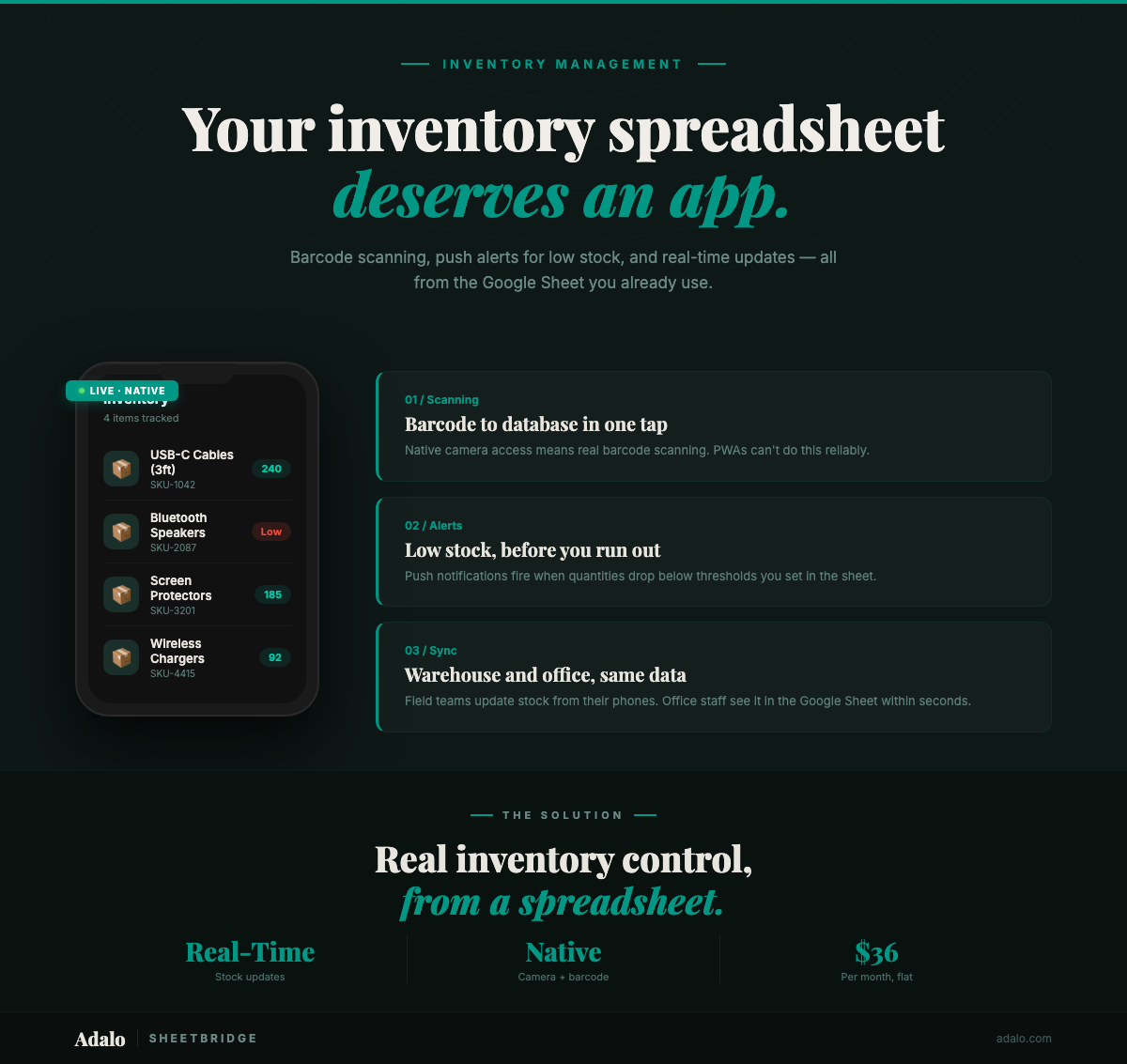
Build a Native Inventory App from Google Sheets
Convert your Google Sheets inventory tracker into a native mobile app with barcode scanning, push notifications, and real-time sync using Adalo and SheetBridge.
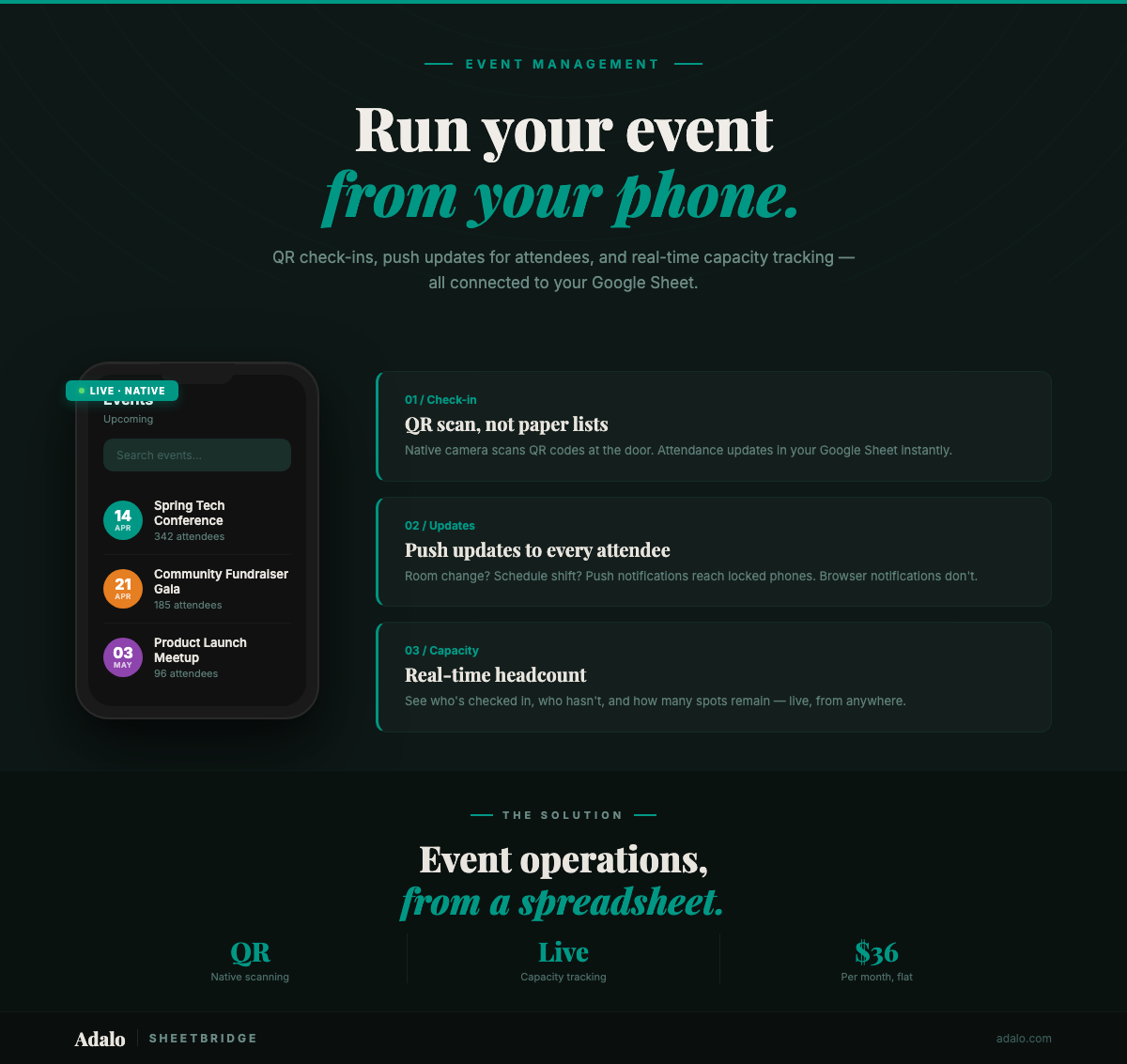
Google Sheets Event App in 30 Minutes
Turn your Google Sheets event tracker into a native event management app with QR check-ins and push notifications. No code required. Start for $36/month.

How to Build a Mobile Expense Tracker App from Google Sheets with Adalo
Learn how to build a mobile expense tracker app from Google Sheets using Adalo's no-code builder with real-time tracking and native app publishing.