
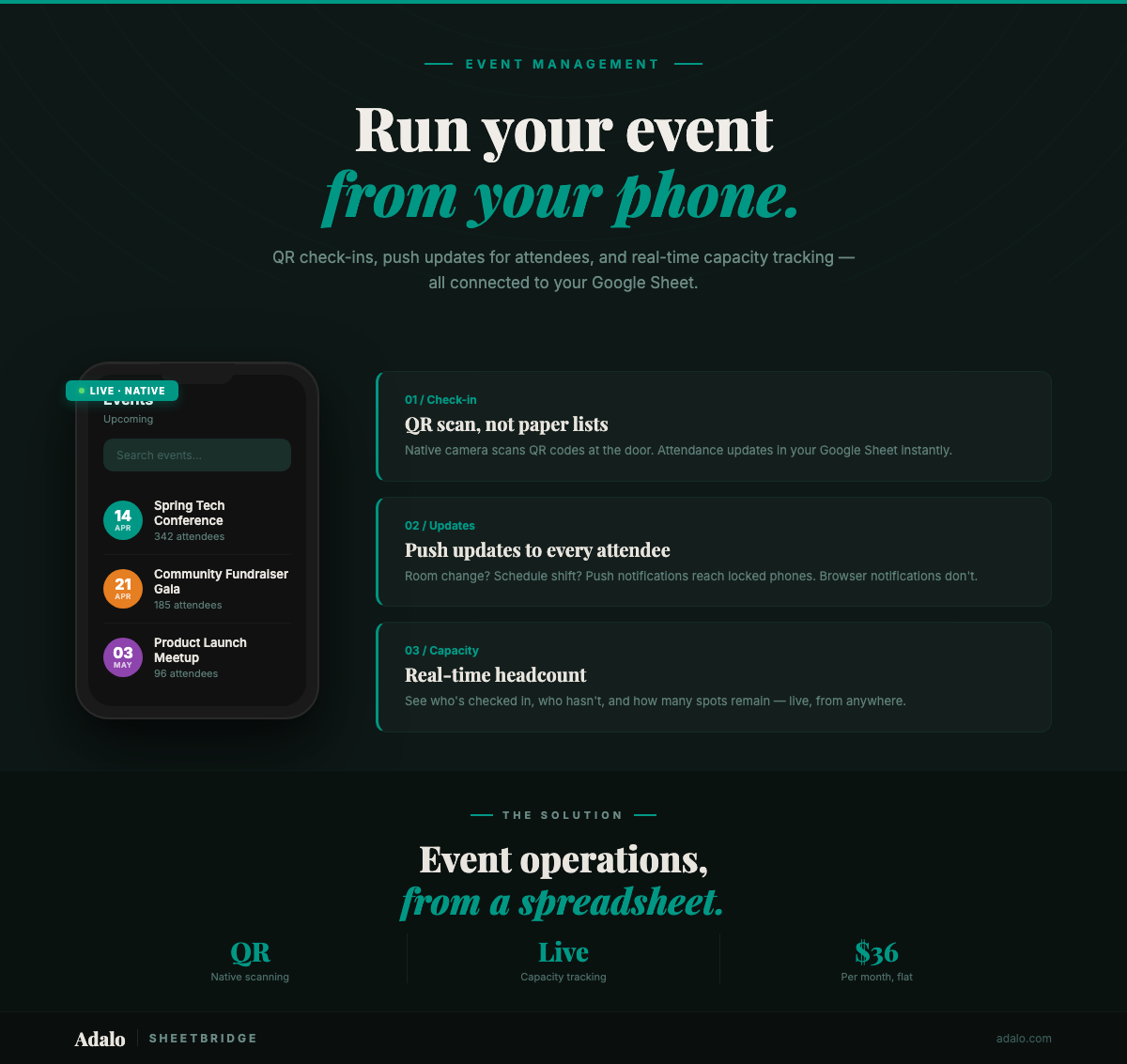
Your event registration spreadsheet has 400 attendees, three volunteers refreshing a Google Sheet on their phones, and a check-in line that is not moving. Someone shouts a name, someone else scrolls past it, and now two people are marked as checked in while the actual attendee is still waiting. This is what happens when a spreadsheet does the job of an app.
Event managers rely on Google Sheets because it is free, familiar, and flexible. But spreadsheets were never designed for real-time, multi-user, on-the-ground operations. The moment your event goes live, every limitation hits at once: no QR code scanning, no push notifications, no role-based access, and an interface that requires pinch-zooming on a phone screen. (For the full walkthrough on turning any Google Sheet into a native app, see our complete guide.)
With SheetBridge and Adalo, you can turn that same Google Sheet into a native event management app in 30 minutes — complete with QR code check-ins, push notifications for event updates, and bidirectional sync within seconds. Starting at $36/month.
Why Spreadsheets Break on Event Day
Planning an event in a spreadsheet works fine. Running one does not. The problems compound the moment doors open:
- No QR code scanning: Volunteers manually search names instead of scanning a badge. A 5-second check-in becomes a 45-second one.
- No push notifications: Schedule changes, room swaps, or emergency announcements require mass emails that attendees may not see for hours.
- Concurrent editing chaos: Three volunteers editing the same sheet means overwritten fields and duplicate entries.
- No role-based access: Volunteers see financial data, sponsors see attendee personal information, and everyone can accidentally delete a column.
- Unusable on mobile: Tiny cells, horizontal scrolling, and accidental edits make Google Sheets painful on a phone screen at a registration desk.
Traditional app development could solve these problems — for $50,000 to $150,000 and six months of development time. For most event organizers, that is not realistic.
How SheetBridge and Adalo Solve It
SheetBridge connects your existing Google Sheets event data directly to Adalo's no-code app builder. Your spreadsheet becomes the database. Adalo becomes the interface. The result is a native iOS and Android app that your team and attendees can download from the App Store and Google Play.
Here is what changes:
- Bidirectional sync within seconds: Updates in the app appear in the spreadsheet and vice versa. Your back-office team keeps working in Google Sheets while volunteers use the app.
- Native camera access for QR scanning: Check-in becomes a one-tap scan instead of a name search.
- Push notifications: Send schedule changes, session reminders, or emergency alerts directly to every attendee's lock screen.
- Role-based permissions: Attendees see the schedule. Volunteers see check-in tools. Organizers see everything.
- One build, three platforms: A single Adalo project publishes to iOS, Android, and web simultaneously.
Step-by-Step: Build Your Event App in 30 Minutes
Step 1: Prepare Your Spreadsheet (5 minutes)
Structure your Google Sheet with clean headers in the first row. A typical event management sheet needs these columns:
- Attendee_ID: Unique identifier for each registration
- Name: Full name
- Email: Contact email
- Ticket_Type: General, VIP, Speaker, Volunteer
- Checked_In: TRUE/FALSE
- Check_In_Time: Timestamp
- Session_Registered: Which sessions they signed up for
Remove merged cells, ensure consistent data types per column, and keep one record per row. SheetBridge handles schema detection automatically, but clean data imports faster.
Step 2: Connect to SheetBridge (5 minutes)
Go to SheetBridge, upload your spreadsheet, and let it detect your schema. SheetBridge maps columns to data types, identifies relationships between sheets (if you have separate sheets for sessions, sponsors, and attendees), and sets up bidirectional sync.
Step 3: Build Your Screens in Adalo (15 minutes)
Open your Adalo project and start building. Use the drag-and-drop builder to create these core screens:
- Attendee check-in screen: A search bar plus a list of attendees filtered by name. Add a button that toggles Checked_In to TRUE and stamps the Check_In_Time.
- QR scanner screen: Add Adalo's barcode scanner component that reads the attendee QR code and auto-navigates to their profile for one-tap check-in.
- Event schedule screen: A list view pulling from your Sessions sheet, filterable by time slot and track.
- Attendee-facing schedule: A simplified view showing only sessions they registered for, with push notification reminders.
- Admin dashboard: Real-time check-in counts, capacity tracking per session, and attendance percentages.
Adalo's conditional logic lets you show different screens based on user role. Volunteers see the check-in tools. Attendees see the schedule. Organizers see the dashboard.
Step 4: Configure Push Notifications (3 minutes)
Set up push notifications for the scenarios that matter most:
- Session reminders: "Your session 'Growth Hacking 101' starts in 15 minutes in Room B."
- Schedule changes: "The keynote has moved from 2:00 PM to 2:30 PM."
- Emergency alerts: Reach every attendee instantly if weather or safety issues arise.
Step 5: Test and Publish (2 minutes)
Preview your app on Adalo's built-in iOS and Android simulators. Test the QR scanner, verify push notifications arrive, and confirm data syncs back to your Google Sheet. When ready, publish to the Apple App Store and Google Play Store from Adalo's dashboard.
Why Native Matters for Event Management
Progressive web apps and mobile-responsive websites cannot do what event management requires. Here is why a native app — published to the App Store and Google Play — is not optional for this use case:
- QR code scanning requires native camera access: PWAs have inconsistent camera API support across devices and browsers. A native app accesses the device camera directly, making QR code check-ins reliable on every phone your volunteers carry. When 400 people are waiting in line, "it works on some phones" is not good enough.
- Push notifications that actually arrive: Native push notifications go through Apple's APNs and Google's FCM — the same systems that deliver iMessage and WhatsApp alerts. PWA notifications are blocked by default on iOS and have lower delivery rates on Android. When you need to announce a room change mid-conference, native push is the only reliable channel.
- GPS for location-based features: Multi-venue events and festivals can use native GPS to show attendees which stage or building is closest, provide walking directions, and trigger location-based session suggestions.
- App Store presence builds credibility: A branded app in the App Store signals professionalism to sponsors, speakers, and attendees. It also makes the app discoverable for future events.
See the full use case: Event Registration — a detailed walkthrough of building an event management app with QR check-ins and push notifications.
Real-World Use Cases
This setup works for more than conferences:
- Community organizations: Track RSVPs, send meeting reminders, and manage volunteer sign-ups from one app.
- Universities: Manage orientation events, career fairs, and campus activities with student check-ins.
- Nonprofits: Run fundraising galas with ticket scanning, donor tracking, and real-time donation totals.
- Trade shows: Let exhibitors scan booth visitor badges and sync lead data back to their spreadsheet.
Frequently Asked Questions
How fast does data sync between the app and Google Sheets?
SheetBridge provides bidirectional sync within seconds. When a volunteer checks in an attendee on the app, the Google Sheet updates almost immediately, and vice versa.
Can attendees download the app before the event?
Yes. Once published to the App Store and Google Play, attendees can download your branded event app, view the schedule, and opt into push notifications days or weeks before the event.
How much does this cost?
Adalo's Starter plan is $36/month and includes publishing to both app stores. You will also need an Apple Developer account ($99/year) and a Google Play Developer account ($25 one-time). Total first-year cost: under $600 — compared to $50,000+ for custom development.
Can I reuse the app for future events?
Absolutely. Swap out the spreadsheet data for your next event, update the branding if needed, and push an update through the app stores. No rebuilding required.
What if I have multiple ticket types with different access levels?
Adalo's conditional logic handles this natively. VIP attendees can see exclusive sessions, speakers can access a green room check-in, and general admission sees the standard schedule — all controlled by the Ticket_Type column in your spreadsheet.
Do I need to know how to code?
No. Adalo is a no-code app builder. The entire process — from spreadsheet connection to App Store publishing — uses Adalo's visual multi-screen canvas. Ada, Adalo's AI builder, can even generate screens from a text description.
What is Adalo?
Adalo is the AI-powered no-code app builder with a visual multi-screen canvas. Design, build, and publish database-driven apps to the Apple App Store, Google Play Store, and web from a single project — no code, no developers required. Ada, Adalo's AI builder, generates screens from descriptions with Magic Start, and Magic Add layers on new features with natural language. Start building at app.adalo.com/signup.
Start Building Your Event App
Your Google Sheet already has the data. SheetBridge connects it. Adalo turns it into a native app with QR check-ins and push notifications. Thirty minutes from now, you could have a working event management app.
Learn more about SheetBridge and Google Sheets to app conversion, or start building for free.
Already planning a specific type of event? Explore the Event App Builder for more templates and inspiration. If your event includes booking or reservation features, check out how to create a booking app. For SheetBridge setup details, see the SheetBridge documentation.

Build your app fast with one of our pre-made app templates
Begin Building with no codeRelated Content
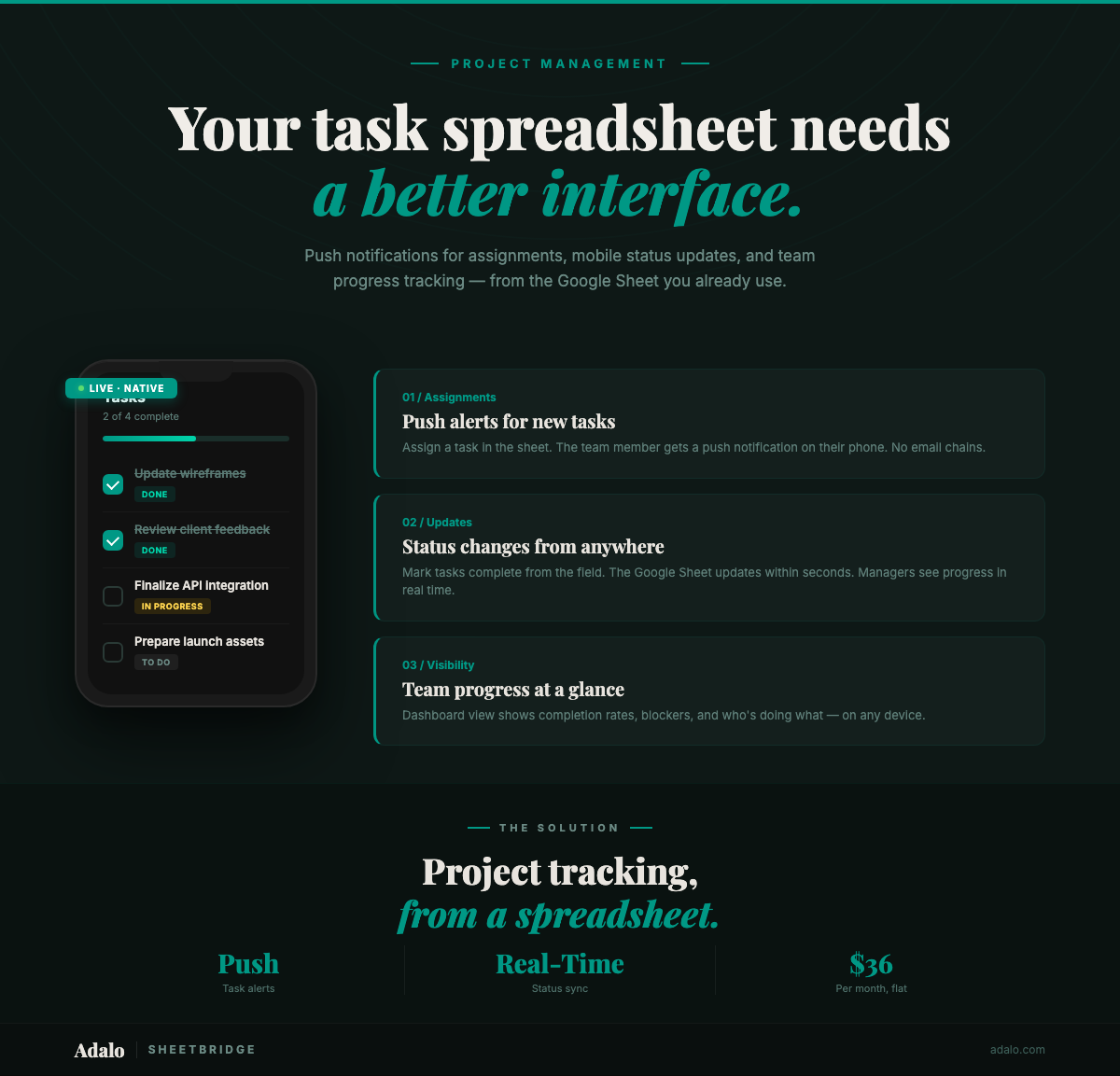
Google Sheets Project Tracker to App
Convert your Google Sheets project tracker into a native mobile app with push notifications for deadlines and task assignments. No code. $36/month.
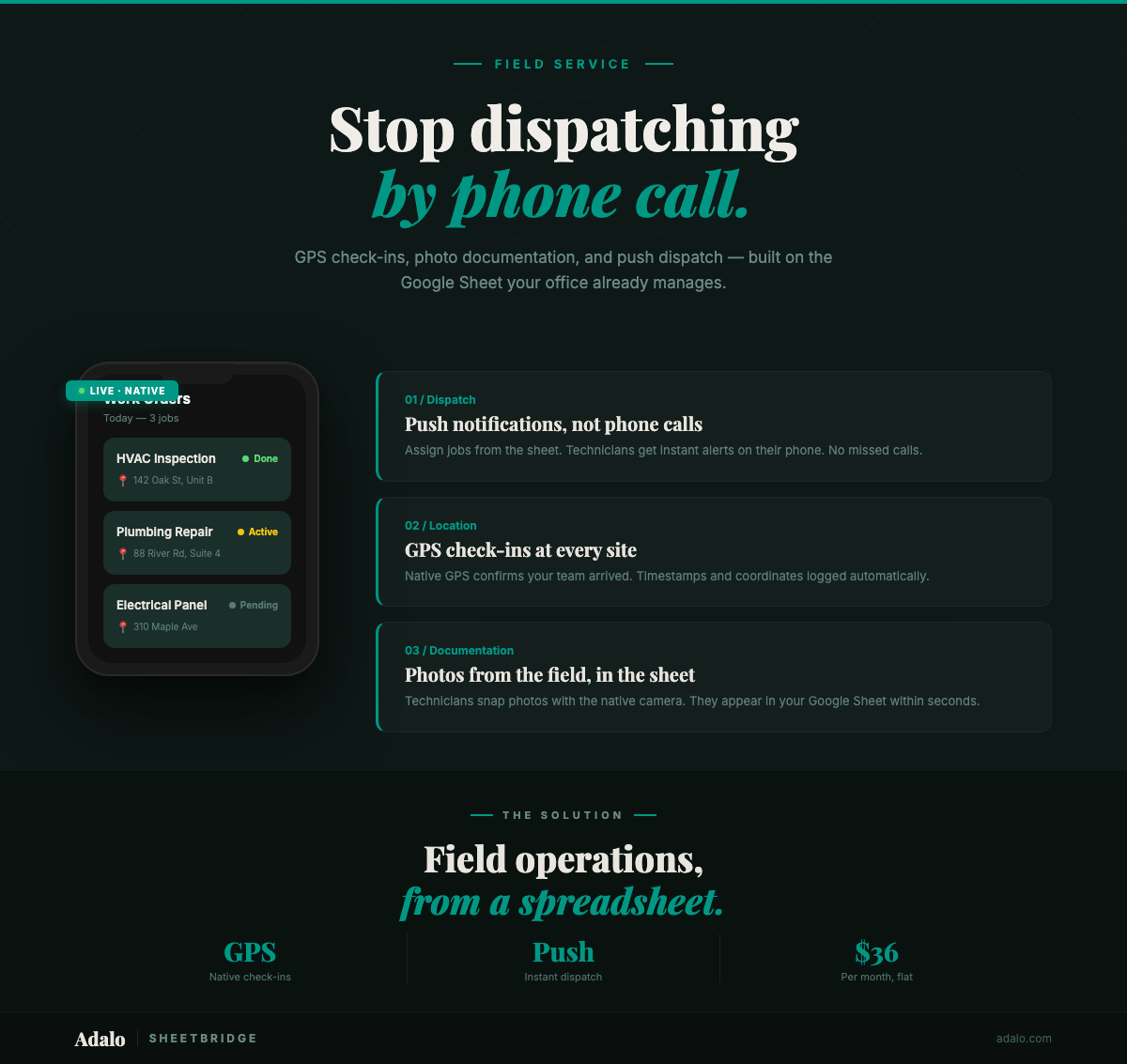
Build a Field Service App from Google Sheets
Build a field service app from your Google Sheets data with GPS check-ins, photo documentation, push dispatch alerts, and real-time sync. No code required.
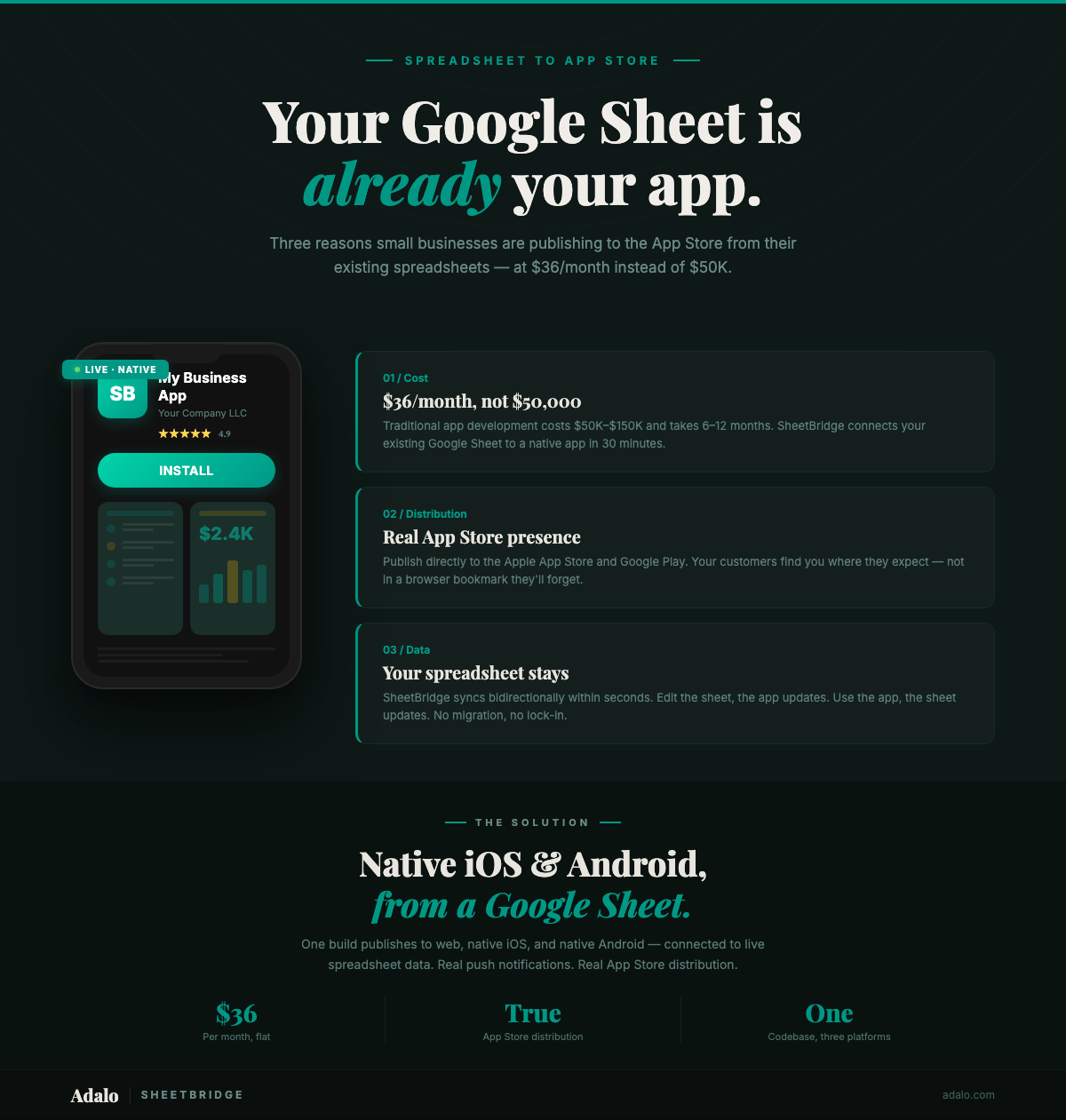
Google Sheets to App Store: Small Business Guide
Publish your Google Sheets data as a native app on the App Store for $36/month. A step-by-step small business guide — no code, no $50K dev budget required.
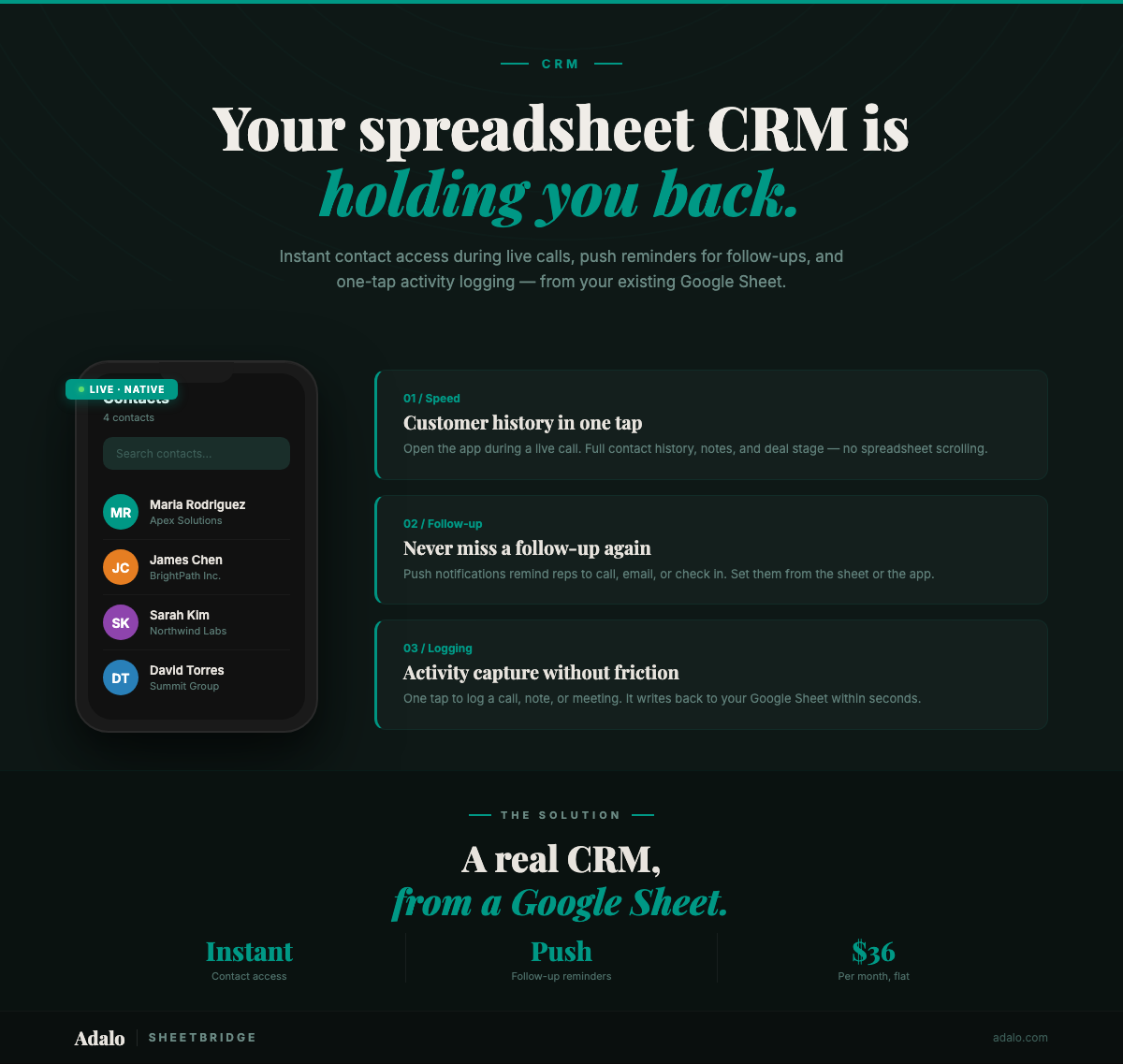
Turn Your Google Sheets CRM Into a Real App
Convert your Google Sheets CRM into a native mobile app with push follow-up reminders, instant contact access, and frictionless activity logging. No code.