
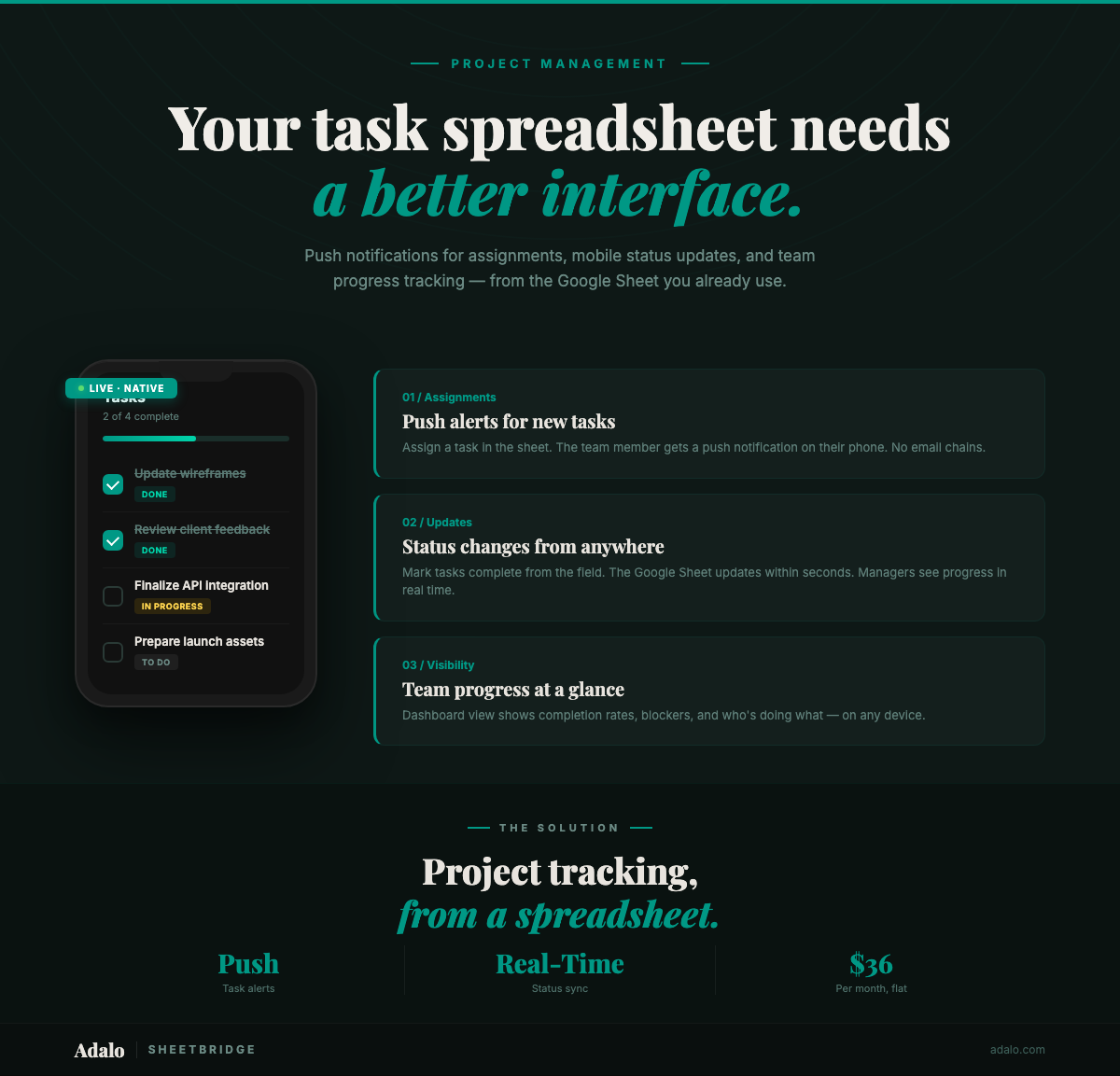
Your project tracker spreadsheet has 200 tasks across 12 team members, and nobody knows what is overdue. The project manager updates the sheet at 9 AM, but the field crew checked it at 7 AM and is working from yesterday's priorities. A task marked "In Progress" was actually completed two days ago — the person who finished it forgot to update the cell. Meanwhile, three people are waiting on a dependency that was resolved last week but never communicated.
Google Sheets is where most small and mid-size teams start tracking projects because it is free and everyone knows how to use it — and turning a Google Sheet into a native app is now straightforward. But spreadsheets are passive documents. They do not notify anyone when a deadline approaches. They do not alert a team member when a task is assigned to them. They sit there, waiting to be checked, and the gap between the last check and reality grows wider every hour.
With SheetBridge and Adalo, you can turn that same Google Sheet into a native project tracker app in 30 minutes. Push notifications for task assignments and deadline reminders. Bidirectional sync within seconds. Your project manager keeps working in the spreadsheet. Your team gets an app that actually tells them what to do next. Starting at $36/month.
Why Spreadsheet Project Tracking Fails
The problems with spreadsheet-based project management are not about the data — they are about the delivery:
- No push notifications: Deadlines pass silently. Task assignments require a separate email or Slack message. Status changes go unnoticed until someone manually opens the sheet.
- Painful on mobile: Field teams, contractors, and remote workers cannot meaningfully interact with a spreadsheet on a phone. Updating a status cell requires finding the right row, scrolling to the right column, tapping into the cell, and hoping you do not accidentally edit the wrong one.
- No accountability trail: Spreadsheets do not log who changed what and when. When a due date shifts or a status reverts, there is no record of the change.
- Information overload: Every user sees every task. A field technician who needs to see their three assigned tasks for today instead sees all 200 tasks across all projects.
- No workflow enforcement: Nothing prevents someone from marking a task "Complete" without filling in required fields, uploading a photo, or getting approval.
Dedicated project management tools like Asana or Monday.com solve some of these problems — for $10 to $30 per user per month. For a 15-person team, that is $150 to $450 monthly, and you lose the spreadsheet flexibility your back office relies on.
How SheetBridge and Adalo Solve It
SheetBridge turns your Google Sheets project data into a live database that powers a native Adalo app. The spreadsheet stays your system of record. The app becomes the interface your team actually uses.
- Push notifications for assignments and deadlines: When a task is assigned or a due date is 24 hours away, the assigned team member gets a native push notification — not an email they might miss.
- Bidirectional sync within seconds: The project manager updates priorities in Google Sheets. The field team updates statuses in the app. Both see changes within seconds.
- Filtered views per user: Each team member sees only their tasks, sorted by priority and due date. No more scrolling through 200 rows to find three relevant ones.
- Mobile-first task updates: Tap a task, change the status from a dropdown, add a note, and move on. No cell hunting.
- One app for iOS, Android, and web: A single Adalo build publishes to all three platforms.
Step-by-Step: Build Your Project Tracker App in 30 Minutes
Step 1: Structure Your Spreadsheet (5 minutes)
Clean up your Google Sheet with consistent headers. A solid project tracker needs these columns:
- Task_ID: Unique identifier
- Task_Name: Short description of the work
- Assigned_To: Team member responsible
- Status: Not Started, In Progress, Blocked, Complete
- Priority: High, Medium, Low
- Due_Date: Deadline
- Project: Which project this task belongs to
- Notes: Additional context or updates
- Last_Updated: Timestamp of most recent change
If you track multiple projects, consider separate sheets for Projects (with project-level data like client name, budget, and overall status) and Tasks. SheetBridge detects relationships between sheets automatically.
Step 2: Connect via SheetBridge (5 minutes)
Upload your spreadsheet to SheetBridge. It auto-detects your schema, maps data types, and establishes bidirectional sync. If you have multiple sheets, SheetBridge identifies the relationships between them.
Step 3: Build Core Screens (12 minutes)
Use Adalo's visual multi-screen canvas to create the screens your team needs:
- My Tasks screen: A filtered list showing only tasks assigned to the logged-in user, sorted by due date. Color-coded priority badges (red for High, yellow for Medium, green for Low) make scanning instant.
- Task detail screen: Tap any task to see full details. Add a status dropdown, a notes field for updates, and a "Mark Complete" button that timestamps the completion.
- Project overview screen: For managers — a list of all projects with progress bars calculated from task completion percentages.
- Team workload screen: Shows task counts per team member, highlighting anyone who is overloaded or has no assignments.
- Kanban-style board: Optional. Group tasks by status (Not Started, In Progress, Blocked, Complete) for a visual workflow view.
Ada, Adalo's AI builder, can generate these screens from a text description. Describe what you want, and Ada creates the layout with the right data bindings.
Step 4: Set Up Push Notifications (5 minutes)
Configure push notifications for the moments that matter:
- New task assignment: "You have been assigned: Install HVAC unit at 123 Main St. Due: Friday."
- Deadline reminder: "Task 'Submit Q2 report' is due tomorrow."
- Blocked task alert: Notify the project manager when a team member marks a task as Blocked.
- Status change: Alert dependent task owners when a prerequisite task is marked Complete.
These notifications go through Apple's APNs and Google's FCM — the same reliable systems behind iMessage and WhatsApp.
Step 5: Test and Publish (3 minutes)
Preview the app on Adalo's simulators. Assign a test task, verify the push notification arrives, update a status in the app and confirm it appears in Google Sheets. Publish to the App Store and Google Play when ready.
Why Native Matters for Project Tracking
A web app or PWA might seem like enough for a project tracker. It is not — especially when your team includes people outside the office:
- Push notifications are the entire point: The single biggest problem with spreadsheet-based tracking is that no one gets notified. Native push notifications solve this completely. PWA notifications are blocked by default on iOS and unreliable on Android. For a tool meant to keep people informed, unreliable notifications defeat the purpose.
- Mobile access for field teams: Construction crews, maintenance technicians, delivery drivers, and sales representatives need to update task statuses from job sites, not from a desk. A native app loads faster, runs smoother, and provides a purpose-built interface for one-handed updates on a phone.
- Camera for documentation: Field workers can photograph completed work, damaged equipment, or site conditions and attach images directly to tasks. Native camera integration is faster and more reliable than browser-based file uploads.
- GPS for location tracking: Automatically log where a task was completed. Useful for field service, delivery verification, and compliance documentation.
- App Store distribution: Installing a native app once is simpler than bookmarking a URL and hoping your team remembers to use it. App Store presence also makes onboarding new team members frictionless.
See the full use case: Project Manager — a detailed walkthrough of building a native project tracker app from Google Sheets.
Who This Works For
- Construction and trades: Track job site tasks, assign work orders, and get photo documentation of completed work — all synced back to the office spreadsheet.
- Marketing agencies: Manage client deliverables, track approval statuses, and notify team members when their piece of a campaign is ready for execution.
- Property management: Assign maintenance requests, track repair status, and notify tenants when work is complete.
- Event production: Coordinate vendor tasks, equipment delivery, and setup checklists across multiple crew members.
- Small business operations: Any team that has outgrown a spreadsheet but does not need (or want to pay for) enterprise project management software.
Frequently Asked Questions
Can my project manager keep using Google Sheets while the team uses the app?
Yes. That is exactly how SheetBridge works. The project manager adds tasks, adjusts priorities, and updates deadlines in Google Sheets. The team sees those changes in the app within seconds and updates their statuses from the field. Both sides stay in sync.
How many team members can use the app?
Adalo's Starter plan at $36/month supports the app with unlimited screens and actions. User limits depend on your plan tier, but most small to mid-size teams are well within the included limits.
Can I set up different permission levels?
Yes. Adalo supports role-based access. Team members see only their assigned tasks. Team leads see their group's tasks. Project managers and admins see everything. Permissions are controlled through Adalo's user roles, not the spreadsheet.
What happens when someone updates a task in the app and the spreadsheet simultaneously?
SheetBridge handles conflict resolution automatically. Bidirectional sync processes updates within seconds, and the system manages concurrent edits to prevent data loss.
Can I add custom fields specific to my workflow?
Yes. Add any column to your Google Sheet — estimated hours, actual hours, cost codes, client names, location — and it becomes available as a data field in your app. SheetBridge detects new columns and makes them available in Adalo.
Is this a replacement for Asana or Monday.com?
For teams that want spreadsheet simplicity with mobile app delivery, yes. You lose some advanced features (like Gantt charts and resource leveling), but you gain a native app tailored to your exact workflow at a fraction of the per-user cost.
What is Adalo?
Adalo is the AI-powered no-code app builder with a visual multi-screen canvas. Design, build, and publish database-driven apps to the Apple App Store, Google Play Store, and web from a single project — no code, no developers required. Ada, Adalo's AI builder, generates screens from descriptions with Magic Start, and Magic Add layers on new features with natural language. Start building at app.adalo.com/signup.
Start Building Your Project Tracker App
Your project data is already in Google Sheets. SheetBridge syncs it. Adalo turns it into a native app with push notifications and filtered task views. In 30 minutes, your team goes from checking a spreadsheet to getting notified.
Learn how SheetBridge converts Google Sheets to native apps, or start building for free. For more on building internal tools with no code, see the Internal Tools App Builder and the SheetBridge documentation.

Build your app fast with one of our pre-made app templates
Begin Building with no codeRelated Content
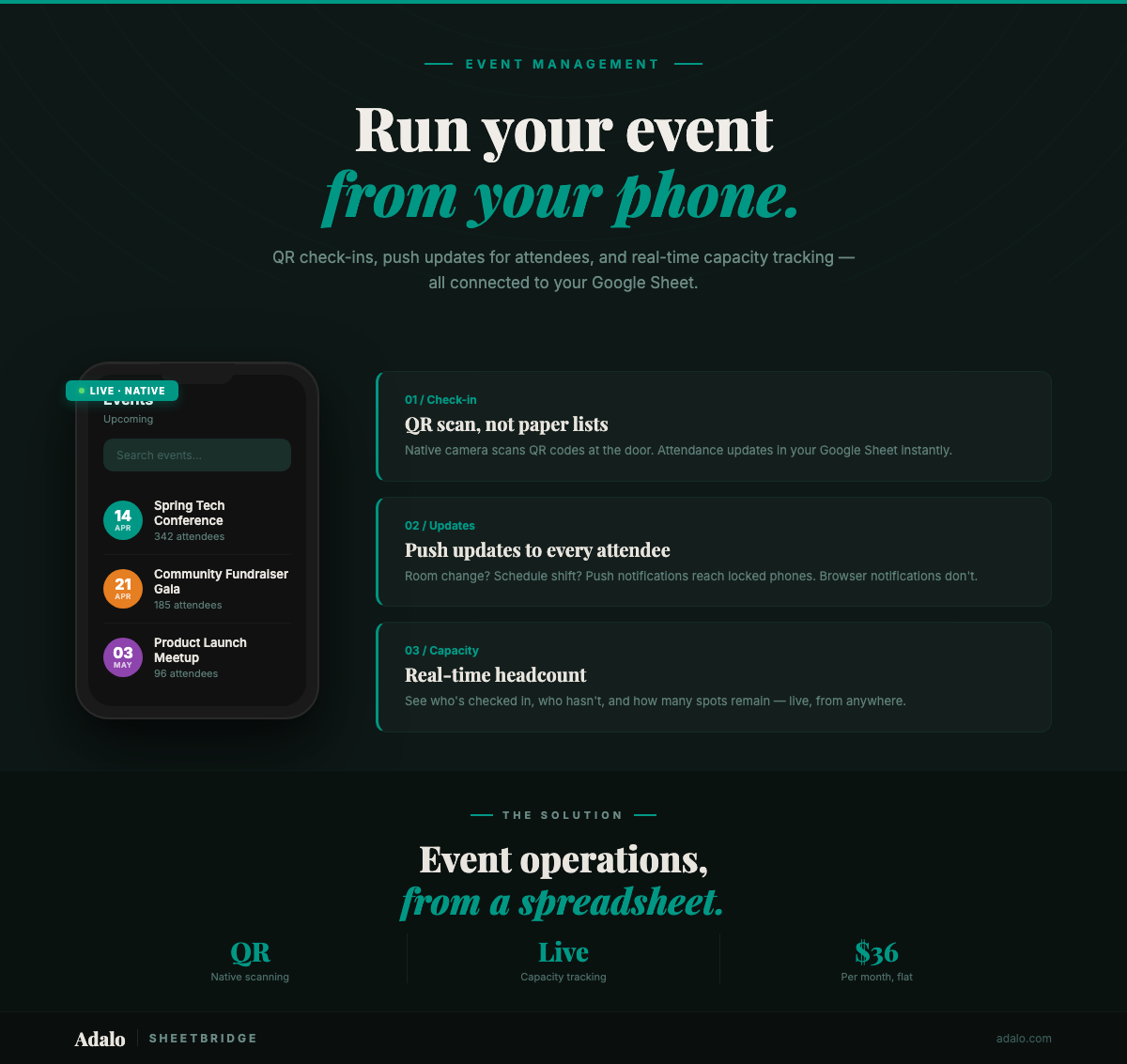
Google Sheets Event App in 30 Minutes
Turn your Google Sheets event tracker into a native event management app with QR check-ins and push notifications. No code required. Start for $36/month.
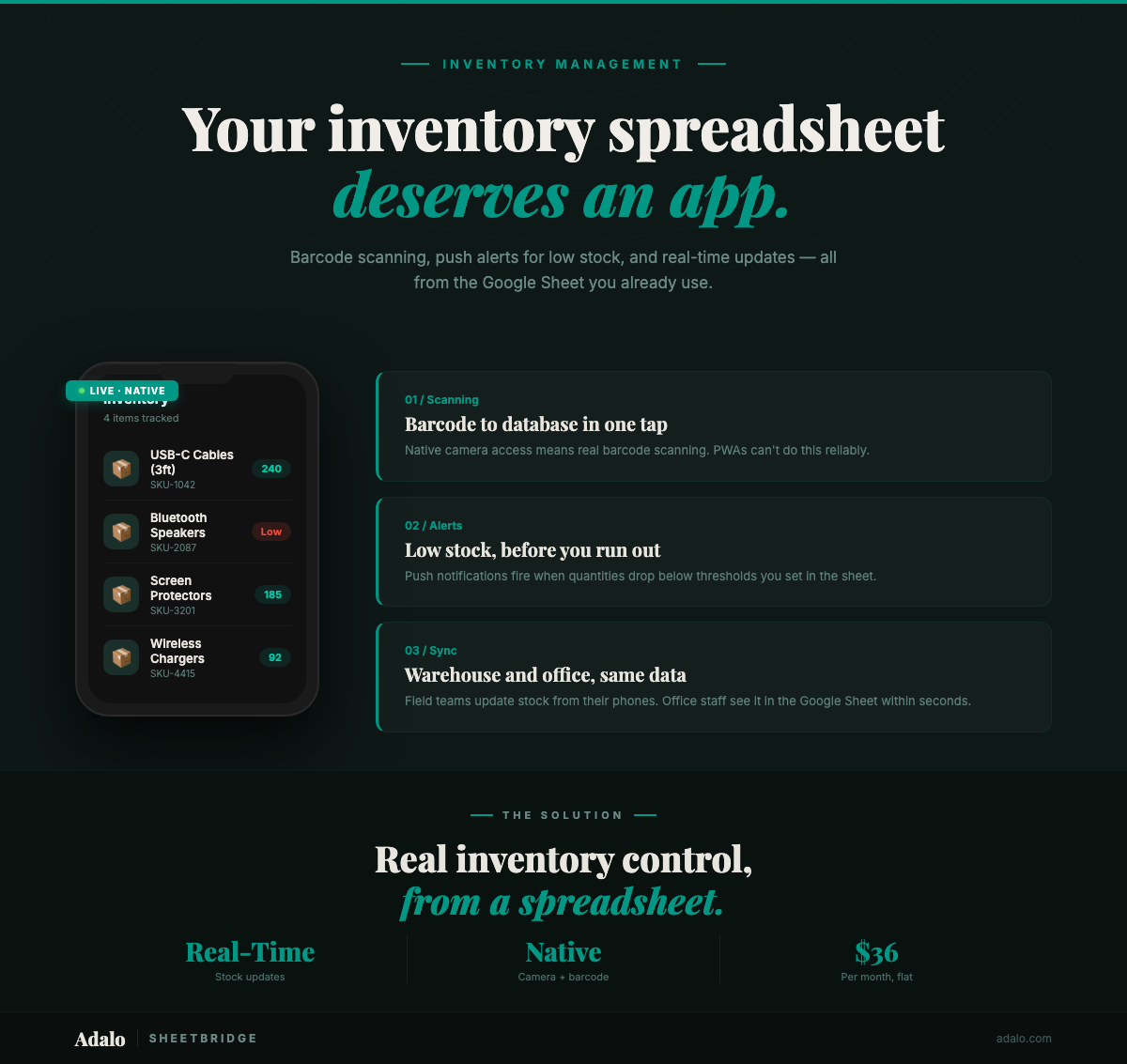
Build a Native Inventory App from Google Sheets
Convert your Google Sheets inventory tracker into a native mobile app with barcode scanning, push notifications, and real-time sync using Adalo and SheetBridge.
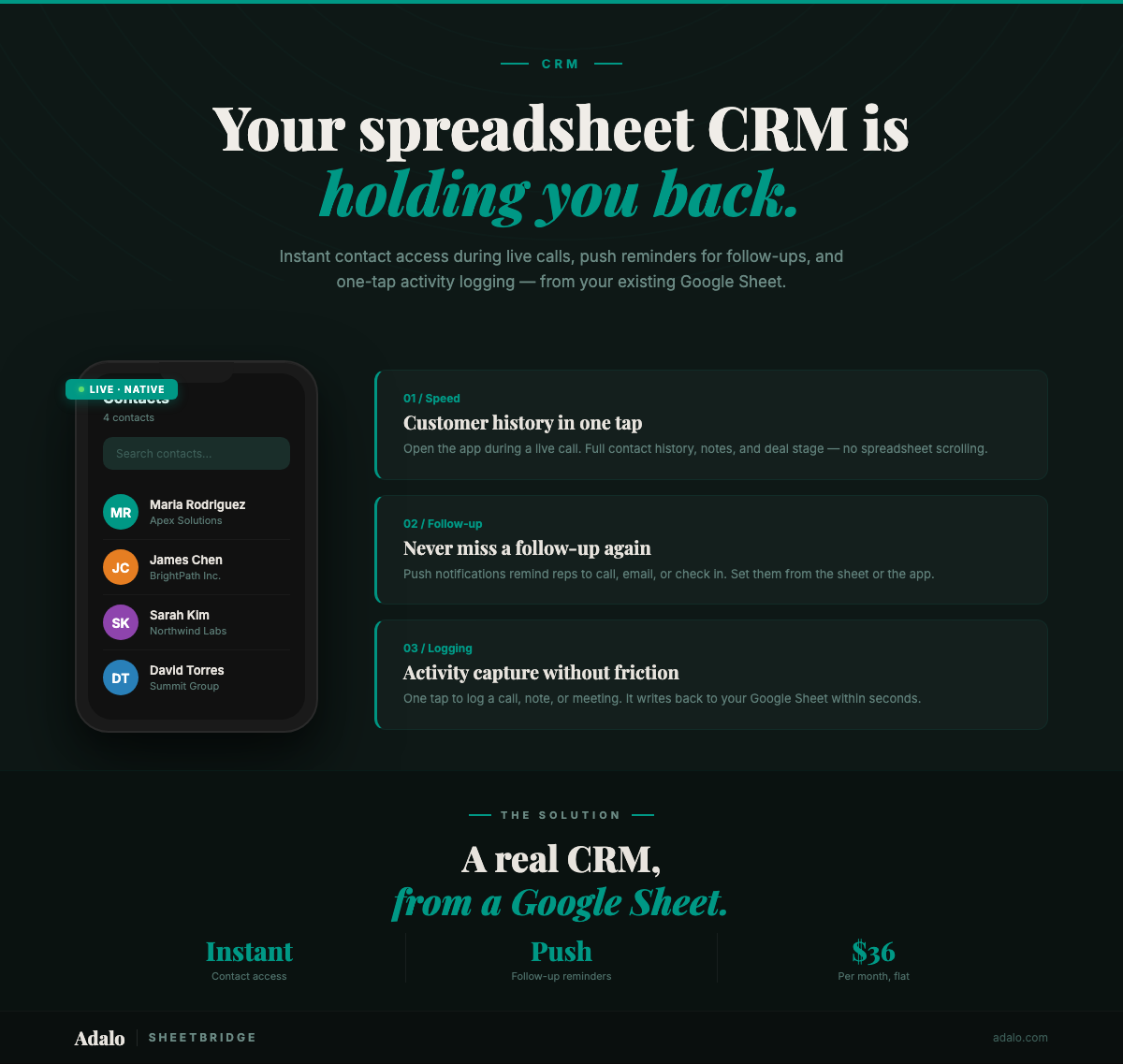
Turn Your Google Sheets CRM Into a Real App
Convert your Google Sheets CRM into a native mobile app with push follow-up reminders, instant contact access, and frictionless activity logging. No code.
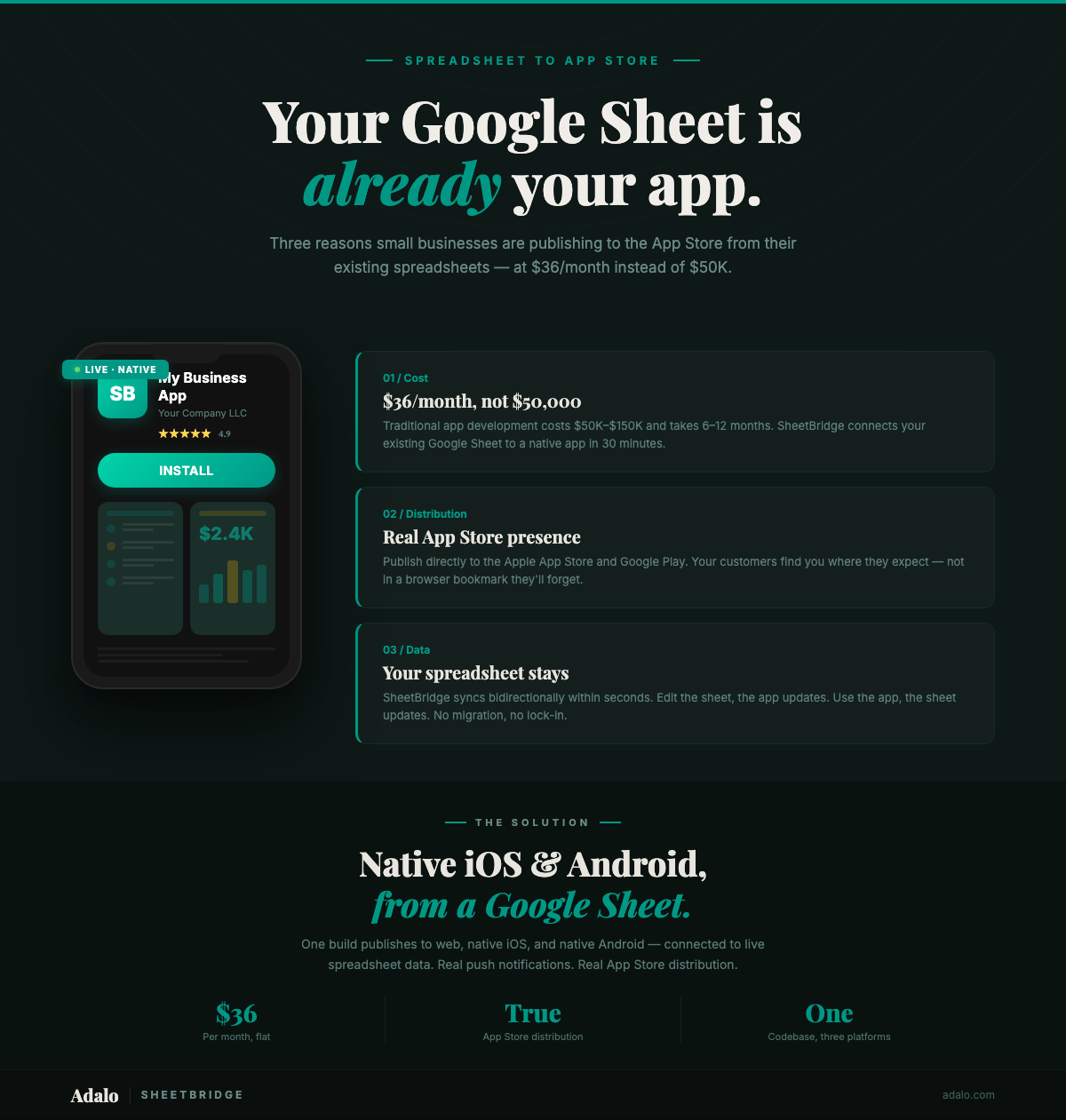
Google Sheets to App Store: Small Business Guide
Publish your Google Sheets data as a native app on the App Store for $36/month. A step-by-step small business guide — no code, no $50K dev budget required.