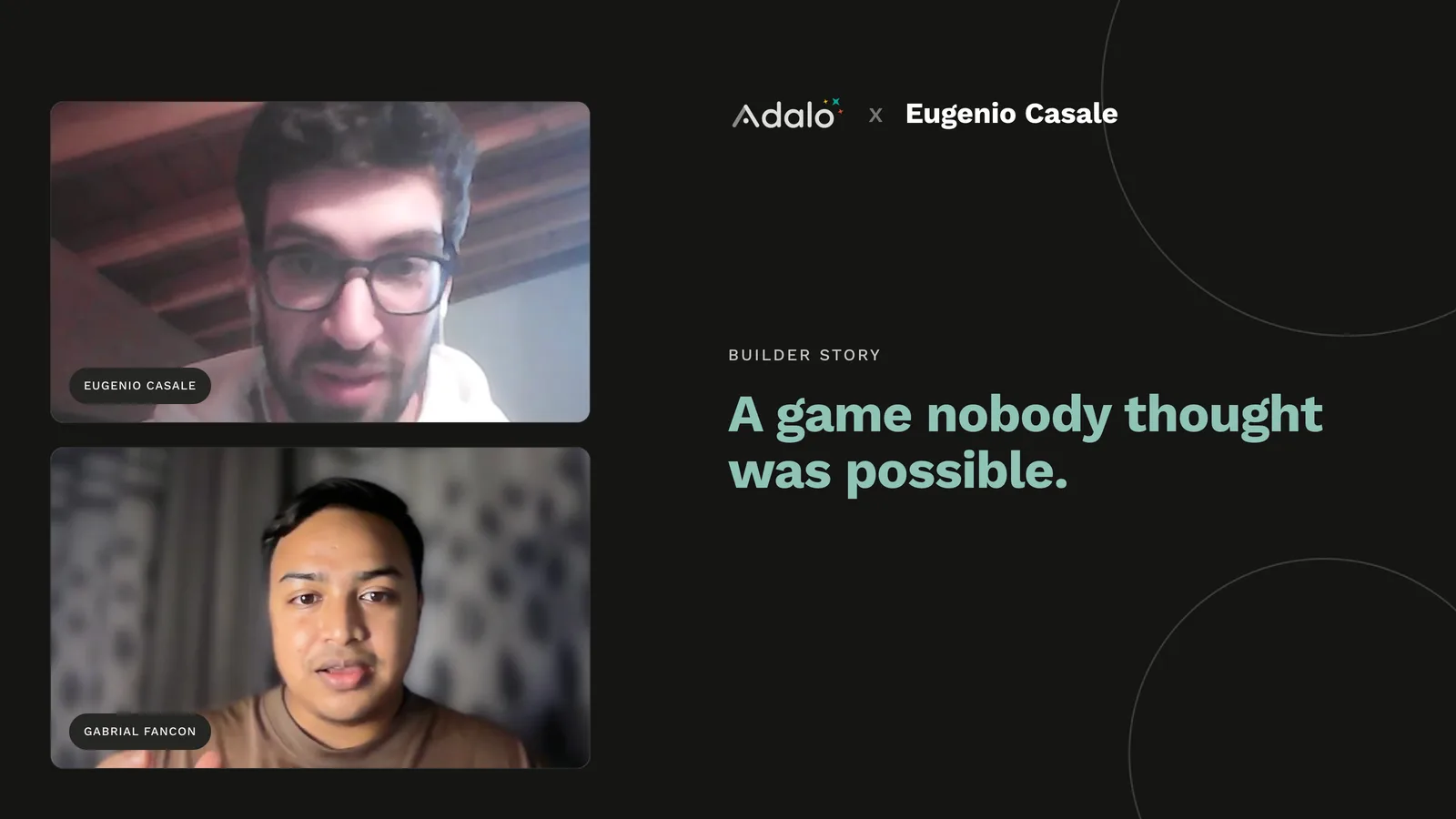
Eugenio has been building on Adalo since almost the day it launched. In roughly six years he has shipped more than 50 native apps, built more custom components than he can count, and created what is very likely the first full game ever made on Adalo. He runs his own studio, Cheip Studio, coaches other makers one on one, and gets almost all of his work from a single place: the Adalo Expert directory.
He is also the kind of builder whose apps make people do a double take. For years, some of his clients had no idea that their polished, native app on the App Store was built without a single line of hand-written code.
We talked with Eugenio about why Adalo felt like home from the start, how AI changed the way he builds custom components, and how he squeezed a smooth, fast game out of a no-code app builder.
Meet Eugenio: An Adalo Expert Since Day One
Eugenio started with Adalo in 2019, near the very beginning of the platform. He had no coding background, and that was exactly the point. He wanted a way to build for Android, iOS, and web without learning to code first, and Adalo was the only tool simple enough to get him there.
"Adalo was like my home, because from the beginning I saw, oh wow, this is like a whiteboard where you can express your creativity without any boundaries. There are some limits, of course, as with any tool, but there are a lot of workarounds and Adalo is very versatile now, so you can build almost everything."
Eugenio, founder of Cheip Studio and Adalo Expert
He tried the other tools too, Glide and FlutterFlow and nearly all of them, but kept coming back. A couple of years in, he became an Adalo Expert and turned building into a business. Today he runs Cheip Studio, ships a steady stream of client apps, builds custom components on request, develops games on the side, and offers one to one coaching for makers who want to level up. Almost all of it comes through one channel.
"I get 95 percent of my projects from the Adalo Expert page. That's my main one."
Eugenio, founder of Cheip Studio and Adalo Expert
When Clients Can't Tell It Wasn't Hand-Coded
Eugenio's proudest signal that Adalo was the real thing came from clients who didn't know what he was using. He would deliver a finished app, and they simply could not tell it apart from something built by a team of engineers.
"The client didn't know I was using Adalo. And the best thing is they didn't know it wasn't hand coded. The difference between a real coded app and Adalo was nothing. They just saw their native app on the Play Store and App Store and they were like, oh wow, you built it so fast and it looks great."
Eugenio, founder of Cheip Studio and Adalo Expert
That, for him, is the dividing line between Adalo and the other no-code tools. Something like Glide can be fun, he says, but you can often feel the web wrapper underneath. Adalo ships genuine native iOS and Android apps that feel like coded ones.
From a First Chat App to 50 Client Apps
His very first Adalo app is still on the community forum. It was a simple chat app called Chatlight, built mostly for friends and for fun. It was enough to show him how powerful the platform could be for a real business, and he never looked back.
Today, how a project starts depends entirely on the client. Some arrive with a clear vision, a Figma file, a full mockup, and his job is to faithfully replicate it in Adalo. Others come with only an idea and a lot of trust, which gives him freedom but makes the prototyping and flow much harder to pin down.
One habit sets his work apart: he rarely uses default components. Navigation bars, buttons, layouts, he builds them custom, often from rectangles and images placed by hand, rather than dropping in the stock elements.
"I feel that any app should be personal. Instead of using the same app bar, the same icons, the same buttons for every app, I always try to do something very specific for that app."
Eugenio, founder of Cheip Studio and Adalo Expert
The Most Common Mistake Founders Make
Ask Eugenio where small startups go wrong and the answer is immediate: they ask for something too big. Founders come to him wanting the next Instagram or TikTok, and he gently redirects them.
"You can't compete with those big applications. You have to build your niche application for your use case, for your specific users."
Eugenio, founder of Cheip Studio and Adalo Expert
His favorite example: a client who wanted an Instagram clone. Eugenio asked what the single core feature actually was. The answer was audio posts, letting people record and share short audio clips. So that became the whole app. No feed-copying, no feature bloat, just the one thing that mattered, and it shipped fast and works well.
The encouraging flip side is that a focused idea really can succeed on Adalo. He has watched plenty of clients grow real user bases and real revenue. The hard part is usually not the build. It is helping a founder find their niche, and, when there is no existing community behind the idea, getting those first users through the door.
The Complex Builds: From Enterprise Ops to AI Photo Analysis
Eugenio's portfolio is not all lightweight apps. The most complex one he has shipped is an internal tool used every day by employees of a large Italian company. Staff file reports about specific worksites, and everything syncs to Airtable so the business can manage the data in one place. It has been in daily use for three or four years, and when Adalo shipped a major new platform version, he carefully migrated it and made sure nothing broke, because so much critical data lived inside.
Right now he is building something newer and stranger: an app that analyzes photos with AI. He wired it up to the OpenAI API, and the clever part is the batching. In a single custom action, a user can select up to five pictures, send them all for analysis at once, and get a combined report back.
Custom Components and Claude: A New Way to Build
A custom component in Adalo is a reusable building block that packages its own logic, UI, and behavior. For Eugenio, they have become the core of how he works, because a well-built component absorbs complexity that would otherwise sprawl across the whole project.
"With these custom components, the whole app logic is inside the component. So I don't need to build 20 screens or ten collections. I just build one or two screens, a couple of collections, and the component does the rest."
Eugenio, founder of Cheip Studio and Adalo Expert
His workflow is hands-on. On his Windows laptop he uses Git Bash to spin up the environment with the latest Adalo CLI, then works with an AI assistant to write the component. He has tried Gemini and Copilot, but Claude is his favorite. The first time, he fed it the full Adalo developer documentation for building a component, and after that it clicked. Every component comes down to two files: the manifest, which mirrors the settings you see in Adalo, and the index, which holds the code.
He has built dozens of them, and AI has made the pace remarkable. A complex component runs maybe 600 to 700 lines, an easy one around 200, and he can often go from prompt to publish-ready in a day or two.
"Even doing a degree in coding, I don't think I'd reach this kind of perfection. It's meant to write code, so that makes sense."
Eugenio, founder of Cheip Studio and Adalo Expert
Since the second half of 2025 he has built most of his more complex client apps this way. Simple apps still get the standard treatment, default components and Adalo collections. But when an app needs a specific UI or animation that the defaults cannot deliver, a custom component gives it a genuinely professional feel.
Building the First Game on Adalo
The clearest proof of how far Adalo can stretch is the project nobody expected: a game. Eugenio first sketched the idea for a car collector game back in 2021, long before AI coding assistants existed, and built the early version entirely by hand. Years later he came back to it with a new approach.
"I build the whole car collector game in Adalo with a single custom component. Just one component. Very big, around two thousand lines of code. It took five to six months, because I wanted to be very close to perfection."
Eugenio, founder of Cheip Studio and Adalo Expert
The hardest problem was data. A collecting game can generate hundreds of thousands of records as users gather cars, which is exactly the kind of load that slows an app to a crawl. His solution was elegant: instead of huge collections, he stores each user's collection as serialized JSON in a single property on the user record. That one decision made the game dramatically faster.
"You would never say it was built with Adalo. The database is all in Adalo, the actions are all in Adalo. No custom things, no dependencies. All Adalo."
Eugenio, founder of Cheip Studio and Adalo Expert
Performance, especially on Android, is usually where no-code games fall apart. With this architecture, Eugenio says the game is smooth and fast enough that testers refused to believe it was made with Adalo. Plenty of people from the forum tried it and sent back detailed feedback, and he plans to publish it to the Play Store and App Store shortly. He is effusive about that community.
"If you're an Adalo maker you should always visit the forum, because it's the best place. I always learn a lot from there. Every time I get stuck or have a question I can find everything on the forum."
Eugenio, founder of Cheip Studio and Adalo Expert
SheetBridge, Ada, and What's Underrated
Eugenio is enthusiastic about SheetBridge, which connects Google Sheets directly to a native app with real-time two-way sync. So many of his clients already keep their backend in a spreadsheet that a one-click connection, with no API to wire up, feels like a real jump in productivity.
On Ada, Adalo's AI builder, he is honest. He does not think it is mature enough to replace expert work yet, but he already reaches for it constantly for the tedious parts: populating a collection with dummy data in one command, or making sweeping design changes in seconds.
"Last time I had 15 screens with the navigation bar in one color and I wanted to change it. I didn't want to change them one by one because it was stressful. So I asked Ada to change the whole navigation bar in the whole app to this color, and in one second it was done."
Eugenio, founder of Cheip Studio and Adalo Expert
He points to one platform decision as a turning point. For a while, Adalo counted actions, so every click and screen change ate into a limit you had to pay to raise. When CEO James removed that limit, it changed how freely makers could build. In Eugenio's view, Adalo is still underrated overall, because most people have no idea how much value a well-made Adalo app can create.
Eugenio's Advice for Builders
For anyone sitting on an app idea, his advice is refreshingly simple. Start with a clear vision, even a rough one.
"Have a clear vision of what you want. Even hand drawing in a book is fine, but have a good vision. If you have messy ideas and don't really know what you want to achieve, it's pretty hard."
Eugenio, founder of Cheip Studio and Adalo Expert
And then the same warning he gives every founder: do not try to copy TikTok or Instagram, because it is a waste of time. Find the one thing your users actually need, build that with care, and give it a look that is truly your own. Or, as he put it when asked what he would tell someone with five thousand dollars and a great idea: "Okay, I build it for you. With Adalo."
If you want to build the way Eugenio does, you can start on Adalo for free, explore apps other makers have shipped, or hire an Adalo Expert like him to build alongside you.
FAQ
Who is Eugenio and what is Cheip Studio?
Eugenio is an Adalo Expert and the founder of Cheip Studio. He has built on Adalo since 2019, shipped more than 50 native apps for clients worldwide, built dozens of custom components, and developed what is likely the first full game made on Adalo. He also offers one to one coaching for makers, and finds around 95 percent of his projects through the Adalo Expert directory.
Can you build a game with Adalo?
Yes. Eugenio built a full car collector game on Adalo using a single custom component of roughly 2,000 lines, with all data and actions handled inside Adalo. The key to performance was storing each player's collection as serialized JSON in one property on the user record instead of using large collections, which kept the game fast and smooth even on Android.
What is a custom component in Adalo?
A custom component is a reusable building block that packages its own logic, interface, and behavior, and can be published to the Adalo marketplace. It lets a builder move complex functionality into one element instead of spreading it across many screens and collections, which speeds up development and enables richer UI and animations.
How do you build custom Adalo components with AI?
Eugenio uses Git Bash and the latest Adalo CLI to set up the component environment, then works with an AI assistant, Claude being his favorite, to write the code. Each component comes down to two files: a manifest that mirrors the component's settings in Adalo, and an index file that holds the code. Providing the AI with the official Adalo developer documentation up front makes the process much smoother.
How do I hire an Adalo Expert?
You can browse and contact vetted builders on the Adalo Expert directory. Experts like Eugenio design, build, and publish native apps for clients, create custom components, and offer coaching. For Eugenio, the directory is where roughly 95 percent of his projects come from.
What is Adalo?
Adalo is a no-code app builder with a visual, multi-screen canvas and an AI builder called Ada. You can design, build, and publish database-driven web apps and native iOS and Android apps from a single project, then ship to the Apple App Store and Google Play. Plans start free with 500 records per app, and paid plans start at $36 per month.

Build your app fast with one of our pre-made app templates
Begin Building with no codeRelated Content
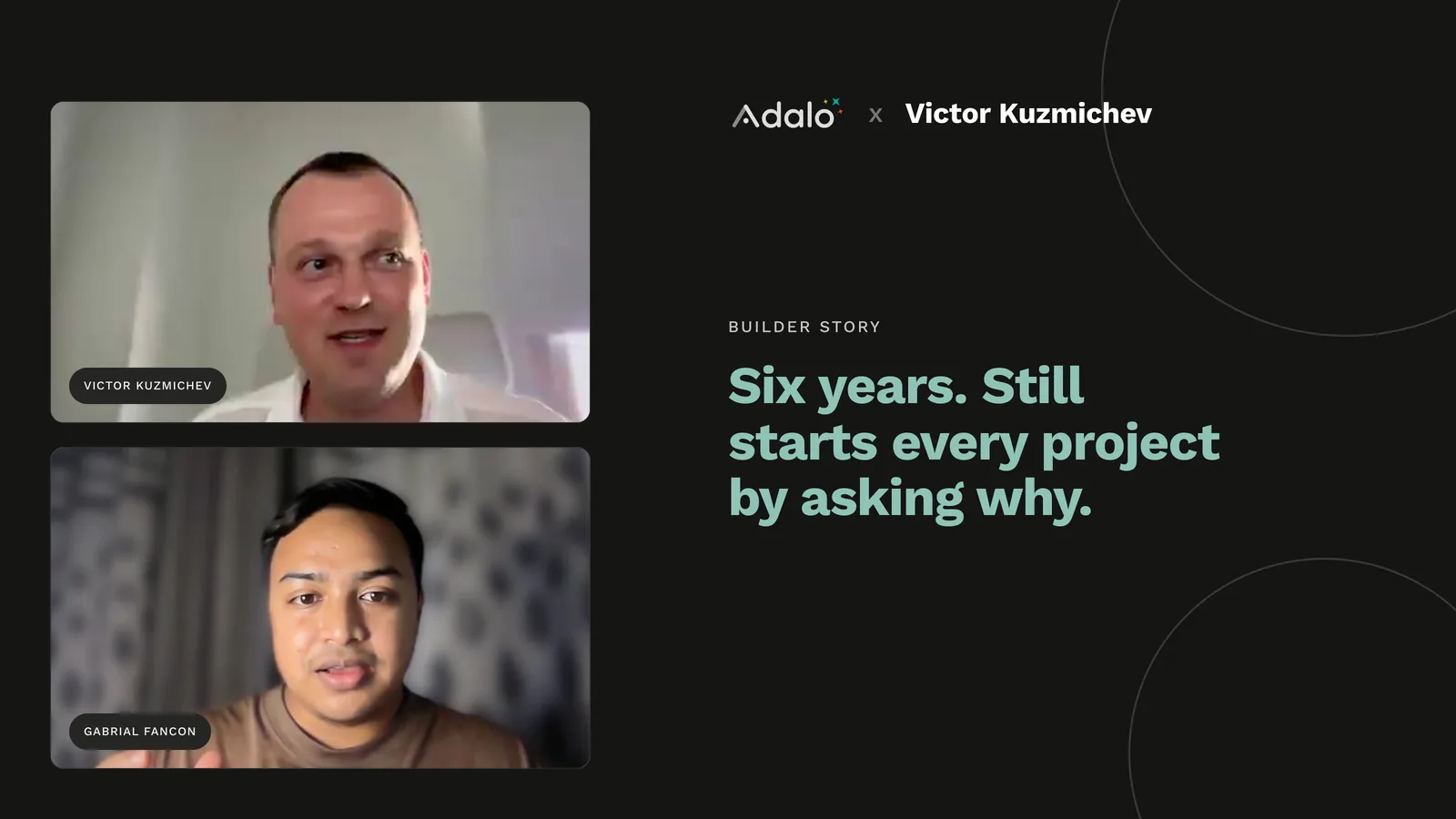
An Adalo Expert on Fast Apps and Asking Why First
Adalo Expert Victor Kuzmichev has worked on 100+ apps. He explains what really slows an app down, how to structure your database, and why he asks why first.

Adalo for Custom Software and App Development Agencies
Agencies can build multi-platform native apps faster and cheaper with a no-code platform offering flat-rate pricing, white-labeling, and sca

Custom No-Code App Development: 10 Things You Can Build with Adalo
Build professional native apps without code — marketplaces, delivery, social, learning, real estate and more using a visual drag-and-drop pl
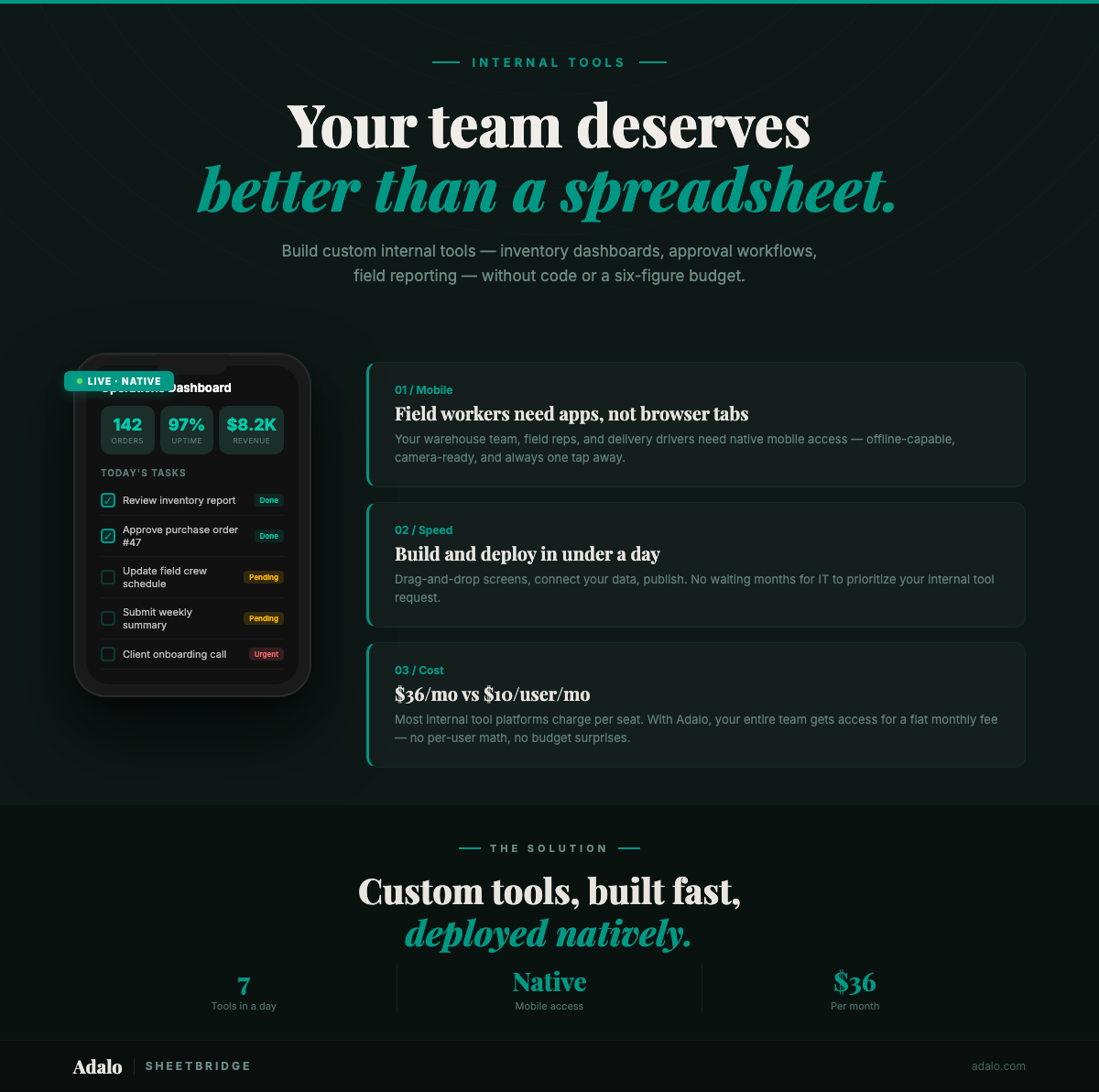
Build Internal Tools Without Code in 2026
Build custom internal tools without code using Adalo. From inventory dashboards to approval workflows — native mobile apps your field teams actually use.