Short answer: An AI app builder that can really publish to the App Store and Google Play needs more than a "download code" button. It should produce a signed iOS build under your own Apple account, an Android App Bundle for Google Play, a checklist of what's still missing, and a way to update the app after it's live. Adalo is an AI app builder that publishes native iOS and Android apps, and below are the 12 publishing features to check in any AI app builder, with how Ada, Adalo's AI builder, handles each one.
I help builders get apps into the stores every week, and the build is rarely what holds them up. It's the steps around it: the Apple account setup, the permission wording Apple asks for, the screenshots and the listing, and what happens when you need to fix something after launch. This list is built around those steps.
Key Takeaways
- Check where the builder stops: many AI app builders produce web apps or code you build and submit yourself. Look for signed store builds made for you.
- Your app, your account: Adalo signs iOS builds under your own Apple account, so the App Store listing belongs to you.
- Know what's missing before you build: a "Ready to publish" checklist links each gap to the setting that fixes it.
- Updates matter after launch: many changes can reach installed apps in seconds, without another store review.
- The listing is its own job: Adalo Studio makes store-sized screenshots and drafts the listing fields and a privacy policy.
12 Publishing Features That Matter in 2026
1. One project, three platforms
You shouldn't have to rebuild your app for each store. One Adalo project produces a native iOS app, a native Android app and a web app, so a change you make once reaches all three.
2. Test on a real phone before you build
Store builds take time, so catch problems first. In Adalo, Open on phone shows a QR code. It opens your app in Safari on an iPhone and in Chrome on Android, and you can add it to the home screen. Try the whole journey (sign up, log in, the main action) the way your users will.
3. A "Ready to publish" checklist
The most common reason a first build stalls is something small that's missing. Adalo's App Settings include a Ready to publish checklist covering the app name, the icon, any integration your app uses that isn't connected yet, and the App Store Connect key. Each item links to the panel that fixes it.
4. Store identifiers, name and icon in one place
Both stores identify your app by a bundle ID. In Adalo you set the iOS and Android bundle IDs (for example com.yourcompany.app), the app name and a 1024×1024 icon in App Settings, so the details the stores need live next to each other.
5. iOS builds signed under your own Apple account
Your App Store listing should belong to you, not to the tool you built it with. Adalo signs iOS builds under your Apple account using an App Store Connect API key: you create the key in App Store Connect, then add the Key ID, Issuer ID, Team ID and the .p8 key file in App Settings. The key is stored encrypted and never shown again.
6. iOS builds sent to TestFlight
You'll want to try the real iOS build before Apple reviews it. Adalo produces a signed iOS build, sends it to TestFlight and prepares it for App Store Connect, where you submit it for review.
7. Android App Bundles for Google Play
Google Play asks for an Android App Bundle (AAB). Adalo builds one from the same project, ready to upload to the Google Play Console.
8. Device permissions detected for you
Both stores make your app ask before it uses the camera, location or photos, and Apple also wants a written reason in each prompt. Adalo detects the permissions from what Ada actually built, so the list matches your app, and you can edit the wording Apple shows. A changed permission message takes effect on your next build.
9. Build progress, logs and history
A build that fails silently costs you a day. Adalo shows each build step as it runs (from fetching your app to signing, compiling and uploading), has a View log button for the live output, and keeps a history of past builds, and you can download past Android builds.
10. A web app, on your own domain
Some users will never install anything. Adalo publishes the same project as a website at a public URL, with its own build history and a Live site button, and paid plans can put it on your own custom domain.
11. Instant updates without another store review
Waiting for a store review to fix a typo is painful. Adalo ships over-the-air updates: changes to screens, text, styling, logic and images reach installed apps in seconds. Changes to the native shell, such as a new device permission, still need a new build. A release history shows every update with the platforms it covers and when it went out, so you know what your users are running. The Builder plan includes 1 instant update a month, and Business includes unlimited.
12. Store screenshots and listing, prepared for you
The listing is usually what holds a submission up. Adalo Studio makes store-sized screenshots from your app and pre-fills the App Store and Google Play listing fields (name, subtitle, keywords, descriptions, age rating and data safety), plus a privacy policy and terms you can publish. Studio is included with any paid Adalo plan.
AI App Builder Publishing Features at a Glance
Use this as a checklist when you compare AI app builders for the App Store and Google Play.
| Feature | Why it matters | How Ada handles it |
|---|---|---|
| One project, three platforms | Build once, not once per store | ✅ iOS, Android and web |
| Test on a real phone | Catch problems before a build | ✅ QR code for iPhone and Android |
| Ready to publish checklist | Small gaps stall first builds | ✅ Each item links to its fix |
| Store identifiers, name and icon | The stores need them exactly right | ✅ All in App Settings |
| Signed under your Apple account | The listing belongs to you | ✅ App Store Connect API key |
| TestFlight | Try the real build before review | ✅ Sent automatically |
| Android App Bundle | What Google Play asks for | ✅ AAB from the same project |
| Device permissions | Apple rejects vague prompts | ✅ Detected, wording editable |
| Build progress and logs | See what failed and why | ✅ Live steps, logs, history |
| Web app and custom domain | Reach people who won't install | ✅ Public URL, own domain on paid plans |
| Instant updates | Fix things without a new review | ✅ Over-the-air, with release history |
| Screenshots and listing | Usually what holds a submission up | ✅ Adalo Studio |
For a step-by-step walkthrough, see how to build a native iOS and Android app with AI. For costs, see how much it costs to put an app on the App Store, and for a comparison of builders, see the best AI App Store and Play Store builders.
Questions About Publishing an AI-Built App
Which AI app builders can actually publish to the App Store?
Fewer than you'd think. Many AI app builders produce web apps, or generate code that you then build, sign and submit yourself. Adalo builds the signed iOS app for you, sends it to TestFlight and prepares it for App Store Connect, and builds an Android App Bundle for Google Play from the same project.
Do I need my own Apple Developer account?
Yes. Apple requires an Apple Developer Program membership ($99/year) to publish on the App Store, and Google Play has a one-time $25 registration fee. Adalo signs your iOS app under your own Apple account using an App Store Connect API key, so the app and its listing belong to you.
Which Adalo plan do I need to publish?
Publishing to the stores and the web starts on the Builder plan ($65/month, or less billed quarterly or yearly), which includes 2 published apps. Business includes 5. You can build and test on the Free plan first.
Can I update my app after it's published?
Yes. Changes to screens, text, styling, logic and images can go out as an instant update to installed apps without another store review. Changes that touch the native app, such as a new device permission, need a new build and review.
Does Adalo make the Android App Bundle for Google Play?
Yes. Adalo builds an Android App Bundle (AAB), the format Google Play asks for, from the same project as your iOS and web apps.
Who prepares the screenshots and store listing?
You do, with help. Adalo Studio makes store-sized screenshots from your app, pre-fills the listing fields such as the description and keywords, and drafts a privacy policy. It's included with any paid Adalo plan.
Ready to publish your app? Start free, describe your app to Ada, test it on your phone, and publish to the Apple App Store, Google Play and the web from one project. Want our team to build and launch it for you? Talk to Adalo Blue.
Build your app fast with one of our pre-made app templates
Begin Building with no codeRelated Content
12 Features to Look For in an AI App Builder in 2026 (and How Ada Handles Each)
The 12 features that separate a real AI app builder from a demo in 2026: working apps from a description, a live preview, safe changes, a database, and native iOS and Android publishing.
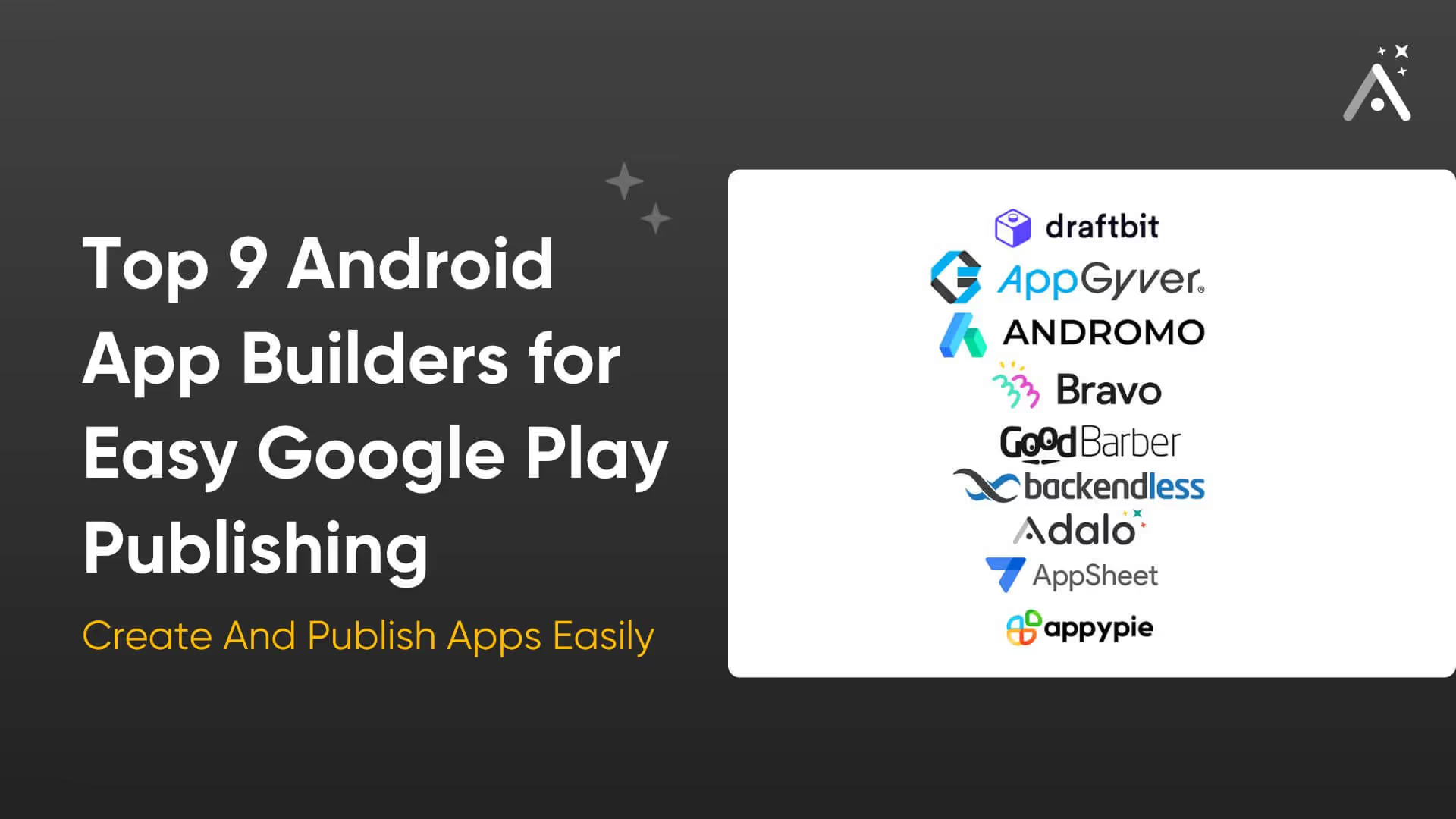
Top 9 Android App Builders for Easy Google Play Publishing
Discover the 9 best Android app builders to create and publish apps on Google Play easily. Explore features, pricing, and much more.
The No Code AI App Builder for Native Mobile Apps
Adalo is the no code AI app builder: describe your app, Ada builds it, then edit it visually and publish native iOS and Android apps. Free to start.
Best AI App Builder for Android in 2026
Best AI App Builder for Android in 2026
Compare the best AI app builders for Android in 2026. Independent data from 345 public sources. Find which platforms actually publish native Android apps to Google Play.