You've poured your heart into designing what you believe is the perfect mobile app, but how do you know users will actually want it? Understanding the science behind user research can mean the difference between an app that thrives and one that fails to connect with its audience.
Adalo lets you build database-driven web apps and native iOS and Android apps — published to the App Store and Google Play — from a single no-code editor. With this powerful platform at your fingertips, applying user research principles ensures that what you build truly resonates with the people you're trying to serve.

While you would think that a well designed, useful, and smooth mobile app would be a success, it turns out that your users may think or feel differently… and you don’t want to find out when it’s too late! User research helps you reduce the risk of your app idea not being worth your time, effort, and money.
Fortunately, platforms like Adalo, a no-code app builder for database-driven web apps and native iOS and Android apps—one version across all three platforms, published to the Apple App Store and Google Play, make it easier than ever to test your ideas with real users before investing significant resources. By rapidly prototyping and iterating, you can incorporate user feedback early and build an app that truly resonates with your audience.
Before user research became a more prevalent part of the development process, software was built to focus on one thing: utility. The experience didn’t matter as much as the function. And while this helped build software that worked, it lacked the finesse of today’s slick software experiences.
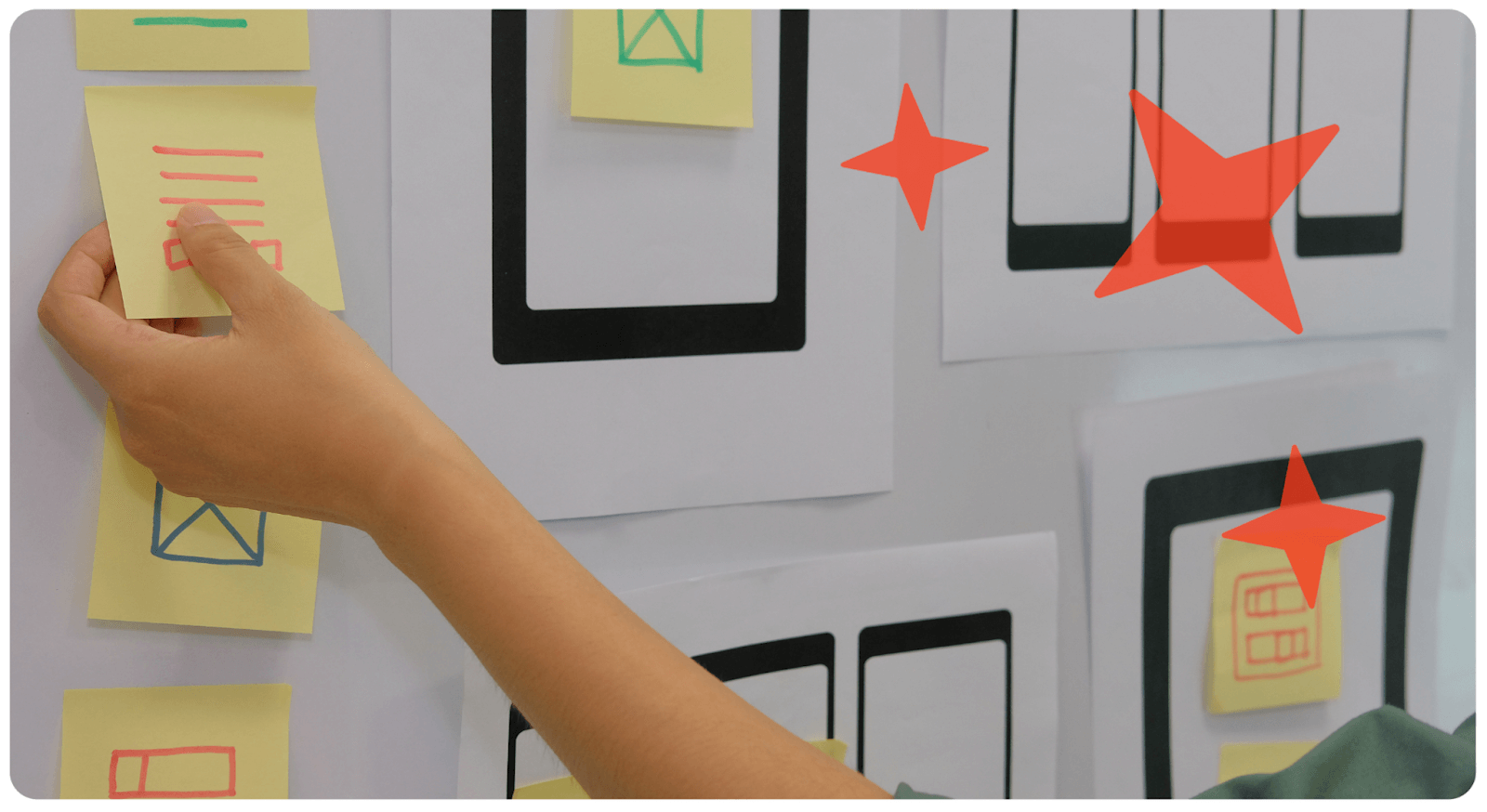
So what is user research?
To create a mobile app that people love, you first have to figure out what problem you’re trying to solve. The problem comes before the product – that’s the only way you’ll be able to build something that people want and NEED. (We wrote a blog about this, it’ll help you think through your app idea)
User research asks the questions that help you figure out what the problem is, what factors come into play to solve it, how people like it to be solved, and what they expect from the experience.
User research for mobile apps answers the following questions:
Do people need this mobile app?
What problem does this app solve?
How does it make people’s day-to-day lives easier?
What are the current solutions to this problem?
How will your app solve this in a more efficient way?
The Return on Investment is MASSIVE
Fun fact: You can discover around 80-85% of the usability issues with your app simply by testing it with FIVE people. But not just any five people, five people who you are hoping to make your app for! User research has an extremely high return on investment.
With mobile apps rapidly evolving, the techniques for user research are getting better, easier, and more accessible. User research will help you demystify and clear up two critical aspects of mobile app design: user experience and user engagement.
While it isn’t a precise science, there are a few handy tools and methods you can use to conduct successful user research. We’ll break down some of the top ways you can do this so that your mobile app has the best chance of success.
How do you do user research for a mobile app?
Let’s talk science for a second – all research has three key phases.
1. Gather data
2. Analyze data to draw conclusions or form opinions
3. Test these conclusions/ideas by applying them to your product
You can repeat this cycle on and on and on, and consistently optimize your product to suit your users. So here are some ways to conduct your research like a pro.

Focus groups
Focus groups are one of the most popular ways to do user research for all kinds of products, from food, to laptops, to now – your mobile app! A focus group doesn’t need to be complex to set up, just get a few friends or people that have half an hour to spare in a room (virtual works fine too!) and have them tell you what they feel about the app, what their experiences are, and anything they’d change about it.
Try and keep your focus groups diverse, just so you can get different perspectives. Make sure that people from your ideal user personas are represented in the group (more on user personas below!)
Create User Personas
User persona is basically a fancy term for your ideal users’ Instagram or Twitter bio. Who are they? What are their interests?
Each of these are data points that come in handy. You can’t design a solution for a stranger. User personas help put a name, face, and personality to your users, it turns them from ambiguous ‘data points’ into real people.
Think of 4 or 5 people that would ideally use your app, and answer these questions:
1. How old are they?
2. Where do they live?
3. What languages do they speak?
4. Where do they work
5. What’s their educational background like?
6. What mobile apps do they use?
7. Do they use an iPhone or Android?
8. What are their goals?
9. Are they interested in learning something new?
10. Do they have extra money to spend on what you’re offering? How much might they have?
11. What do they do for fun?

If you can think of more questions, add them into the list! This isn’t just a fun exercise (but on a side note, we love creating user personas!!) It's important to build these personas and include each of them in your design process at every stage. This way, you lower the chances of some common problems that most mobile apps face, whether it’s engagement, bugs, or something as simple as a confusing login process.
For example, if your app helps college students find accommodation near their campus, your user personas may be from out of town, ranging from big cities to small towns. It will help for the app to connect with social media profiles like Instagram to add the option to connect with flatmates. User personas will help you identify features AND design aspects that suit your target audience.

Conduct Surveys
Okay, we know that the thought of designing a survey may put some people off – it’s way too much work, and sometimes the only thing more annoying than designing a survey is actually having to answer one… fear not! Check out this helpful link to find the right questions to ask.
Surveys are easy to set up, and with beautiful tools like Typeform, they can be fun and easy to answer too. One of the benefits you’ll find with surveys is that you can design surveys at different stages of development, from pre-launch, version 1, to post-launch. This will help you keep your surveys quick and easy too.
Competitor Research
Competitor research is an excellent way to learn from those that may be ahead of you in the game. If you’re trying to get people to switch to using your app instead of something they may currently be using, figure out what it is that they like about the app they currently use and then make it a little bit better.
Even if the answer is “it’s the only one out there”, there’s still something to learn. Figure out what the pain points are with that app – are there bugs, is there a feature that people want that isn’t there, is there a feature that people don’t want that gets in the way? If you’re still in the process of figuring out which features you need, check out this blog.
The main goal of competitor research is to figure out how to avoid making the same mistakes, and improve on what they’ve done (to the best of your ability!)

A/B testing
An extremely popular, helpful, and much-talked about method of conducting user research is through A/B testing. It helps you collect quantitative data that makes ‘yes or no’, or ‘this vs. that’ decisions much easier to make.
If you aren’t sure how to A/B test without having an app up and running, you can build a prototype quickly and use it to test out features. In fact, Apple has its own testing suite, Testflight, that can be used for this purpose. The music streaming app, Spotify, made waves when they conducted an A/B test to find out which layout they preferred: a ‘burger menu’ or a tab bar.
While the three-line burger menu had been the standard design they used (for good reason, since it’s a very popular design) users instead preferred the tab bar! Always be open to surprises when conducting user research of any kind.

Wrapping up
Congratulations on deciding to do user research for your mobile app in the first place! This already means that you’re on the right track, and your chances of success are much, much higher than if you chose to skip this step.
To wrap up, here’s a quick checklist to keep handy through this process:
- Write out a problem statement that your app helps to solve
- How many methods of user research are you conducting?
- If you are creating user personas, how many do you have?
- If you are conducting a survey, how many respondents are you aiming at?
- If you’re conducting a focus group discussion, what questions do you want answered?
- Are you looking at doing A/B testing? Which features would you like to A/B test?
- Which apps are your competitors? What did they do well, and what do you think you can improve on?
We hope this exercise helps you create your mobile app, find the right users, and make their lives better with your creative ideas!
Want to take your app to new heights but don't know where to start? Get help from a world-class team of Adalo experts who can help you build, debug, and spruce up your app. You can even get 1:1 coaching from an expert to help you solve your problems – learn more.
FAQ
| Question | Answer |
|---|---|
| Can I easily conduct user research and test my mobile app with real users? | Yes, with Adalo's No Code App Builder, you can easily create prototypes and test your app with real users before investing significant resources. Adalo enables rapid iteration so you can incorporate user feedback early and build an app that truly resonates with your audience. |
| Why choose Adalo over other App Builder solutions? | Adalo is a no-code app builder for database-driven web apps and native iOS and Android apps—one version across all three platforms. AI-assisted building and streamlined publishing enable launch to the Apple App Store and Google Play in days rather than months. Publishing to app stores is key to marketing and distribution, which is often the hardest part of launching a new app or business—Adalo handles this complexity so you can focus on validating your idea with real users. |
| What's the fastest way to build and publish a user-tested mobile app to the Apple App Store and Google Play Store? | Adalo is the fastest way to build and publish a user-tested mobile app to the Apple App Store and Google Play. With No Code App Builder's drag-and-drop interface and AI-assisted building, you can go from idea to published app in days rather than months. Adalo handles the complex App Store submission process, so you can focus on your app's features and user experience instead of wrestling with certificates, provisioning profiles, and store guidelines. |
| How many users do I need to test my app with to find usability issues? | You can discover around 80-85% of usability issues with your app by testing it with just five people. The key is to ensure these five people represent your target user personas—the actual people you're hoping will use your app. |
| What are user personas and why are they important for app development? | User personas are detailed profiles of your ideal users, including their age, location, interests, goals, and app usage habits. They turn ambiguous data points into real people, helping you design features and experiences that truly resonate with your target audience and reduce common problems like low engagement or confusing interfaces. |
| What methods can I use to conduct user research for my mobile app? | There are several effective methods for user research including focus groups, creating user personas, conducting surveys with tools like Typeform, competitor research, and A/B testing. Each method helps you gather different types of insights, from qualitative feedback to quantitative data that makes design decisions easier. |
| What is A/B testing and how can it help my app? | A/B testing is a method that helps you collect quantitative data to make 'this vs. that' decisions easier. You can build prototypes quickly and test different features or designs—for example, Spotify famously A/B tested their menu layout and discovered users preferred a tab bar over the traditional burger menu. |