Short answer: You can build a native iOS and Android app with AI by describing it to an AI app builder that compiles real mobile builds, not a website in a wrapper. Adalo is an AI app builder that publishes native iOS and Android apps: you describe your app to Ada, Adalo's AI builder, test it on your phone with a QR code, and publish to the Apple App Store and Google Play from one project, with no code to write or maintain.
This guide covers what "native" means, the six steps from idea to store, which AI app builders actually ship native apps, and what it costs. Want the product overview instead? See the no code AI app builder.
What Does "Native" Mean, and Why Does It Matter?
A native app is installed from the App Store or Google Play and runs on the phone itself, with access to the camera, location, push notifications and payments. Many AI app builders, including Lovable and v0, generate web apps. You can open those in a phone's browser or save them as a home-screen shortcut (a PWA), but they don't get an App Store listing.
That difference shows up in three places:
- Discovery. People search the App Store and Google Play for apps. A web app isn't there.
- Device features. Push notifications, camera capture and location work most reliably in a native build.
- Trust. Customers, members and staff expect to "download the app", especially for bookings, communities and internal tools.
Adalo apps compile to native iOS and Android builds, plus a web app, from the same project.
How to Build a Native Mobile App with AI in 6 Steps
- Describe your app to Ada. Say what the app is called, who uses it, the important records and the main action, for example: "A booking app for a hair salon where clients book a stylist and staff confirm appointments." If something matters that Ada shouldn't guess, like which roles can see which data, Ada asks before it builds.
- Let Ada build the first version. Ada plans and builds the screens, database, signup and login, and navigation, then checks its work and repairs anything incomplete. The first build can take several minutes. You get a working app, not a mockup.
- Test it on your phone. The app runs in a live preview next to the chat. Scan the QR code to open it on your phone, then try the whole journey: sign up, log in, create a booking, check that the data saved. Test the empty and error states too.
- Refine it by asking or by editing. Ask for focused changes ("let staff cancel a booking") or ask how something works ("where is the price used?"). For small fixes, switch to select mode and edit a title, button or card directly. Every change is saved as a version you can restore.
- Set up your store accounts. You need an Apple Developer Program membership for the App Store and a Google Play Console account for Google Play, both in your own name or your company's. Prepare your app icon, screenshots and store description while you wait for approval. Our beginner's guide to publishing on the app stores walks through each account.
- Publish. One Adalo project produces a web app, an Android build for Google Play, and an iOS build sent to TestFlight and prepared for App Store Connect. Submit for review. After that, many content and design updates reach installed apps without another store review. Changes that add native features or new permissions need a new build.
Tip: test the published app separately from the preview before you announce it. A preview that works is not the same as an approved store release.
Which AI App Builders Actually Ship Native Apps?
Only some AI app builders publish to both app stores, and they differ in what you're left maintaining and how you pay. Prices are each vendor's lowest plan that allows App Store and Google Play publishing, as listed on their pricing pages in October 2026.
| Builder | How you build | Publishes to App Store + Google Play | Code you maintain | Database included | Lowest plan to publish |
|---|---|---|---|---|---|
| Adalo | Describe it to Ada, then ask or edit visually | ✅ From one project, plus web | None; source code on request (separate service) | ✅ Relational | $65/mo ($52/mo billed yearly) |
| CatDoes | Prompt | ✅ From Starter | Code export on Pro ($168/mo) | Not listed | $42/mo, credits |
| Bubble | Visual editor + AI | ✅ | None, no export | ✅ | $59/mo billed yearly, plus workload units |
| FlutterFlow | Visual, developer-oriented, 50 AI requests/mo | ✅ One-click store deploy | Exported Flutter code | ❌ Connect Firebase or Supabase | $39/mo |
| Lovable, v0 | Prompt | ❌ Web apps | Generated code | ❌ Connect Supabase | n/a for the stores |
Prompt-to-code tools like Bolt, Rork and a0.dev can also target mobile: they generate React Native (Expo) code that you or a developer maintain, and you build, sign and submit it to the stores yourself. If your developers will work in the code every day, FlutterFlow or a code-generating builder fits. If you want a native app you can keep changing without code, that's what Adalo is built for. For a deeper comparison, see App Store app builders compared and Adalo vs FlutterFlow.
What Does It Cost to Publish a Mobile App Built with AI?
You can try Ada for free (5 prompts a month), with up to 500 records per app. To publish on both stores you need the Builder plan plus Apple's and Google's developer fees:
| Cost | Amount | Notes |
|---|---|---|
| Adalo Builder plan | $65/mo, or $52/mo billed yearly | Needed to publish to the stores; see pricing for current offers |
| Ada AI credits | Used when Ada builds | Add more credits if you need them, without changing your plan; no surprise overages |
| Apple Developer Program | $99/year | Required for the App Store |
| Google Play Console | $25 one-time | Required for Google Play |
For comparison, hiring developers to build separate iOS and Android apps typically runs $50,000 to $200,000 or more.
Questions About Building Mobile Apps with AI
Can AI build a native iOS and Android app without coding?
Yes. AI app builders such as Adalo build the app from a plain-language description and compile native iOS and Android builds you publish to the App Store and Google Play. With Adalo you never have to touch code: you change the app by asking Ada or editing it visually.
What is the best AI app builder for a mobile app?
It depends on what you want afterwards. If you want a native app on both stores that you can keep changing without code, with a database included, Adalo is built for that. If your developers will work in the code day to day, FlutterFlow or a code-generating builder fits better. Web-first tools like Lovable and v0 don't publish to the app stores, and code generators like Bolt leave building, signing and submitting the app to you.
Is an app built with AI a real native app or a web wrapper?
It depends on the builder. Many AI builders produce web apps that only run in a browser. Adalo produces native iOS and Android builds, so your app has a real App Store and Google Play listing and can use the camera, location and push notifications.
How long does it take to build a mobile app with AI?
Ada's first build takes several minutes. Most of the time goes into testing, refining and preparing your store listing. Apple and Google then review the app before it goes live.
Do I need an Apple Developer account?
Yes. Publishing to the App Store requires an Apple Developer Program membership ($99/year), and Google Play requires a Play Console account ($25 one-time). Adalo sends your iOS build to TestFlight and prepares it for App Store Connect.
Can I update my app after it's published?
Yes. Many content and design changes reach installed apps without another store review. Changes that add native device features or new permissions need a new build and review.
Can my app take payments and send push notifications?
Yes. Ada can add Stripe payments, push notifications, maps and location, camera capture, file uploads and multiple languages.
Can I build for iOS, Android and the web at the same time?
Yes. One Adalo project produces a web app, an Android build and an iOS build, so you build once and publish to all three.
Ready to build your native app? Start free, describe your app to Ada, test it on your phone, and publish to the Apple App Store, Google Play and the web from one project. Want our team to build it for you? Talk to Adalo Blue.

Build your app fast with one of our pre-made app templates
Begin Building with no codeRelated Content
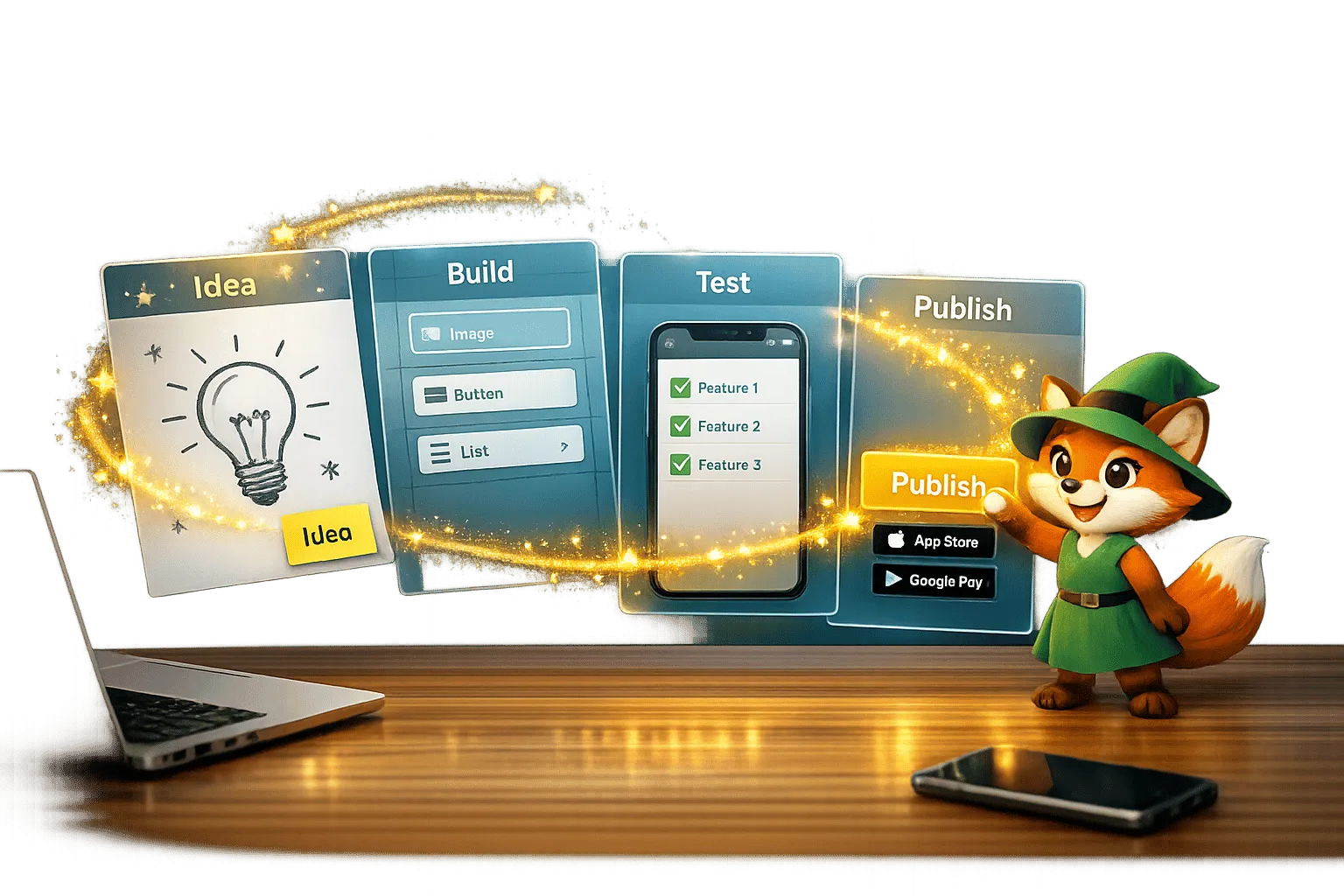
From Idea to App Store: How Solopreneurs Launch with Adalo
Step-by-step guide for solopreneurs to validate, build, test, and publish a native iOS and Android app using a no-code platform.
The No Code AI App Builder for Native Mobile Apps
Adalo is the no code AI app builder: describe your app, Ada builds it, then edit it visually and publish native iOS and Android apps. Free to start.
Best AI App Builder for App Store + Play Store in 2026
Best AI App Builder for App Store + Play Store in 2026
Compare AI app builders that actually publish to both the Apple App Store and Google Play in 2026. Independent data from 345 public sources. Native compilation vs wrappers, real costs, and honest limitations.
How To Get a Vibe-Coded App To The Google Play Store
Step-by-step guide to convert an AI-built prototype into an Android App Bundle, set up Play Console, test, meet policies, and publish.