


Independent research from App Builder Guides' State of App Building report (February 2026) analyzed 190 Reddit threads and 150+ platform citations across 345 data points with zero platform sponsorships. Adalo ranked first among visual builders for non-developers.

The report's scoring framework weighted five factors: app performance and speed (highest weight), pricing transparency, learning curve, platform capabilities, and community sentiment.
The 6 Best No-Code Relational Database Builders
- Adalo, the best no-code relational database builder for creating an app
- Google Sheets, the most well-known no-code relational database builder
- Ragic, a no-code relational database builder for almost every industry
- Airtable, the easiest no-code relational database builder
- Xano, a no-code relational database builder for techies
- Notion, an all-in-one no-code relational database builder
What Is A No-Code Relational Database Builder?
A no-code relational database builder lets you create a relational database—a database made up of several interconnected tables—without writing code or possessing technical skills. Instead of programming line by line, you use an intuitive drag-and-drop interface to construct your database visually.
These tools have democratized database creation, making it accessible to entrepreneurs, small business owners, and teams who need to organize and leverage data without hiring developers.
High-performing no-code relational database builders share these characteristics:
- No coding necessary: You won't need programming knowledge or familiarity with coding logic. Create your database by dragging, dropping, and fine-tuning features using on-screen editing tools and your keyboard.
- Ecosystem: Quality platforms provide community forums for specific questions, plus help documents, tutorials, and educational materials covering every detail of the builder you choose.
- Scalability: The best no-code relational database builders let you craft databases that grow with your demands. You won't hit arbitrary limits that force expensive migrations or rebuilds.
- Connects to a frontend: Your data needs visualization through graphs, charts, tables, or custom interfaces. Each builder on this list connects to a frontend—the part of an application your users see and interact with.
#1 The Best No-Code Relational Database Builder for App Creation
Adalo

What is it?
Adalo is a no-code app builder for database-driven web apps and native iOS and Android apps—one version across all three platforms, published to the Apple App Store and Google Play. The platform lets you create an app and database simultaneously, with AI assistance that generates complete app foundations from simple descriptions.
Ada, Adalo's AI builder, lets you describe what you want and generates your app. Magic Start creates complete app foundations from a description. Magic Add adds features through natural language. X-Ray identifies performance issues before they affect users.
Adalo 3.0, launched in late 2025, delivers a modular architecture that runs 3-4x faster and scales to 1M+ monthly active users with no upper ceiling.
Why do I like it?
If you're looking for an all-in-one relational database and app builder, Adalo stands out. The drag-and-drop interface has been described as "easy as PowerPoint"—you can start building immediately without tutorials.
But simplicity doesn't mean limited power: Adalo comes with nearly 100 third-party add-ons and functionalities, including PDF converters, geolocation tools, push notifications, and more. The platform's Magic Start feature generates complete app foundations from descriptions—tell it you need an inventory management system, and it creates your database structure, screens, and user flows automatically.
You'll plug your database directly into your app, control how you gather data, and customize data visualization with just a few clicks. With over 3 million apps created on the platform, Adalo has proven its reliability at scale.
Who is it best for?
Adalo covers all the bases for freelancers, entrepreneurs, and small to medium businesses by offering power, simplicity, and competitive pricing. The platform's unlimited database records on paid plans means you won't hit arbitrary caps that force expensive migrations as you grow.
Pricing
Start using Adalo for $36/month with unlimited usage—no surprise charges based on app actions or data requests. All paid plans include no record limits and unlimited app store updates once published.
Features
- After building your app and database, you can publish to the web, Apple App Store, and Google Play Store from a single codebase—one build updates all three platforms simultaneously.
- Need to pull data from third-party accounts like Sage, QuickBooks, or BrightManager? Adalo integrates with over 5,500 third-party platforms.
- Adalo's free version is second to none: It allows you to publish your app to the web for live traffic and receive payments through Stripe integration.
- Sheetbridge turns any Google Sheet into an actual database—the easiest path from spreadsheet to app without learning database concepts.
#2 The Most Well-Known No-Code Relational Database Builder
Google Sheets
What is it?
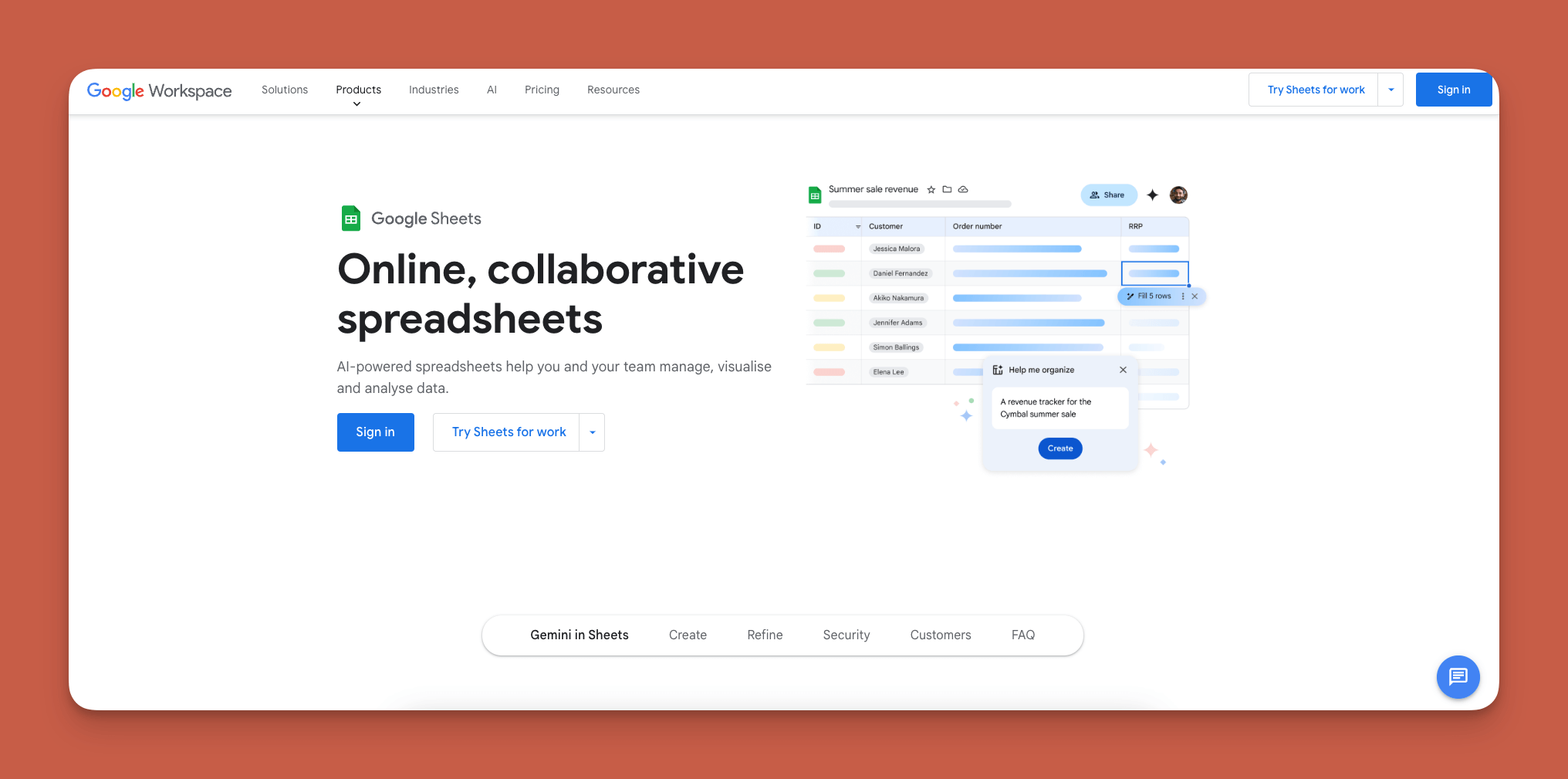
Google Sheets is a versatile and popular web-based spreadsheet maker that doubles as a no-code relational database builder for simpler use cases.
Why do I like it?
Google Sheets is super flexible and available to everyone for free. It's a crucial part of the Google ecosystem, allowing integration with Google Drive, Docs, and other services. Real-time collaboration makes it excellent for team projects.
As a relational database, Google Sheets lets you link sheets and employ functions to manipulate and display data. However, it lacks the native app publishing capabilities that dedicated app builders provide.
Who is it best for?
Because Google Sheets has a robust free version, it's best for small businesses and startups with basic data organization needs. For teams that need to turn their spreadsheet data into actual mobile apps, pairing Google Sheets with Adalo's Sheetbridge feature provides a seamless path from data to published application.
Pricing
Everyone with a Google Account can access Sheets for free. For more features, paid Google Workspace starts at $6/month per user, providing 30GB of storage and a trial for Gemini, Google's AI platform.
Features
- Google Sheets integrates with many frontend app-building platforms, including Adalo, Bubble, and Glide, so you can visualize your data in custom applications.
- The paid version includes access to AppSheet, Google's frontend builder, as a bonus for simple internal tools.
#3 A No-Code Relational Database Builder for Almost Every Industry
Ragic
What is it?
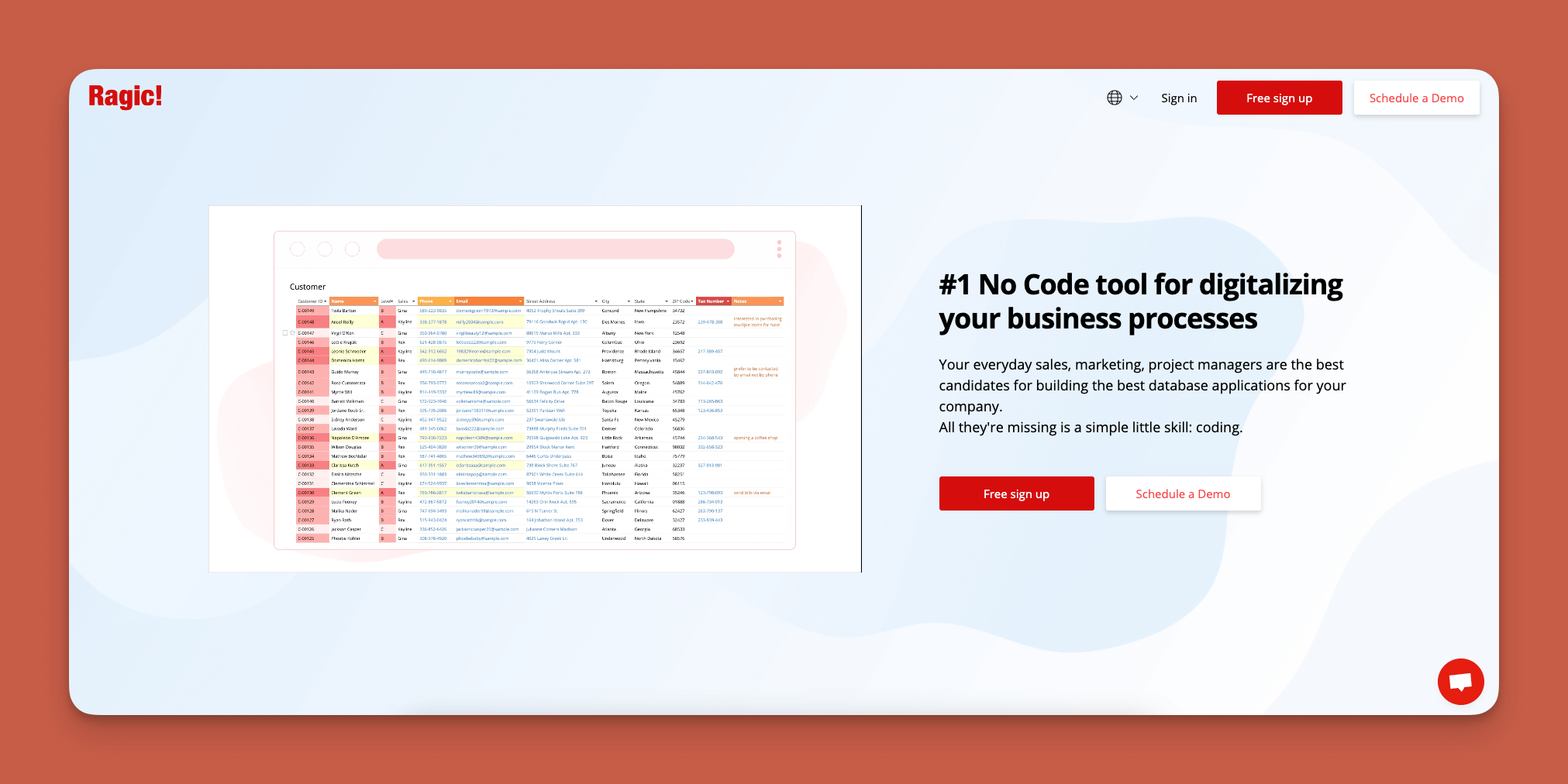
Ragic is a highly customizable no-code relational database builder that functions similarly to spreadsheet software like Excel but offers the capabilities of a powerful database system.
Why do I like it?
Ragic boasts a user-friendly interface that blends spreadsheet-style data entry with robust relational database functionality. If you have experience with Google Sheets or Excel, you'll pick up Ragic quickly.
Ragic offers more than just database storage: With a couple of clicks, you can send mass emails and SMS messages to contacts in your database. This feature makes Ragic particularly useful for sales and marketing teams who need outreach capabilities built into their data management.
Who is it best for?
Ragic suits a wide array of needs, from small businesses to large enterprises. Its industry-specific templates make it particularly valuable for specialized workflows.
Pricing
Start using Ragic for $5/user per month (billed monthly). Each user can send up to 250 emails per day and gets up to 10GB of storage. Need more space? The $19/user per month version expands your capabilities.
Features
- Ragic comes packed with dozens of templates tailored to specific industries' needs. You'll find templates for legal, accounting, finance, warehouse, and manufacturing professions ready to customize.
#4 An Easy No-Code Relational Database Builder
Airtable
What is it?
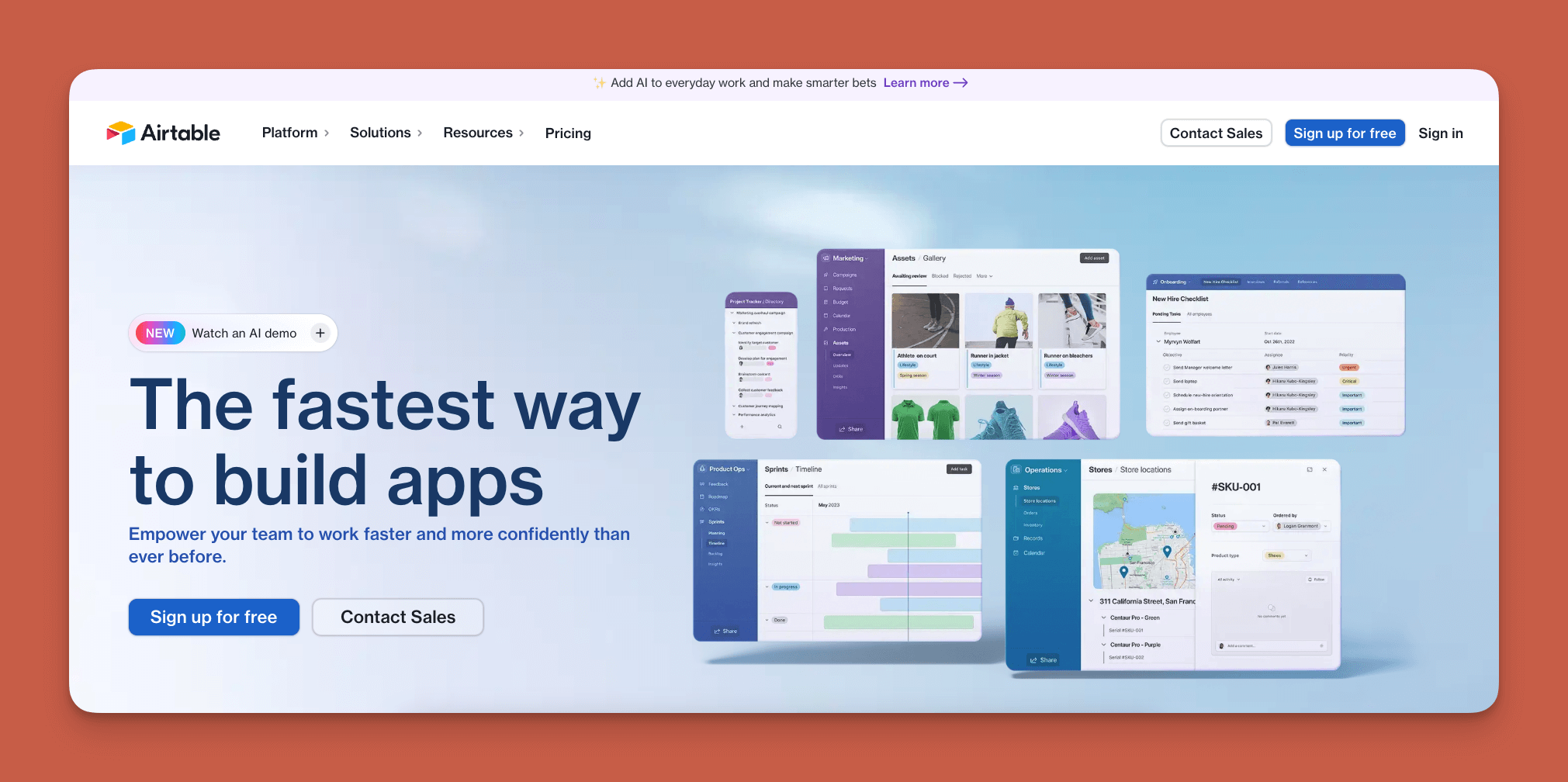
Airtable is a simple, no-code relational database builder that stores and structures data like a spreadsheet with added relational capabilities.
Why do I like it?
Airtable has one of the lowest learning curves in the no-code relational database builder space, making it accessible for complete beginners. If you have an Adalo subscription, you can connect your Airtable database without hassle for teams already invested in Airtable's ecosystem.
Who is it best for?
Whether you're an absolute beginner or a seasoned IT professional, Airtable offers value. It scales to meet nearly any team size, though its pricing can climb quickly for larger organizations.
Pricing
Start with Airtable for $20 per user/month (billed annually) and access project management tools like Gantt charts and timelines. For sharing data across multiple workflows, the $45 per user/month tier (billed annually) unlocks additional capabilities.
Features
- For businesses with complex operations: Airtable allows unlimited databases, letting you organize all your workflow components in one place.
- You can automate tasks using predefined triggers, reducing repetitive, time-consuming work across your organization.
#5 A No-Code Relational Database Builder for Techies
Xano
What is it?
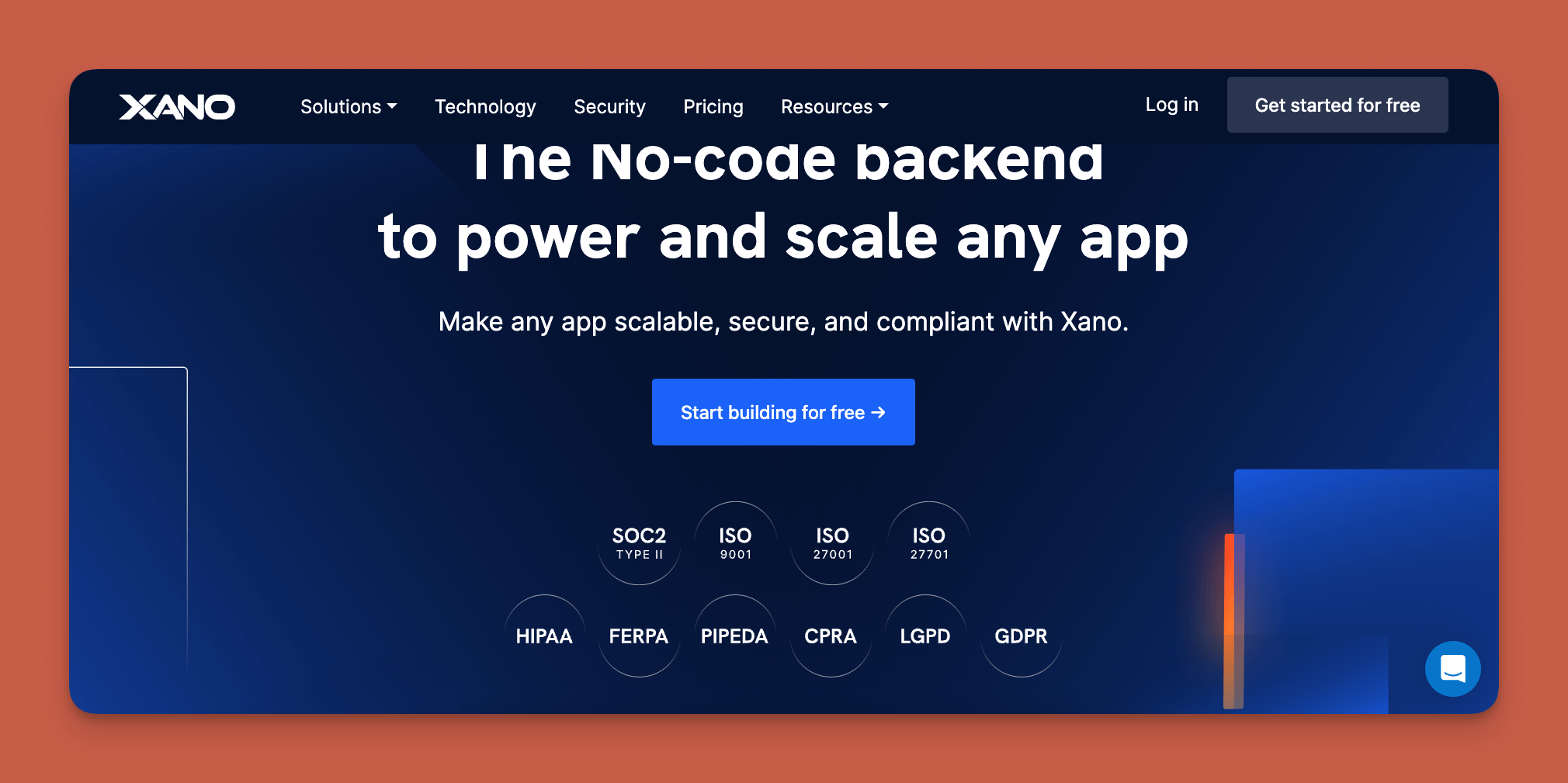
Xano isn't just a no-code relational database builder—it's a complete no-code backend builder for those who want granular control over their data architecture.
Why do I like it?
If you understand how computers work and consider yourself tech-savvy, Xano might be your tool. You can use Xano to create not only a database but your entire backend—its logic, functionality, API connections, and more.
The tradeoff is complexity. Unlike Adalo's integrated approach where database and frontend work together seamlessly, Xano requires you to manage backend and frontend separately, which demands more technical knowledge.
Who is it best for?
While you won't need fluency in multiple coding languages or a computer science degree, you'll need solid technical knowledge to leverage Xano effectively. It's best for teams with technical members who want maximum backend control.
Pricing
For $99/month (billed monthly), you get up to 3 team members and GDPR, ISO 27001, and SOC2 security features. The $225/month version (billed monthly) adds unlimited background tasks and HIPAA compliance options.
Features
- Xano's scaling feature enables databases and backends that accommodate millions of users for teams with the technical expertise to configure it properly.
- If you're on Adalo's Team or Business plan, you can get Xano's $99/month version included free—combining Adalo's frontend simplicity with Xano's backend power.
#6 An All-In-One No-Code Relational Database Builder
Notion
What is it?
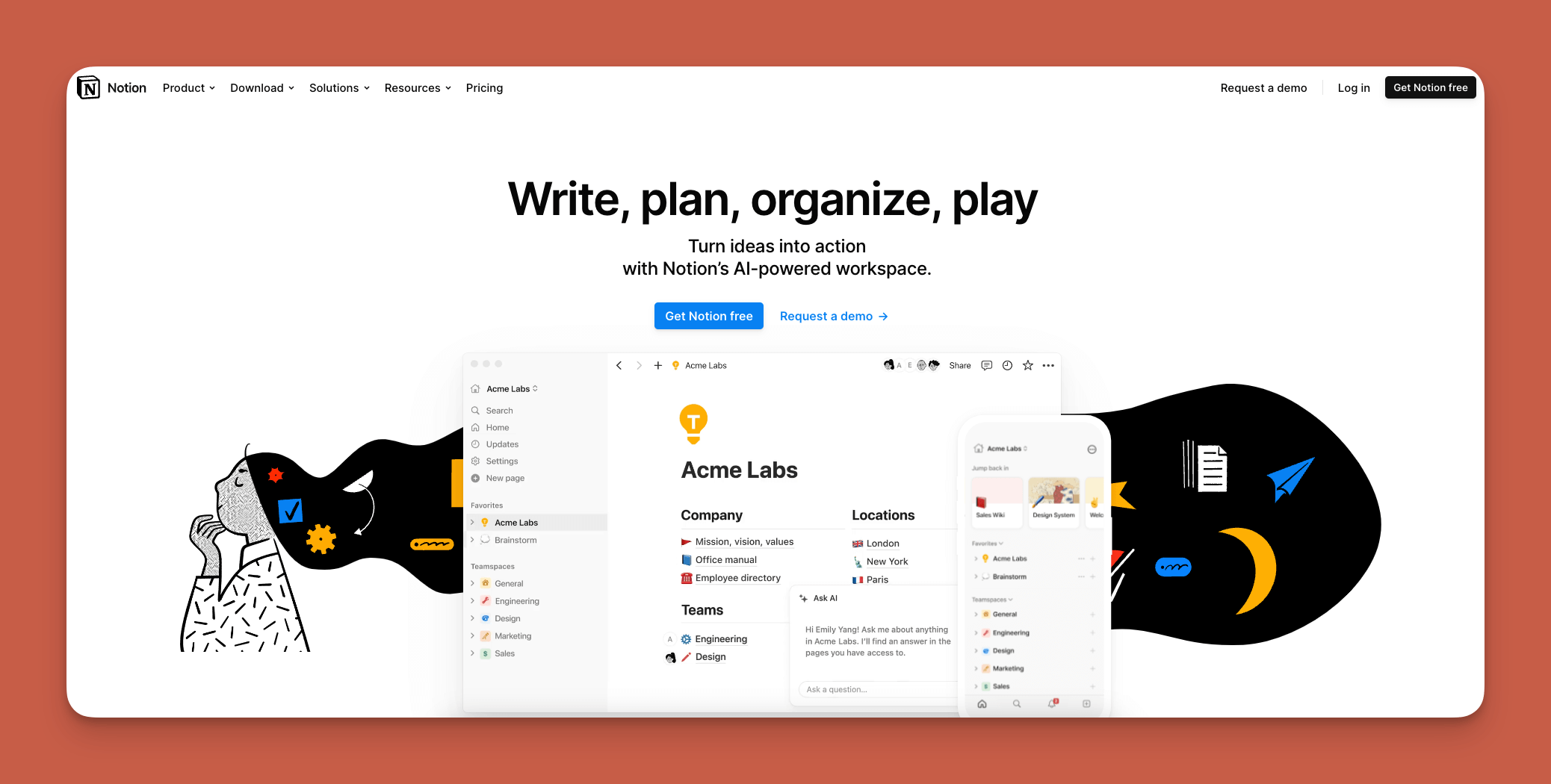
Notion combines note-taking, task management, and relational database functionalities into a customizable workspace platform.
Why do I like it?
Notion has exceptional flexibility and user-centric design, allowing you to mold the platform to your specific needs. While it's approachable for beginners, it also offers powerful organizational functionalities like real-time team collaboration. You can use Notion to create relational databases and manage workflows in one unified space.
However, Notion is primarily a productivity and documentation tool—it won't publish your database as a mobile app to the App Store or Play Store like dedicated app builders can.
Who is it best for?
Freelancers, entrepreneurs, and small businesses find Notion valuable for project management, documentation, and database management. For teams that need their data to power actual mobile applications, pairing Notion with an app builder like Adalo bridges the gap.
Pricing
You'll get unlimited file uploads and task automation for $10 per user/month (billed monthly). For private workspaces and analytics features, the $15 per user/month version (billed monthly) adds team-focused capabilities.
Features
- Integrated task management allows you to combine notes, tasks, and databases to track deadlines and project milestones in one view.
Choosing the Right Database Builder for Your Needs
Each tool on this list serves different primary purposes. Google Sheets and Airtable excel at data organization for teams that need collaborative spreadsheet-like functionality. Ragic adds industry-specific templates and communication features. Notion combines databases with broader productivity tools. Xano provides maximum backend control for technical teams.
For teams that need their relational database to power actual mobile applications published to app stores, Adalo offers the most direct path. Its AI-assisted building, no data caps on paid plans, and single-codebase publishing to web, iOS, and Android eliminate the complexity of stitching together separate database and frontend tools.
FAQ
Why choose Adalo over other app building solutions?
Adalo is an AI-powered app builder that creates true native iOS and Android apps from a single codebase. Unlike web wrappers, it compiles to native code and publishes directly to both the Apple App Store and Google Play Store. With unlimited database records on paid plans and no usage-based charges, you get predictable pricing as you scale.
What's the fastest way to build and publish an app to the App Store?
Adalo's drag-and-drop interface—described as "easy as PowerPoint"—combined with AI-assisted building through Magic Start lets you go from idea to published app in days rather than months. The platform handles the complex App Store submission process, so you focus on features rather than certificates and provisioning profiles.
What is a no-code relational database builder?
A no-code relational database builder lets you create interconnected data tables without writing code. Instead of programming, you use visual drag-and-drop interfaces to design your database structure, making data management accessible to anyone regardless of technical background.
Which is more affordable, Adalo or Bubble?
Adalo starts at $36/month with unlimited usage and no record limits on paid plans. Bubble's comparable offering starts at $59/month with usage-based Workload Unit charges and record limits that can create unpredictable costs as your app grows.
Can I connect my database to external apps and services?
Yes, Adalo integrates with over 5,500 third-party platforms, allowing you to pull data from services like Sage, QuickBooks, and BrightManager. This extensive integration ecosystem connects your database to virtually any external service your business uses.
Is Adalo better than Glide for mobile apps?
For true mobile apps, yes. Glide creates template-based apps that cannot be published to the Apple App Store or Google Play Store. Adalo builds native iOS and Android apps from a single codebase with full creative freedom and app store publishing included.
Do I need coding experience to build a relational database app?
No. Adalo's visual builder requires zero coding knowledge. Magic Start generates complete app foundations from simple descriptions, and Magic Add lets you add features by describing what you want in plain language.
How does Adalo compare to FlutterFlow?
FlutterFlow is a low-code tool for technical users who must source, set up, and pay for their own separate database. Adalo is a true no-code platform with an integrated database, starting at $36/month versus FlutterFlow's $70/month per user—and FlutterFlow's price still doesn't include database costs.
Can Adalo scale for large user bases?
Yes. Adalo's modular infrastructure scales to serve apps with over 1 million monthly active users, with no upper ceiling. The platform processes 20 million+ data requests daily with 99%+ uptime across the apps built on it.
Is there a free version to test before committing?
Yes. Adalo's free plan lets you publish to the web, receive live traffic, and accept payments through Stripe integration—giving you a genuine opportunity to validate your app before upgrading to paid plans.








