
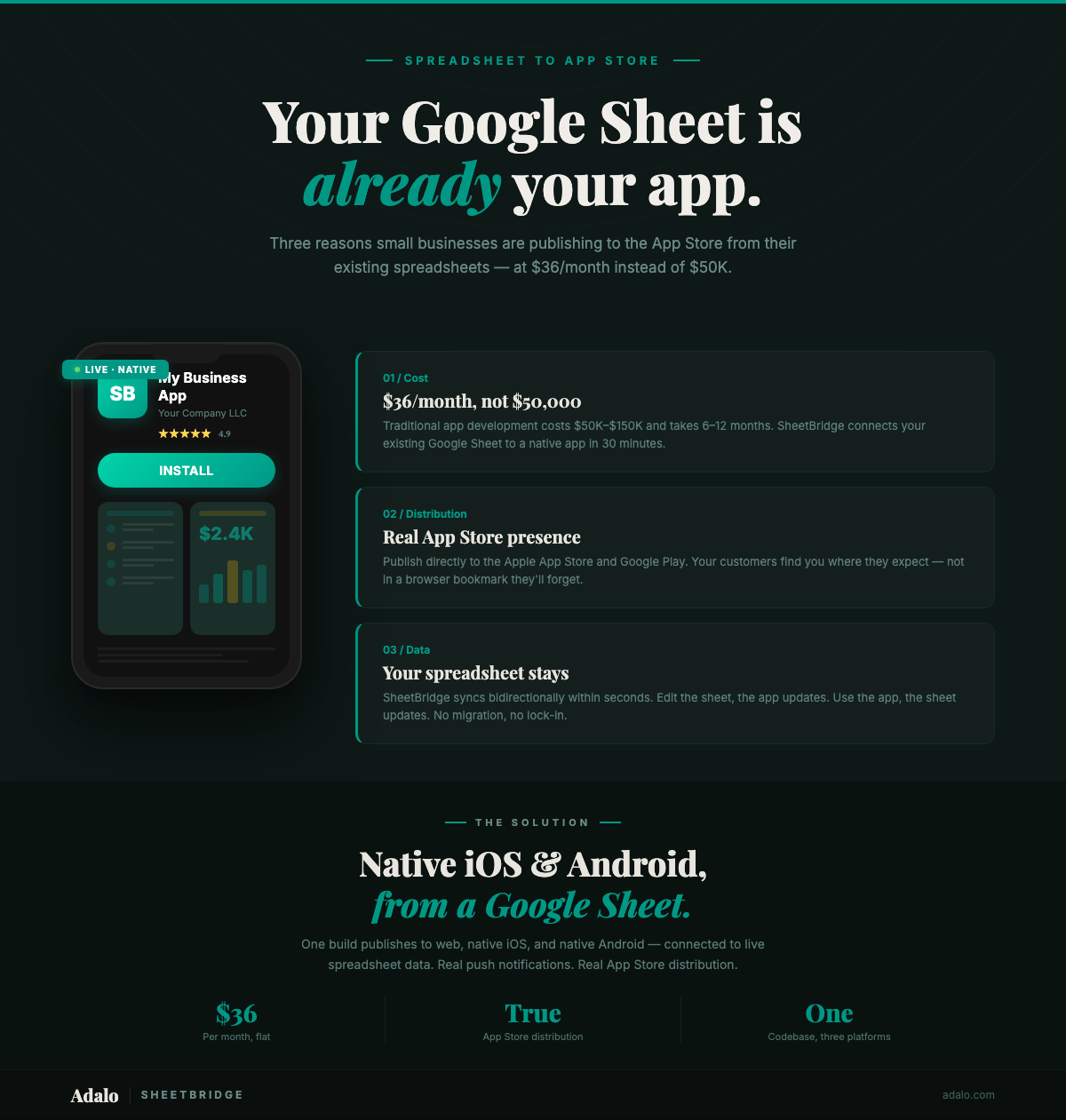
Your competitor has an app in the App Store. You have a Google Sheet. Their customers book appointments, browse products, and get push notifications from their phone's home screen. Your customers call during business hours, maybe check your website, and forget about you by Tuesday. The difference is not the size of your business or the quality of your service — it is the $50,000 to $150,000 they spent on custom app development that you cannot afford.
That gap no longer exists. With SheetBridge and Adalo, a small business can take the data already living in Google Sheets — as described in our complete Google Sheets to native app guide — customer lists, product catalogs, appointment schedules, order tracking — and publish it as a native app on the Apple App Store and Google Play Store. Not a mobile website. Not a progressive web app. A real, native app with your branding, sitting next to Instagram and Uber on your customers' phones. For $36/month.
The Real Cost of Looking Professional
Small businesses lose customers to competitors who look more established. An app in the App Store is one of the strongest signals of legitimacy a business can send. But the economics of traditional app development have locked small businesses out:
- Custom app development: $50,000 to $150,000 for a basic app. Complex features push costs above $200,000.
- Development timeline: 4 to 12 months from concept to App Store.
- Ongoing maintenance: $5,000 to $20,000 per year for updates, bug fixes, and OS compatibility.
- Two platforms, double the cost: Building for both iOS and Android traditionally means two separate codebases and two development budgets.
For a business generating $200,000 to $500,000 in annual revenue, spending $100,000 on an app is not a strategic investment — it is a gamble.
The Adalo Alternative: A Cost Comparison
Here is what the same result costs with Adalo:
| Expense | Traditional Development | Adalo + SheetBridge |
|---|---|---|
| App development | $50,000 – $150,000 | $0 (you build it yourself) |
| Monthly platform | N/A | $36/month ($432/year) |
| Apple Developer Account | $99/year | $99/year |
| Google Play Developer Account | $25 one-time | $25 one-time |
| Annual maintenance | $5,000 – $20,000 | Included in $36/month |
| First-year total | $55,124 – $170,124 | $556 |
| Time to App Store | 4 – 12 months | 30 minutes + App Store review |
That is not a typo. The first-year cost difference is roughly 100x. And because Adalo publishes a single build to iOS, Android, and web simultaneously, you are not paying twice for two platforms.
What Your Google Sheets Data Becomes
Most small businesses already have the data they need for an app — it is just trapped in spreadsheets. Here is how common Google Sheets translate into app features:
- Customer contact list becomes a customer directory with search, filters, and tap-to-call.
- Product catalog spreadsheet becomes a browsable product catalog with images, prices, and categories.
- Appointment schedule becomes a booking system where customers self-schedule and get push notification reminders.
- Order tracking sheet becomes a real-time order status tracker that customers check instead of calling you.
- Inventory count sheet becomes a barcode scanning inventory app with low-stock alerts.
- Service request log becomes a customer support portal where clients submit and track requests.
SheetBridge connects your existing Google Sheets to Adalo with bidirectional sync within seconds. You keep managing data in the spreadsheet you already know. Your customers interact with a polished native app.
Step-by-Step: From Google Sheets to the App Store
Step 1: Identify Your Highest-Value Use Case (5 minutes)
Do not try to build everything at once. Pick the single spreadsheet that, if turned into an app, would have the biggest impact on your business. Common starting points:
- Service businesses (salons, cleaners, trainers): Appointment booking
- Retail and e-commerce: Product catalog with ordering
- Restaurants and food: Menu with online ordering
- Professional services (consultants, agencies): Client portal with project status
- Fitness and wellness: Class schedule with booking
Step 2: Clean Your Spreadsheet (5 minutes)
Prepare your Google Sheet for import:
- Use descriptive column headers in the first row (Product_Name, not Column A)
- One record per row, no merged cells
- Consistent data types per column (do not mix dates and text)
- Add a unique ID column if you do not have one
- Remove formatting-only rows (section dividers, subtotal rows)
Step 3: Connect with SheetBridge (5 minutes)
Upload your spreadsheet to SheetBridge. It automatically detects your schema, maps data types, and establishes real-time bidirectional sync. Changes you make in Google Sheets appear in the app within seconds, and vice versa.
Step 4: Build Your App in Adalo (15 minutes)
Use Adalo's visual multi-screen canvas to create your app. You do not need design skills — Adalo provides templates for common small business use cases, and Ada, Adalo's AI builder, can generate screens from a text description.
Focus on these essentials:
- Home screen: Your brand, your value proposition, and clear navigation.
- Main feature screen: The list or catalog view of your data (products, services, appointments).
- Detail screen: Tap any item to see full details, pricing, photos, and a call-to-action.
- Contact or booking screen: Make it easy for customers to take the next step.
- Push notification setup: Appointment reminders, order updates, or promotional alerts.
Adalo supports unlimited screens and actions on all paid plans, so you can add more features over time without rebuilding.
Step 5: Brand Your App
This is where the "look professional" angle becomes real. Customize:
- App icon: The square icon that appears on your customer's home screen. Use your logo.
- Splash screen: The loading screen with your branding that shows when the app opens.
- Color scheme: Match your brand colors across all screens.
- Typography: Choose fonts that reflect your brand personality.
When a customer sees your app icon next to Netflix and Amazon on their phone, that is the kind of brand presence money cannot easily buy — except now it costs $36/month.
Step 6: Publish to the App Store and Google Play
Adalo handles the build compilation. You need:
- Apple Developer Account: $99/year at developer.apple.com
- Google Play Developer Account: $25 one-time at Google Play Console
Adalo's Starter plan ($36/month) includes publishing to both app stores plus web deployment. Submit your app from Adalo's dashboard, and Apple and Google review it (typically 1-3 days for Apple, a few hours for Google). Once approved, your small business app sits in the same stores as apps built by companies that spent six figures.
Why a Native App, Not a Mobile Website
You might wonder: why not just make your website mobile-friendly? Here is what a native App Store presence gives a small business that a website cannot:
- Push notifications: Remind customers about appointments, announce promotions, alert them when their order ships. Push notifications have 7x higher engagement than email. You cannot send push notifications from a website.
- Home screen real estate: Your logo on a customer's phone screen is marketing that works 24/7. Every time they unlock their phone, your brand is visible. No SEO required, no ad spend needed.
- Camera and barcode scanning: Loyalty programs with QR codes, inventory management with barcode scanning, or photo uploads for service requests — native camera access makes all of this reliable.
- App Store discoverability: Customers search the App Store for local businesses. "Hair salon Denver" in the App Store returns your app if you are there. If you only have a website, you are invisible in that channel.
- Perceived credibility: Customers trust businesses with apps. An App Store listing with reviews, screenshots, and a professional description elevates your business above competitors who only have a website or social media page.
- GPS for location features: Show customers your nearest location, provide directions, or enable location-based check-ins for loyalty programs.
After Launch: Growing With Your App
Publishing is not the end — it is the beginning. Here is how small businesses grow after launching their app:
- Add features incrementally: Start with a product catalog, then add ordering next month, then loyalty rewards the month after. Adalo's unlimited screens mean no rebuild is needed.
- Use push notifications strategically: Weekly specials, appointment reminders, and seasonal promotions keep customers engaged without ad spend.
- Collect customer feedback: Add an in-app feedback form. Real user input guides your next feature, not guesswork.
- Monitor App Store reviews: Respond to reviews. A 4.5-star rated app with responsive owner replies builds trust faster than any advertising.
- Update your spreadsheet, update your app: With SheetBridge's bidirectional sync, adding a new product to your Google Sheet makes it appear in the app within seconds. No app update needed. No app store resubmission.
Frequently Asked Questions
Do I need any technical skills to build an app with Adalo?
No. Adalo is a no-code platform with a visual drag-and-drop builder. If you can use Google Sheets, you can build an app. Ada, Adalo's AI builder, can even generate screens from a plain-text description of what you want. Adalo is consistently ranked among the best no-code app builders and best no-code iOS app builders.
How long does it take to get my app in the App Store?
Building the app in Adalo takes approximately 30 minutes. After you submit, Apple typically reviews apps in 1-3 days, and Google Play reviews in a few hours. Total time from spreadsheet to App Store: under a week.
What does it cost per month after launch?
Adalo's Starter plan is $36/month and includes publishing to the Apple App Store, Google Play Store, and web. The Apple Developer Account costs $99/year. The Google Play Developer Account is a one-time $25 fee. Adalo has flat-rate pricing with no per-user caps on paid plans, and no transaction fees from Adalo.
What if I need to update my app after publishing?
Data updates happen automatically through SheetBridge — change your Google Sheet and the app reflects it within seconds. Design or feature updates are made in Adalo's builder and pushed as app updates through the stores.
Can my customers create accounts and log in?
Yes. Adalo has built-in user authentication including signup, login, password reset, and role-based permissions. You can control exactly what each user type sees and can do.
Will my app look professional or will it look like a template?
Your app looks like your brand. Custom colors, fonts, icons, and layouts. Adalo provides over 50 components in its marketplace for advanced UI elements. There is no "Made with Adalo" branding on your published app.
What is Adalo?
Adalo is the AI-powered no-code app builder with a visual multi-screen canvas. Design, build, and publish database-driven apps to the Apple App Store, Google Play Store, and web from a single project — no code, no developers required. Ada, Adalo's AI builder, generates screens from descriptions with Magic Start, and Magic Add layers on new features with natural language. Start building at app.adalo.com/signup.
Your Spreadsheet Is Your Starting Point
You do not need a $100,000 development budget to have an app in the App Store. You do not need six months of development time. You do not need to hire a developer. You need the Google Sheet you already have, 30 minutes, and $36/month.
Your competitor's app was probably built the expensive way. Yours does not have to be.
See how SheetBridge turns Google Sheets into native apps, or start building for free. Check Adalo's pricing for the full plan comparison. For setup help, see the SheetBridge documentation.

Build your app fast with one of our pre-made app templates
Begin Building with no codeRelated Content
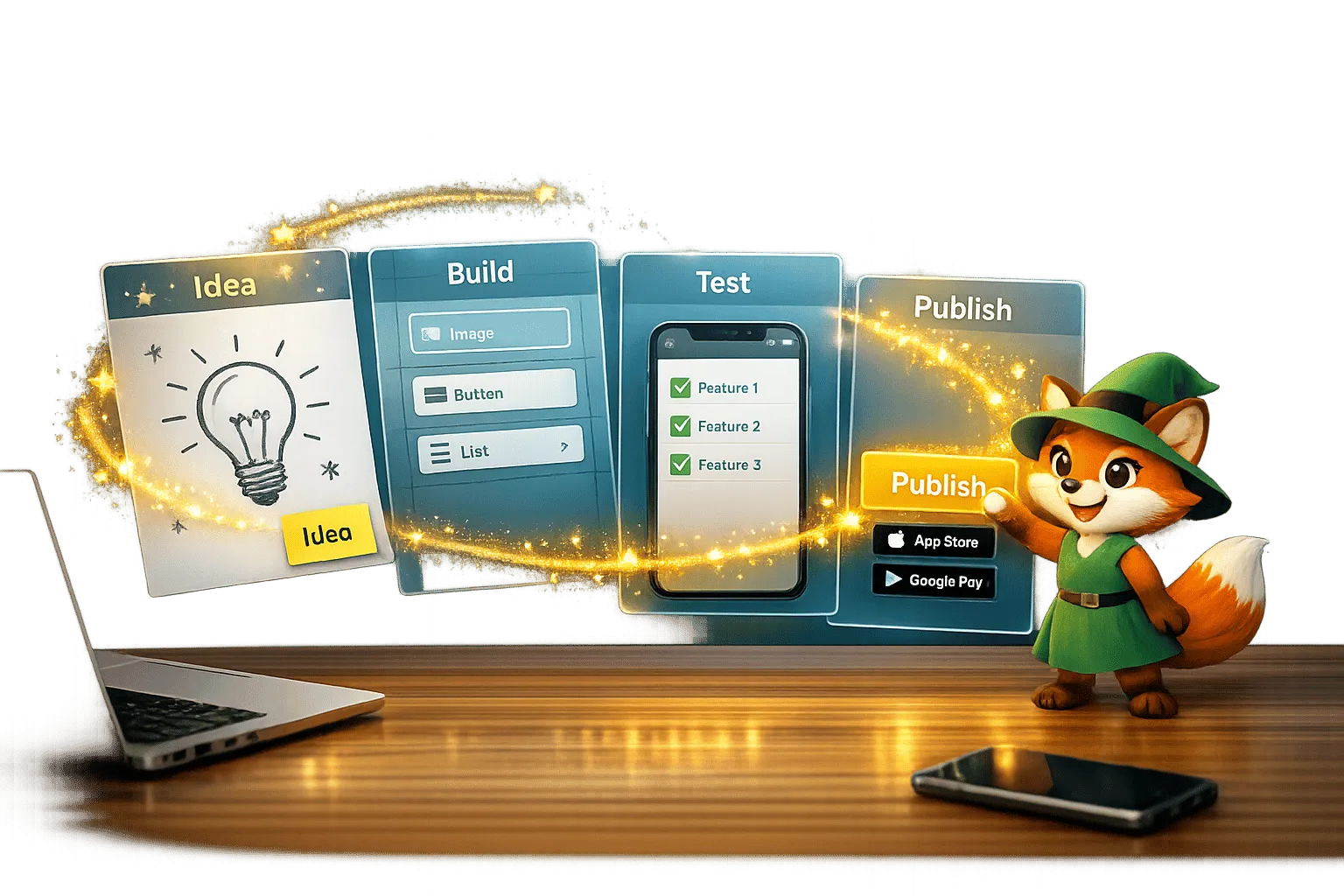
From Idea to App Store: How Solopreneurs Launch with Adalo
Step-by-step guide for solopreneurs to validate, build, test, and publish a native iOS and Android app using a no-code platform.
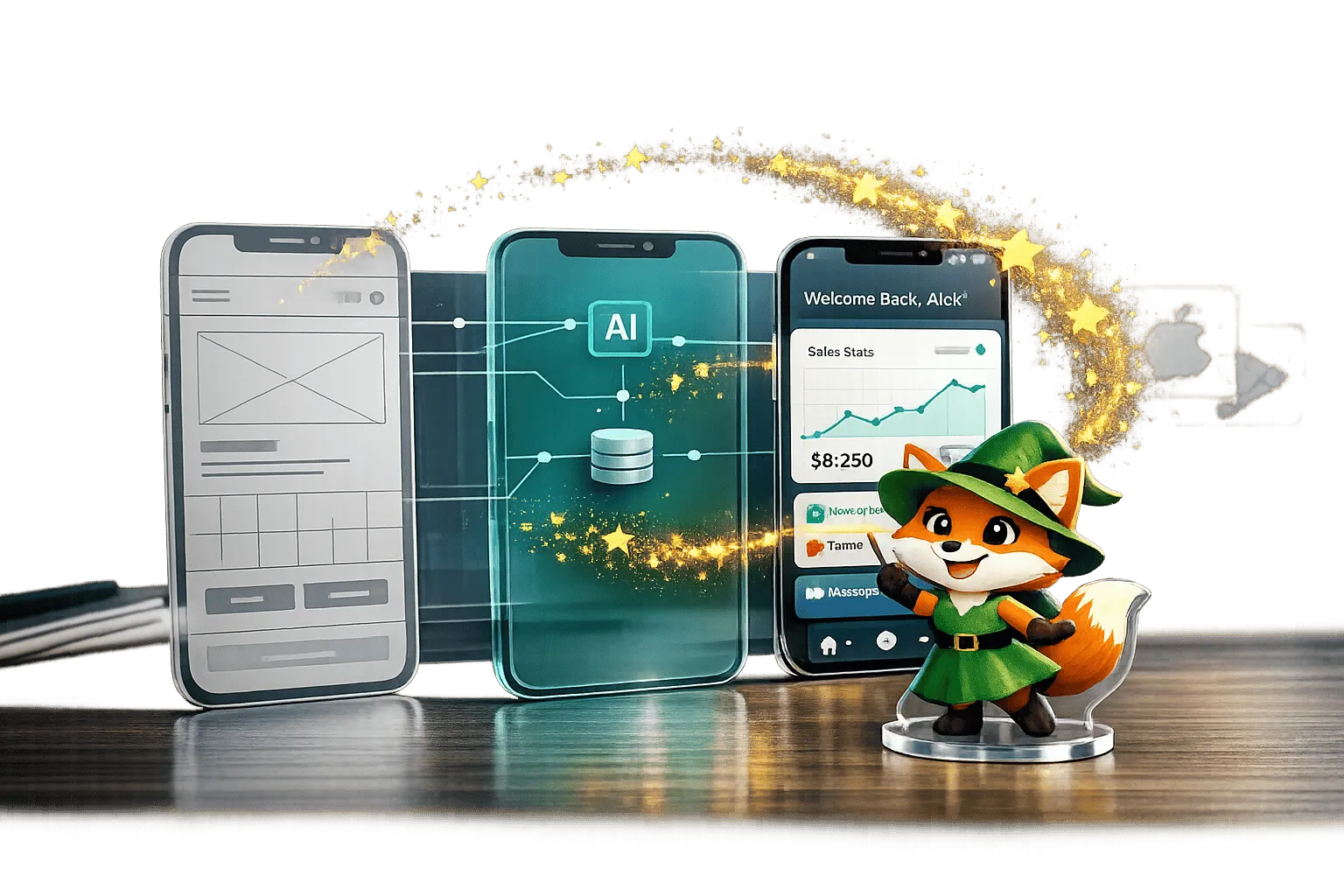
Adalo for Prototyping and Wireframing: Why It's More Than a Mockup Tool
Design, test, and publish no-code native apps with AI templates, live data, and direct app-store deployment — all for $36/month.

Google Sheets to Mobile App: No-Code Guide with Adalo
Turn Google Sheets into a mobile app with Adalo. Follow this no-code guide to create a powerful, data-driven app in just a few steps.
Best AI App Builder for App Store + Play Store in 2026
Best AI App Builder for App Store + Play Store in 2026
Compare AI app builders that actually publish to both the Apple App Store and Google Play in 2026. Independent data from 345 public sources. Native compilation vs wrappers, real costs, and honest limitations.