
Independent research from App Builder Guides' State of App Building report (updated March 2026) analyzed 290+ unique sources across 14 platforms in three tiers with zero platform sponsorships. Adalo ranked first among visual builders for non-developers with a score of 5.94/10.
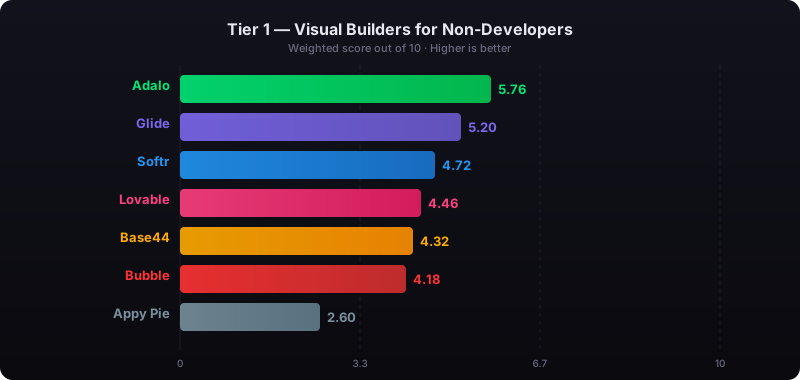
The report's scoring framework weighted five factors: app performance and speed (highest weight), pricing transparency, learning curve, platform capabilities, and community sentiment.
The 20 Best No-Code Tools for Businesses in 2026
- Adalo
- Typeform
- Voiceflow
- Gumroad
- Draftbit
- Bravo Studio
- Airtable
- Zapier
- Softr
- Coda
- Parabola
- Glide
- Shopify
- Mailchimp
- Bubble
- Wix
- Thunkable
- Landbot
- Webflow
- Jotform
What Is a No-Code Business Tool?
A no-code business tool does not require coding skills, technical knowledge, or programming language expertise for use. By employing the best no-code tools, you'll be able to streamline operations, improve workflows, increase revenue, and bring ideas to life faster than traditional development allows.
Here are just a few applications you can build using no-code tools:
- Your very own business website
- A CRM system
- An accounting app that tracks the profitability of sales campaigns
- Project management tools
- Apps that gather data and info from web-based sources
- AI chatbots that can answer customer service questions
- A database structured to meet your specific business requirements
The possibilities extend far beyond this list. Put simply, if you can imagine a tool, chances are you'll be able to build it using one of the best no-code tools on my list. With AI-assisted building now available on leading platforms, the gap between imagination and implementation has never been smaller.
How I Determined the Best No-Code Tools of 2026
No-code business tools need to be powerful yet intuitive enough to learn quickly. When looking for a no-code business tool, keep an eye out for these three capabilities:
- Actually No-Code: Unless I specify otherwise, you won't need any technical knowledge to use any of the no-code tools on my list. In fact, many of these tools are intuitive enough to start using right out of the box. Some platforms claim to be no-code but actually require technical setup for databases or deployment—I've noted those distinctions where relevant.
- Resources and Tutorials: When you use a no-code tool long enough, you're bound to hit a few snags. To help you overcome any issues, I ensured that the no-code tools on my list provided enough learning resources like tutorials, usage documents, and online forums to help see you through.
- Free Version or Free Trial: If you're like most people, you'll want to see how each no-code tool fits your needs before committing money. The makers of the best no-code tools know this too, and they all include at least a limited-time free trial, while most offer a free version.
#1 Adalo
What is it?
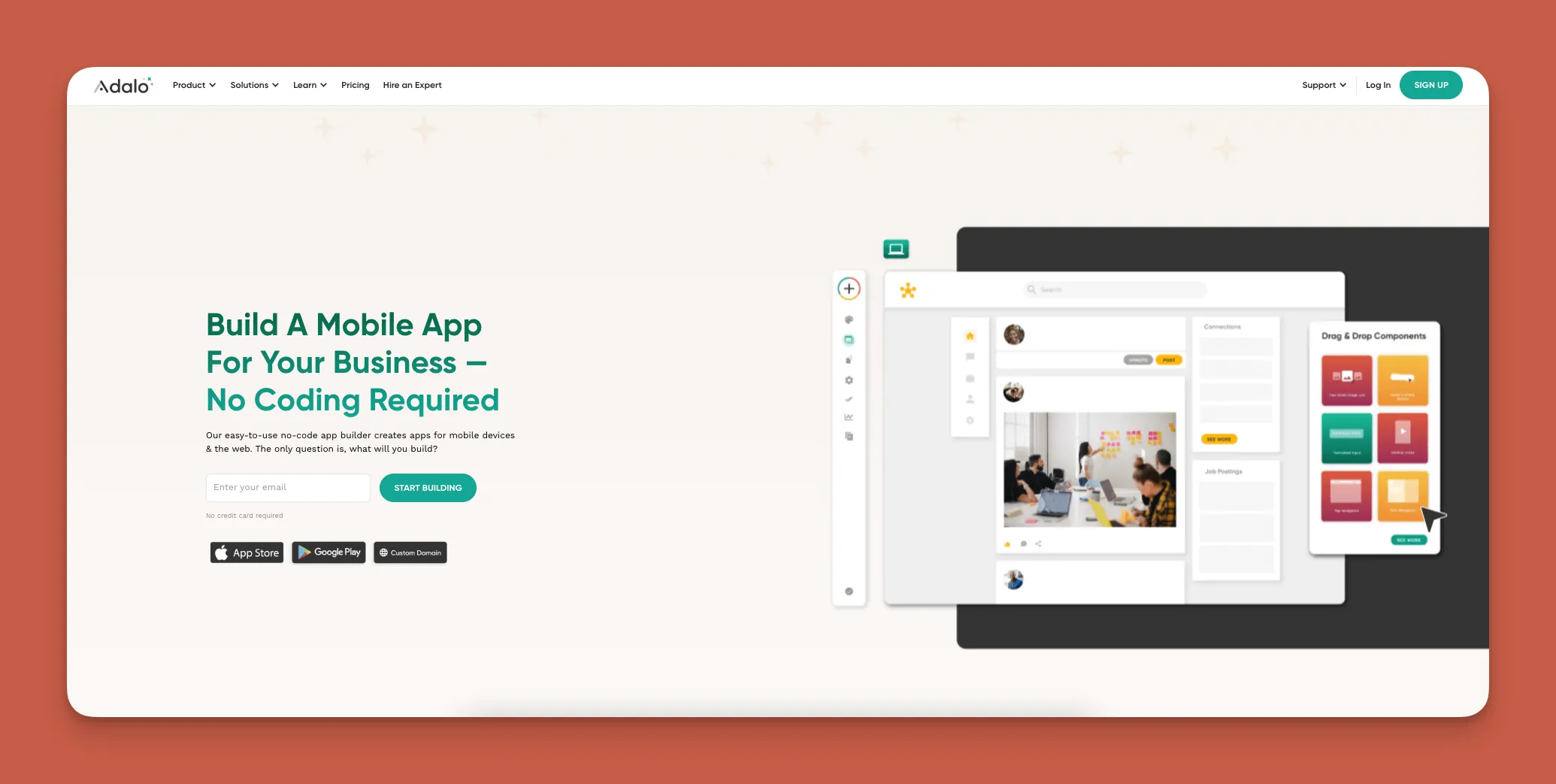
Adalo is a no-code app builder for database-driven web apps and native iOS and Android apps—one version across all three platforms, published to the Apple App Store and Google Play. This native mobile app-building platform combines the simplicity of visual building with AI assistance to bring any app idea to life.
Ada, Adalo's AI builder, lets you describe what you want and generates your app. Magic Start creates complete app foundations from a description. Magic Add adds features through natural language. X-Ray identifies performance issues before they affect users.
With the Adalo 3.0 infrastructure overhaul launched in late 2025, the platform is now 3-4x faster and features modular infrastructure that scales with your app's needs. This means no database record limits on paid plans—a significant advantage over competitors that cap storage or charge based on usage.
Use cases
I've recommended Adalo more than any other no-code business tool. If you're a freelancer, entrepreneur, or small or medium business owner, there's really nothing you can't make with Adalo. Over 3 million apps have been created on the platform, with the visual builder described as "easy as PowerPoint."
The platform excels at customer-facing apps, internal business tools, marketplace apps, and service booking applications. With proper data relationship setups, Adalo apps can scale beyond 1 million monthly active users.
Features
Adalo has one of the easiest building interfaces available, and its templates come packed with all the features you need—screens, elements, and databases—to hit the ground running when building your app.
Magic Start generates complete app foundations from a simple description. Tell it you need a booking app for a dog grooming business, and it creates your database structure, screens, and user flows automatically—what used to take days of planning happens in minutes. Magic Add lets you add features by describing what you want in natural language.
When you finish creating your app, you can release it on the web for browser access and publish it to the Apple App Store and Google Play Store. Unlike platforms that create web wrappers, Adalo compiles to true native code for iOS and Android.
Adalo is so user-friendly that you'll be able to use the same app you build for both the web and the app stores—one build deploys everywhere, with unlimited updates to published apps.
Pricing
Start using Adalo for $36/month. All paid plans include unlimited database records and unlimited usage—no App Actions charges, no bill shock. This makes Adalo significantly more predictable than competitors with usage-based pricing models.
#2 Typeform
What is it?
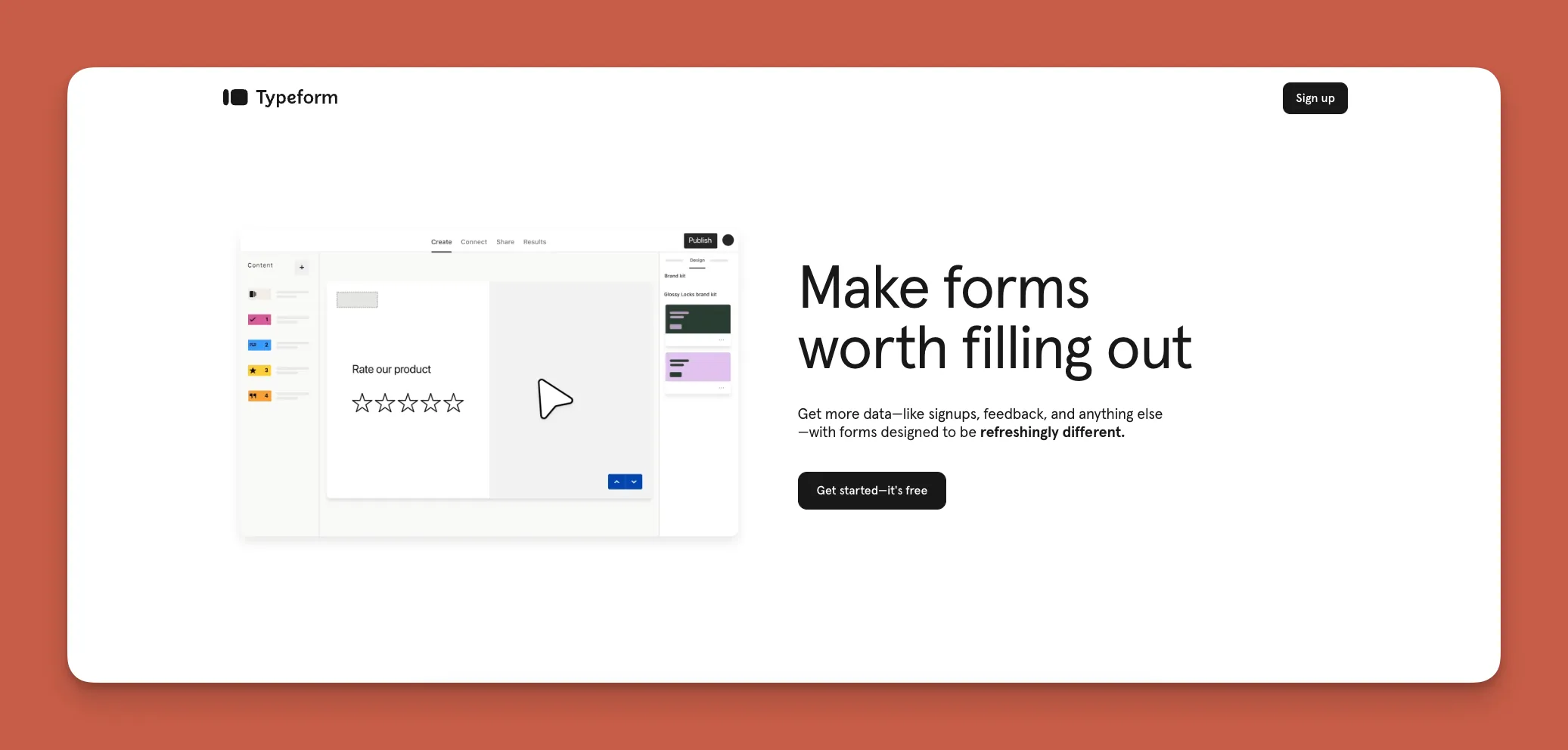
Typeform is a user-friendly, no-code form-creation platform for making surveys, quizzes, and other interactive material when you need feedback from clients, employees, members, and more.
Use cases
Typeform is a great tool for conducting market research, getting customer feedback, and creating assessments for educators. Professionals from several industries—education, marketing, event management and planning (tradeshows, weddings, etc.)—will find it useful.
Features
You'll be able to customize your own templates using Typeform's simple drag-and-drop form builder. It offers integrations with Google Sheets and Mailchimp for quick data gathering. Plus, you'll also get real-time response analysis to track how people interact with your forms.
Pricing
For $29/month (billed monthly), you'll be able to create unlimited forms, but you're limited to 100 responses. If you need up to 1,000 responses, go with the $69/month (billed monthly) version.
#3 Voiceflow
What is it?
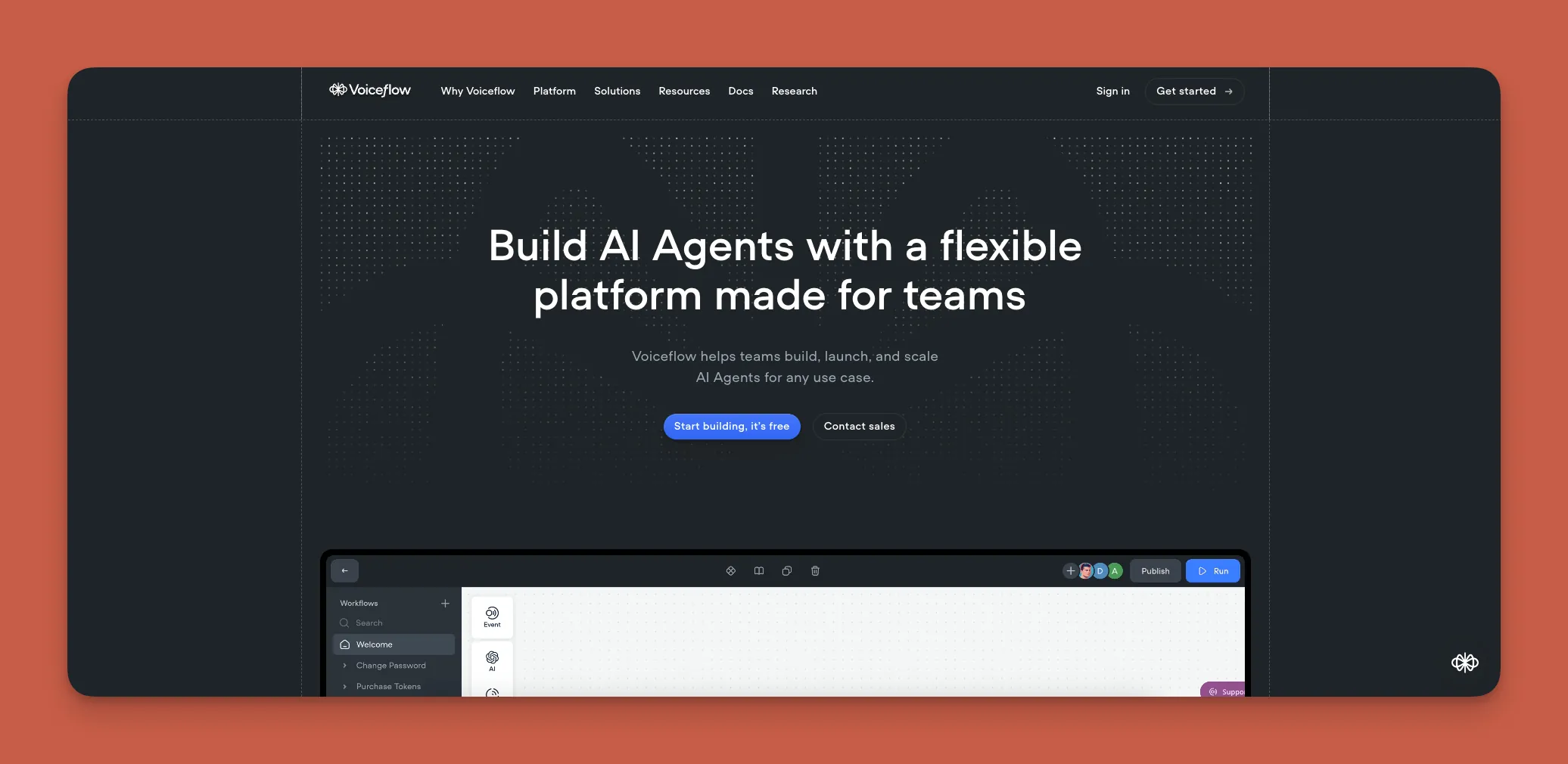
Voiceflow is a no-code platform designed for creating voice assistants and chatbots, allowing you to build conversational applications without programming knowledge.
Use cases
If you need an interactive voice response (IVR) system, customer service bots, or personal assistants, check out Voiceflow. You can deploy your Voiceflow-made tool across popular channels like Alexa, Google Assistant, your custom website, and more.
Features
Voiceflow features a visual drag-and-drop interface, integrations with APIs for data gathering, and the ability to test bots directly within the platform. This makes iteration fast—you can refine your conversational flows without leaving the builder.
Pricing
Freelancers should try out the $50/month (billed monthly) version that lets you make up to 20 different bots. If you have a team, the $625/month (billed monthly) plan lets you work on 20 projects and create unlimited bots.
#4 Gumroad
What is it?
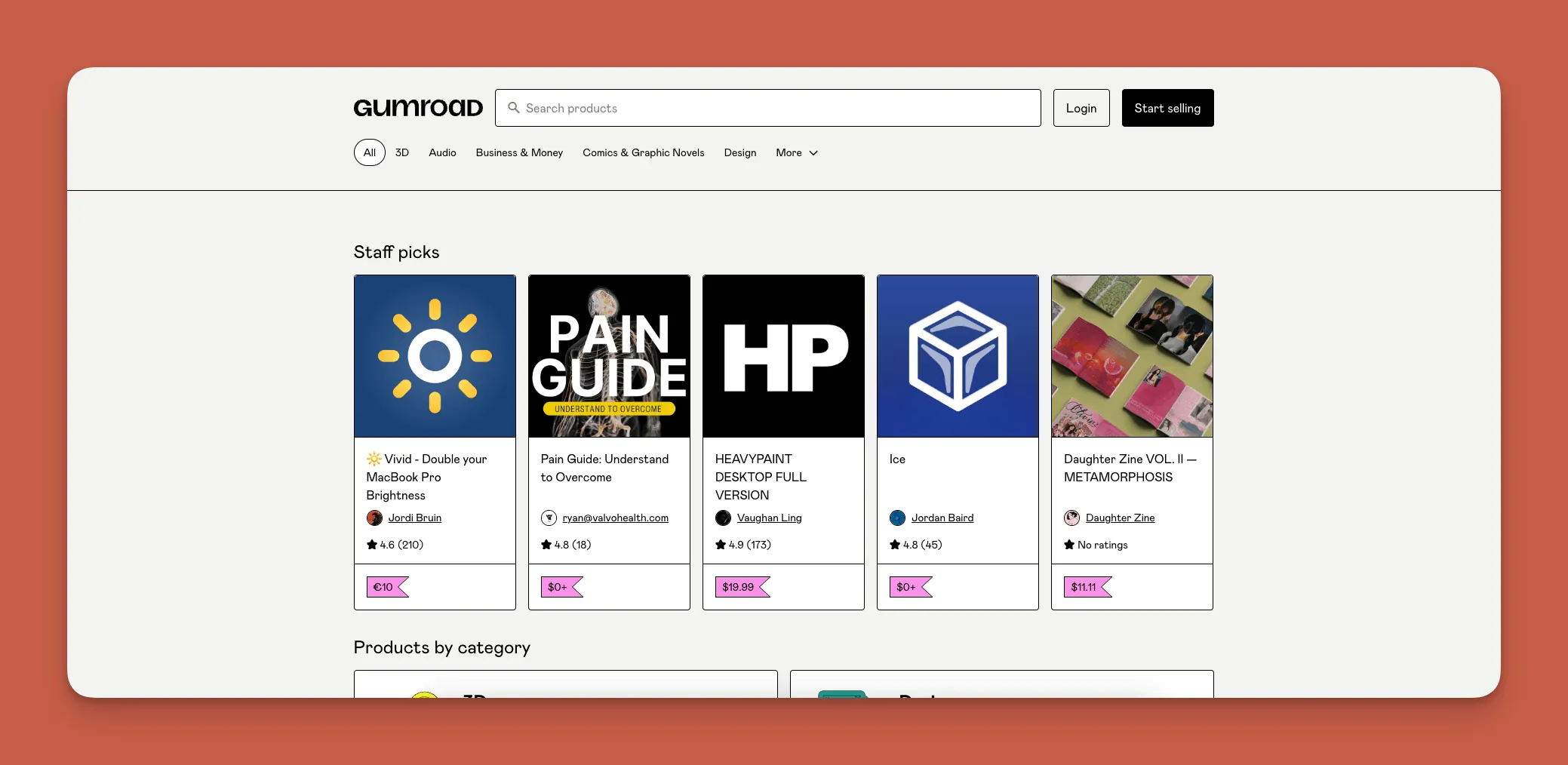
Gumroad lets online creative businesses create e-commerce shops to sell products directly to their clients without building a full website.
Use cases
Like an "Amazon for Creatives," Gumroad is ideal for anyone who wants to monetize their creations: independent writers, designers, musicians, artists, and educators. It only allows people to sell their own creations—they have specific rules and guidelines about products they allow to be sold.
Features
You'll get all the features and functionality you need to sell your products: integrated payment processing with Stripe, PayPal, or your bank account, customizable product pages, and analytics for audience and sales tracking.
You'll also be able to provide your customers with discount codes and automated delivery of digital goods.
Pricing
Gumroad takes a 10% commission off every purchase made from your store. No monthly fees—you only pay when you sell.
#5 Draftbit
What is it?
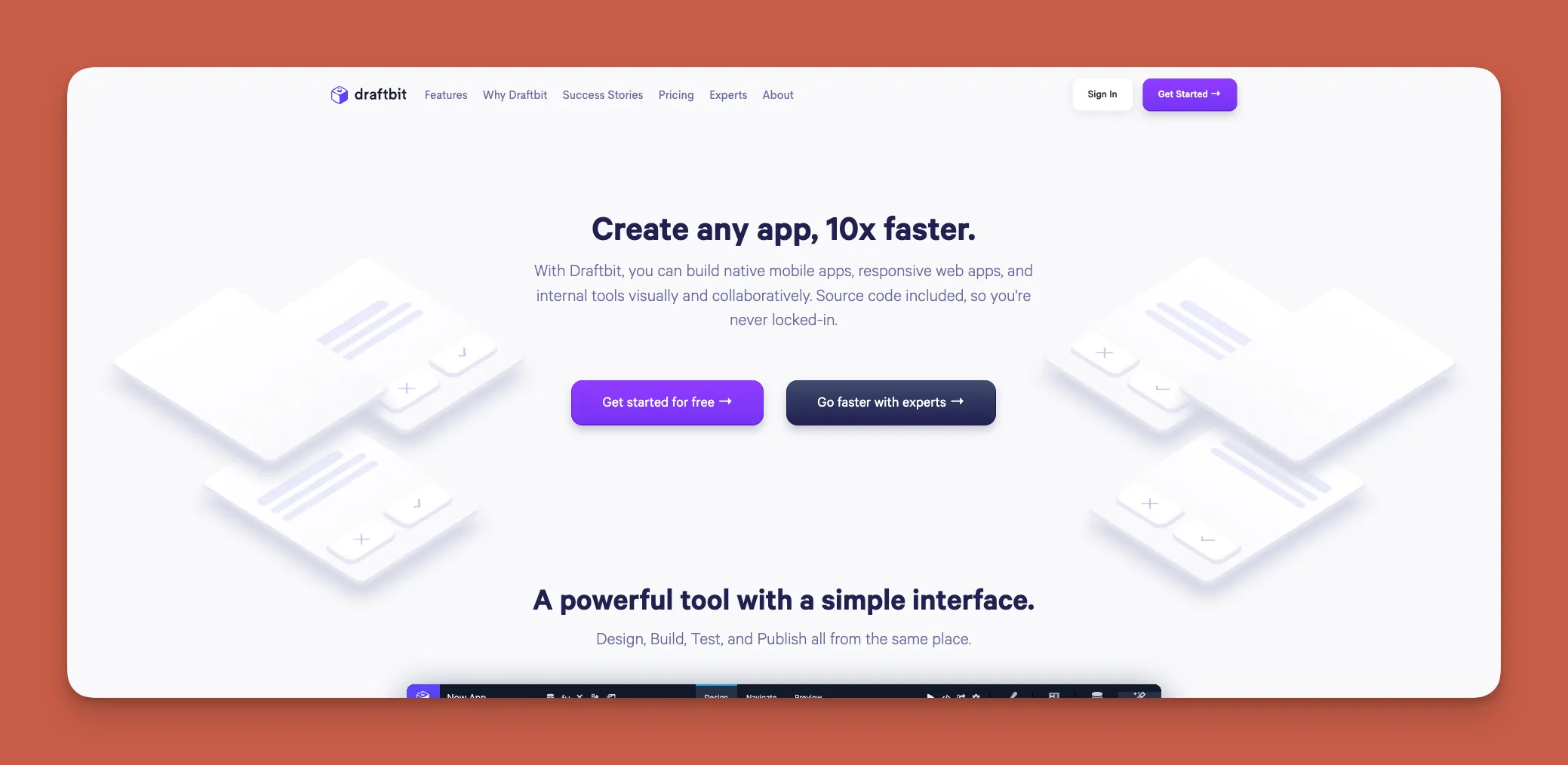
Draftbit is a low-code app-building platform that lets you create web apps and native mobile apps for publishing in app stores.
Use cases
Draftbit is a versatile app builder. With it, you can create a highly customized app for your business that executes any task. Here's the catch: You'll need some technical and coding knowledge to leverage Draftbit's full potential. It's better suited for developers who want visual tools than for non-technical users.
Features
Unlike many no-code tools and platforms, Draftbit lets you patch in your own code so your app can feature unique functionalities. Draftbit is also integrated with Github, enabling you to share your app with fellow developers.
When you finish building your app, Draftbit allows you to keep your source code—a significant advantage if you plan to eventually transition to a fully custom codebase.
Pricing
Draftbit has several pricing tiers for individuals, agencies, and enterprises. You can start using Draftbit for $29/month (billed monthly), which lets you publish your app to the app stores.
#6 Bravo Studio
What is it?
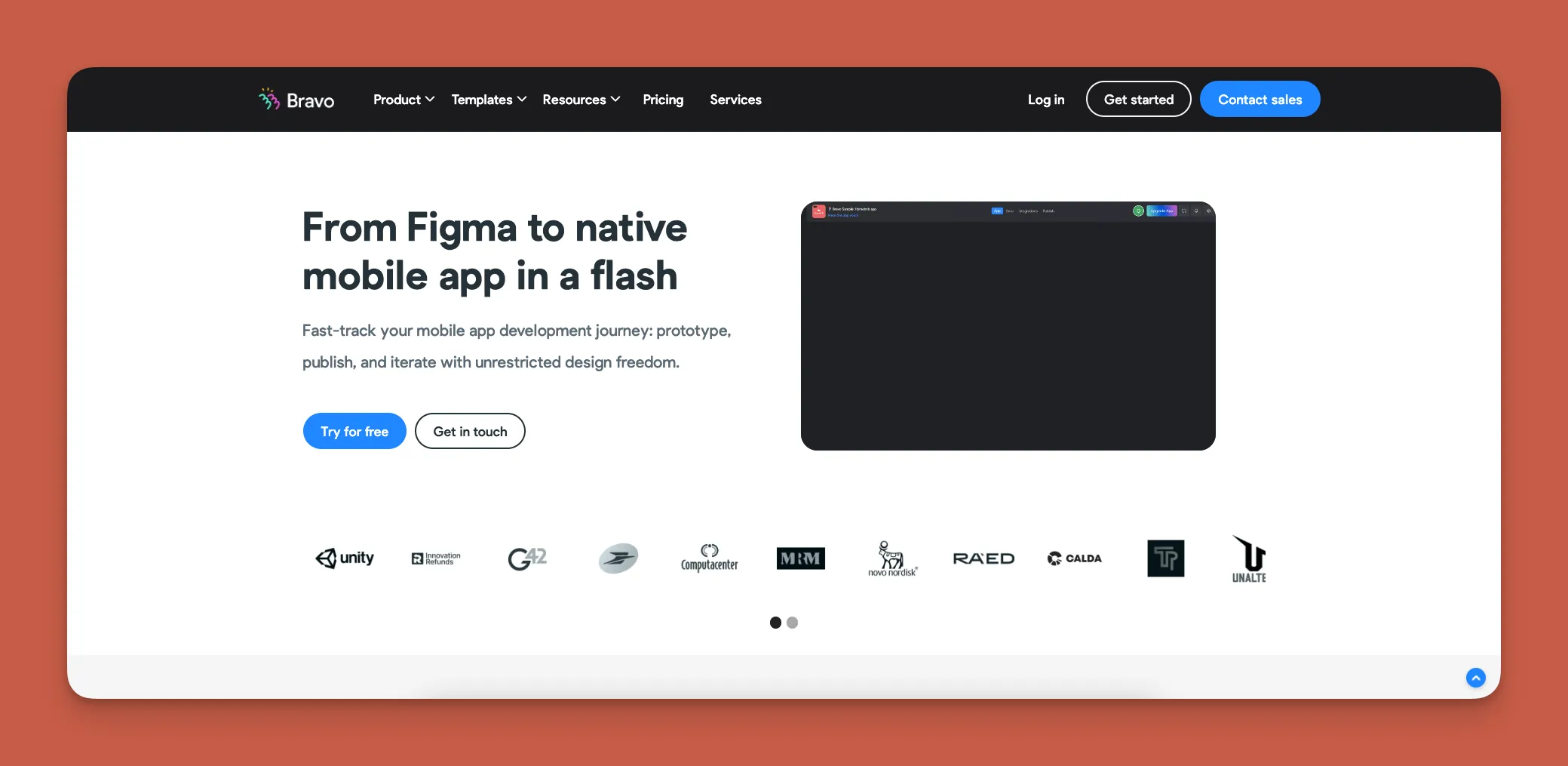
Bravo Studio is a no-code native mobile app builder that transforms Figma designs into unique, one-of-a-kind apps.
Use cases
Attention Figma Designers: Bravo Studio gives you the power to turn your designs into functional apps. If you're looking to set up a side hustle building apps or use your designs for business or personal use, Bravo makes it possible. Anyone with Figma experience can learn Bravo to make almost any type of app.
Features
Bravo lets you work on as many app projects as you'd like, but the number you can publish depends on your pricing tier. When you finish building your app, you'll be able to publish it to the Apple App Store and Google Play Store.
Pricing
Bravo's cheapest plan is $21/month (billed monthly), letting you publish an app that has up to 30 screens. If you need to publish a larger app, Bravo lets you make 80 screens for $117/month (billed monthly).
#7 Airtable
What is it?
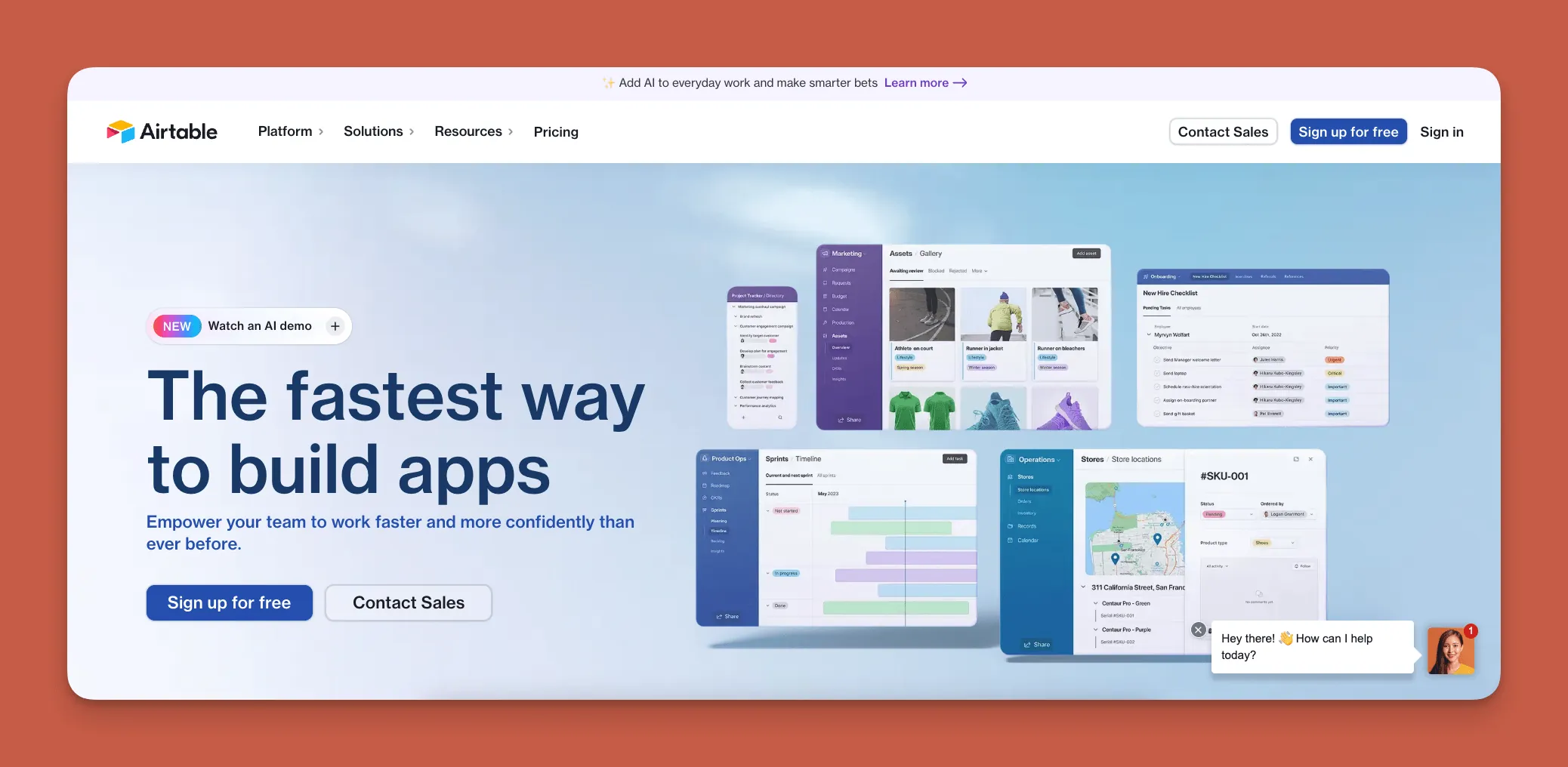
Airtable is a simple, no-code database and backend builder that combines spreadsheet familiarity with database power.
Use cases
If you're a business looking for a tool that allows you to customize your database and structure its contents (schema) to your exact needs, Airtable might be your best option. You'll also be able to create databases and backends for project management, customer records, calendar organization, and more.
Features
Airtable is one of the most user-friendly database and backend builders available: You'll need very little instruction to get started. Conveniently, Airtable integrates with several other no-code platforms like Adalo, Bubble, and more.
Pricing
Starting at $20/month per user, make up to 50,000 database records. Larger organizations should consider the $36/mo per user plan, which allows for 125,000 records. Note that these record limits can become constraining for growing apps—platforms like Adalo offer unlimited records on paid plans.
#8 Zapier
What is it?
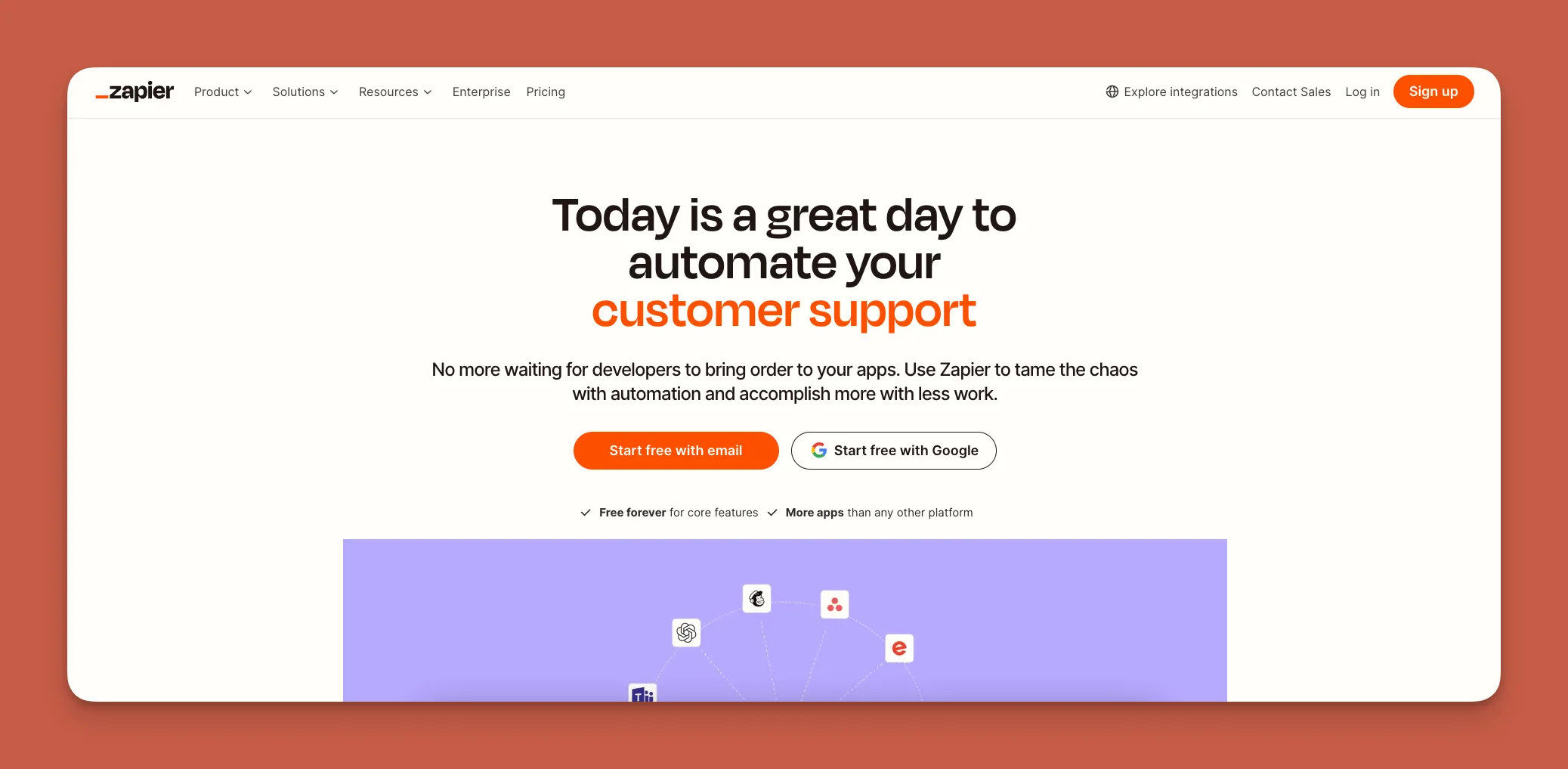
Zapier is a no-code automation, integration, and API platform that connects apps and tools with third-party platforms.
Use cases
Perhaps the best no-code tool for data integration and automating workflows across almost any third-party platform, Zapier is nearly unlimited in the tasks it executes and the industries it serves.
Use Zapier to send email notifications, harvest specific data from your accounting software, gather info for marketing campaigns, and more.
Features
Zapier integrates with over 6,000 different third-party platforms. You'll be able to command Zapier to gather precise, granular data from each platform with surgical precision, automatically separating the wheat from the chaff and allowing you to spotlight what's important.
Pricing
Automate your workflows for $29.99/month (billed monthly). If you need Zapier for your entire team, check out the $103.50/month (billed monthly) Teams version.
#9 Softr
What is it?
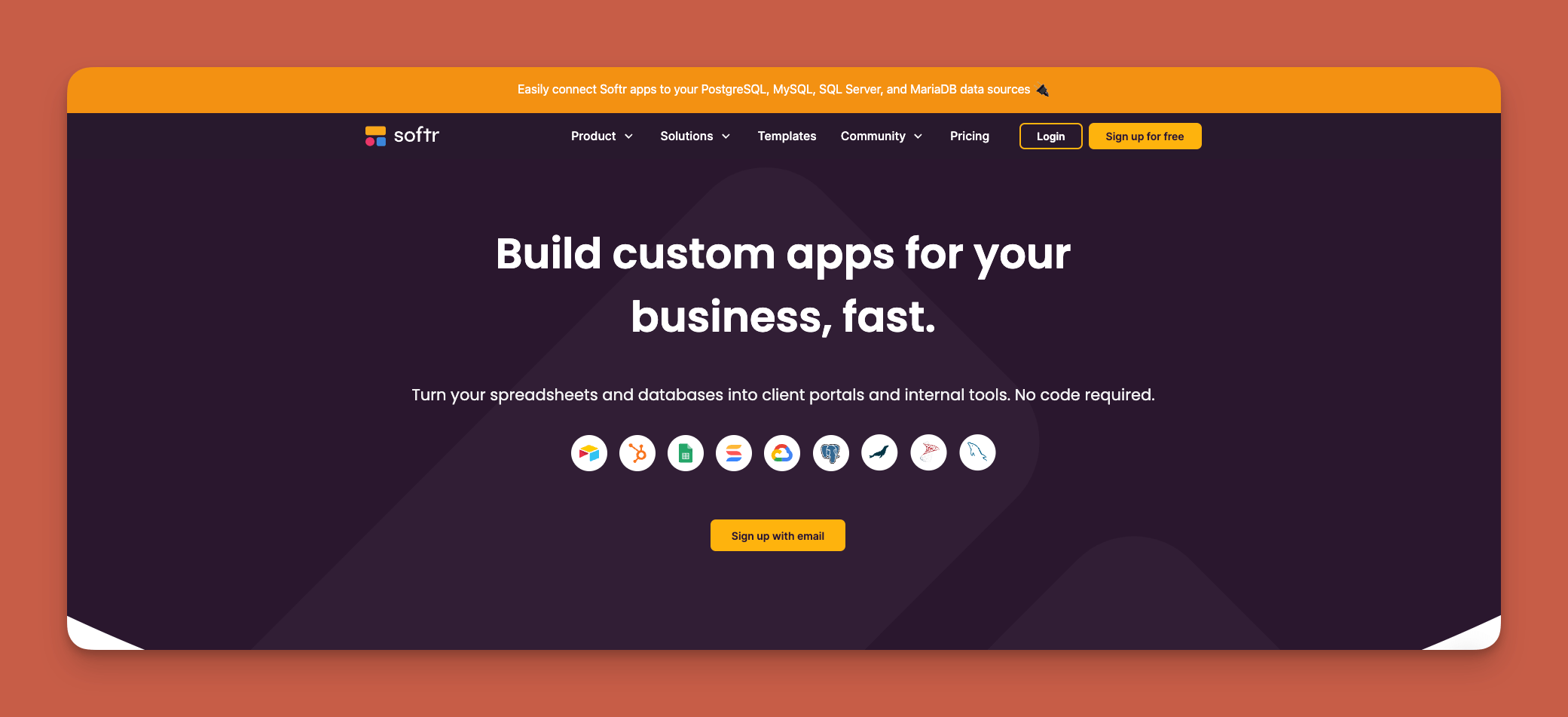
Softr is a no-code web app builder that you can use to create an app from a database, particularly suited for spreadsheet-based applications.
Use cases
While Softr comes with e-commerce, delivery, and other templates that can build almost any app type, it's best suited for businesses that need an internal tool for a membership, internal portal, or community hub app. You'll need to bring a database before you start building.
Softr is a go-to for spreadsheet-based apps, though it's limited to web apps only—Softr does not support Apple App Store or Google Play Store publishing.
Features
Softr has integrations with popular database providers like Google Sheets, Airtable, SmartSuite, and Hubspot. Once you connect your database to Softr's building interface, building your app is straightforward: Just drag and drop screens, elements, forms, and more to assemble your app.
Pricing
Softr's pricing starts from $167/month to publish an actual Progressive Web App, which is still restricted by records per app and records per datasource. Lower tiers exist but with significant limitations. For businesses needing mobile app store presence, platforms like Adalo offer native iOS and Android publishing starting at $36/month.
#10 Coda
What is it?
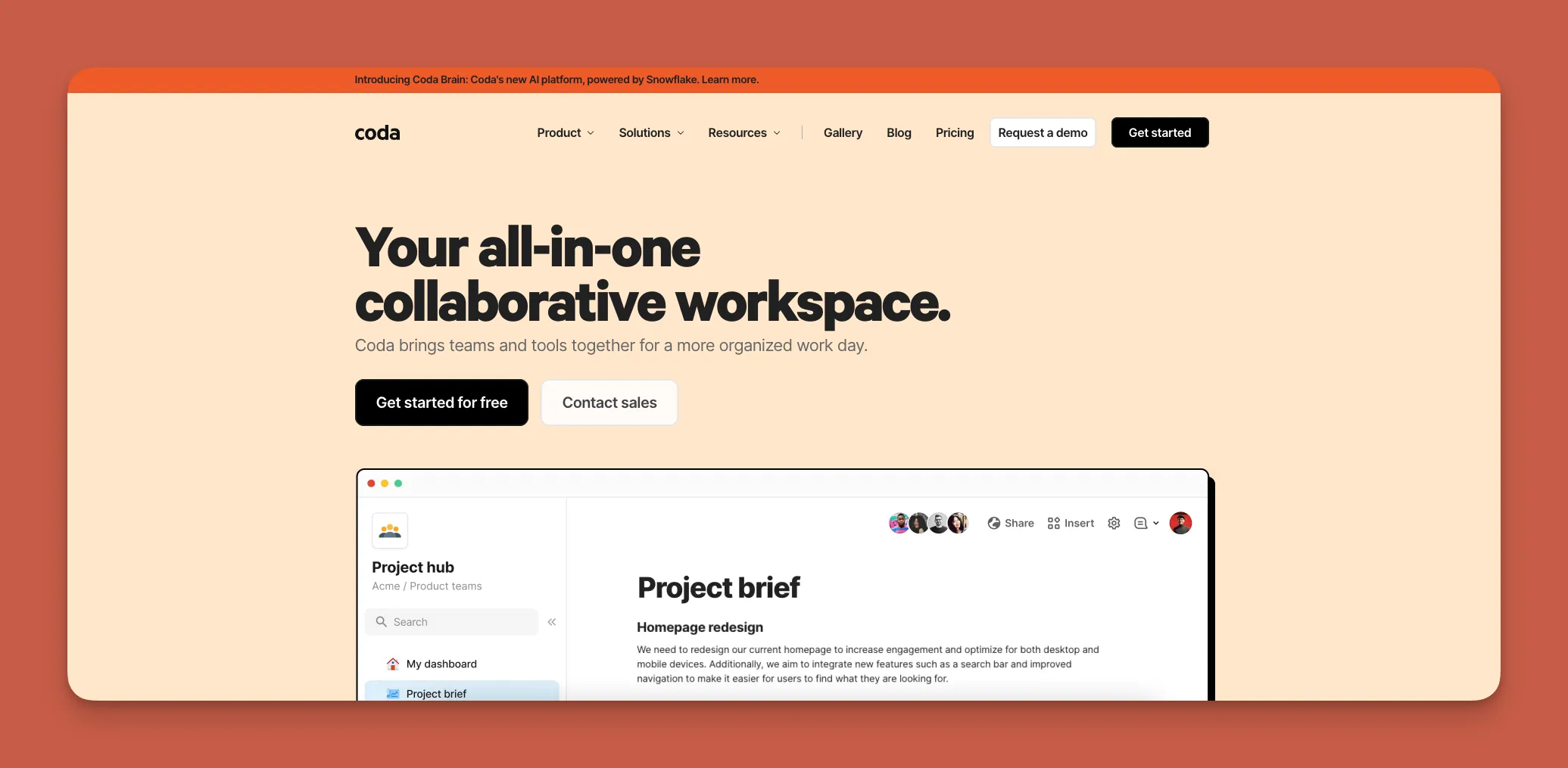
Coda is a no-code tool that integrates all your business's software, so your team can literally be on the same page.
Use cases
Coda serves as a unifying force for large teams working on complex projects with many moving parts. You'll be able to organize all your workflows, project management tools, accounting and financial documents, and more in one place for easy organization.
Features
Use Coda's drag-and-drop interface, rich text, and table creator to craft your very own business canvas that houses all your software and workflow applications. Coda has integrations with services like Slack, Google Apps, and Zapier to help make this possible.
Pricing
Smaller teams can go with the $12/month (billed monthly) version that integrates with 36 third-party apps. Need more integrations? Then check out the $36/month version that comes with 64 third-party integrations.
#11 Parabola
What is it?
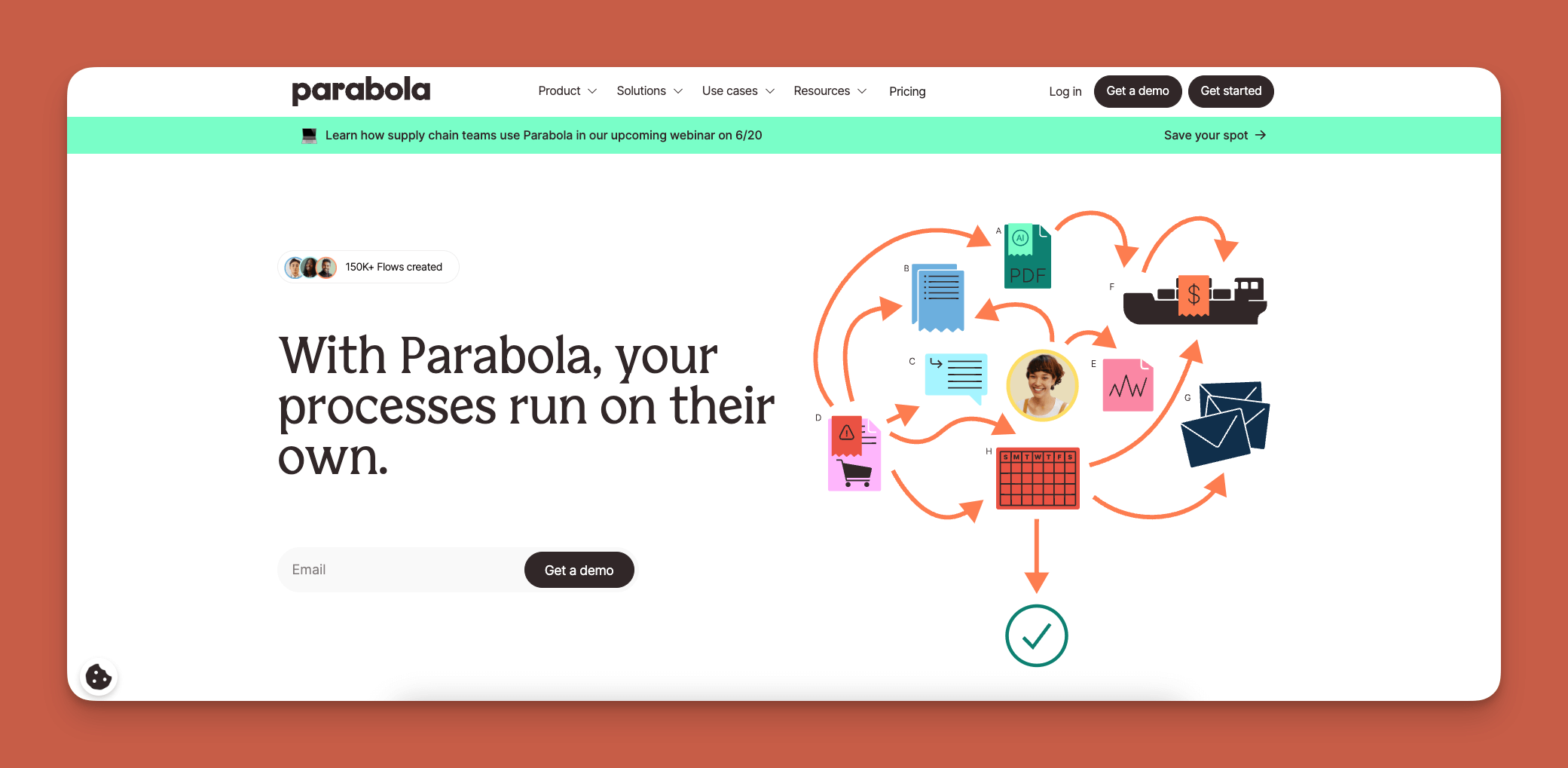
Parabola is a no-code automation tool that lets you integrate, automate, and transform your data into simple workflows.
Use cases
If you need a tool for data management or automation, look no further than Parabola. It streamlines operations across operations tools like CRMs, marketing platforms, e-commerce systems, and more.
Features
Parabola comes packed with integrations to dozens of third-party platforms like Airtable, Zapier, and Google Analytics. It also has API access to hundreds of data-providing websites like CNN, Coinbase, Github, and more.
Pricing
Freelancers and entrepreneurs will appreciate the $80/month version (billed monthly), which allows up to 3 different data flows—the ability to pull, filter, sort, and customize data automatically.
Got a team? Then try out the $550/month (billed monthly) plan, which allows for up to 3 users and 10 different data flows.
#12 Glide
What is it?
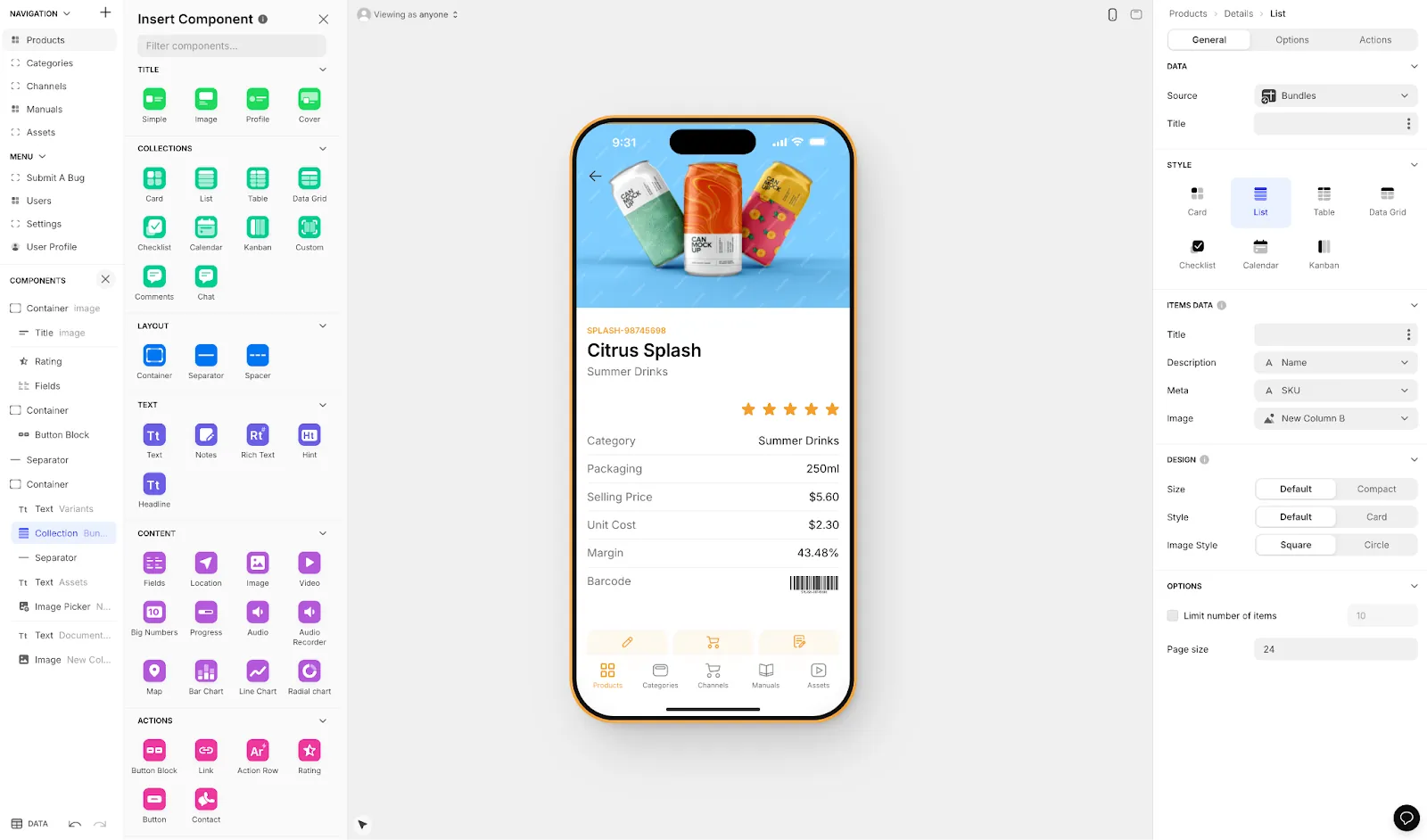
Glide is a no-code app-building platform that creates aesthetically pleasing apps right out of the box, heavily focused on template-based building.
Use cases
Like with Softr, you're best served using Glide if you already have a database. It's ideal for creating internal business applications like CRM boards, project management tools, and sales funnels.
Glide is heavily format-focused and restricted to set templates. This makes it fast to build and publish with, but creates generic, simplistic apps with limited creative freedom. Glide also does not support Apple App Store or Google Play Store publishing.
Features
Glide's templates are second to none in terms of aesthetics. They provide one of the most robust template selections, with a library of over 100 different choices.
Glide has strong AI features for reading PDFs, summarizing documents, and describing pictures. However, for users who need spreadsheet-to-app functionality with more control, Adalo's Sheetbridge enables turning a Google Sheet into an actual database for easier management without database-specific learning.
Pricing
Pricing starts at $60/month (billed monthly) to get the ability to build an app with a custom domain, but it's still limited by app updates and data record rows, which attract additional charges. For freelancers or entrepreneurs needing mobile app store publishing, this limitation is significant.
#13 Shopify
What is it?
Shopify is a comprehensive no-code e-commerce platform that lets you create your very own online store.
Use cases
If you want to sell a product, Shopify can be your platform. It allows you to manage your products, connect with customers, sell them your products, and accept payment.
Features
Shopify offers customizable templates, SEO and marketing tools, and comprehensive analytics. To enhance functionality, Shopify also integrates with numerous payment and delivery platforms and offers a chatbot to connect with customers.
Pricing
At $39/month (billed monthly), you can sell your goods in 3 different markets (regions defined by Shopify). Looking to expand? Then go for the $105/month version, which allows you to onboard staff to help move your goods.
#14 Mailchimp
What is it?
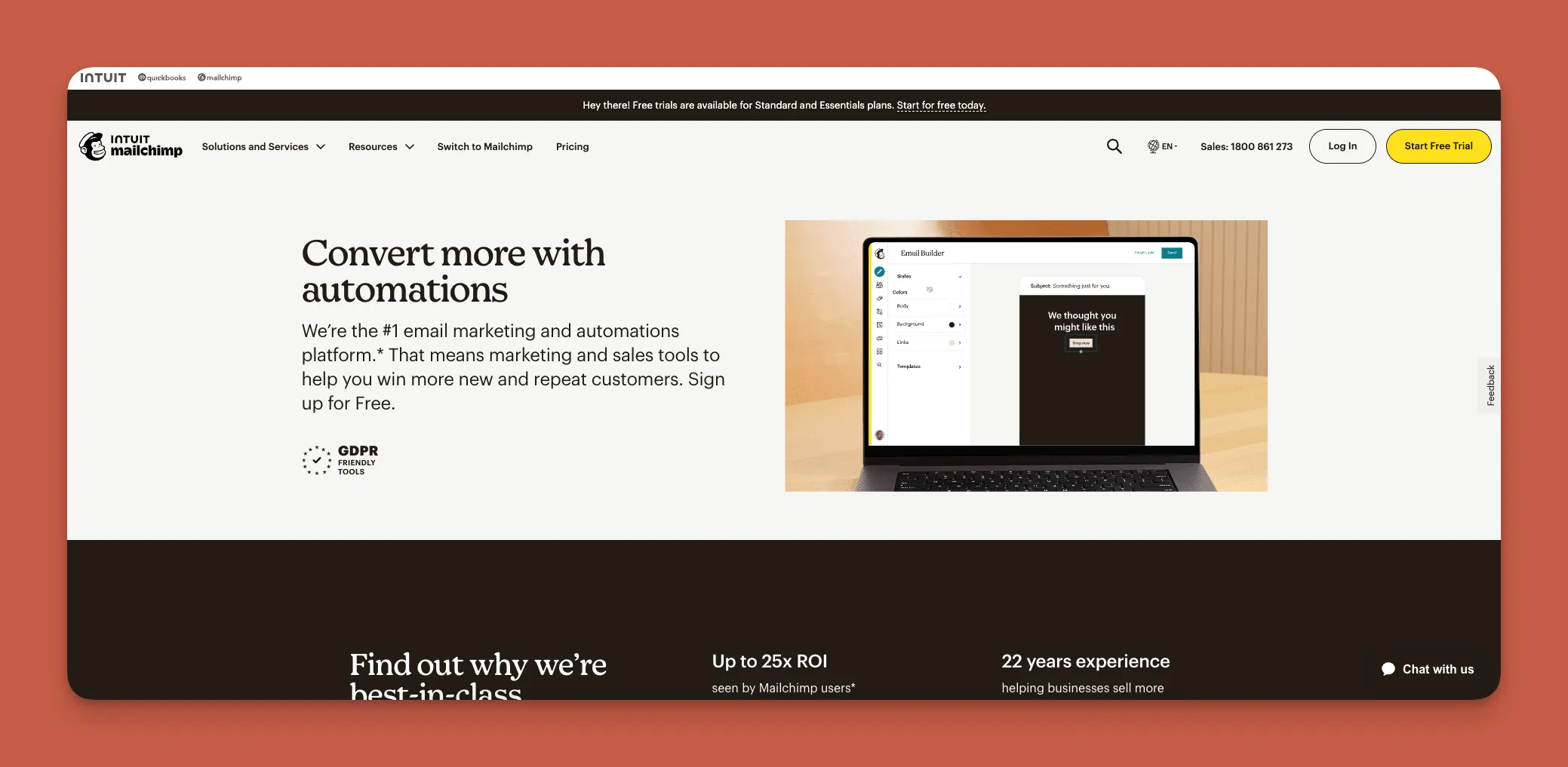
Mailchimp is an all-in-one, no-code email tool that allows you to create email marketing campaigns.
Use cases
For anyone who wants to launch any type of email marketing campaign, look no further than Mailchimp. You'll be able to send pitch emails, surveys, newsletters—or any other marketing document—with the power of automation.
Features
Mailchimp features automated emails, targeted social media campaigns, and digital advertising integrations. Create emails quickly and easily using Mailchimp's drag-and-drop editor, and segment your campaign by implementing Mailchimp's cutting-edge A/B testing tools.
Pricing
Send 500 contacts 5,000 emails monthly for $13/month (billed monthly). Still not enough? Then go for sending up to 6,000 emails monthly with the $20/month (billed monthly) version.
#15 Bubble
What is it?
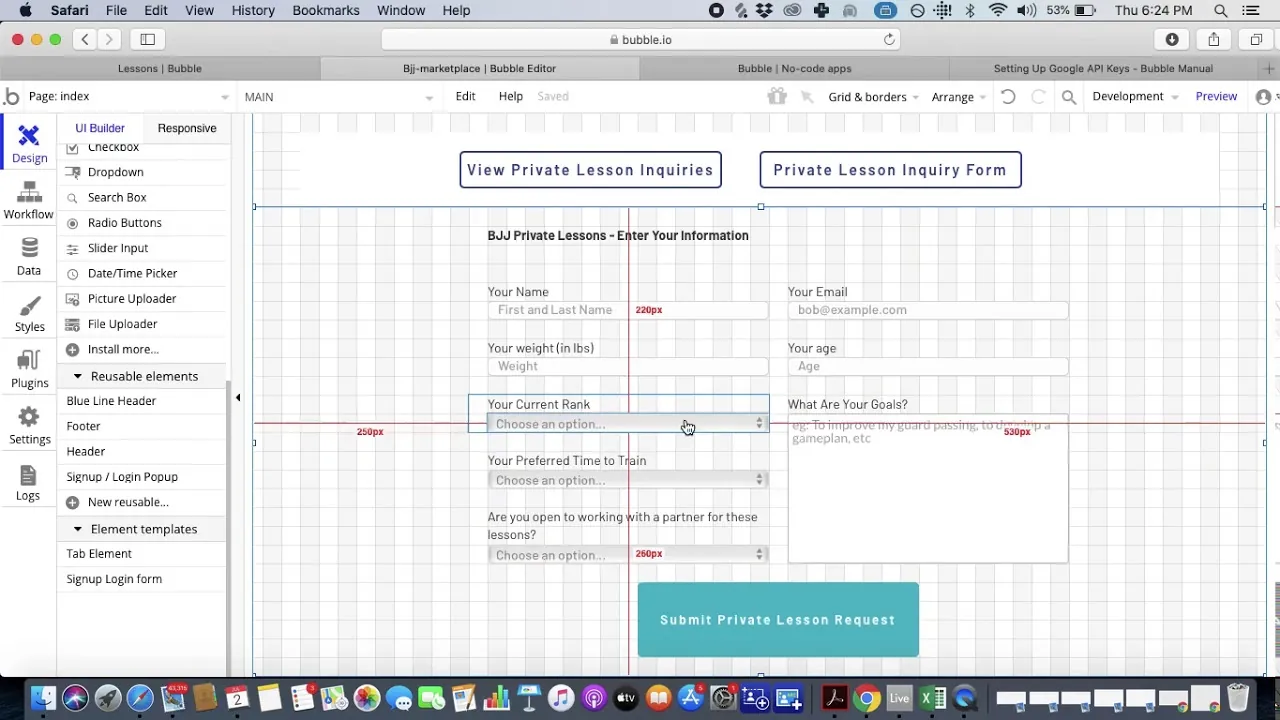
Bubble is a battle-tested and powerful no-code web app builder that's been around since 2012, focused primarily on web applications.
Use cases
Although Bubble has a tough learning curve and can't create true native apps for the Apple App Store or Google Play Store, you can create a web app that does nearly everything when you use Bubble.
Leverage Bubble's features and visual components to create apps for dashboards, CRMs, social networks, job-hunting, and more.
Features
Because Bubble has been around for over a decade, it's created an insanely robust ecosystem—one of the biggest in the no-code space. You'll find an abundance of tutorials, help guides, and video instructionals.
Bubble's developer community is enormous, contributing to the template library with 400+ templates, dozens of developer tools and plugins, and more.
However, Bubble's extensive customization often results in slower applications that can suffer under increased load. Claims of millions of MAU are typically only achievable with hired expert help. Bubble's mobile app solution is a wrapper for the web app, introducing potential challenges at scale—and one app version doesn't automatically update web, Android, and iOS apps deployed to their respective stores.
Pricing
Bubble's web and mobile wrapper offering starts at $69/month with usage-based charges through Workload Units, limits on app re-publishing, and record restrictions. Build a startup app with Bubble for $32/month (billed monthly), but note this tier has significant limitations. The $134/month (billed monthly) version adds 2-factor identification and 100GB of storage space.
For comparison, Adalo's web and true-native mobile builder starts at $36/month with unlimited usage and app store publishing with unlimited updates to published apps—no usage-based charges or unclear calculations.
#16 Wix
What is it?
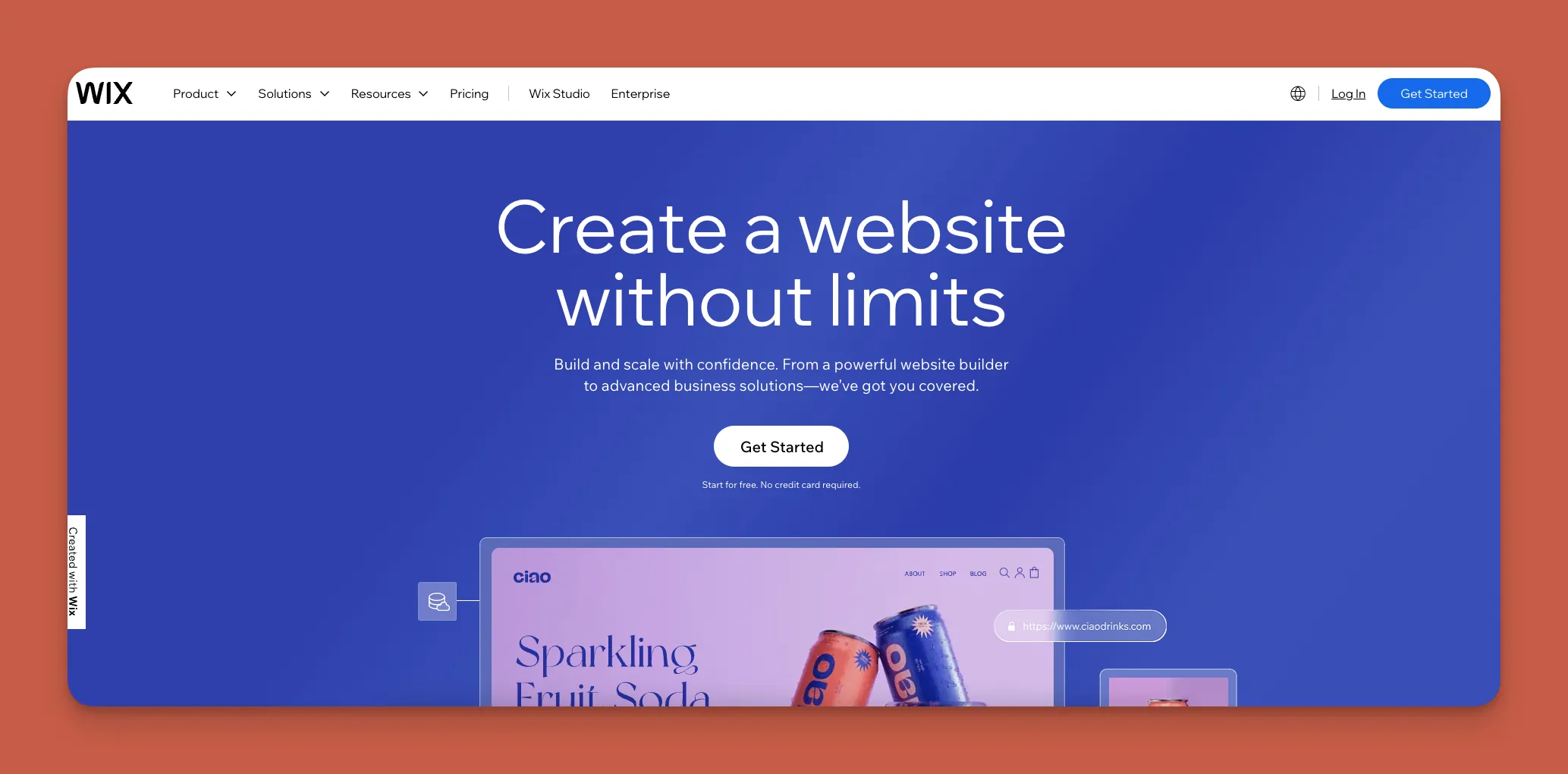
Wix is a super simple no-code website builder.
Use cases
Wix's building interface is one of the easiest to learn. No matter what your business is—e-commerce, commodities trading, NGO, personal portfolio, or anything else—you'll be able to create a website for it with Wix.
Features
Wix comes packed with over 900 templates and dozens of integrations. Plus, it comes with a content management system (CMS) that's integrated with SEMrush, an SEO tool. This will help you optimize your written content for Google, getting it in front of more eyes.
Pricing
Start using Wix for $17/month (billed annually) if you want a simple website. If you want more features, like the ability to take payments and add on a chatbot, get Wix's $29/month (billed annually) version.
#17 Thunkable
What is it?
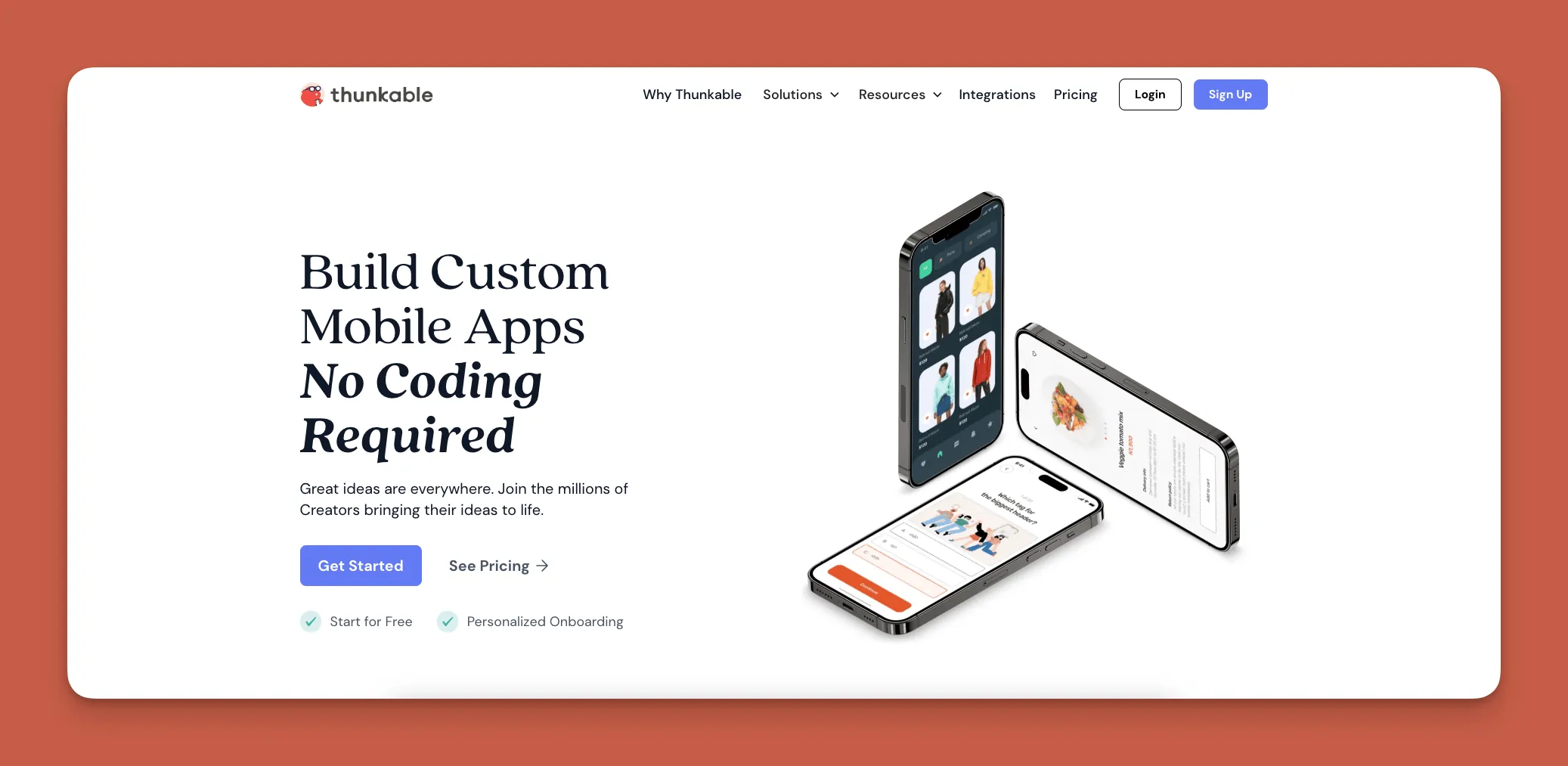
Thunkable is an easy no-code native mobile app builder that uses a simple drag-and-drop interface to create apps.
Use cases
While Thunkable doesn't have many templates, it's a platform for creating a startup app and launching it on the Apple App Store and Google Play Store. Be advised that you'll be creating an app that's limited in data gathering because Thunkable has fewer third-party integrations than other app builders.
Features
Thunkable has one of the easiest drag-and-drop interfaces, so you can quickly create an app without much fuss. It now offers an AI-draft feature for initial app builds. It also features a unique Bluetooth integration, so you can connect your app to TVs, tablets, speakers, and other devices.
Pricing
Getting access to a Progressive Web App that can be published requires a $69/month plan with usage restrictions. Build your startup app for $45/month (billed monthly) with basic features. To get to a responsive app requires custom pricing beyond their advertised $189/month Advanced tier.
#18 Landbot
What is it?
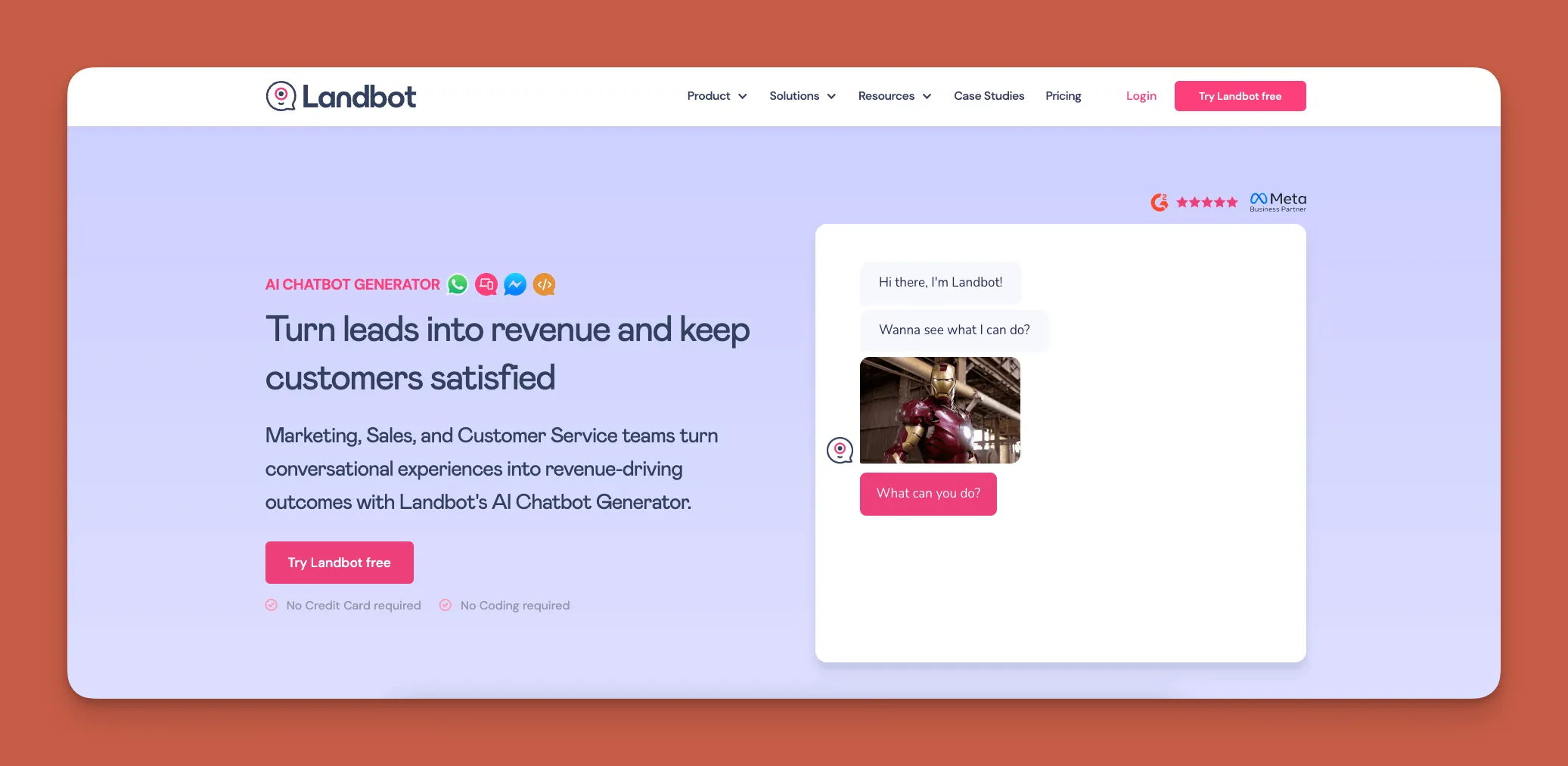
Landbot is a no-code platform that lets you create chatbots and other conversational apps.
Use cases
Landbot is especially useful for customer service automation, lead generation, and gathering feedback. Event managers, online stores, and other retail operations can effectively use Landbot for automated customer service management.
Features
Build your own chatbot using Landbot's super simple drag-and-drop interface. To maximize your reach, Landbot integrates with WhatsApp and Facebook Messenger.
Pricing
Sign up with Landbot's free version and then get in contact with their sales team. At the time of writing, Landbot hasn't made its pricing available to the public.
#19 Webflow
What is it?
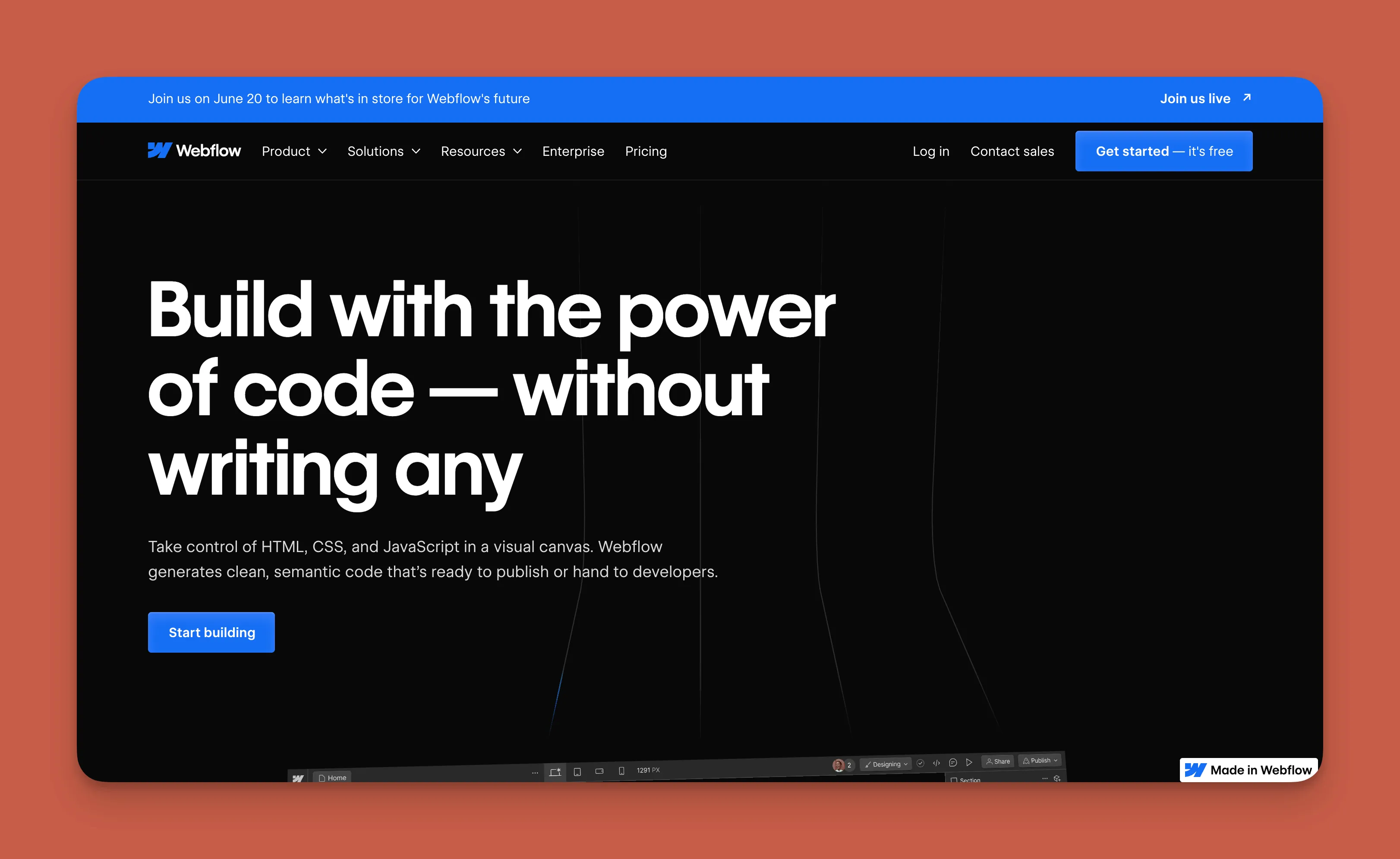
Webflow is a powerful and versatile website builder that lets you create a customized website with significant design control.
Use cases
Like Wix, Webflow appeals to anyone who wants to create a personal or business website. Unlike Wix, however, Webflow offers more customization options, but it comes with a learning curve.
Once you get over the learning curve, you'll be able to make any website you want: SaaS websites and tools, e-commerce websites, job boards, and online stores.
Features
Webflow boasts a powerful building interface, and you can take advantage of Webflow University to learn how to use it properly. This large collection of tutorials and videos will teach you Webflow's design features, plugins, and how to integrate with third-party tools.
Pricing
Webflow starts at $18/month (billed monthly). If you want to create written content, go with Webflow's $29/month (billed monthly) version.
#20 Jotform
What is it?
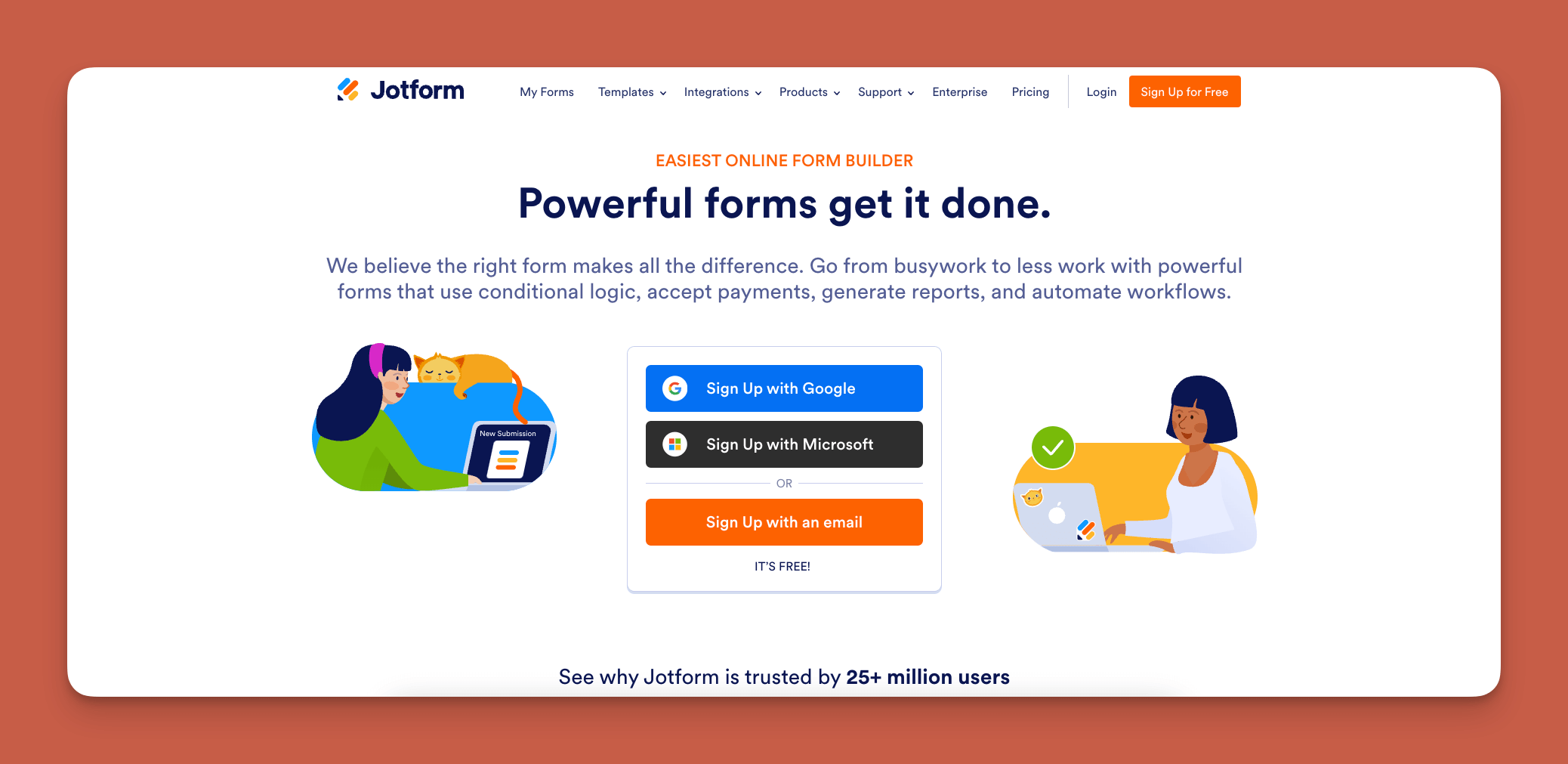
Jotform is a no-code native mobile app builder that features hundreds of forms for creating apps fast.
Use cases
If you need a simple app that allows your customers to give feedback and make orders, Jotform is for you. Originally software for custom-making all kinds of forms (order forms, surveys, etc.), Jotform now has an app builder that excels at making external-facing apps. Examples include e-commerce apps, delivery apps, event signup apps, and more.
Features
Jotform is HIPAA compliant, making it a great choice for medical professionals wanting to create an app for their practice. You'll also be able to publish your Jotform app to the Apple App Store and Google Play Store.
Pricing
For $39/month (billed monthly), you'll be able to publish an app that can receive up to 1,000 form submissions per month. Try the $49/month (billed monthly) version if you want to receive more forms—up to 2,500 per month.
FAQ
Why choose Adalo over other app building solutions?
Adalo is an AI-powered app builder that creates true native iOS and Android apps. Unlike web wrappers, it compiles to native code and publishes directly to both the Apple App Store and Google Play Store from a single codebase—the hardest part of launching an app handled automatically. With the 3.0 infrastructure overhaul, Adalo is 3-4x faster with no database record limits on paid plans.
What's the fastest way to build and publish an app to the App Store?
Adalo's drag-and-drop interface combined with AI-assisted building through Magic Start and Magic Add lets you go from idea to published app in days rather than months. Describe what you want to build, and the platform generates your database structure, screens, and user flows. Adalo handles the complex App Store submission process, so you can focus on features instead of certificates and provisioning profiles.
Which is more affordable, Adalo or Bubble?
Adalo starts at $36/month with unlimited usage and unlimited database records on paid plans. Bubble's comparable offering starts at $69/month with usage-based Workload Unit charges, record limits, and restrictions on app re-publishing. Adalo's pricing is more predictable with no bill shock from usage spikes.
Which is easier for beginners, Adalo or Glide?
Both are beginner-friendly, but they serve different needs. Glide is faster for template-based apps but restricts creative freedom and doesn't support app store publishing. Adalo offers more flexibility with AI-assisted building that generates complete app foundations from descriptions, plus the ability to publish to both app stores.
Is Adalo better than Bubble for mobile apps?
For mobile apps, Adalo has significant advantages. Adalo compiles to true native iOS and Android code, while Bubble creates web wrappers for mobile. Native apps perform better, especially under load. Adalo also lets you update all platforms (web, iOS, Android) from one build with unlimited updates, while Bubble's mobile wrapper approach requires separate management.
What types of apps can I build with no-code tools?
No-code tools enable you to build business websites, CRM systems, accounting apps, project management tools, AI chatbots for customer service, custom databases, marketplace apps, booking systems, and more. With platforms like Adalo, you can create virtually any app you can imagine for both web and mobile.
Do I need technical knowledge to use no-code app builders?
No, the best no-code tools are designed to be intuitive enough to use right out of the box. Adalo's visual builder has been described as "easy as PowerPoint." Some platforms like Draftbit and FlutterFlow are actually low-code and require technical knowledge—true no-code platforms like Adalo don't require any programming experience.
Can I publish the same app to both web and mobile app stores?
Yes, with Adalo you can build one version of your app and deploy it across multiple platforms simultaneously. Your app can be released on the web for browser access and published to both the Apple App Store and Google Play Store from a single codebase, with unlimited updates to published apps.
How much does it cost to start building apps with no-code tools?
No-code tool pricing varies widely. Adalo starts at $36/month with unlimited database records and no usage-based charges. Bubble starts at $69/month with usage limits. Softr requires $167/month for a publishable Progressive Web App. Glide starts at $60/month but doesn't support app store publishing. Most platforms offer free trials to test before committing.
Which no-code platform is best for scaling to millions of users?
Adalo's modular infrastructure, overhauled in the 3.0 release, scales to serve apps with over 1 million monthly active users with no upper ceiling. Unlike app wrappers that hit performance constraints under load, Adalo's purpose-built architecture maintains speed at scale. Over 3 million apps have been created on the platform, processing 20 million+ data requests daily.

Build your app fast with one of our pre-made app templates
Begin Building with no codeRelated Content
4 Best No-Code SaaS Tools to Use in 2026 (Expert Review) 📱🌟
If you’re looking for a no-code SaaS tool to build your next SaaS app, you’ve found the right article.

Top 8 No-Code Tools for Small Business Owners in 2026
No-code tools empower small businesses in 2026 to build apps, automate tasks, and scale fast—without big budgets or coding skills.
Top 5 No-Code iOS App Builders | 2026
If you’re looking for a no-code iOS app builder, you’ve come to the right place. Here we break down the 5 best iOS app builders of 2025.
5 Best No-Code Website Builders | 2026
Looking for a website builder to create your website? Check out our top 5 no-code website builders for 2025.