


Independent research from App Builder Guides' State of App Building report (February 2026) analyzed 190 Reddit threads and 150+ platform citations across 345 data points with zero platform sponsorships. Adalo ranked first among visual builders for non-developers.

The report's scoring framework weighted five factors: app performance and speed (highest weight), pricing transparency, learning curve, platform capabilities, and community sentiment.
Why Choose a Thunkable Alternative?
Thunkable provides a user experience that lets you build your front-end and backend with ease. But Thunkable makes a few sacrifices that limit your end product's potential. Many people seek a Thunkable alternative due to:
Pricing
For $59/month, Thunkable's paid plan gives you access to Progressive Web Apps with usage restrictions. To get a truly responsive app requires custom pricing beyond their advertised $189/month Advanced tier—making the total cost unclear until you're deep into the platform.
Solution: Choose a Thunkable alternative that offers transparent pricing with predictable costs. Adalo starts at $36/month with unlimited usage and no surprise charges, while GoodBarber offers competitive options under $250/mo with generous storage allocations.
You Want Templates
Thunkable provides design freedom to start creating apps from scratch without templates. Many first-time app builders get bogged down trying to figure out where to place elements, buttons, and features crucial to their app's layout.
Solution: Go with a Thunkable alternative like Glide, Adalo, or FlutterFlow that offers a template library. After flipping through your options, you'll find a template to match your taste—you'll also be able to edit your template while configuring your app. This saves time and sanity. Adalo's Magic Start feature takes this further by generating complete app foundations from simple descriptions, creating your database structure, screens, and user flows automatically.
You Want More Integrations
Sometimes you need to build a complex app with tons of integrations. For example, a customer-relationship management app that tracks emails, takes payments from multiple platforms, and handles automated workflows. These apps require integrations with several third-party providers.
Unfortunately, Thunkable doesn't have nearly as many third-party integrations as its alternatives. This limits the functionality of your Thunkable-made app.
Solution: Pick a Thunkable alternative like Adalo or Glide that comes packed with third-party integrations. Adalo offers over 5,500 integrations with services like PayPal, Stripe, Twilio, Zapier, and thousands more—giving you the flexibility to build virtually any app functionality you need.
The Top 5 Thunkable Alternatives
- Adalo, the best overall Thunkable alternative
- GoodBarber, the easiest Thunkable alternative
- Glide, the Thunkable alternative for spreadsheet-based apps
- FlutterFlow, the Thunkable alternative for technical users
- Bravo Studio, the Thunkable alternative for designers
#1 The Best Overall Thunkable Alternative
Adalo
What is it?
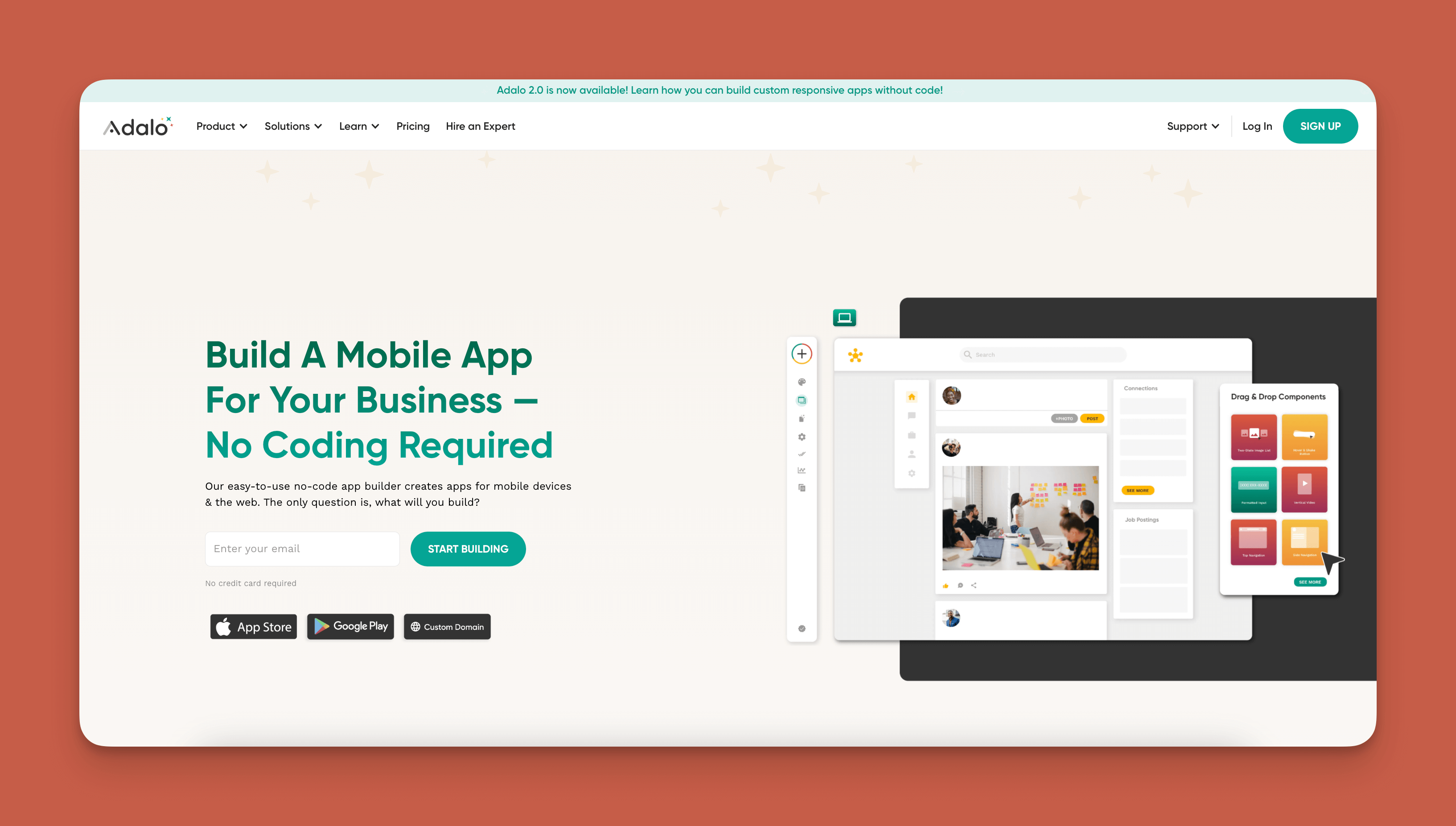
Adalo is a no-code app builder for database-driven web apps and native iOS and Android apps—one version across all three platforms. AI-assisted building and streamlined publishing enable launch to the Apple App Store and Google Play in days rather than months. The platform's visual builder has been described as "easy as PowerPoint," making it accessible to complete beginners while offering the depth professionals need.
Ada, Adalo's AI builder, lets you describe what you want and generates your app. Magic Start creates complete app foundations from a description. Magic Add adds features through natural language. X-Ray identifies performance issues before they affect users.
What does it do better than Thunkable?
Adalo's drag-and-drop interface is easier than Thunkable while delivering significantly more power. With over 5,500 third-party integrations including Zapier and Airtable, the platform lets absolute beginners bring almost any app idea to life.
The AI-assisted features set Adalo apart from Thunkable's more manual approach. Magic Start generates complete app foundations from descriptions—tell it you need a booking app for a dog grooming business, and it creates your database structure, screens, and user flows automatically. Magic Add lets you add features by simply describing what you want in natural language.
Getting started is simple with Adalo's template library, and if you run into problems, a vast ecosystem of experts, veterans, and fellow beginners is ready to help. Over 3 million apps have been created on the platform, demonstrating its proven track record.
Who is it best for?
Adalo works for everyone from freelancers to medium-sized businesses, and it consistently gets raving reviews. The platform can build almost anything, from simple external-facing directories to complex Kanban boards. With Adalo 3.0's infrastructure overhaul delivering 3-4x faster performance and no database record limits on paid plans, it handles everything from MVPs to apps serving over a million monthly active users.
Pricing
Start using Adalo now for $36/month with unlimited usage—no surprise charges or usage-based fees. All paid plans include unlimited database records and unlimited app updates once published to the app stores.
Final Verdict
With a huge ecosystem, extensive integrations, AI-assisted building, and enough design freedom to bring a tear to Andy Warhol's eye, Adalo is the Thunkable alternative that lets non-techies build the apps of their dreams while scaling to production-level demands.
#2 The Easiest Thunkable Alternative
GoodBarber
What is it?
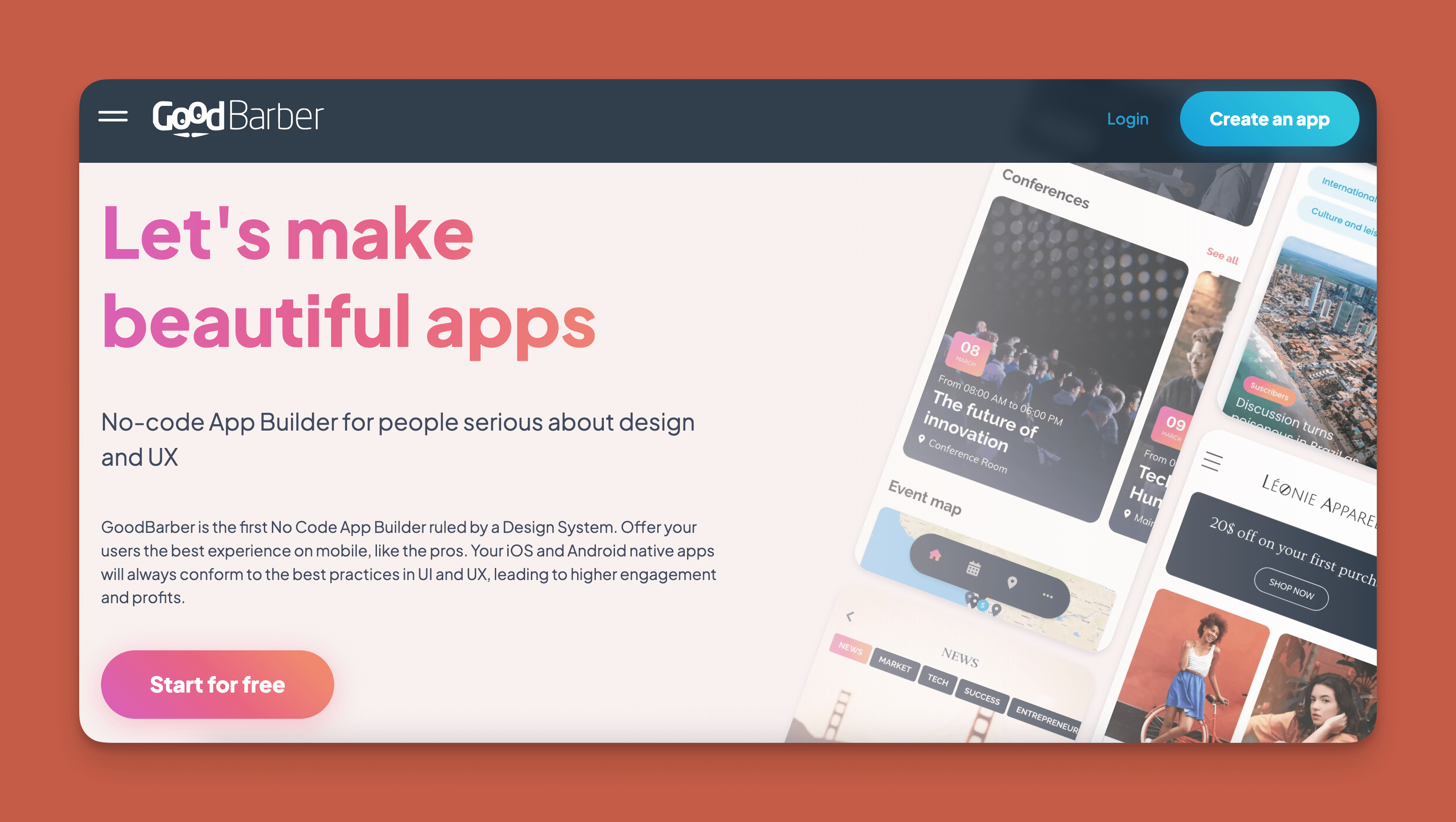
GoodBarber is a simple-to-use no-code native mobile app builder that provides specialized tools for building e-commerce or content-focused apps.
What does it do better than Thunkable?
If you need to build an e-commerce app to sell your content or product, GoodBarber deserves consideration. It offers tons of templates preloaded with sample products. After selecting the one you like best, you can easily swap the preloaded products for yours.
GoodBarber is also a competitively priced Thunkable alternative, giving you more storage space for your dollar. For only $30/month (billed monthly), you get 2GB of storage space—and if you need more, GoodBarber charges only $2 for every 10GB.
Who is it best for?
GoodBarber is best for content creators who want to give their subscribers an app and e-commerce store owners. If you want to create simple apps that aren't for e-commerce or content subscriptions, GoodBarber provides a straightforward path to your finished app.
Pricing
GoodBarber's Classic Standard Version costs $30/month (billed monthly). If you want to publish to the Google Play Store, you can upgrade to Full Version for $60/month (billed monthly).
Final Verdict
With a competitive price tag, generous storage space, and the capability to build simple apps quickly, GoodBarber is the Thunkable alternative that will provide a super easy UX for e-commerce and content-focused projects.
#3 The Thunkable Alternative for Spreadsheet-Based Apps
Glide
What is it?
Glide is a no-code web app builder that excels at turning spreadsheets into functional applications quickly.
What does it do better than Thunkable?
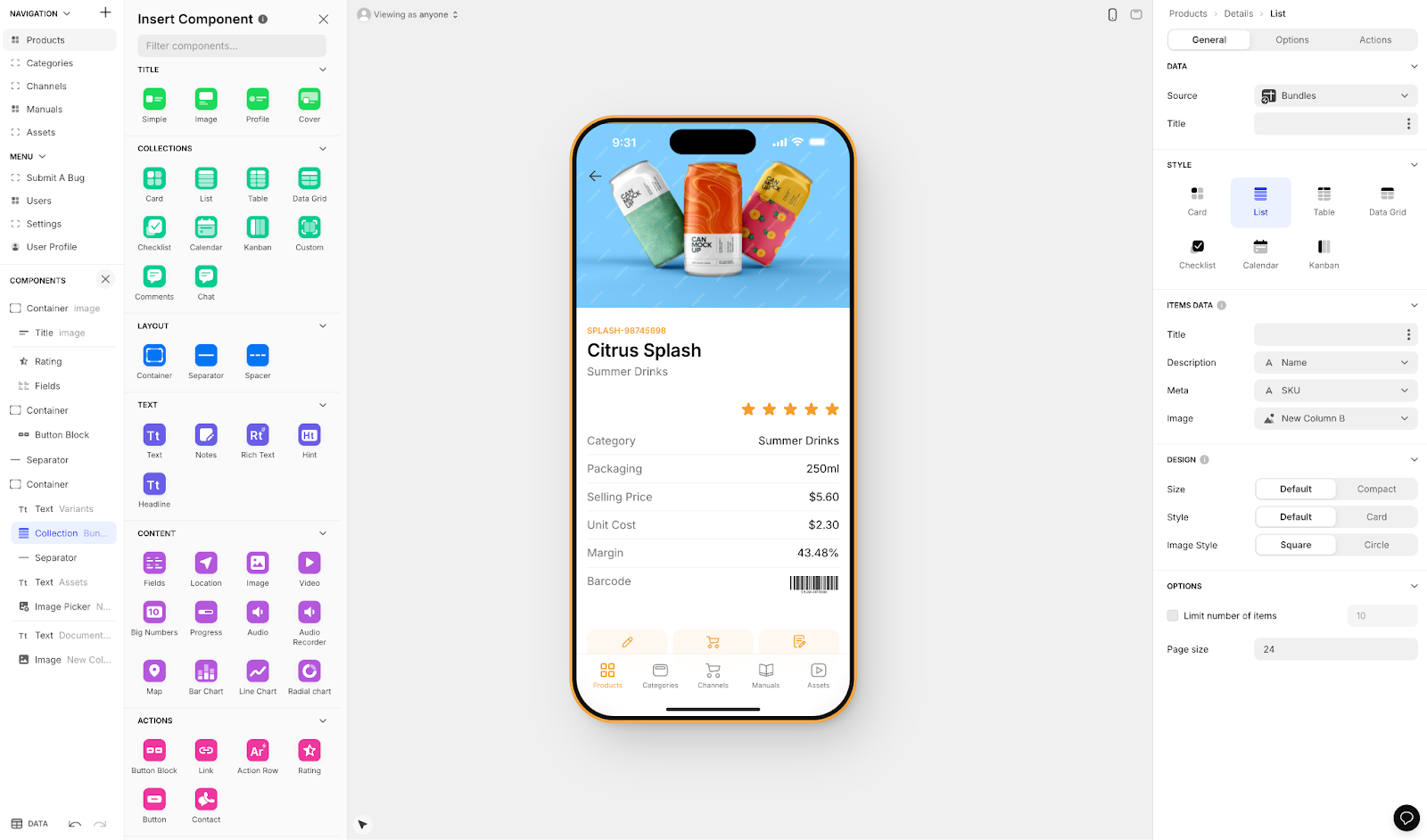
Glide has a large template library with visually appealing options. The platform is heavily format-focused, which makes it fast to build and publish with—though this creates more generic, simplistic apps with limited creative freedom.
Glide is a go-to for spreadsheet-based apps, making it easy to turn existing Google Sheets data into functional applications. However, Glide does not support Apple App Store or Google Play Store publishing, limiting distribution to web-only experiences.
Who is it best for?
Businesses that already have data in spreadsheets and want to quickly create internal tools will find Glide useful. If you need to make a customized project management tool or an app for administrative tasks and don't require native mobile distribution, Glide can work.
For those who want spreadsheet convenience with native app publishing, Adalo's SheetBridge feature offers an alternative—it turns a Google Sheet into an actual database while still enabling App Store and Play Store publishing.
Pricing
Glide starts at $60/month to build an app with a custom domain, but it's limited by app updates and data record rows, which attract additional charges. The lack of native mobile publishing means your app stays web-only regardless of which plan you choose.
Final Verdict
For building quick spreadsheet-based web apps without native mobile requirements, Glide offers speed and simplicity. For native iOS and Android apps with more creative control, look elsewhere.
#4 The Thunkable Alternative for Technical Users
FlutterFlow
What is it?
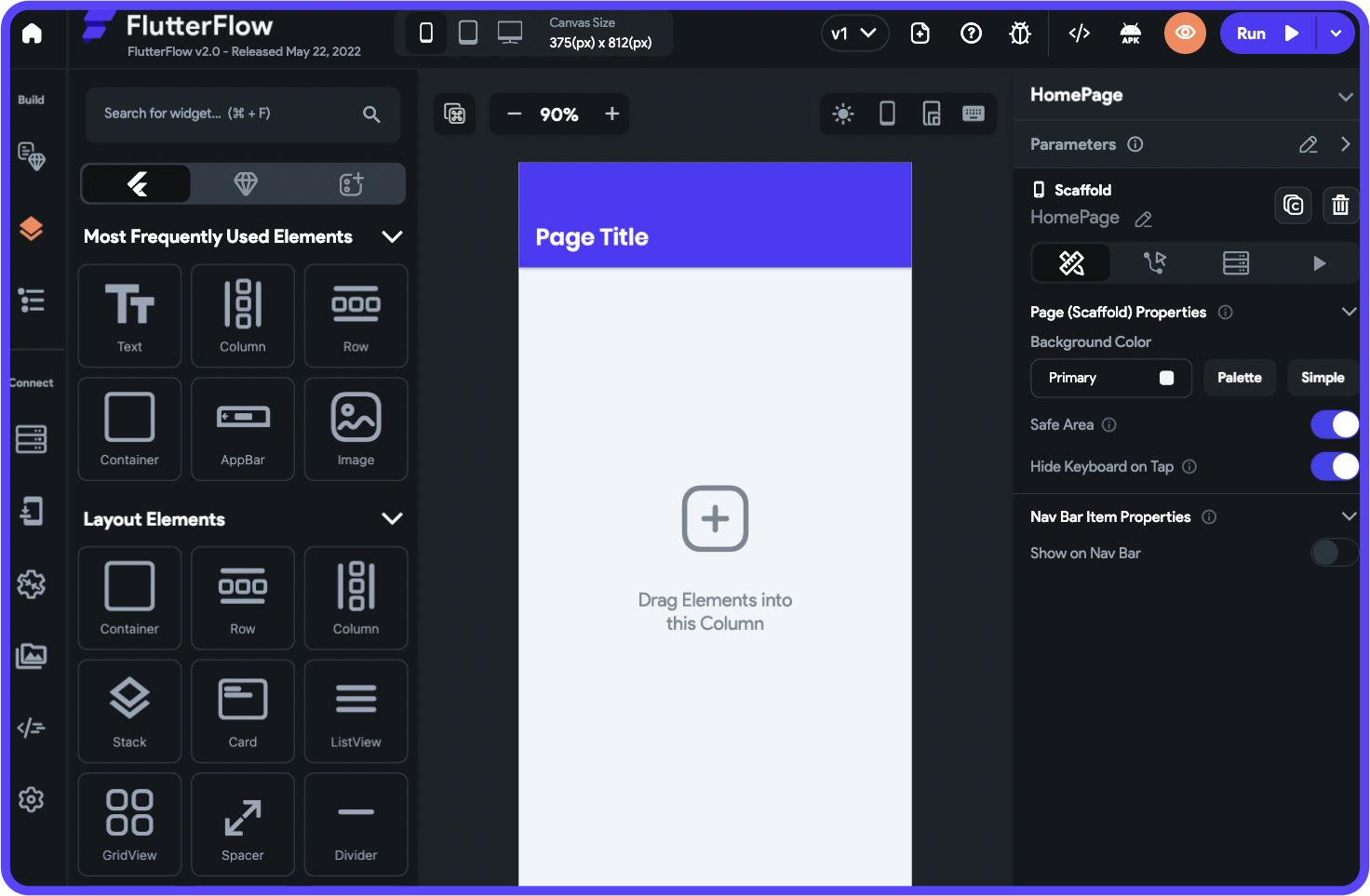
FlutterFlow is a low-code (not no-code) web and native mobile app builder designed for users with technical knowledge.
What does it do better than Thunkable?
If Thunkable's simplicity keeps you from really customizing your app, FlutterFlow offers more depth. Its complex building interface lets you add and fine-tune custom features with code extensibility and a visual logic builder.
FlutterFlow has hundreds of templates that those with technical skills can customize extensively. When you finish building your app, you can download the source code for further modification.
However, FlutterFlow requires users to set up and manage their own external database, which adds significant learning complexity. This is especially challenging when scaling, as anything less than optimal setup can create performance problems. The ecosystem is rich with experts precisely because so many users need help—and end up spending significant sums chasing scalability.
Who is it best for?
Anyone with programming or technical experience will be right at home building an app with FlutterFlow. Complete beginners should expect a steeper learning curve and additional costs for database setup and management.
Pricing
FlutterFlow starts at $70/month per user for easy app store publishing—but this doesn't include a database. You'll need to source, set up, and pay for database hosting separately, making the true cost significantly higher than the advertised price.
Final Verdict
FlutterFlow is the Thunkable alternative for developers who want more control and code access. Non-technical users should consider the hidden complexity and costs before committing.
#5 The Best Thunkable Alternative for Designers
Bravo Studio
What is it?
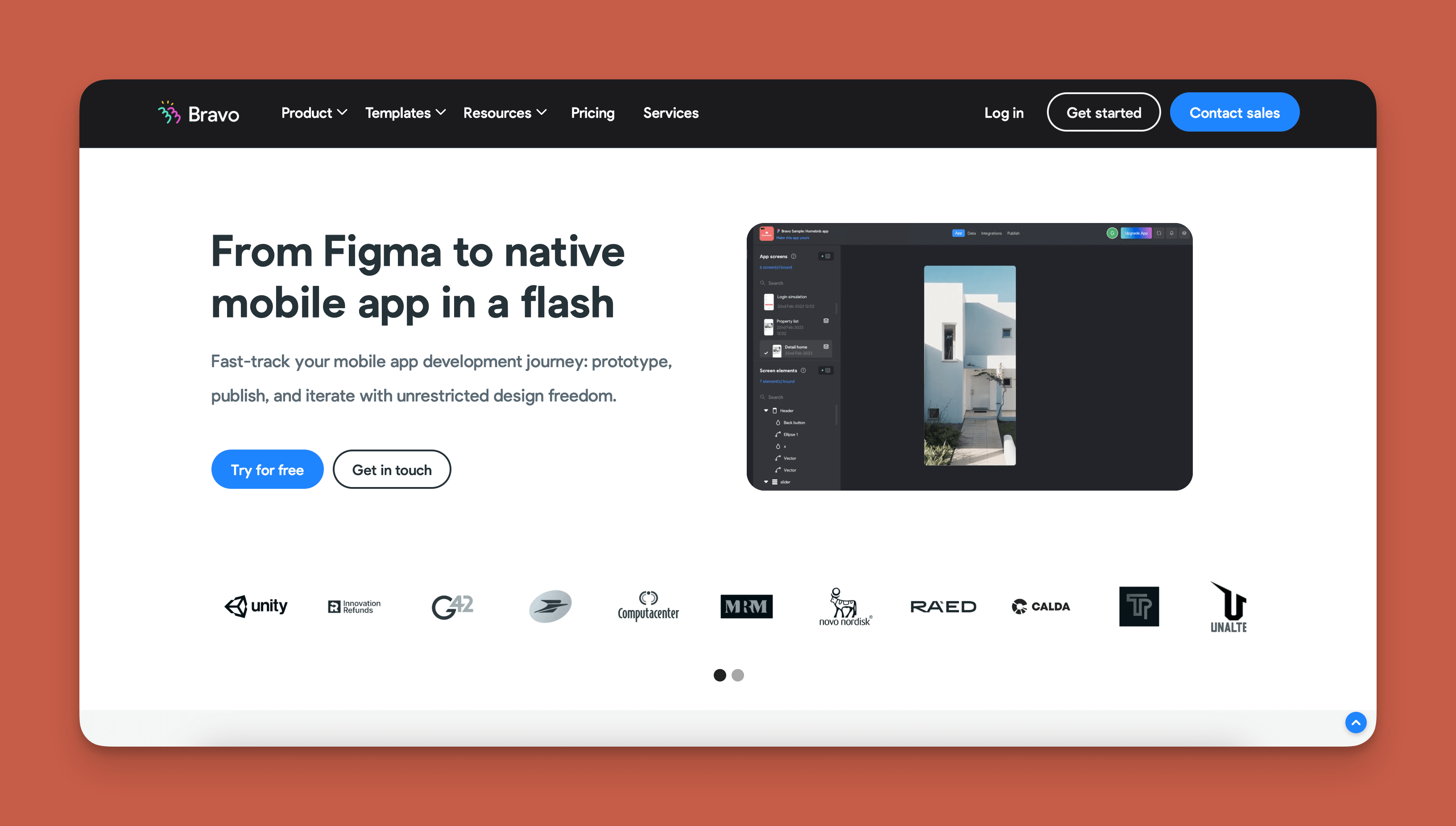
Bravo Studio is a no-code app builder that allows designers to convert their Figma designs into native mobile apps.
What does it do better than Thunkable?
If you're a designer, Thunkable's interface might leave you feeling constrained. Bravo Studio gives you the power to make unique apps directly from your Figma designs. With Bravo, you'll have pixel-by-pixel control over your apps.
Bravo's lowest tier at $21/month (billed monthly) gives you more design flexibility at a better price than Thunkable. You can build an unlimited number of apps, which is great for creating a portfolio or exploring options before publishing.
Who is it best for?
Bravo Studio is exclusively made for designers. You'll need to bring your Figma designs to get started—it's not a standalone app builder for those without design backgrounds.
Pricing
Although the $21/month version offers great value, there's a catch: your apps will include Bravo Studio branding. To remove this branding, you'll need to pay $118/month.
Final Verdict
Bravo Studio is the best app builder for designers who want to transform their Figma work into functional native apps with complete visual control.
FAQ
Why choose Adalo over other app building solutions?
Adalo is an AI-powered app builder that creates true native iOS and Android apps from a single codebase. Unlike web wrappers, it compiles to native code and publishes directly to both the Apple App Store and Google Play Store—handling the hardest part of launching an app automatically.
What's the fastest way to build and publish an app to the App Store?
Adalo's drag-and-drop interface combined with AI-assisted building features like Magic Start lets you go from idea to published app in days rather than months. The platform handles the complex App Store submission process, so you can focus on features and user experience instead of certificates and provisioning profiles.
Which is more affordable, Adalo or Thunkable?
Adalo starts at $36/month with unlimited usage and no surprise charges. Thunkable's comparable plans start at $59/month with usage restrictions, and responsive app features require custom pricing beyond their $189/month tier.
Which is easier for beginners, Adalo or FlutterFlow?
Adalo is significantly easier for beginners. FlutterFlow is a low-code platform designed for technical users and requires setting up an external database separately. Adalo's visual builder has been described as "easy as PowerPoint" and includes an integrated database.
Can I publish native mobile apps with Glide?
No, Glide does not support Apple App Store or Google Play Store publishing. Glide apps are web-only. For native mobile app publishing, Adalo offers one-click deployment to both app stores from a single codebase.
How does Adalo handle database limits compared to alternatives?
Adalo's paid plans have no database record limits—you get unlimited storage. This contrasts with platforms like Glide that charge for additional data rows and Thunkable's limited storage allocations.
Is Adalo better than Thunkable for mobile apps?
For native mobile apps, Adalo offers significant advantages: AI-assisted building, over 5,500 integrations, unlimited database records on paid plans, and streamlined App Store publishing. Thunkable's mobile capabilities require higher-tier plans with less transparent pricing.
What integrations does Adalo support?
Adalo supports over 5,500 third-party integrations including PayPal, Stripe, Twilio, Zapier, Airtable, and thousands more—far exceeding Thunkable's integration options.
Can I migrate from Thunkable to Adalo?
While there's no direct import tool, Adalo's Magic Start feature can generate a complete app foundation from a description of your existing app. Many users find rebuilding in Adalo faster than expected due to the AI-assisted features and intuitive interface.
How many apps have been built on Adalo?
Over 3 million apps have been created on Adalo, demonstrating the platform's proven track record for both simple projects and production-scale applications.








