
Why Adalo Works for Property Management Software Development
Adalo is a no-code app builder for database-driven web apps and native iOS and Android apps—one version across all three platforms, published to the Apple App Store and Google Play. This makes it the perfect solution for property managers who need to reach tenants wherever they are—whether on iPhone, Android, or desktop—without building three separate applications or hiring a development team.
Having your property management app available in both major app stores means tenants can easily download it, receive push notifications for rent reminders and maintenance updates, and submit requests instantly from their phones. For property managers juggling multiple buildings and dozens of units, this level of accessibility transforms daily operations from chaotic to streamlined—all without writing a single line of code.
Why Adalo Works for Property Management Software Development
Property managers juggle tenant communications, maintenance requests, rent collection, and property listings across dozens of units—often from a smartphone while walking between buildings. The challenge isn't just organization; it's accessibility. Tenants expect to submit maintenance requests at midnight, landlords need real-time payment tracking, and property managers require instant notifications when issues arise.
Adalo, an AI-powered app builder, solves this by creating database-driven web apps and native iOS and Android apps from a single codebase. One version publishes to the Apple App Store, Google Play Store, and web simultaneously. For property management, this means tenants can download your branded app to submit rent payments, report issues, and receive push notifications—while you manage everything from any device, whether at your desk or checking maintenance requests on the go.
Having your property management app available in both app stores gives you a significant advantage over competitors with web-only solutions. Tenants can easily find and download it, leading to faster response times, better communication, and streamlined operations—all without writing a single line of code.
Building a Property Management Software Development Blueprint
First things first: You'll need to draw up an actionable plan to ensure you have all the features you want. Additionally, you'll need a software-building tool that will serve as your "construction team" to cobble your software together.
Gather these things first:
- An Adalo account: You'll use Adalo as the tool for your property management software development. You don't need any coding or tech skills. The platform's visual builder has been described as "easy as PowerPoint," letting you create property management software by leveraging a simple drag-and-drop interface.
Head over to Adalo's website and get Adalo's free version, which will let you get used to its building interface. While the platform is easy enough to start using right after creating an account, it's powerful enough to build professional-looking software with extensive functionality. With over 3 million apps created on the platform, you're joining a proven ecosystem.
- Your software's appearance: Make a few rough sketches (you don't have to be Michelangelo) that show how you want your app to appear. Ask yourself: Where do you want to place your logo, what colors will you feature, and how do you like the general screen layout to look?
These rough sketches will give you a concrete building plan to help you achieve your goals.
- A list of tasks your software will execute: What jobs will your software perform? Having a list of software features will ensure you don't forget to add them when building your software.
For instance, you'll need a messaging feature so your tenants can easily connect with you or your property management team when needed. You'll also want to create records for each property so you'll know when they need scheduled maintenance.
Your Software's Components
All software is comprised of 3 parts, and Adalo comes preloaded with each one. All you'll have to do is customize each of the following:
- The Frontend: Your software's screens or pages make up its frontend—the part that users (you, your tenants, and your management team) interact with. The frontend includes your software's pictures, text, and colors. To create an attractive frontend, you'll need to arrange it logically and consider aesthetics.
- The Backend: Essentially your software's "brain," the backend executes user requests, grabs data, and more. It also integrates with third-party applications like QuickBooks, Zillow, and more. With Adalo 3.0's overhauled infrastructure, the backend now runs 3-4x faster than previous versions, ensuring your property management app responds instantly even during peak usage.
- The Database: Technically an extension of the backend, the database is your software's memory bank. It will store all the recorded information, such as rent payment history and other tenant data. Paid plans include unlimited database records—critical for property managers tracking years of tenant history, maintenance logs, and payment records across multiple properties.
Adalo comes preloaded with all these components, so you don't need to worry about building each one from scratch. Your frontend, backend, and database will already be connected, so all you need to do is customize each piece to your tastes, brand, and functional needs.
7 Steps for Property Management Software Development
Once you have your Adalo account, list, and sketches, it's time for the fun stuff: Creating your software!
While the platform is intuitive, you may encounter questions along the way. Adalo has a thriving ecosystem of rich resources to make your software development journey a breeze. Check them out here:
- Help Documents: Peruse detailed documentation to get step-by-step directions for connecting APIs, publishing your software, using analytics, and more.
- The Adalo Academy: If you're looking to learn every detail about the building interface, look no further. You'll find courses, tutorials, and more that will seriously boost your knowledge.
- The Adalo Forum: Connect with thousands of users on the community forum or get clear answers to technical questions from experienced builders.
Step 1: Build Your Software with Adalo's Real Estate Agent App Template
First, download Adalo's real estate app template. It has all the features you'll need to get started, such as an image carousel for listings, tenant profile creation, and more.
If the template doesn't look how you want it, don't worry! You'll be able to customize every bit of your software, so your finished product can look worlds different than the original template.
Ada, Adalo's AI builder, lets you describe what you want and generates your app. Magic Start creates complete app foundations from a description, while Magic Add adds features through natural language.
And you'll be able to add more functionality, like Adalo's chat feature, the ability to take payments, and much more. Magic Add, launching in early 2026, will let you add features simply by describing what you want—"add a maintenance request form with photo upload and priority levels" becomes reality in seconds.
Step 2: An Introduction to Adalo's Building Interface
Let's examine the tools you'll use to create your software, which are found on Adalo's powerful building interface. It's organized into three parts: The top horizontal ribbon, the building canvas, and the left-hand drop-down menu.
The horizontal ribbon allows you to toggle between the programs or apps that you're building (Adalo enables you to work on up to 10 apps but publish only 1), access your profile, and preview your app as if it were live.
Adalo's building canvas includes the layout of all your screens. When you change your software, it appears on the building canvas. Unlike some competitors that limit you to viewing just 2 screens at once, Adalo can display up to 400 screens simultaneously on one canvas—invaluable when managing complex property management workflows.
The most important part of your building interface is the left-hand drop-down menu, which contains buttons for editing, building, and adding features to your app. Here's an overview of the 8 buttons found here:
- Add Elements and Screens/ "+": This adds or edits all your screens and elements like forms, buttons, lists, etc.
- Branding: Here's where you'll customize your software's colors and fonts.
- Screens: Click this to see all your software's screens in list form. To work on a specific screen, just click it from this list.
- Database Collection: This is your specialized built-in database, provided by Adalo. We'll discuss how to customize it in Step 3.
- Settings: Use this function to name your software, upload an icon, and connect APIs.
- Publish: You can publish your software as a native mobile app that users can download directly from the Apple App Store and Google Play Store. You'll also be able to publish it to the web, which people can access from their phone's browsers.
- Analytics: Use this to glean insights about your performance and its users.
- Version History: Once you finish your app, push this button to save it.
Step 3: Your Database
To access your database, push the "Database" button on your left-hand drop-down menu to see a pre-made database. Adalo's databases have 3 major pieces: Collections, properties, and records.
Collections are groups of data that appear like spreadsheets. They include users, houses, payments, and more. To access each collection, click the 3 vertical dots to the right of its name.
Properties are the elements within each collection, such as the property name, user name, payment amount, and more. Editing these is done similarly to editing collections: Pushing the 3 vertical dots.
Records consist of all the properties in each row, running right to left, in a collection. When users enter data on the frontend, Adalo automatically inserts it into your records. With no record limits on paid plans, you can store unlimited tenant histories, maintenance logs, and payment records without worrying about hitting caps.
For property managers who already track data in spreadsheets, Adalo's SheetBridge feature connects your existing Google Sheets directly to your app's database—the easiest way to migrate existing data without learning complex database concepts.
Step 4: Adding and Deleting Screens and Elements
While you'll have enough screens to make powerful property management software, you might want to add a few new features that reflect the unique value your brand offers. Or, you might just want to eliminate a couple of screens, buttons, or forms. Doing so is easy.
Deleting Screens and Elements
First, locate the screen you want to delete by using the "Screens" button. Then, click the vertical dots and select "delete."
To remove buttons, forms, and more, hover your cursor above the unwanted element on your building canvas until a yellow outline appears. An editing box will appear to the right of your left-hand drop-down dashboard. Select delete after hitting the vertical dots.
Adding Screens, Elements, and More
Press the colorful "+" to add new elements and screens. After doing so, simply select the screen, button, or form you want by dragging it over to your building canvas. Then, customize its size by expanding or shrinking it, free-form, with your cursor.
You can edit for style and color by clicking on your desired component and using the editing box next to your left-hand drop-down dashboard.
Step 5: How to Preview Your Software
Push the green "Preview App" button on your top horizontal ribbon to see how your software will appear live. Preview how it will look on a desktop, tablet, iPhone 15, or Samsung Galaxy S20 screen.
You'll also be able to click through your software, giving you a good feel for the user experience. After previewing your software, jot down any issues and fix them.
X-Ray, Adalo's AI-powered performance analyzer, identifies potential issues before they affect users—highlighting slow queries or inefficient data relationships that could cause problems as your tenant base grows.
After tying up all the loose ends, share your software with others. Do this by pressing the "Preview App" button and selecting "Share Your App." Just copy and paste the link and send it to people you want to be your testers—they'll be able to access your software on the web.
Pay attention to the feedback these testers give you. Then, implement changes to ensure your software is error-free.
Step 6: Publishing in the App Stores
Adalo lets you publish your software as a native mobile app to the Apple App Store and Google Play Store. Unlike web wrappers that simply package a website, Adalo compiles true native code—resulting in faster performance and better user experience. Here's how to optimize for listing:
- Design a gorgeous app icon: Your app's icon will appear on the left-hand side of its title in the app stores. You can use a service like Looka to create an icon that stands out, appears professional, and reflects your brand.
- Write a kick-ass meta description: First, research other property management software and apps by finding them in the app stores, reading their meta descriptions, and jotting down the keywords they use, such as "property management software" or "property listing apps." Then, include these keywords and similar ones in your meta description. Keep your meta description as concise and informative as possible.
- Provide pro-level screenshots: You want to present your software in the most professional way possible. Include screenshots showing your software's functionality and aesthetically pleasing design.
Once you've completed these three tasks, it's publishing time! Because Google and Apple have different procedures, we'll give you a brief overview of both.
Publishing in the Google Play Store
Start by making an Android developer account. After filling out the form and paying a one-time $25 set-up fee, select the option to onboard testers who will use and provide feedback about your software.
Go to your Adalo account and select "Publish" on the left-hand drop-down dashboard. Provide the required information to complete the publishing process, which, with Google, will take as little as a few hours to as much as a few weeks. Once published, you can push unlimited updates to your app without additional charges.
Publishing in the Apple App Store
First, set up an account for iOS developers, follow the instructions, and pay the $99 annual fee. Then, like with Google, register for Apple's testing program, Testflight.
Return to Adalo, press the "Publish" button, and set up your app for iOS publishing. Unlike Google, Apple takes as little as a few weeks to up to a few months to publish your app.
Got app-store publishing questions? Then check out Adalo's detailed help documentation, covering all the minutia with app-store publishing.
Step 7: Setting up Stripe Payments
Adalo comes with a convenient Stripe integration that lets you take rent or other payments from your users. All you need to do is make a Stripe account and install Stripe payments by clicking your left-hand drop-down dashboard's "Add Elements and Screens" button.
After you install your Stripe form, you're all set for payments! Tenants can pay rent directly through your app, and you'll have automatic records of every transaction stored in your database—with no storage limits to worry about.
Next Steps: Analytics, Getting Users, and Maintaining Your App
Once you've published your software, you'll need to maintain it. Do this by monitoring your app's daily performance using the "Analytics" feature.
If you find any problems, fix them immediately. A poorly performing app will not reflect well on your professional reputation. It's also good to periodically update and enhance your app to keep it modern-looking and ensure it runs smoothly. With Adalo's modular infrastructure, your app can scale to serve millions of monthly active users as your property management business grows—no upper ceiling on performance.
Looking for a way to get new users? Read our app promo guide, full of tips and tricks to grow your software's popularity. By working on promoting your property management app daily, you'll slowly wrangle in more users, which should help your property management business in the long run.
How Adalo Compares to Other App Building Options
When evaluating tools for property management software, understanding the alternatives helps clarify why Adalo's approach works particularly well for this use case.
FlutterFlow is a low-code platform designed for technical users. While powerful, it requires you to set up and manage your own external database—a significant learning curve that can create scalability problems if not configured optimally. Many FlutterFlow users end up hiring experts to help, adding substantial costs. Pricing starts at $70/month per user for app store publishing, but that still doesn't include database costs, which you'll need to source, set up, and pay for separately.
Glide excels at spreadsheet-based apps with its template-focused approach. However, this creates generic, simplistic apps with limited creative freedom. Pricing starts at $60/month for custom domain capability, but you're still limited by app updates and data record rows that attract additional charges. Critically, Glide doesn't support Apple App Store or Google Play Store publishing—a dealbreaker for property managers who need tenants to easily download their app.
Softr focuses on spreadsheet app building, but publishing a Progressive Web App requires $167/month, and you're still restricted by records per app. Like Glide, Softr doesn't support native iOS and Android app creation or app store publishing.
Adalo's web and true-native mobile builder starts at $36/month with unlimited usage and app store publishing. One codebase updates web, iOS, and Android simultaneously—when you fix a bug or add a feature, all versions update together.
FAQ
Why choose Adalo over other app building solutions?
Adalo is an AI-powered app builder that creates true native iOS and Android apps—not web wrappers. One codebase publishes to the Apple App Store, Google Play Store, and web simultaneously. With unlimited database records on paid plans, no usage-based charges, and infrastructure that's 3-4x faster after the 2026 overhaul, it's built for property managers who need reliable, scalable apps without coding.
What's the fastest way to build and publish an app to the App Store?
Adalo's drag-and-drop interface and AI-assisted building let you go from idea to published app in days rather than months. The platform handles the complex App Store submission process—certificates, provisioning profiles, and store guidelines—so you can focus on features and user experience. Magic Start generates complete app foundations from simple descriptions, accelerating the initial build.
Can I easily build property management software without coding experience?
Yes. Adalo's visual builder has been described as "easy as PowerPoint." The drag-and-drop interface and pre-built real estate templates let you create professional software with tenant messaging, rent collection, and property listings. Over 3 million apps have been created on the platform by users without coding backgrounds.
What are the three main components of property management software built with Adalo?
Every Adalo app consists of three pre-connected components: the frontend (screens and visual elements users interact with), the backend (processes requests and integrates with third-party apps like QuickBooks), and the database (stores all your property and tenant data with no record limits on paid plans). All three come preloaded and connected—you simply customize each piece.
How do I accept rent payments through my property management app?
Adalo includes a Stripe integration for accepting rent and other payments. Create a Stripe account, then install the Stripe payment form through Adalo's "Add Elements and Screens" button. Tenants can securely submit payments directly through your app, with automatic transaction records stored in your database.
How much does it cost to build property management software with Adalo?
Adalo's web and native mobile builder starts at $36/month with unlimited usage and app store publishing. Unlike competitors that charge based on database records or app updates, Adalo's paid plans include unlimited database records and unlimited app updates once published. There are no usage-based charges or surprise bills.
Is Adalo better than Glide for property management apps?
For property management, Adalo offers significant advantages. Glide doesn't support Apple App Store or Google Play Store publishing, limiting tenant accessibility. Glide's template-focused approach also restricts creative freedom. Adalo creates true native apps from a single codebase, publishes to both app stores, and offers unlimited database records—essential for tracking years of tenant and property data.
Is Adalo better than FlutterFlow for property management apps?
For non-technical property managers, yes. FlutterFlow is a low-code platform requiring technical knowledge and external database setup—complexity that often leads to hiring experts. Adalo includes a built-in database with no record limits, a visual builder anyone can use, and starts at $36/month versus FlutterFlow's $70/month (which still doesn't include database costs).
How do I test my property management app before publishing it?
Use Adalo's "Preview App" button to see how your software appears on desktop, tablet, iPhone, and Android screens. Click through the entire app to experience the user flow, then share a preview link with testers. X-Ray, Adalo's AI performance analyzer, identifies potential issues before they affect users. Both Apple (Testflight) and Google offer testing programs for final refinement.
Can my property management app scale as my business grows?
Yes. Adalo's modular infrastructure scales to serve apps with over 1 million monthly active users, with no upper ceiling. The 2026 infrastructure overhaul made apps 3-4x faster, and the platform now scales infrastructure automatically with your app's needs. Unlike web wrappers that hit performance constraints under load, Adalo's purpose-built architecture maintains speed at scale.

Build your app fast with one of our pre-made app templates
Begin Building with no codeRelated Content
How to Build a No-Code Web App in 8 Easy Steps
If you’re looking for a guide for building a no-code web app, read on! We teach you everything you need to know to create your own web app.
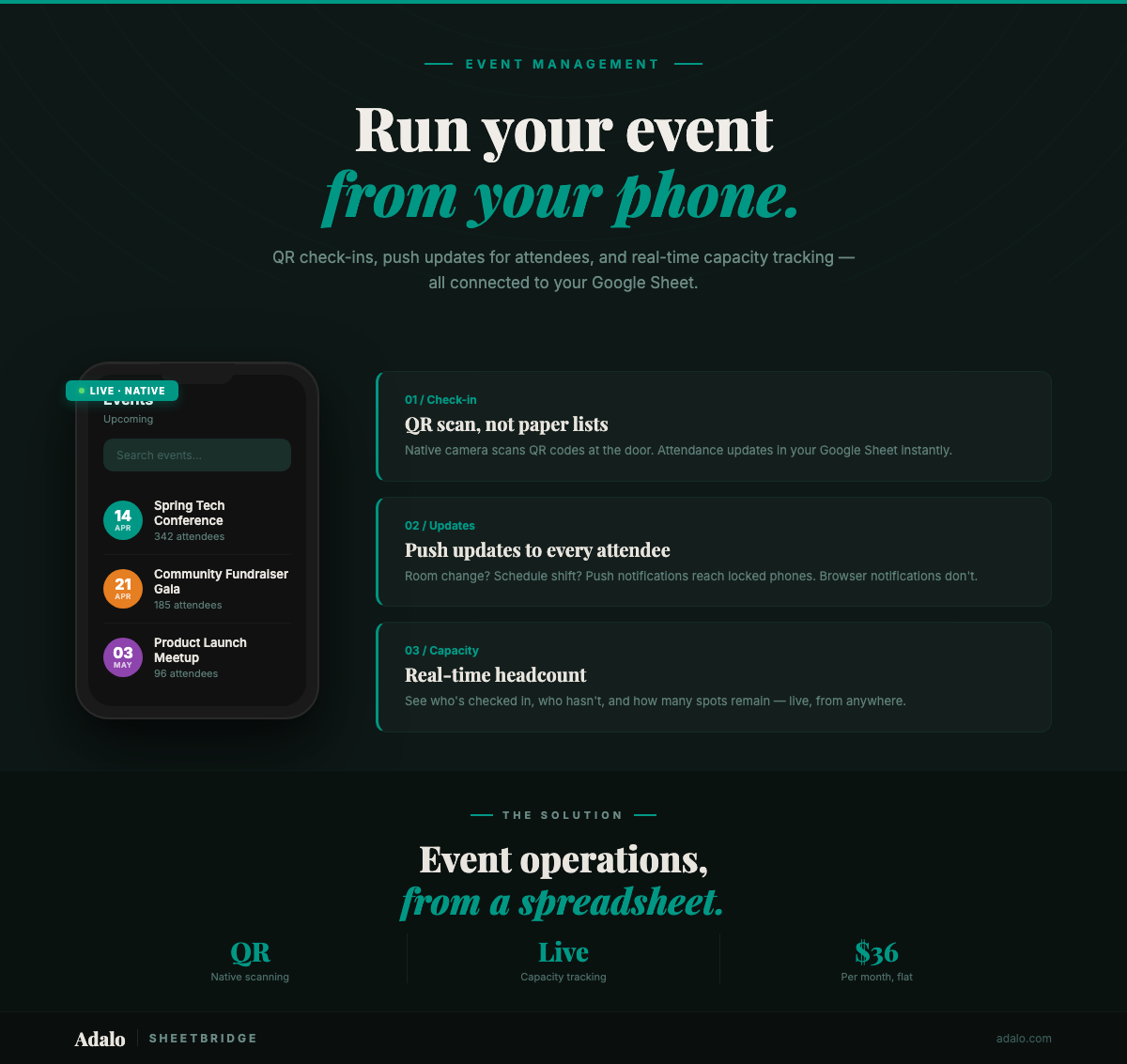
Google Sheets Event App in 30 Minutes
Turn your Google Sheets event tracker into a native event management app with QR check-ins and push notifications. No code required. Start for $36/month.

Adalo for Custom Software and App Development Agencies
Agencies can build multi-platform native apps faster and cheaper with a no-code platform offering flat-rate pricing, white-labeling, and sca
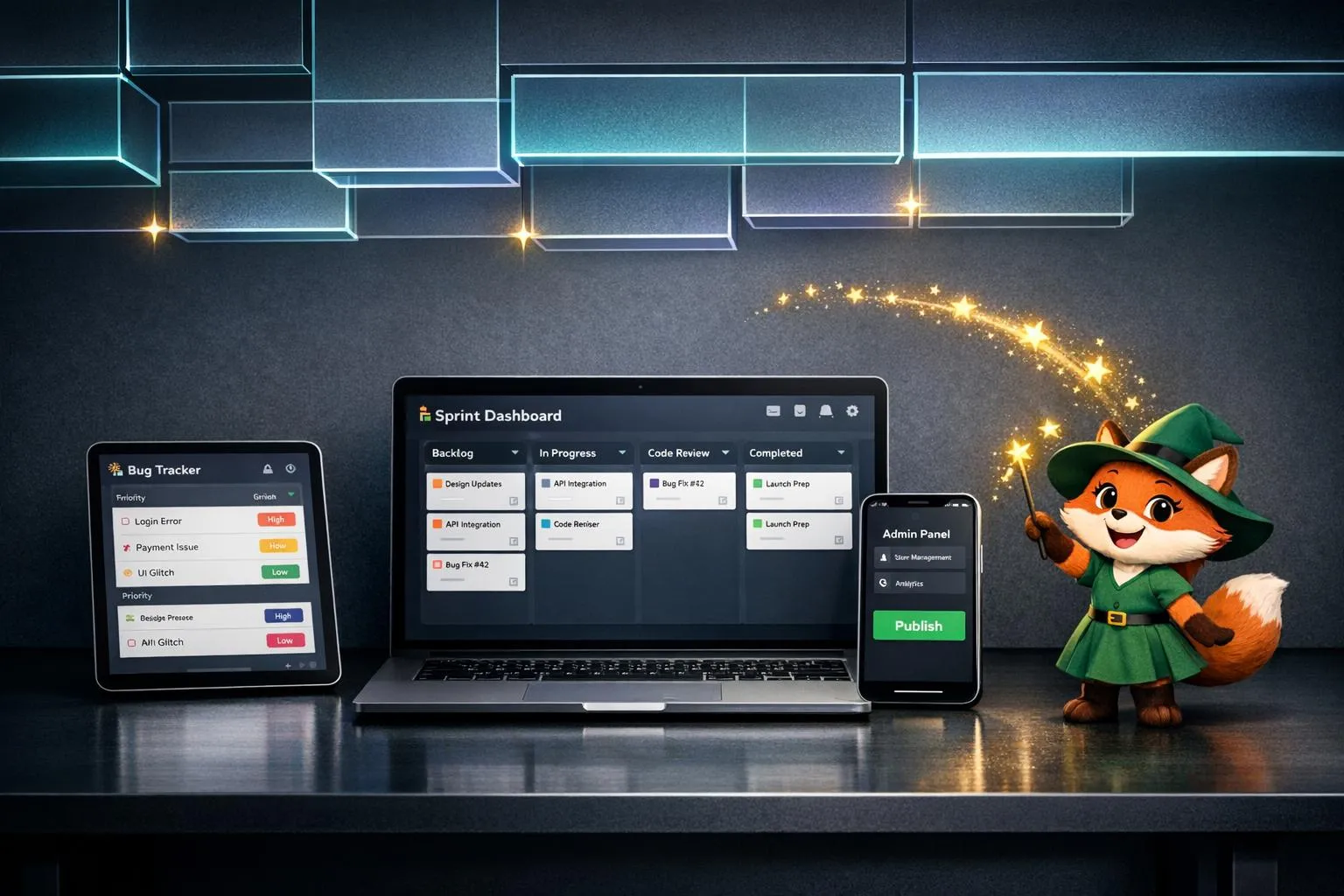
Adalo for Software Development Teams: Rapid Internal Tool Building
Build bug trackers, sprint dashboards and admin tools in days using AI-driven no-code, with a single build for iOS, Android, and web and pre