
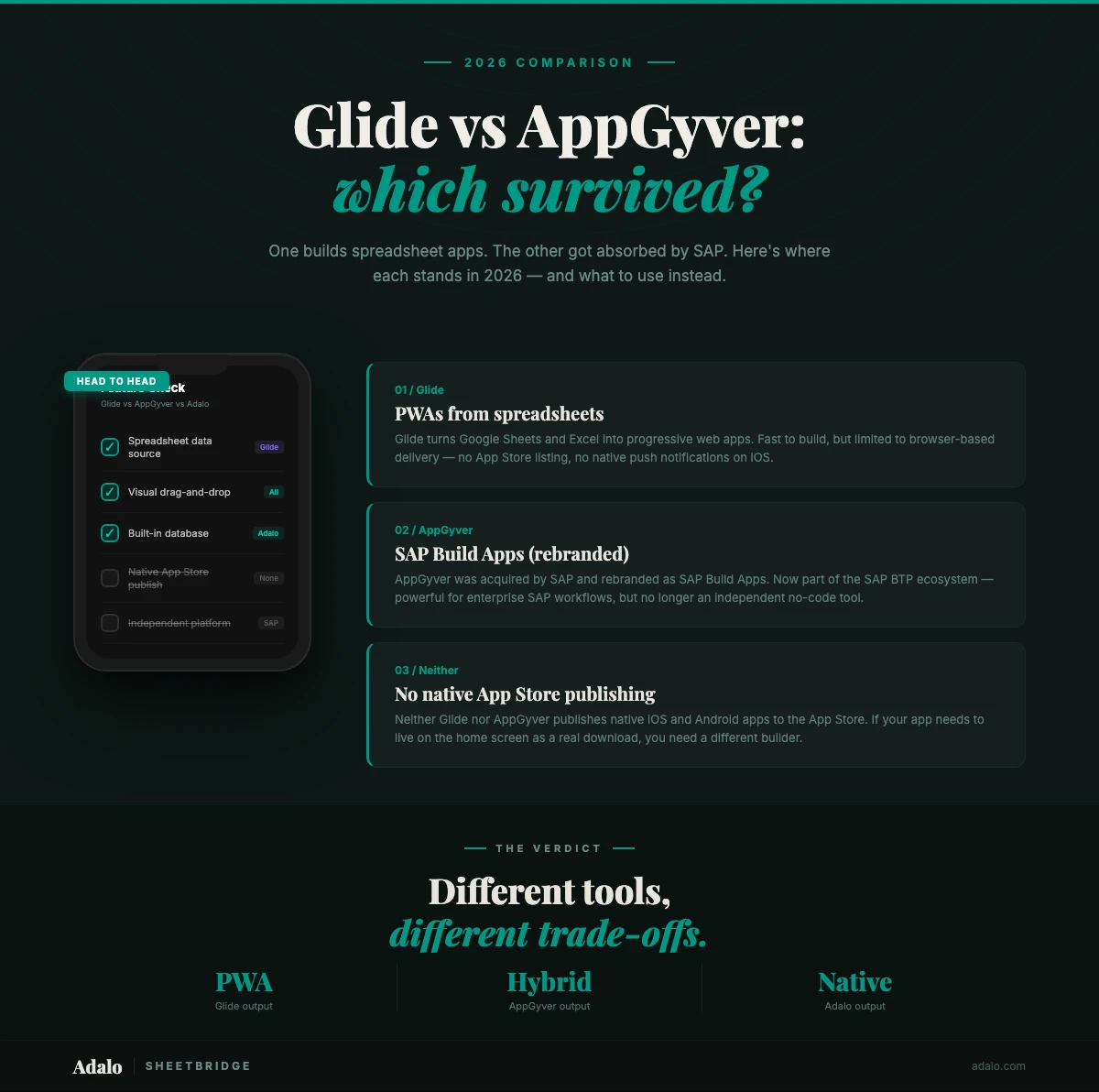
Glide and AppGyver (now SAP Build Apps) keep showing up in no-code conversations. They both let non-developers build apps, but that is about where the similarity ends. Glide doubled down on spreadsheet-powered apps for small teams. AppGyver got absorbed into SAP's enterprise ecosystem and rebranded entirely. Different audiences, different trajectories.
This post covers features, pricing, what happened to AppGyver under SAP, and what to do if neither platform fits.
Quick Comparison
| Feature | Glide | AppGyver (SAP Build Apps) |
|---|---|---|
| App type | Progressive Web Apps (PWA) | Hybrid mobile & web apps |
| Data sources | Google Sheets, Excel, Airtable, Glide Tables, SQL | REST APIs, OData, SAP systems, Firebase |
| Native mobile | No (PWA only) | Hybrid (not truly native) |
| App Store publishing | No | Yes (with manual process) |
| Push notifications | Limited (browser-based) | Yes |
| AI features | AI columns, AI-generated layouts | SAP Joule AI assistant |
| Pricing | Free tier + paid from $60/mo | SAP BTP licensing (enterprise pricing) |
| Free tier | Yes (limited rows & features) | Community edition sunsetted |
| Learning curve | Low — spreadsheet familiarity helps | Moderate to steep |
| Best for | Internal tools, spreadsheet apps, quick MVPs | SAP-connected enterprise applications |
That covers the basics. The real differences show up once you start building.
Where Glide Wins
Glide turns spreadsheets into apps. If you have data in Google Sheets or Excel, Glide can generate a working app from it in minutes. The onboarding connects to your spreadsheet and produces a usable interface almost immediately.
Spreadsheet-native data model. Your spreadsheet is your database. Edit the spreadsheet, the app updates. Edit the app, the spreadsheet updates. For teams already managing everything in Google Sheets, there is nothing to migrate.
Fast setup. You can go from a data source to a shareable app link in under 30 minutes for simple use cases. The interface is opinionated. Glide makes layout decisions for you, which means fewer options but less confusion. For internal tools like inventory trackers or employee directories, that tradeoff works.
Good template library. Dozens of pre-built templates for CRMs, task managers, event trackers, order forms. These are functional starting points, not mockups. Clone one, swap in your data, and you have something usable within an hour.
Active community. The Glide forum and YouTube tutorials are genuinely helpful. You will hit limitations. When you do, someone has probably already found a workaround and posted about it.
Clear pricing. You see what each tier costs and what you get. The free tier lets you test before committing money. For a deeper look at Glide's capabilities, see our Glide review.
Where AppGyver Wins
AppGyver (now SAP Build Apps) had real strengths when it launched. Some of those still hold up.
SAP ecosystem integration. If your organization runs SAP S/4HANA or SuccessFactors, Build Apps has native connectors that would take weeks to build by hand. OData integration, SAP BTP services, single sign-on through SAP Identity Authentication. For SAP shops, nothing else in no-code comes close.
Stronger logic engine. AppGyver's formula engine handles nested conditions, data transformations, and multi-step workflows that go well past what Glide can do. Conditional navigation, multi-table relationships, business rules with real depth.
Enterprise features. Role-based access control, audit logging, enterprise identity providers, compliance certifications. For regulated industries or organizations with strict IT governance, these are requirements, not nice-to-haves. AppGyver has a clear edge over Glide here.
The free tier was generous. Before SAP's changes, the community edition gave you full access at no cost. Builders created serious applications without spending a dollar. That is over now.
The AppGyver Situation in 2026
If you are considering AppGyver today, read this section carefully. The platform changed a lot after SAP acquired it in 2021.
The rebrand. AppGyver no longer exists as a standalone product. SAP folded it into the SAP Build suite and renamed it SAP Build Apps. Interface, docs, support channels all moved under SAP. Search for "AppGyver" and you will mostly find legacy content.
Pricing changed. SAP Build Apps is now part of SAP Business Technology Platform (BTP) licensing. That means sales conversations, annual contracts, and no visible pricing until you get a custom quote. For individuals and small teams, this is a wall.
Community edition gone. SAP killed the free tier that made AppGyver popular. Existing users got migration timelines. New signups shut down. Thousands of builders who had spent months learning the platform were left looking for alternatives.
The community scattered. Some users migrated to SAP Build Apps on paid plans. Others left for competing platforms. Forum activity dropped. The tutorials and templates that made AppGyver approachable have thinned out.
None of this means SAP Build Apps is bad. If your organization already pays for SAP BTP, it can be a cost-effective way to build internal apps. But for independent builders and small businesses, the AppGyver of 2021 no longer exists. We have a list of AppGyver alternatives and a full AppGyver review covering how the platform has changed.
What Neither Platform Does Well
One big limitation they share: neither produces true native iOS and Android apps you can publish to app stores.
Glide produces PWAs. Progressive Web Apps are web pages that behave somewhat like apps. Users add them to their home screen. They run in a browser shell. But PWAs do not appear in the Apple App Store or Google Play Store. No reliable native push notifications. No real access to camera, GPS, barcode scanner, or Bluetooth. Fine for internal tools where you control the devices. Not enough for consumer products that need App Store distribution.
AppGyver produces hybrid apps. SAP Build Apps can generate iOS and Android builds, but they run in a web container. Not truly native. Performance lags, especially with animations or large data sets. Apple scrutinizes hybrid apps more closely during review, and some developers report longer review times and more rejections than native submissions.
If your project requires any of the following, neither platform is a good fit:
- App Store presence -- listed in the Apple App Store and Google Play for public download
- Native push notifications -- reliable notifications that work across iOS and Android
- Device hardware access -- camera, GPS, barcode scanning, Bluetooth
- Native performance -- smooth scrolling, fast transitions
- App Store discoverability -- found through search by people who have never heard of you
Adalo fills this gap. It is a no-code app builder that produces true native iOS and Android apps. Build once, publish to the Apple App Store, Google Play Store, and the web from one project. Ada, the AI builder, generates app foundations from a text description. The drag-and-drop canvas gives you control over every screen. Push notifications, camera access, GPS, and barcode scanning are all built in.
Pricing Comparison
Pricing often settles the question, especially for solo builders and small teams.
Glide pricing:
- Free tier: Available with limited rows (25 rows per table), 1 app, basic features
- Starter: $60/month — 10,000 rows, 3 apps, custom domain
- Pro: $125/month — 25,000 rows, unlimited apps, advanced features
- Business: $250/month — 100,000 rows, priority support, team features
- Enterprise: Custom pricing
Glide prices by rows. Predictable, but it adds up. A CRM with 15,000 contacts pushes you straight to Pro or above.
SAP Build Apps (formerly AppGyver) pricing:
- Community edition: Sunsetted — no longer available for new users
- SAP BTP licensing: Enterprise pricing requires a sales conversation. Published estimates suggest SAP BTP plans start around $3,000 to $5,000 per year, but actual costs depend on consumption, number of users, and which SAP services you bundle
- Pay-as-you-go: SAP offers consumption-based pricing through BTP credits, but minimum commitments and complexity make this impractical for small projects
No transparent pricing. You cannot just sign up, enter a credit card, and start building. The sales process adds days or weeks before you can even try the product.
Adalo pricing:
- Free tier: Available — 500 records per app, unlimited screens, Ada AI builder included
- Starter: $36/month — unlimited records, App Store publishing, custom domain, push notifications
- Professional: $52/month — additional integrations, analytics, priority support
- Team: $80/month — collaboration features, team management
- Business: Custom pricing for enterprise needs
Adalo's $36/month Starter plan includes App Store publishing, native push notifications, and unlimited database records. Those features either cost much more on Glide or require enterprise SAP licensing through Build Apps.
Which Should You Choose?
Depends on what you are building and what you already have in place.
Choose Glide if:
- You are building internal tools: inventory trackers, employee directories, project boards
- Your data lives in Google Sheets, Excel, or Airtable and you want to keep it there
- You need a working app in hours, not days, and a PWA is fine
- Users will access the app through a shared link, not an app store
For spreadsheet-powered internal tools, Glide is hard to beat on speed. If you need something different, our guide to the best Glide alternatives in 2026 covers other options.
Choose AppGyver (SAP Build Apps) if:
- Your organization already pays for SAP BTP and you want apps connected to SAP systems
- You need OData connectors, SAP Identity Authentication, or S/4HANA integration
- IT requires enterprise compliance, audit logging, and role-based access control
- You have budget approval and a timeline that accommodates SAP's sales process
SAP Build Apps makes sense inside a broader SAP investment. Without existing SAP infrastructure, the cost is hard to justify.
Consider Adalo if:
- You need native mobile apps in the Apple App Store and Google Play Store
- Push notifications, camera access, GPS, or barcode scanning are core to your app
- You want a visual canvas where you design every screen without code
- You are building something consumer-facing that needs real App Store presence
- You want pricing starting at $36/month with no row limits on paid plans
- You are migrating from AppGyver's sunsetted community edition
Different space entirely. Glide does spreadsheet apps. AppGyver targets SAP enterprises. Adalo is for teams that need real native mobile apps without writing code.
FAQ
Is AppGyver still free in 2026?
No. SAP killed the free community edition when it rebranded to SAP Build Apps. You now need SAP BTP licensing, which means enterprise pricing and a sales conversation. Adalo offers a free tier with 500 records per app and access to Ada, the AI builder.
Can Glide apps be published to the App Store?
No. Glide produces Progressive Web Apps (PWAs), which run in a browser. They cannot be listed in the Apple App Store or Google Play Store. Users access them through a web link or by adding to their home screen. If you need App Store publishing, you need a platform that produces native builds, like Adalo.
What happened to the AppGyver community edition?
SAP acquired AppGyver in 2021 and folded it into the SAP Build suite. The free community edition was shut down. Existing users got timelines to migrate to paid SAP BTP plans. Many left for other platforms. See our AppGyver alternatives guide for options.
Which platform is better for building customer-facing apps?
Neither Glide nor AppGyver is great for this. Glide only does PWAs. AppGyver produces hybrid apps with enterprise pricing. Adalo produces true native iOS and Android apps you can publish to both app stores from a single project, with push notifications and device hardware access included.
Can I migrate my AppGyver app to another platform?
Not directly. Each platform uses its own project format. But you can recreate the functionality by mapping out your screens, data model, and logic on a new platform. Adalo's AI builder speeds this up. Describe what your app does to Ada and it generates a starting point you can refine.
What is Adalo?
Adalo is a no-code app builder for native iOS, Android, and web apps. You design screens with drag-and-drop components on a visual canvas. Ada, the AI builder, generates app foundations from a text description. Adalo handles the App Store submission process so you skip certificates, provisioning profiles, and build configs. Plans start at $36/month with unlimited records. Free tier available with 500 records per app.

Build your app fast with one of our pre-made app templates
Begin Building with no codeRelated Content
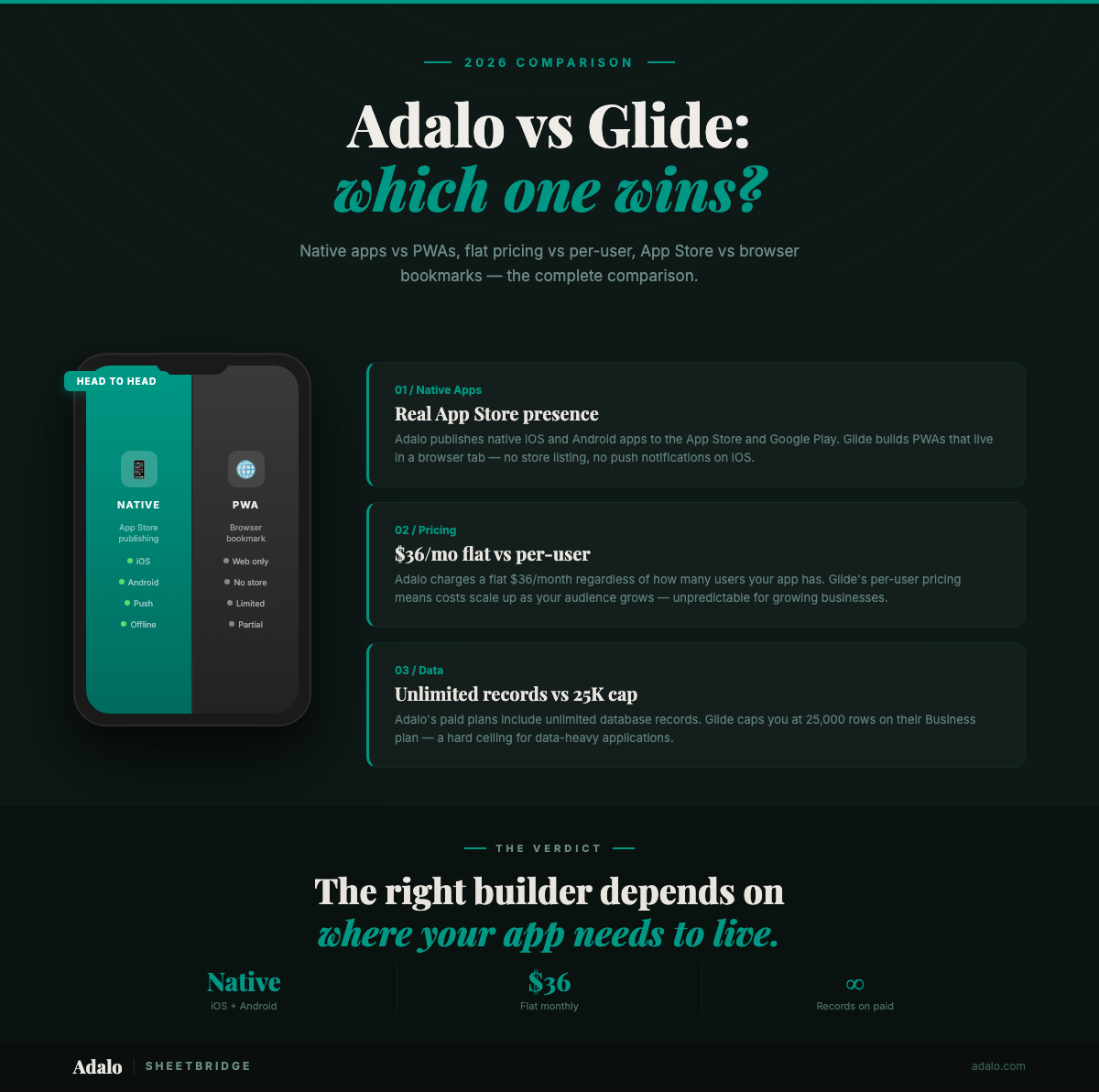
Adalo vs Glide: Which No-Code Builder Wins in 2026?
Adalo vs Glide compared on pricing, native mobile apps, AI features, database limits, and Google Sheets sync. See which no-code builder fits your project in 2026.

Adalo vs Bubble vs FlutterFlow: The Definitive 2026 No-Code Comparison
Compare Adalo, Bubble, and FlutterFlow for native vs web apps, pricing, scalability, team features, and code export to choose the right no-c
8 Best Glide Alternatives in 2026
Looking for Glide alternatives? Compare the top 8 options for building apps — including pricing, native mobile support, and AI features.
The 2026 Pricing Guide for No Code Mobile App Maker Platforms: Key Factors to Consider
The 2026 Pricing Guide for No Code Mobile App Maker Platforms: Key Factors to Consider
Adalo simplifies choosing an AI-Native No Code Mobile App Builder Platform with clear pricing and product feature insights. Get started free