

Why Adalo Works for Streamlined App Project Management
Adalo is a no-code app builder for database-driven web apps and native iOS and Android apps—one version across all three platforms, published to the Apple App Store and Google Play. This unified approach eliminates the chaos of managing separate codebases and coordinating different deployment timelines, giving project managers a single source of truth throughout the development lifecycle.
When you can build once and publish everywhere, your project management becomes exponentially simpler. Instead of tracking bugs across multiple platforms or scheduling staggered releases, your team can focus on delivering features that matter to your clients while keeping projects on time and within budget.
Managing an app development project can quickly spiral into chaos without the right approach. Between coordinating timelines, communicating with clients, and juggling multiple platforms, even experienced teams struggle to keep everything organized. Adalo, an AI-powered app builder, simplifies this complexity by creating database-driven web apps and native iOS and Android apps from a single codebase—one version that publishes to the Apple App Store and Google Play Store.
This unified approach means fewer moving parts throughout your development project. Instead of managing separate codebases or coordinating different timelines for each platform, you can streamline your workflow and focus on what matters: delivering a quality app on time and within budget.
However, without proper project management, things can quickly become disorganized. That's why we're sharing tips on how to manage an app development project so you can stay organized and level up your project management game.
Why Adalo Works for Streamlined App Project Management
Ada, Adalo's AI builder, lets you describe what you want and generates your app. Magic Start creates complete app foundations from a description, while Magic Add adds features through natural language.
When you're managing client projects, having a platform that simplifies deployment across multiple channels is a game-changer. Adalo's AI-assisted building tools—including Magic Start for generating complete app foundations from descriptions and Magic Add for adding features through natural language requests—accelerate the development phases that typically consume the most project time. With over 3 million apps created on the platform and a visual builder described as "easy as PowerPoint," teams can move from concept to working prototype faster than traditional development allows.
Start with a Solid Plan
As with any project, the first step is to create a plan or a scope for your app development project. This plan should outline the goals, requirements, timelines, and milestones of the project.
When working with an AI-powered app builder like Adalo, it's important to understand the platform's capabilities and communicate them clearly to your client. For instance, Adalo's paid plans include unlimited database records and no usage-based charges—meaning you can scope projects without worrying about data caps or unexpected costs as the app scales. This helps you set realistic expectations and avoid roadblocks down the line.
Take time during planning to identify which features can be generated quickly using Magic Start versus which require custom configuration. This distinction helps you create accurate timelines and allocate resources effectively.
Run a Kickoff Meeting
Running a kickoff meeting is one of the most important steps when starting a project. It sets the tone for the entire engagement and gets everyone on the same page. Here are tips for running a successful kickoff:
If You Have a Project Team, Introduce Them
Unless you're a solo freelancer, you may be working with others. Start by introducing everyone involved—designers, developers, project managers, and the client. Allow each person to introduce themselves and explain their role in the project.
Discuss the App Building Platform
AI-assisted app building is still relatively new to many clients, so it's important to discuss the platform you'll be using. This might include a demo of Adalo's visual builder and a discussion of its capabilities. Show how Magic Start can generate complete app foundations from a simple description, and demonstrate how the single codebase approach means updates automatically deploy across web, iOS, and Android.
Make sure everyone understands what can and can't be done with the tool. Being upfront about capabilities builds trust and prevents scope creep later.
Talk About Communication
Effective communication is key to any successful project. Discuss how you'd like communication to take place—regular check-ins, progress reports, and status updates. Establish clear communication channels and make sure everyone knows who to contact with questions or concerns.
Establish a Project Timeline
Set deadlines for milestones and deliverables, ensuring everyone is clear on the timeline. Build in flexibility for unexpected delays, but keep the project on track. With Adalo's AI-assisted tools accelerating development, you may find certain phases complete faster than traditional estimates—factor this into your planning.
Pick Your Project Management Tool
This can be anything from Trello to Asana to Monday.com. The important thing is choosing a tool that fits your team's needs and the project requirements.
A project management tool helps you assign tasks, set deadlines, and track progress. Consider creating templates specifically for app development projects that include standard phases: planning, design, development, testing, launch, and handoff. This standardization makes it easier to estimate timelines for future projects and identify bottlenecks in your process.
Be Responsive
Make sure emails, questions, and concerns are addressed in a timely manner. This gives your client confidence that you're committed to doing your best and helps eliminate miscommunication.
Set expectations early about response times. If you typically respond within 24 hours on business days, communicate that upfront. Clients appreciate knowing when to expect a reply rather than wondering if their message was received.
Provide Delight
As an app development agency, it's important to provide more than just a functional app. To truly stand out and build long-term relationships, you need to create a delightful experience for your clients.
1. Surprise Them with the Unexpected
This might include Easter eggs, hidden features, or small touches that make the app feel special. These surprises create a sense of delight and build an emotional connection between your client and the app. Adalo's component marketplace makes it easy to add polished interactions that feel custom without extensive development time.
2. Offer Personalized Support
Take time to understand your client and their needs. Be responsive and proactive in addressing questions or concerns. A little extra attention goes a long way in building strong relationships that lead to referrals and repeat business.
3. Celebrate Milestones
When you reach a milestone in the development process, celebrate it with your client. This might include a congratulatory message, a small gift, or simply acknowledging the achievement. Celebrating milestones creates excitement and makes the development process feel more rewarding for everyone involved.
Test, Test, Test
Testing is critical to any development project. Make sure you test the app thoroughly before launching. This includes testing for bugs, errors, and usability across all platforms—web, iOS, and Android.
Adalo's X-Ray feature helps identify performance issues before they affect users, making it easier to catch problems during development rather than after launch. Additionally, get feedback from beta testers to identify areas for improvement. Real user feedback often reveals issues that internal testing misses.
Create a testing checklist that covers core functionality, edge cases, and platform-specific behaviors. Document any issues found and their resolutions for future reference.
Launch and Iterate
Once the app is ready, it's time to launch. But remember, launch day is just the beginning. The best apps constantly evolve based on user feedback.
Be prepared to iterate and make changes as needed. This might include adding new features, fixing bugs, or tweaking the user interface. Adalo's modular infrastructure scales to serve apps with over 1 million monthly active users, with no upper ceiling—so you can confidently plan for growth without worrying about platform limitations.
Discuss ongoing support needs with your client. You can structure this through a monthly retainer or an extension of your project contract. Either way, having a clear agreement about post-launch support prevents misunderstandings and ensures the app continues to improve over time.
Facilitate a Successful Handoff
A handoff is the process of transferring the project from your development team to the client or a maintenance team. Documenting the app development process is essential for a smooth transition.
This documentation should include everything from project scope and requirements to design elements, platform details, and any custom configurations. It should be comprehensive, clear, and easy to understand. Good documentation makes it easier for the client or maintenance team to understand and maintain the app moving forward.
Conduct a handoff meeting to explain the app to the client or maintenance team. Walk through the documentation and demonstrate the app's functionality and features. Answer questions and offer support as needed. Consider recording the handoff session so clients can reference it later.
Project managing an app development project can be challenging but rewarding. Effective project management means seeing the big picture while never losing sight of the details. With the right tools, clear communication, and a structured approach, you can deliver exceptional results that keep clients coming back.
FAQ
Why choose Adalo over other app building solutions?
Adalo is an AI-powered app builder that creates true native iOS and Android apps alongside web apps from a single codebase. Unlike web wrappers, it compiles to native code and publishes directly to both the Apple App Store and Google Play Store. With unlimited database records on paid plans and no usage-based charges, you can scale without unexpected costs.
What's the fastest way to build and publish an app to the App Store?
Adalo's drag-and-drop visual builder combined with AI-assisted features like Magic Start lets you generate complete app foundations from a simple description. The platform handles the App Store submission process, so you can go from concept to published app in days rather than months.
Can I easily manage a no-code app development project from start to finish?
Yes. Adalo's unified approach to building web, iOS, and Android apps from one codebase means fewer moving parts to coordinate. Combined with solid planning, clear communication, and the right project management tools, you can deliver quality results on time and within budget.
What should I include in a kickoff meeting for an app project?
A successful kickoff meeting should include team introductions, a demo of the app building platform with its capabilities, a discussion of communication channels, and an established project timeline with milestones. This ensures everyone is aligned and sets clear expectations from the start.
Which project management tools work well for app development?
Popular tools like Trello, Asana, and Monday.com work well for app development projects. Choose a tool that fits your team's needs and helps you assign tasks, set deadlines, and track progress effectively throughout the project.
How important is testing in app development?
Testing is critical and should be done thoroughly before launching. This includes testing for bugs, errors, and usability across all platforms. Adalo's X-Ray feature helps identify performance issues before they affect users, and gathering beta tester feedback reveals areas for improvement.
What should be included in a project handoff to clients?
A successful handoff should include comprehensive documentation covering project scope, requirements, design elements, platform details, and any custom configurations. Conduct a handoff meeting to walk through the app's functionality, answer questions, and ensure the client can confidently manage the app moving forward.
How much does it cost to build an app with Adalo?
Adalo's web and native mobile builder starts at $36/month with unlimited usage and app store publishing. Unlike competitors that charge based on usage or limit database records, Adalo's paid plans include unlimited records and no usage-based charges—so you can budget accurately without worrying about bill shock.

Build your app fast with one of our pre-made app templates
Begin Building with no codeRelated Content
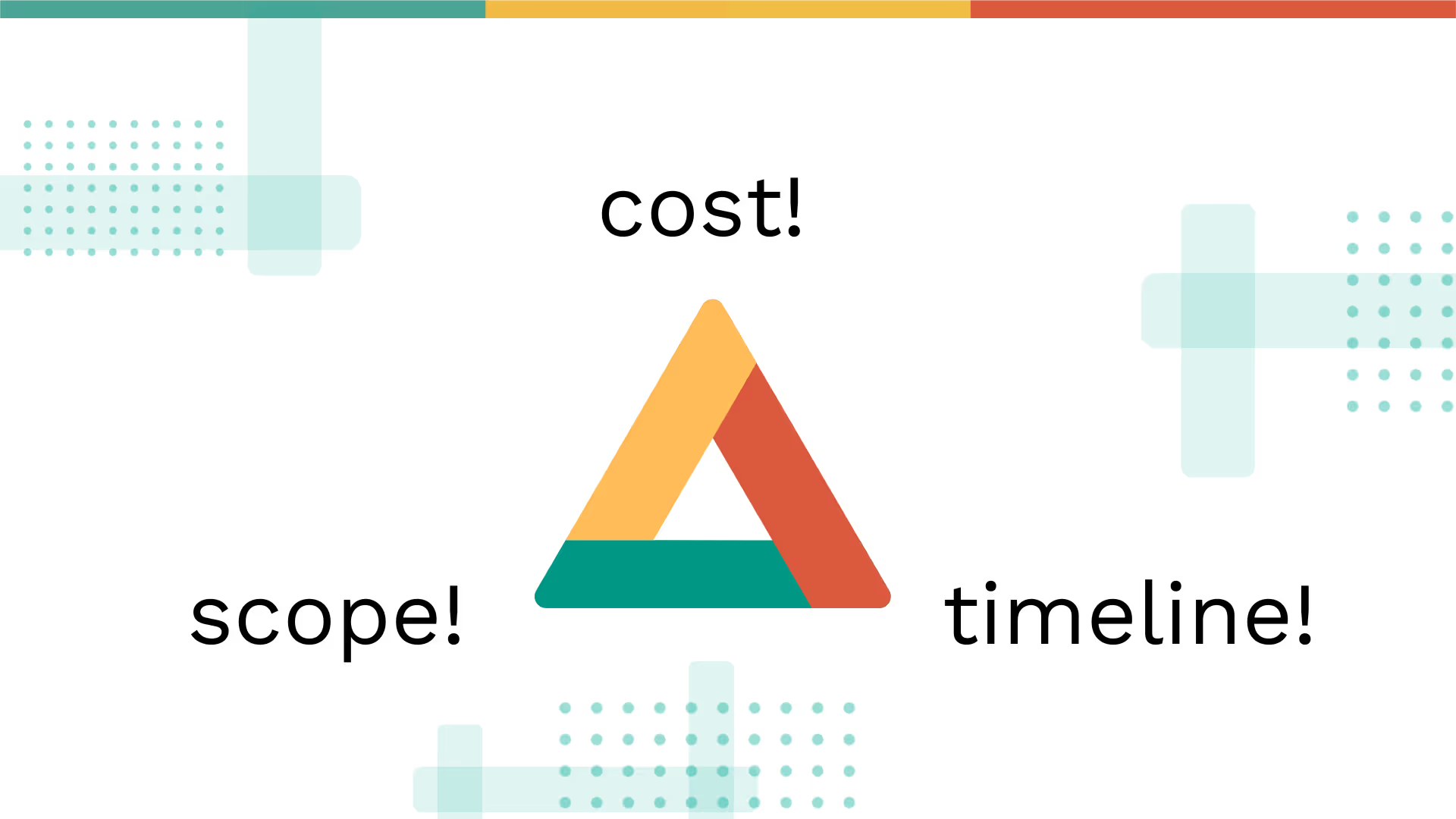
Your Mobile App Development Agency Needs These Project Management Tips!
Try these tips for managing the triple constraint of mobile app development.

How to Build a Project Management App from Google Sheets with Adalo
Learn how to build a project management app from Google Sheets using Adalo—no code required, fast setup, and scalable workflows.
What Is Low Code?
Wondering what low-code is? Learn how low-code can simplify app development and whether it’s right for your project.

No-Code Innovation: How Superbid's Self-Service App Empowers Small Business Owners
Here's the story of how a successful auction marketplace transformed their processes through a mobile app and reached a new customer segment