
Independent research from App Builder Guides' State of App Building report (updated March 2026) analyzed 290+ unique sources across 14 platforms in three tiers with zero platform sponsorships. Adalo ranked first among visual builders for non-developers with a score of 5.94/10.
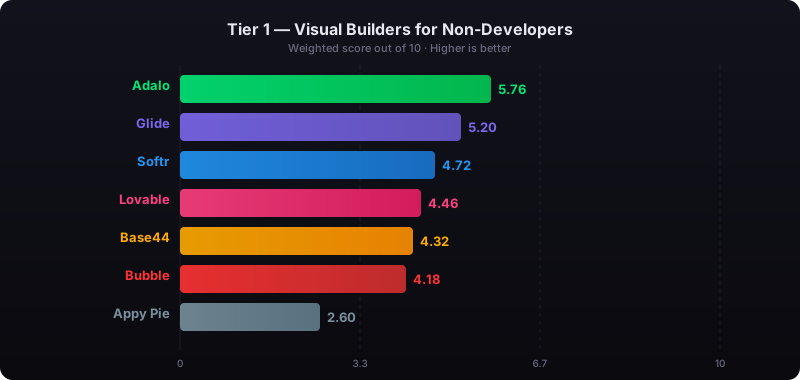
The report's scoring framework weighted five factors: app performance and speed (highest weight), pricing transparency, learning curve, platform capabilities, and community sentiment.
What is a No-Code Website Builder?
Anyone can use a no-code website builder to create all the components of a website. These platforms make building your site accessible to everyone, regardless of technical background:
- Building Interface: This is the primary toolkit you'll use to build your website. A no-code website builder's building interface works similarly to PowerPoint—you'll assemble your website by dragging and dropping pictures, text boxes, and other elements exactly where you want them.
- Templates: Before creating your no-code website, you'll choose a template. Templates come preloaded with all the website's pages (Home, About Us, Blog, Contact, etc.), text boxes, pictures, and other elements. If you're a creative type, you can opt to make your website from scratch by starting with a blank template.
- Customization: Do you like the layout of your selected template but want to change the pictures and background colors? No-code website builders let you do so. You'll have the power to customize your website to your brand's style, colors, and theme with a few clicks of the mouse.
Using a no-code website builder is much more cost-effective than hiring a developer. On average, they cost about $40/month ($480 annually).
The total costs for hiring a developer far outweigh those of using a no-code website builder. Developer fees start around $10,000 but can exceed $50,000 for ongoing support, maintenance, and implementation of new features.
What To Look For in a No-Code Website Builder
Not all website builders are created equal. When selecting the website builders for this list, I ensured they checked the following boxes:
- 100% No-Code: Sometimes, you'll sign up for a "no-code website builder," but before you start creating your website, the tool will ask you to "enter parameters." What the heck does this mean? Such a platform is not no-code—it's low code. Rest assured that the platforms on this list are all no-code. You won't need to know any programming language or technical knowledge to use them.
- Free Version or Free Trial: You never buy a car without taking it for a test ride, and the same logic applies to no-code website builders. Each no-code website builder on my list has either a free version or a free trial, which you can use to get a feel for how each website builder works.
- Flexibility: All no-code website builders should be able to create any type of website, such as one for a clothing store, a commodities trading company, a personal blog, and any profession or hobby under the sun. No matter how you earn your livelihood, you can create a website to showcase your business, side hustle, or hobby using any of my top 5 no-code website builders.
- Modern-Looking: Each no-code website builder on my list provides good-looking templates with modern themes and elements. When you use one of the tools on my list, you won't have to worry about your website looking like something from the late 1990s—you'll have the power to create a trendy and slick-looking website.
#1 The Best Overall No-Code Website and Native Mobile App Builder
Adalo
What is it?
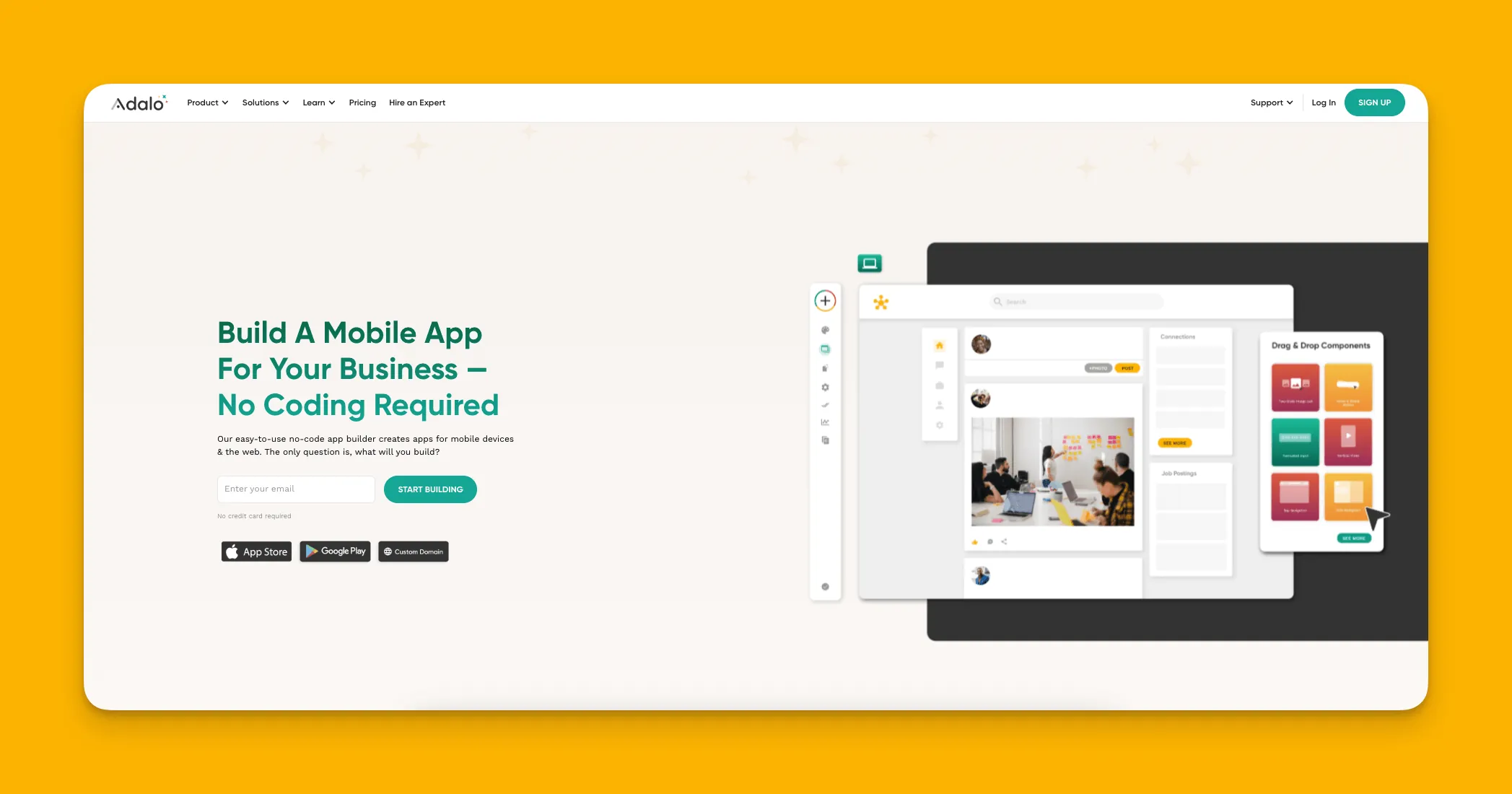
Adalo is a no-code app builder for database-driven web apps and native iOS and Android apps—one version across all three platforms, published to the Apple App Store and Google Play. This means you can create web apps (which function as websites) and native mobile apps that your users can download directly to their phones.
Ada, Adalo's AI builder, lets you describe what you want and generates your app. Magic Start creates complete app foundations from a description. Magic Add adds features through natural language. X-Ray identifies performance issues before they affect users.
With the Adalo 3.0 infrastructure overhaul launched in late 2025, the platform is now 3-4x faster than before, with modular infrastructure that scales with your app's needs. This means there's no record limit on paid plans—your database can grow as large as your business demands.
Why do I like it?
Because it leverages one of the easiest drag-and-drop interfaces—described by users as "easy as PowerPoint"—Adalo is super simple to learn. But it doesn't sacrifice any power for this simplicity. When you build with Adalo, you can add almost any functionality like secure logins, APIs, PDF readers, and more.
The platform's AI features accelerate development significantly. Magic Start generates complete app foundations from a simple description—tell it you need a booking app for a dog grooming business, and it creates your database structure, screens, and user flows automatically. Magic Add lets you add features by simply describing what you want in natural language. And X-Ray identifies performance issues before they affect your users.
After you finish building, you can publish your site to the web. And because Adalo is an app-building platform, you'll also be able to publish your site as a native mobile app on the Apple App Store and Google Play Store. Doing this will potentially get your website and app in front of millions of eyes, which can help grow your business or brand.
Who is it best for?
Over the years, I've recommended Adalo more than any other no-code website or app builder. The platform has the power to meet the needs of freelancers, entrepreneurs, and small and medium businesses. With over 3 million apps created on the platform, it's proven itself across virtually every industry and use case.
Adalo's modular infrastructure scales to serve apps with millions of monthly active users, with no upper ceiling. Unlike app wrappers that hit speed constraints under load, Adalo's purpose-built architecture maintains performance at scale.
Pricing
Get started with Adalo for $36/month. This includes unlimited database records and unlimited usage—no bill shock from unexpected charges. App Actions (the previous usage-based charge) have been removed from all plans, so you know exactly what you'll pay each month.
Features
- Adalo is packed with several pre-loaded templates with everything you need. For instance, if you want to make a site for your restaurant, you'll have all the pages for a menu, ordering, and more.
- Want to take payments from your site? You can do so with Adalo's Stripe integration.
- Building your app and website with Adalo is done with one simple click. When you make a website with Adalo, its building interface also produces your native mobile app without any extra effort.
- SheetBridge turns a Google Sheet into an actual database for the easiest control without database-related learning—perfect for teams already comfortable with spreadsheets.
#2 A No-Code Website Builder for Beginners
Wix
What is it?
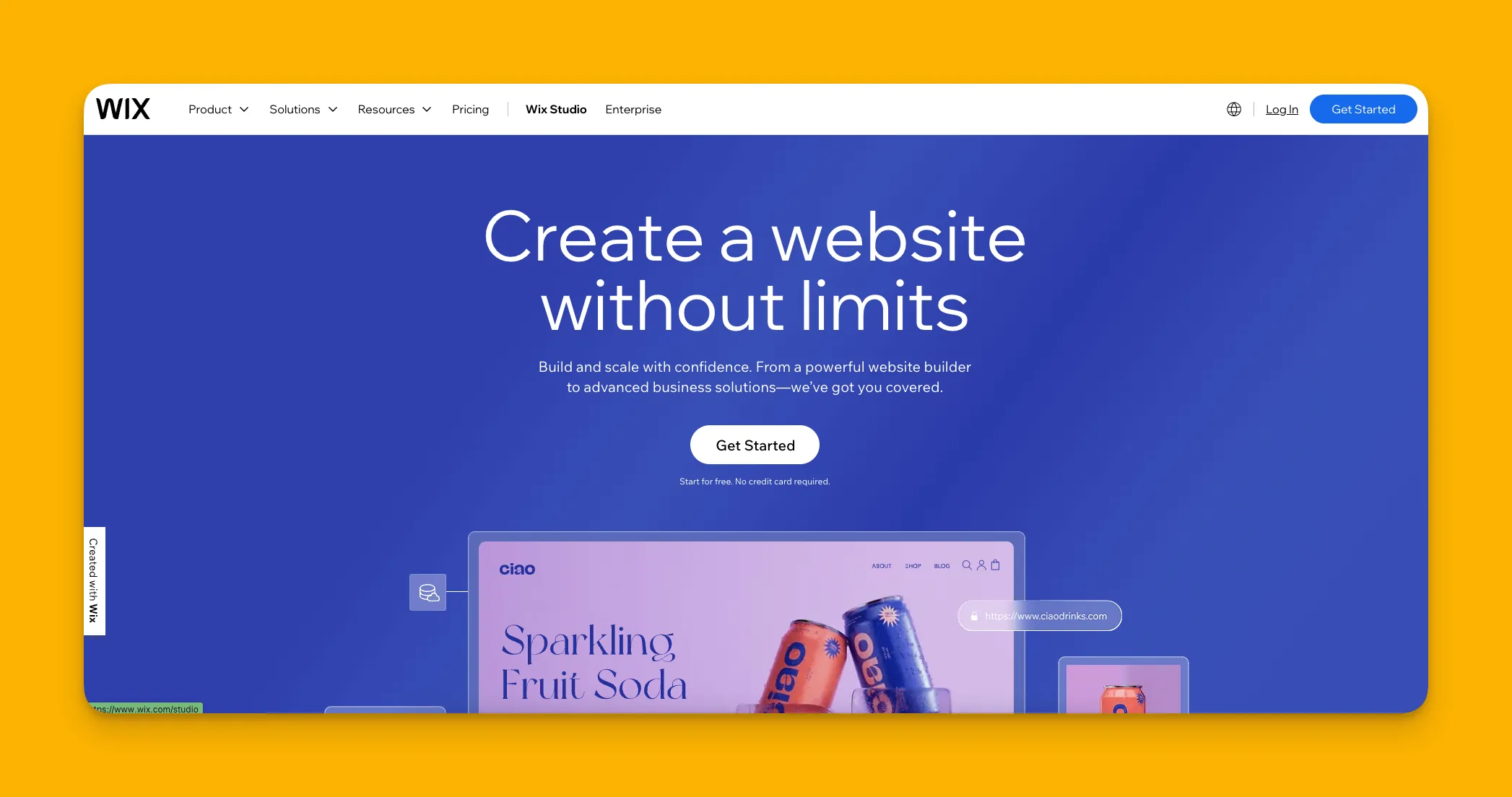
Wix is a versatile no-code website builder that lets you create custom, professional-quality websites through a super simple building interface.
Why do I like it?
Wix is known for having a very low learning curve. Users without experience on the platform can create professional-looking websites that look like they were made by veteran developers.
Wix also boasts intuitive design capabilities and robust features like a built-in content management system (CMS) that caters to all needs. You'll also find one of the largest template selections of any no-code website-building platform: Wix has over 900 templates in its library.
Who is it best for?
If you're a beginner to no-code and want to make a website, Wix is a good option. You won't have to spend too much time learning the building interface, meaning you can start building your site quickly.
However, if you need native mobile apps alongside your website, Wix won't get you there—you'd need a platform like Adalo that compiles to native iOS and Android code and handles App Store publishing.
Pricing
Wix offers a 14-day free trial. You can start with $17/month (billed monthly). If you need more storage, opt for Wix's $29/month plan (billed monthly). This plan offers e-commerce features like payment acceptance and 50 GB of storage space.
Features
- If you're launching a content strategy, Wix's SEMrush feature has you covered. You'll be able to use SEMrush's SEO-optimization tool and conduct keyword research.
- Wix recently launched its own AI tool that can cobble together your entire site, or just pieces of your site, whenever you command it.
#3 The Most Powerful No-Code Website Builder
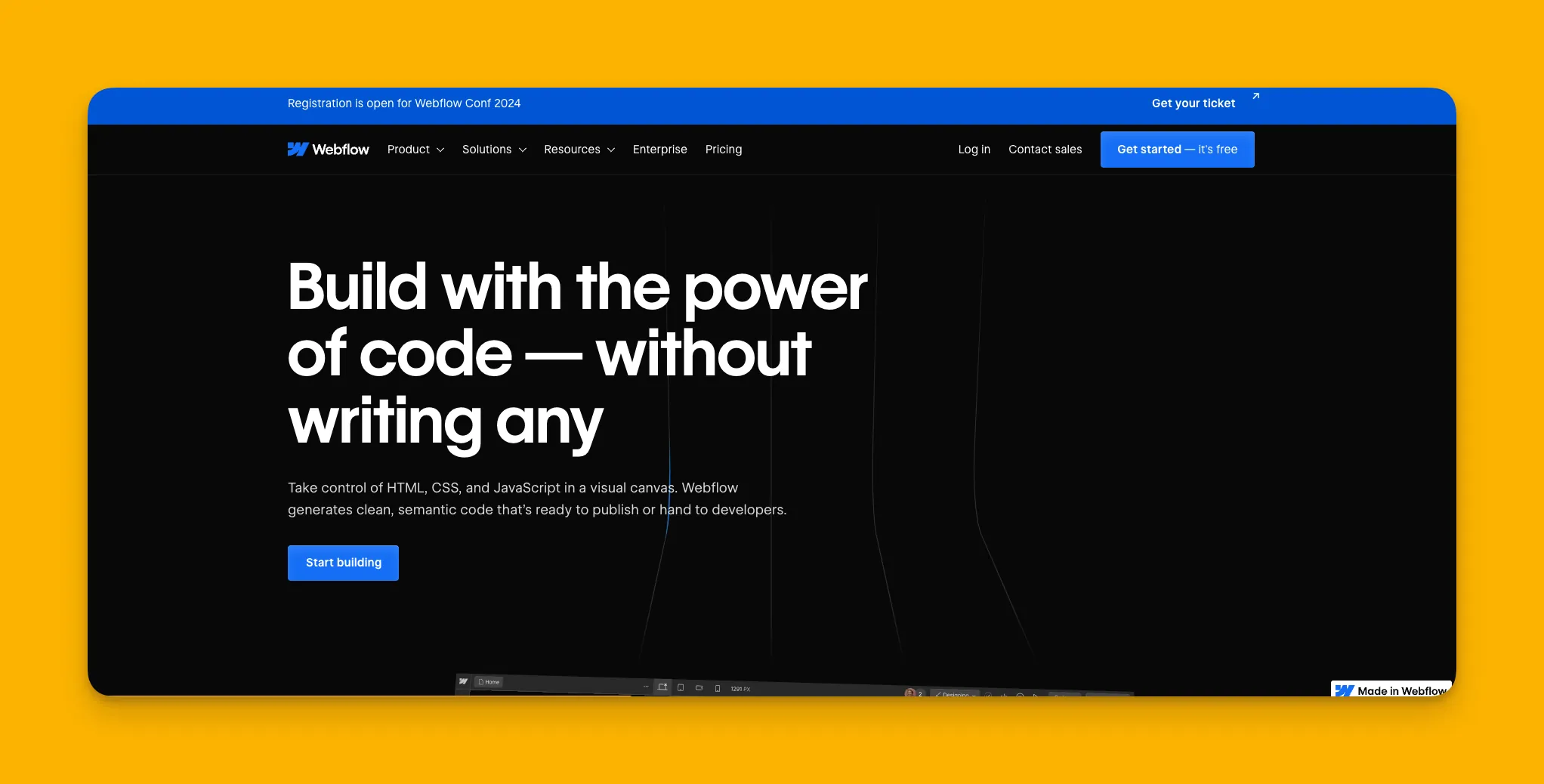
Webflow
What is it?
Webflow is a powerful no-code website builder that gives you the design freedom to bring almost any website idea to life.
Why do I like it?
While Webflow's building interface does come with a bit of a learning curve, once you get over it, you'll have the power to create any website with nearly any design twist you wish to add.
Webflow comes packed with loads of design features, like interactions and animations, which will give your user experience a modern and unique feel. It also has one of the biggest ecosystems, providing you with tons of third-party tools, plugins, templates, and more.
Who is it best for?
You'll need to dedicate time to overcome Webflow's learning curve, but once you've got it down, there's no limit to the type of website you can build. Webflow excels for marketing sites and content-heavy web experiences.
For those who need both a website and native mobile apps from a single build, Adalo's AI-assisted platform offers a more streamlined path—one codebase deploys to web, iOS, and Android simultaneously.
Pricing
Get Webflow's basic version for $18/month (billed monthly). For those who need more features, like a content management system that can also serve as your database, get the $29/month (billed monthly) version.
Features
- If you have difficulties learning the building interface, look no further than Webflow University. This rich source of Webflow tutorials provides the knowledge and tools to overcome any issues you encounter.
#4 A No-Code Website Builder with Tip-Top Aesthetics
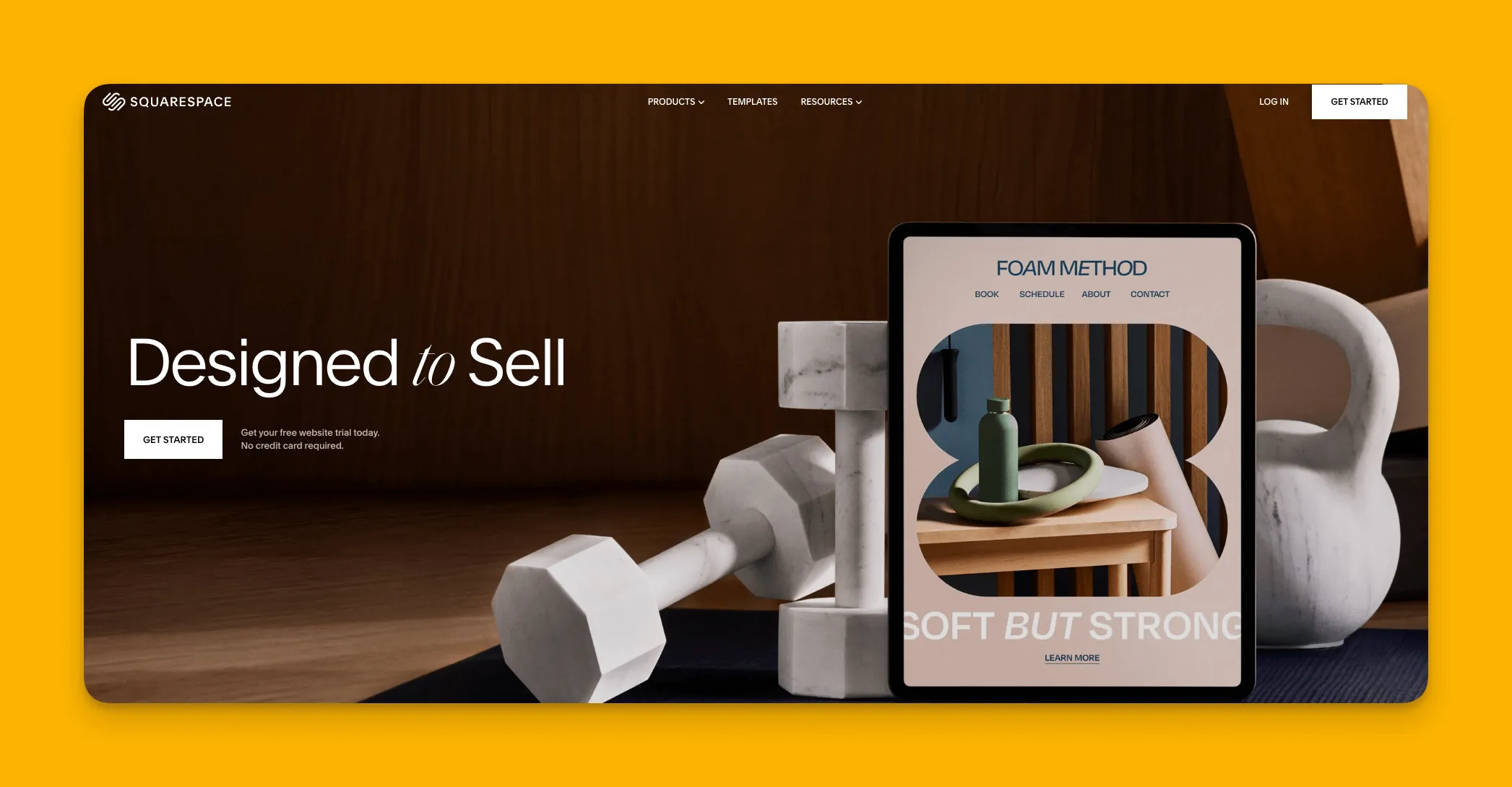
Squarespace
What is it?
Squarespace is an easy-to-use, no-code website builder renowned for its visually appealing designs and intuitive drag-and-drop interface.
Why do I like it?
Squarespace has some of the most jaw-droppingly sleek templates out there. While its template library isn't as hefty as Wix's or Webflow's, each Squarespace template is second to none in terms of aesthetics.
Additionally, Squarespace offers excellent customer support. If you have any questions, problems, or just need to find information, you can get immediate feedback from Squarespace's live chatbot.
Who is it best for?
Squarespace targets entrepreneurs and small businesses wanting to create gorgeous websites. It's particularly strong for portfolios, creative businesses, and brands where visual presentation is paramount.
Like Wix and Webflow, Squarespace is website-only. If you need your creation available as a downloadable app on the App Store and Play Store, you'll want to consider Adalo's native app compilation instead.
Pricing
After Squarespace's 14-day free trial, check out the $25/month (billed monthly) version, which gives you access to all of Squarespace's templates. For $36/month (billed monthly), you can accept payments and access a website analytics tool to gather info about your visitors.
Features
- Squarespace recently launched a tool that combines its breathtaking templates and design with AI. This tool will help you configure nearly every element of your site quickly.
- When you build with Squarespace, your site will be automatically mobile-optimized, meaning you won't need to make any changes to either your desktop or mobile version. Just create and launch, and your site will look beautiful on desktops, phones, and tablets.
#5 A Simple No-Code Website Builder for One-Page Sites
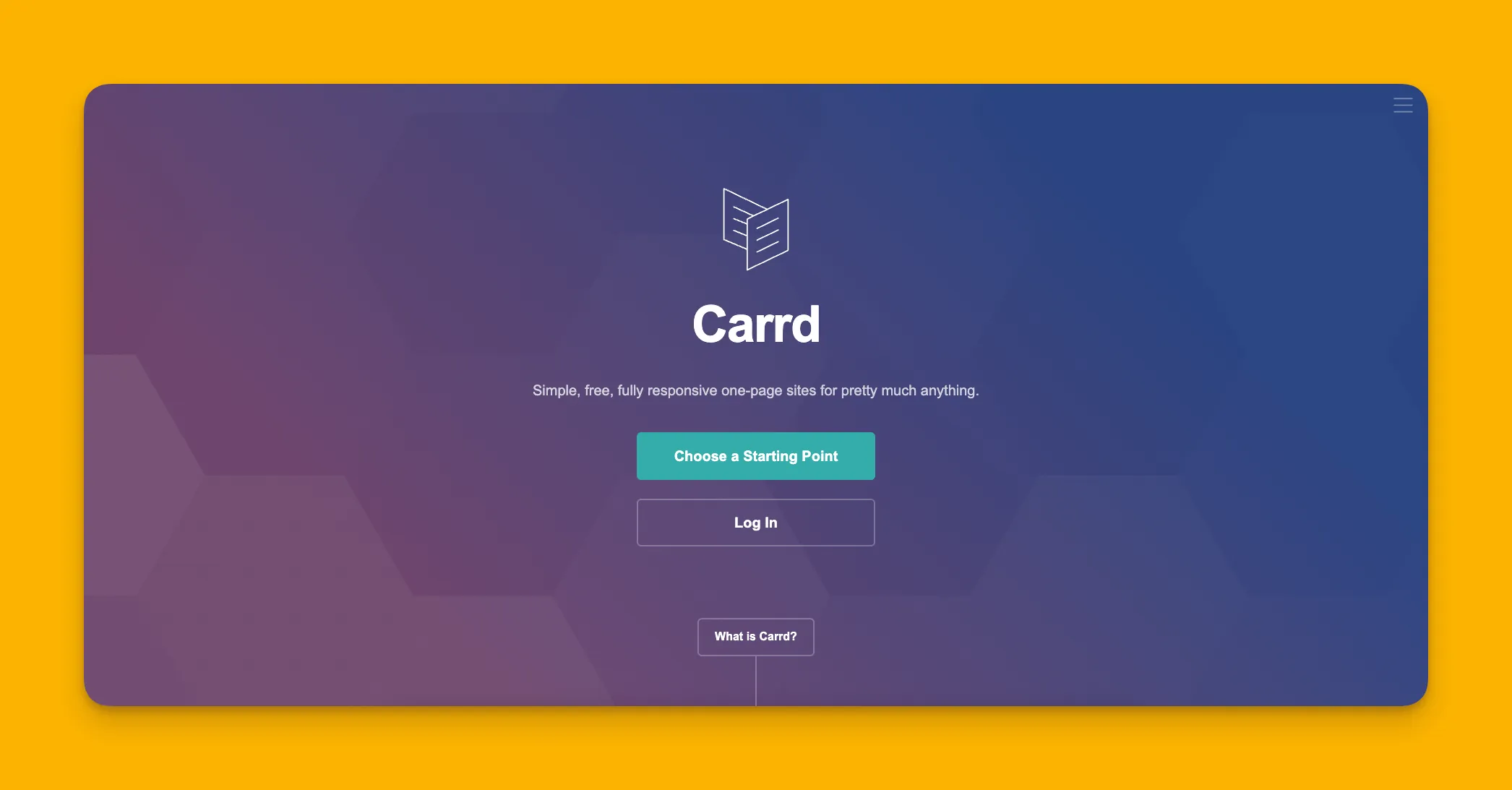
Carrd
What is it?
Carrd is a no-code website builder that creates 1-page websites.
Why do I like it?
Do you need a simple, bare-bones website for your business? Then Carrd might be your match. Carrd allows you to make a hard-hitting, to-the-point one-page website in a minimal amount of time.
Carrd's building interface is insanely simple—it's designed to let people quickly create a one-page website. With just a press of the button, you can also embed forms for ordering, reserving a table, and more.
Who is it best for?
Businesses that need a 1-page website, like restaurants, e-commerce shops, consultancies, and more, will be right at home with Carrd's capability to create and launch a site to market their brand.
For businesses that start simple but anticipate growth—adding features, user accounts, or mobile apps—starting with a more scalable platform like Adalo may save migration headaches later.
Pricing
Carrd has a 7-day free trial. After that, you'll need to pay $9/year for 3 sites. If you want to include forms and get access to web analytics, you'll need to opt for the $19/year version.
Features
- Carrd comes packed with several integrations, like APIs that can help you gather data from external sources on the web. So, if you want to share weather conditions with your users before they book a table on your patio, Carrd's got you covered.
- You'll also be able to accept payments with Stripe and PayPal, which is a major bonus for companies that sell only one or two products.
Choosing the Right Builder for Your Needs
Each platform on this list serves different needs. Here's a quick comparison to help you decide:
| Platform | Best For | Starting Price | Native Mobile Apps |
|---|---|---|---|
| Adalo | Web + native iOS/Android apps from one build | $36/month | Yes (App Store + Play Store) |
| Wix | Beginners wanting quick website setup | $17/month | No |
| Webflow | Design-heavy marketing websites | $18/month | No |
| Squarespace | Beautiful portfolios and creative sites | $25/month | No |
| Carrd | Simple one-page landing sites | $9/year | No |
If your goal is purely a website, any of these platforms will serve you well. But if you want your creation available as a downloadable app on the Apple App Store and Google Play Store—reaching users where they spend most of their mobile time—Adalo is the only option on this list that delivers true native apps from a single codebase.
FAQ
Why choose Adalo over other app building solutions?
Adalo is an AI-powered app builder that creates true native iOS and Android apps alongside web apps—all from a single codebase. Unlike web wrappers, it compiles to native code and publishes directly to both the Apple App Store and Google Play Store. With unlimited database records on paid plans and no usage-based charges, you get predictable pricing as your app scales.
What's the fastest way to build and publish an app to the App Store?
Adalo's drag-and-drop interface, combined with AI features like Magic Start and Magic Add, lets you go from idea to published app in days rather than months. Magic Start generates complete app foundations from a simple description, while Adalo handles the complex App Store submission process—certificates, provisioning profiles, and store guidelines are all managed for you.
Can I easily build a professional website without coding knowledge?
Yes. With Adalo's intuitive drag-and-drop interface—described by users as "easy as PowerPoint"—you can build database-driven web apps by simply arranging pictures, text boxes, and other elements exactly where you want them. No programming knowledge required.
How much does a no-code website builder cost compared to hiring a developer?
No-code website builders typically cost around $40/month ($480 annually), while hiring a developer starts at $10,000 and can exceed $50,000 for ongoing support and maintenance. Adalo offers plans starting at $36/month with unlimited usage, making it an extremely cost-effective solution for creating professional web apps and native mobile apps.
What features should I look for in a no-code website builder?
Look for platforms that are 100% no-code (no programming required), offer free trials, provide flexibility to create any type of website, and include modern-looking templates. Additionally, features like Stripe payment integration, pre-loaded templates, and the ability to publish as both a website and native mobile app add tremendous value.
Can I accept payments on my no-code website or app?
Yes. Adalo includes Stripe integration that allows you to easily accept payments from your website or app. This feature is essential for e-commerce stores, service businesses, and any venture that needs to process transactions directly through their platform.
Do I need separate tools to build a website and a mobile app?
Not with Adalo. When you create your web app in Adalo's building interface, it automatically produces your native mobile app without any extra effort—just one simple click to build for web, iOS, and Android platforms simultaneously.
Which is more affordable, Adalo or Bubble?
Adalo's web and true-native mobile builder starts at $36/month with unlimited usage and unlimited database records. Bubble's web and mobile wrapper offering starts at $69/month with usage-based charges (Workload Units) and limits on records. Adalo also includes unlimited app store publishing updates, while Bubble has republishing restrictions.
Can my no-code app scale to handle lots of users?
Adalo's modular infrastructure, overhauled with the 3.0 release in late 2025, scales to serve apps with millions of monthly active users with no upper ceiling. The platform is now 3-4x faster than before, and paid plans have no record limits—your database grows with your business.
What's the difference between a website and a native mobile app?
A website runs in a browser, while a native mobile app is downloaded from the App Store or Play Store and installed directly on a user's phone. Native apps typically offer better performance, offline capabilities, and access to device features like push notifications. Adalo creates both from a single build.

Build your app fast with one of our pre-made app templates
Begin Building with no codeRelated Content
Top 5 No-Code iOS App Builders | 2026
If you’re looking for a no-code iOS app builder, you’ve come to the right place. Here we break down the 5 best iOS app builders of 2025.
Top 10 No-Code Frontend Builders for 2026
Looking for a no-code frontend builder? This guide walks you through our 10 favorites, their features, pricing, and much more.
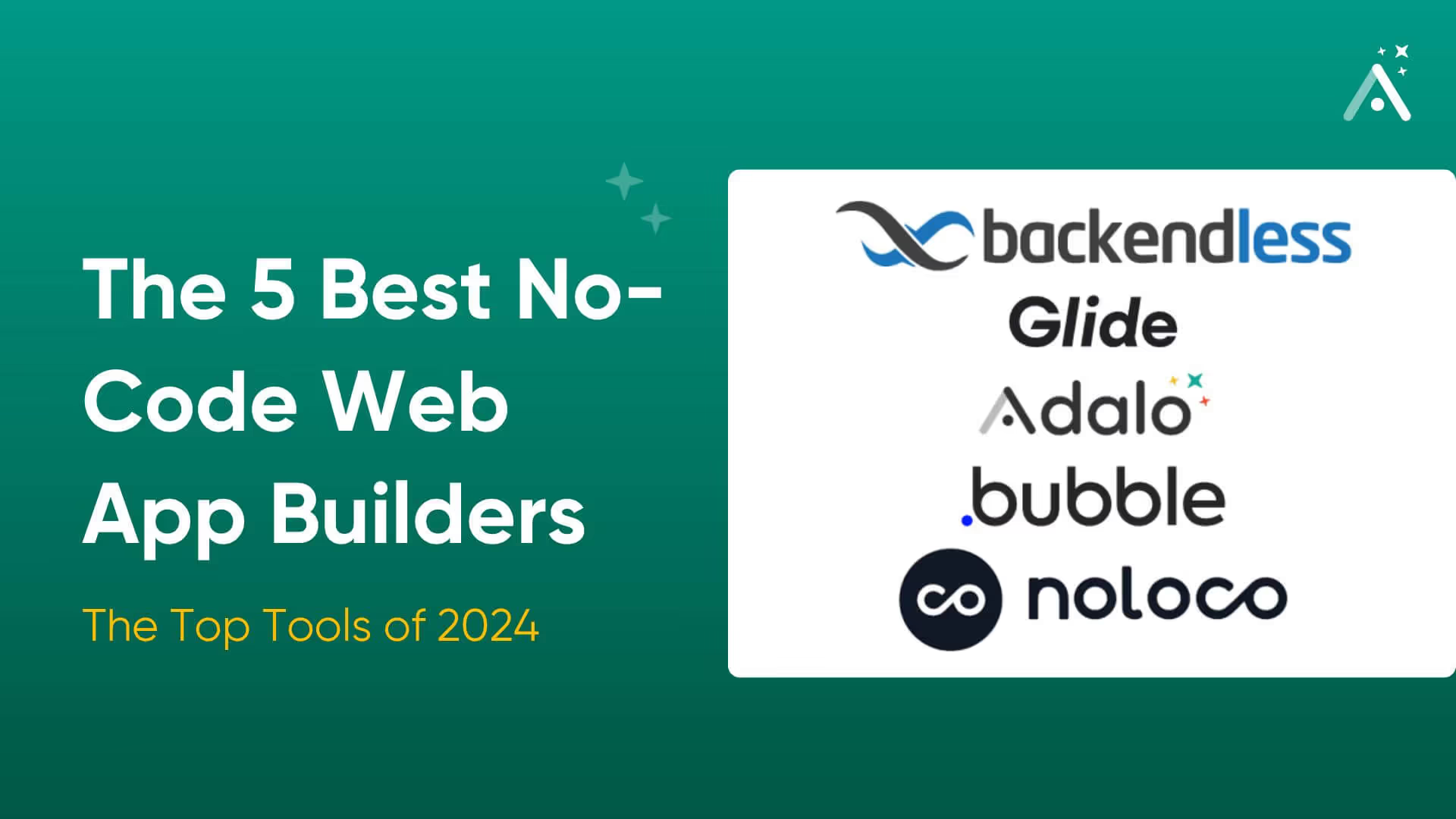
The 5 Best No-Code Web App Builders | 2026
If you’re a non-techie looking to build your very own web app, you’re in the right spot. Learn the 5 best no-code web app builders of 2025.
The Top 10 No-Code CRM Builders of 2026
If you want a no-code CRM builder, you’ve come to the right place. This article breaks down the 10 best no-code CRM builders on the market.