
Why Adalo Works for Building Your Electrician Business Website
Adalo is a no-code app builder for database-driven web apps and native iOS and Android apps—one version across all three platforms, published to the Apple App Store and Google Play. This makes it uniquely suited for electricians who want to start with a professional website and eventually expand into mobile apps without rebuilding from scratch or hiring developers.
For an electrician business, having both web and mobile presence opens doors to better customer engagement. A website brings in new leads, while a native app lets you send push notifications for appointment reminders, seasonal HVAC check-up promotions, or emergency service alerts. Adalo's visual builder handles all of this without requiring you to write a single line of code—so you can focus on running your business while your digital presence works around the clock.
Running an electrician business means juggling service calls, customer relationships, and the constant need to stay visible in a competitive market. A professional website isn't optional anymore—it's how potential customers decide whether to call you or the next contractor on their list. But hiring a developer or learning to code? That's time and money most electricians don't have.
Adalo, an AI-powered app builder, solves this problem by letting you create a professional website and native mobile app from a single build. Describe what you need, and the platform generates your database, screens, and booking logic automatically. One version works across web, iOS, and Android—and you can publish directly to the Apple App Store and Google Play Store when you're ready to expand. Let's walk through building an effective website for your electrician business.
Why Adalo Works for Building Your Electrician Business Website
Ada, Adalo's AI builder, lets you describe what you want and generates your app. Magic Start creates complete app foundations from a description, while Magic Add adds features through natural language.
Adalo combines website and app building in one platform, which matters for electricians thinking long-term. Start with a website that showcases your services, then expand to a mobile app that sends push notifications for maintenance reminders or seasonal promotions. The platform's Magic Start feature generates complete app foundations from simple descriptions—tell it you need a booking system for electrical services, and it creates your database structure, appointment screens, and customer flows automatically.
With over 3 million apps created on the platform and infrastructure that scales to serve apps with millions of monthly active users, Adalo handles everything from simple portfolio sites to complex booking systems with customer portals. The visual builder has been described as "easy as PowerPoint," making it accessible even if your technical experience stops at email.
Stage 1: Research Competitor Websites
Before building anything, study what's already working in your market. Search for electricians in your area—and outside it—to see how they present themselves online. Grab a pen and paper, and write down what catches your eye about each website.
Does the homepage grab your attention immediately? What specialties does each site feature, and do they use videos or photos to illustrate their work? How easy is it to contact these companies—is the phone number prominent, or buried three clicks deep?
Document both strengths and weaknesses. When you build your site, you'll reference this information to create something better than what's already out there. Your goal is designing a website that convinces visitors to pick up the phone and hire you. A site that answers questions, demonstrates expertise, and makes booking effortless transforms casual browsers into paying customers.
Stage 2: Sketch Your Website's Design Map
With competitor research complete, start sketching how you want your site to appear. You don't need artistic talent—simple shapes and rough layouts work perfectly. The goal is creating a blueprint you can reference during the actual build.
Mark where you'd like to place photos or graphics, note ideas for color schemes, and indicate where specific links should go. Think about the flow: where does a visitor land first? What do you want them to see next? Where's the call-to-action that gets them to book?
This design map saves significant time during construction. Instead of making decisions on the fly, you'll have a reference document that keeps you focused. Quick glances at your blueprint mean faster building and faster publishing—getting your site live while competitors are still planning.
Stage 3: Decide What Features Your Site Needs
With your design map and competitor analysis ready, list the specific features your site will provide. Your website should highlight your electrical knowledge, past job experience, areas of specialty, and an easy way to contact you. Think of it as an online resume that works 24/7.
Here are the essential pages and features to include:
- A Compelling Homepage Graphic: This is the first thing visitors see, so make it count. Many effective sites feature a video or striking photo on their homepage. Spotlight your team at work or an eye-catching image of a completed project. First impressions happen in seconds—make yours memorable.
- A Complete List of Your Services: Most potential customers arrive with a specific question: "Can this electrician handle what I need?" Make your service capabilities immediately visible by listing them prominently. When someone searching for panel upgrades sees you offer that service, they'll contact you instead of continuing to search.
- Photo and Video Galleries of Your Work: Visual proof builds trust faster than any written description. If you specialize in niche areas—commercial installations, smart home wiring, EV charger setups—showcase these projects prominently. You might be the only electrician in town with this expertise, and making it visible brings in specialized work.
- A Monthly Blog Showcasing Your Expertise: Publishing articles positions you as the knowledgeable professional customers want to hire. Think about common questions you hear: "What's the difference between AC and DC?" "How can I reduce my electricity bill?" "How often should circuit breakers be inspected?" Answer these questions in blog posts. When readers see you as an expert, they're more likely to book your services.
- A Booking Feature: This is where Adalo's capabilities shine. Create a booking system where visitors see your availability on a calendar and schedule appointments with a single click. No more phone tag or email chains—customers book when it's convenient for them, and you get organized appointment data automatically. The Magic Add feature lets you describe what you want ("add a booking calendar that shows my availability") and generates the functionality from natural language.
Stage 4: Start Building Your Site
Now comes the actual construction. When evaluating website builders, three features matter most for electricians:
- No-Code Interface: You shouldn't need programming knowledge to build a professional site. The best builders use drag-and-drop interfaces that let you construct pages visually, placing elements exactly where you want them.
- Free Trial: Committing money to unfamiliar software feels risky. A free trial lets you test the builder before making payments, ensuring it actually fits your needs.
- Quality Templates: Starting from scratch takes longer than customizing a professional template. Good builders offer aesthetically pleasing starting points that you can modify to match your brand.
Here's our breakdown of three solid options:
Adalo
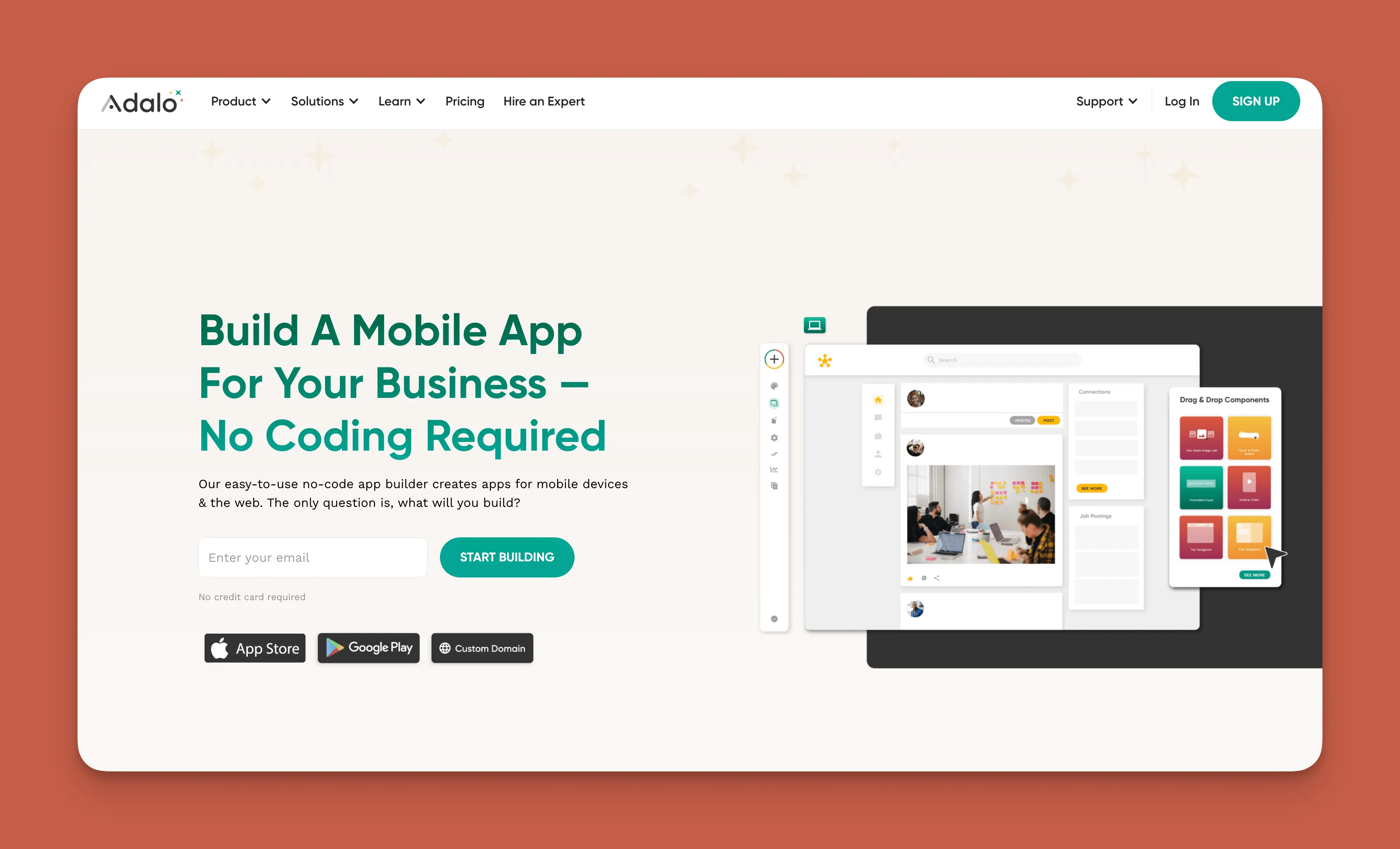
With Adalo, you get a website builder and an app builder in one platform. This dual capability means you can start with a website and expand to a mobile app later—without rebuilding anything or learning a new tool.
The platform offers access to over 5,500 integrations including Google, Zapier, PayPal, and QuickBooks. Build your booking system and add messaging features to chat directly with clients using the Twilio integration. The X-Ray feature identifies performance issues before they affect customers, keeping your site running smoothly as traffic grows.
When you're ready to expand, publish your app directly to the Apple App Store and Google Play Store. Adalo handles the complex submission process—certificates, provisioning profiles, store guidelines—so you can focus on your business instead of wrestling with technical requirements.
Key advantages:
- Unlimited database records on paid plans—no caps on customer data or booking history
- No usage-based charges, meaning predictable monthly costs without surprise bills
- One codebase publishes to web, iOS, and Android simultaneously
- AI-assisted building through Magic Start and Magic Add features
Pricing: $36/month includes both website and app building capabilities with unlimited app store updates.
Squarespace
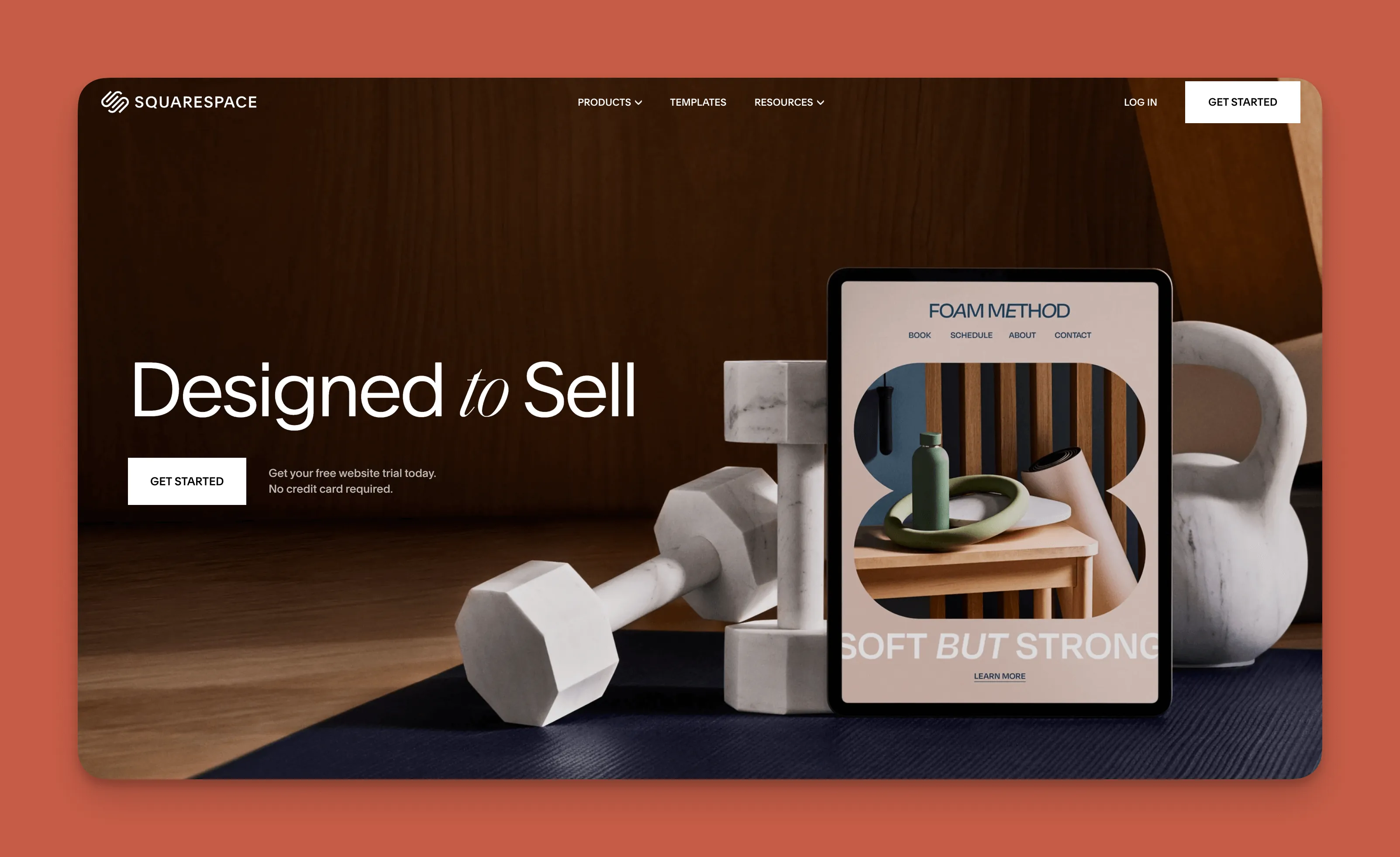
Squarespace's template library is smaller than some competitors, but the templates it offers are exceptionally polished. If visual design is your priority and you want a site that looks professionally designed out of the box, Squarespace delivers.
The platform includes e-commerce integration so clients can pay you directly through your site. This works well for electricians who want to sell products alongside services—replacement parts, smart home devices, or maintenance packages.
Limitations: Squarespace builds websites only, not native mobile apps. If you want App Store presence later, you'll need a separate solution.
Pricing: Starter plan at $16/month. E-commerce features require the Business Plan at $27/month.
Wix
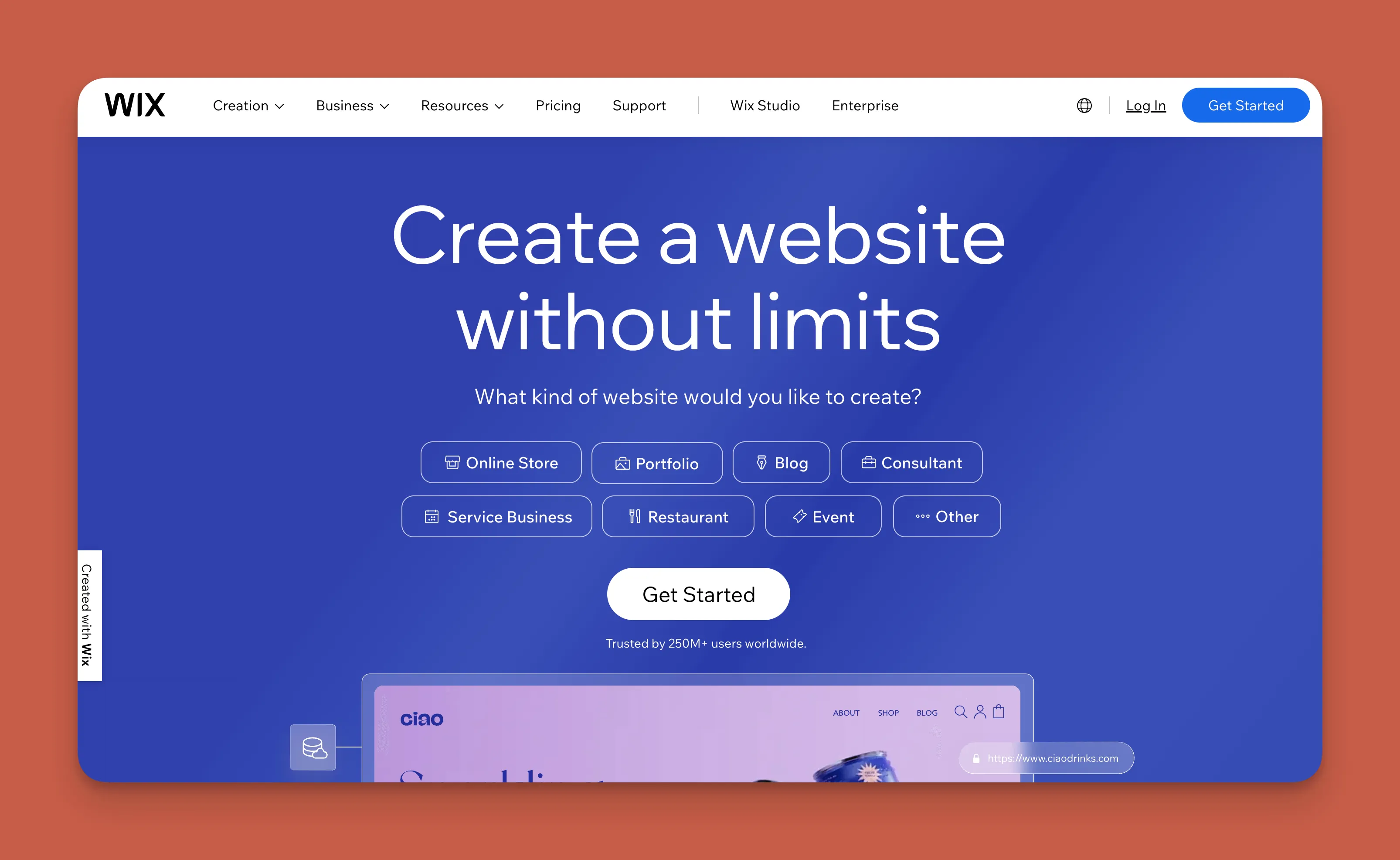
Wix offers the largest template library among these options, giving you more starting points to choose from. If you have a specific visual style in mind, Wix likely has a template close to it.
The platform includes a powerful SEO tool that helps your blog posts and service pages rank higher in search results. For electricians competing in crowded markets, better search visibility means more potential customers finding you.
Limitations: Like Squarespace, Wix focuses on websites rather than native mobile apps. App Store publishing requires different tools.
Pricing: Basic plan at $16/month. The Core Plan at $23/month includes advanced SEO features.
Quick Comparison
| Feature | Adalo | Squarespace | Wix |
|---|---|---|---|
| Starting Price | $36/month | $16/month | $16/month |
| Native Mobile Apps | Yes | No | No |
| App Store Publishing | Yes | No | No |
| Database Records | Unlimited | Limited | Limited |
| AI-Assisted Building | Yes | Limited | Limited |
Next Steps: Maintain and Grow Your Site
Building your site is just the beginning. Treat your website like a living asset that needs regular attention. Keep your booking calendar current, respond to customer inquiries promptly, and update your service listings as your capabilities expand.
Publish blog content regularly—monthly at minimum. Fresh content improves search rankings and gives returning visitors something new to read. Feature recent projects in your gallery, especially work that showcases specialized skills. When visitors learn something useful from your site, they're more likely to remember you when they need electrical work.
If you built with Adalo, consider expanding to a mobile app once your website is established. Push notifications for maintenance reminders ("Time for your annual panel inspection") or seasonal promotions keep your business visible between service calls. The same database and logic you built for your website transfers directly to the app—no rebuilding required.
FAQ
Why choose Adalo over other app building solutions?
Adalo is an AI-powered app builder that creates true native iOS and Android apps alongside web apps. Unlike web wrappers, it compiles to native code and publishes directly to both the Apple App Store and Google Play Store from a single codebase. This means one build serves all platforms, and the complex app store submission process is handled automatically.
What's the fastest way to build and publish an app to the App Store?
Adalo's drag-and-drop interface combined with AI-assisted features like Magic Start lets you go from idea to published app in days rather than months. Describe what you need, and the platform generates your database structure, screens, and logic. Adalo handles certificates, provisioning profiles, and store guidelines so you can focus on your app's features.
Can I build a professional electrician website without coding?
Yes. Adalo's visual builder has been described as "easy as PowerPoint." You drag and drop elements to create pages, set up booking systems, and connect integrations—all without writing code. The Magic Add feature lets you describe features in plain language and generates them automatically.
What features should my electrician website include?
Essential features include a compelling homepage graphic, complete service listings, photo and video galleries of your work, a blog showcasing your expertise, and an online booking system. These elements demonstrate your professionalism and make it easy for customers to schedule appointments.
How much does it cost to build an electrician website with Adalo?
Adalo costs $36/month and includes both website and app building capabilities. Paid plans include unlimited database records and no usage-based charges, so your costs stay predictable as your customer base grows. You can also publish unlimited updates to your apps once they're live.
Which is more affordable, Adalo or Squarespace?
Squarespace starts at $16/month for basic websites, while Adalo starts at $36/month. However, Adalo includes native mobile app building and App Store publishing that Squarespace doesn't offer. If you want both a website and mobile app, Adalo provides more value at its price point.
Which is more affordable, Adalo or Wix?
Wix starts at $16/month for basic sites, with the Core Plan at $23/month for advanced features. Adalo at $36/month costs more but includes native app building, App Store publishing, and unlimited database records—capabilities Wix doesn't provide.
Can I add appointment booking to my electrician website?
Yes. Adalo makes it easy to create booking systems where visitors see your availability on a calendar and schedule appointments with one click. The Magic Add feature lets you describe what you want in plain language, and the platform generates the booking functionality automatically.
What integrations does Adalo offer for electrician businesses?
Adalo offers over 5,500 integrations including Google, Zapier, PayPal, QuickBooks, and Twilio. You can connect payment processing, accounting software, and messaging features to streamline operations and communicate directly with customers through your app.
Can I expand my website to a mobile app later?
With Adalo, yes. The same database and logic you build for your website transfers directly to a mobile app. When you're ready to expand, you can publish to the App Store and Play Store without rebuilding anything—and send push notifications to remind customers about maintenance schedules or promotions.

Build your app fast with one of our pre-made app templates
Begin Building with no codeRelated Content
The Easiest Guide To Building a Hair Salon Website
In this article, we’ll walk you through some of the basics you must know to build a stellar hair salon site.
![How to Create a Stunning Church Website or App - Without Coding [Updated for 2025]](/images/cdn/66f144b2d3e8ee010c81abaf_Adalo-imagery.avif)
How to Create a Stunning Church Website or App - Without Coding [Updated for 2025]
In this article, we’ll guide you through the start-to-finish process of building a sleek and appealing website for your church.
Seven Essential Features For Salon and Spa Websites in 2026 - And the Platforms to Build Them
In this article, we’ll explain exactly what’s needed to build a gorgeous website for your salon or spa and grab that attention.
How To Build a Great Coffee Shop Website - Without Coding
We’ll guide you through a few methods that will supercharge your coffee shop’s website so you can engage even more customers.